
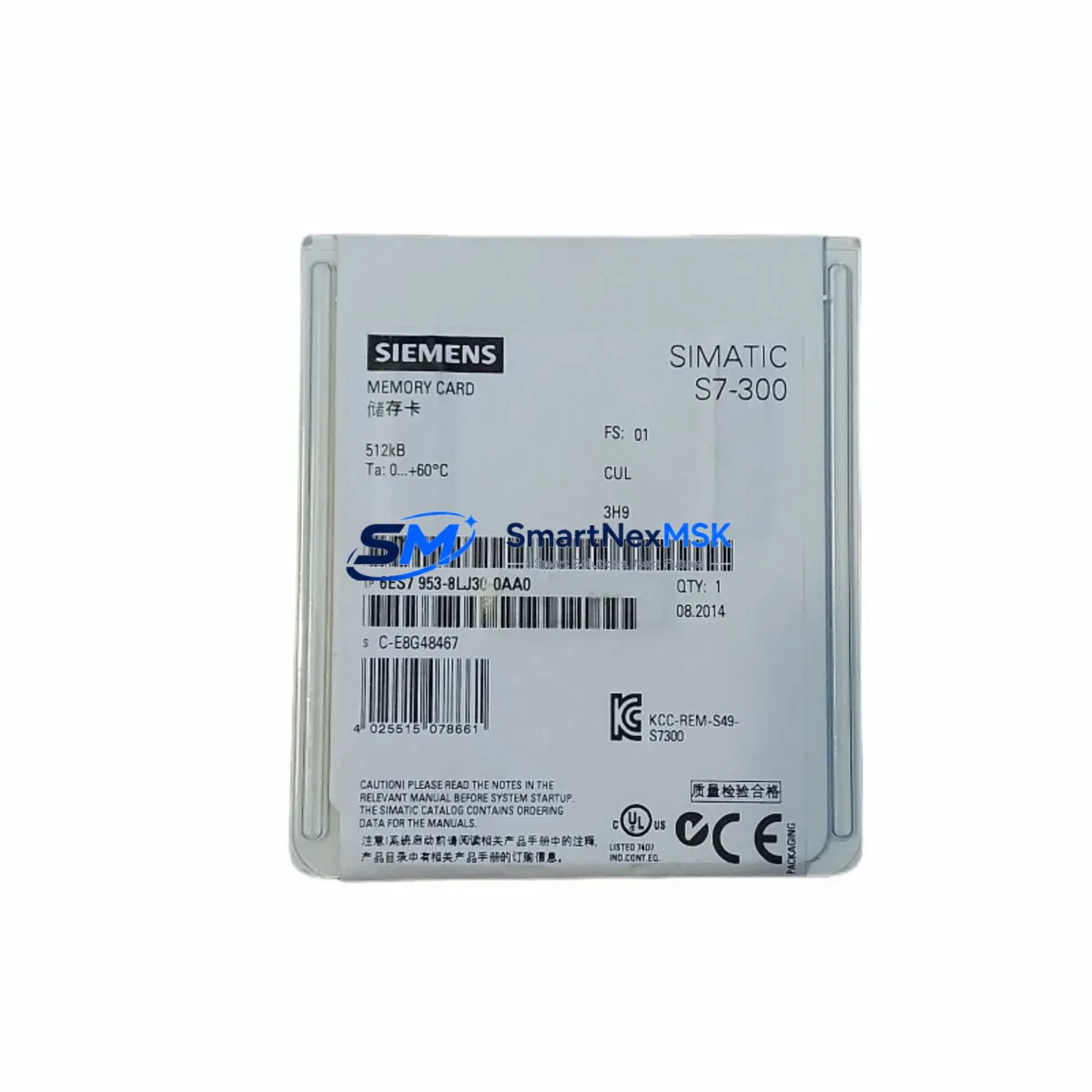
Siemens 6ES7953-8LJ30-0AA0 Maintenance-Ready Spare S7-300 Automation
The Siemens 6ES7953-8LJ30-0AA0 is a 512 KB Micro Memory Card (MMC) designed for the SIMATIC S7-300 programmable logic controller series. As a critical non-volatile storage component, this MMC retains the CPU program, data blocks, and configuration parameters without battery backup — making it an essential spare part for any maintenance engineer managing S7-300-based control systems. Whether you are executing a planned shutdown, responding to an unplanned CPU fault, or building a strategic spare parts inventory for aging automation infrastructure, having a verified original 6ES7953-8LJ30-0AA0 on hand is the single most effective way to minimize downtime and restore production continuity.
At SMARTNEXMSK, every 6ES7953-8LJ30-0AA0 unit is sourced from authorized supply channels, electrically tested prior to shipment, and covered by a 12-month warranty. Our industrial spare parts support team provides compatibility verification, application guidance, and long-term supply assurance for both single-unit emergency orders and bulk procurement programs.
Spare Maintenance Table
| Parameter | Specification |
|---|---|
| Part Number / SKU | 6ES7953-8LJ30-0AA0 |
| Product Family | SIMATIC S7-300 MMC (Micro Memory Card) |
| Storage Capacity | 512 KB |
| Memory Type | Non-volatile Flash (no battery required) |
| Compatible CPUs | S7-300 CPU 312, 313C, 314, 315-2 DP, 317-2 DP/PN, 319-3 PN/DP and related variants |
| Interface | Dedicated MMC slot on S7-300 CPU front panel |
| Operating Temperature | 0 °C to +60 °C |
| Storage Temperature | -20 °C to +70 °C |
| Country of Origin | Germany |
| Firmware / Data Retention | Retains program and data without power supply |
| Installation | Hot-swap capable (CPU must be in STOP mode for safe replacement) |
| Application Environment | Industrial automation, process control, discrete manufacturing, utilities |
| Maintenance Role | Program backup, CPU replacement, firmware transfer, system restore |
| Warranty | 12 Months — tested before shipment |
Maintenance Planning for Continuous Operation
When a SIMATIC S7-300 CPU fails or requires replacement, the 6ES7953-8LJ30-0AA0 MMC is the first component a maintenance engineer reaches for — because it carries the entire control program. However, a thorough site inspection and spare parts review should extend well beyond the memory card itself. Experienced maintenance teams treat a CPU fault as an opportunity to audit the entire control cabinet.
Begin with the power supply module. The SITOP PSU300S or the S7-300 PS 307 power supply (e.g., 6ES7307-1EA01-0AA0) should be checked for output voltage stability, capacitor aging, and thermal performance. A degraded power supply is a frequent root cause of intermittent CPU resets and MMC read errors. Next, inspect the backplane bus connector and the rack itself — the S7-300 DIN rail mounting rack and bus connectors are mechanical wear items that are often overlooked during routine maintenance cycles.
I/O modules adjacent to the CPU deserve equal attention. Digital input modules such as the SM 321 (6ES7321-1BH02-0AA0) and digital output modules such as the SM 322 (6ES7322-1BH01-0AA0) should be tested for channel integrity, especially in high-cycle or high-temperature environments. Analog I/O modules — including the SM 331 and SM 332 series — should be calibrated and checked for signal drift. Faulty I/O modules can corrupt process data and trigger false CPU faults that are mistakenly attributed to the MMC.
Communication modules are another critical inspection point. If the S7-300 system uses PROFIBUS DP, the CP 342-5 (6GK7342-5DA02-0XE0) or the integrated DP interface on the CPU should be verified for bus termination, cable shielding, and address conflicts. For PROFINET-enabled systems, the CP 343-1 (6GK7343-1EX30-0XE0) Ethernet module should be checked for firmware version compatibility with the restored MMC program. Signal isolators and barriers in the field wiring — particularly in hazardous area installations — should also be inspected for insulation resistance and loop integrity.
Relay output modules and intermediate relays in the control cabinet are mechanical components with defined service lives. Replacing worn relay modules proactively during a planned MMC swap prevents secondary failures after system restart. Terminal blocks, fuse holders, and miniature circuit breakers (MCBs) in the 24 VDC distribution circuit should be torque-checked and visually inspected for corrosion or loose connections. Finally, if the system includes an HMI panel — such as a Siemens TP700 Comfort or KTP900 Basic — verify that the HMI project version is compatible with the restored CPU program on the new 6ES7953-8LJ30-0AA0 before bringing the system back online.
Site Replacement Workflow
Replacing the 6ES7953-8LJ30-0AA0 in a live S7-300 system is a straightforward procedure when performed with the correct preparation. First, place the CPU in STOP mode using the mode selector switch or via STEP 7 / TIA Portal online access. Power down the control cabinet following your site lockout/tagout (LOTO) procedure. Remove the existing MMC from the CPU front panel slot — the card ejects with light finger pressure and does not require tools.
Insert the new 6ES7953-8LJ30-0AA0 firmly into the MMC slot until it clicks into position. Restore power to the cabinet and switch the CPU to RUN mode. The CPU will automatically load the program from the MMC during startup. Verify the RUN LED illuminates and confirm process I/O status via the HMI or SCADA system. If the replacement MMC contains a previously backed-up program image, the system should resume normal operation within the standard CPU startup cycle — typically under 60 seconds for most S7-300 configurations.
For legacy S7-300 systems where the original CPU model is discontinued, the 6ES7953-8LJ30-0AA0 MMC is compatible with a wide range of replacement CPU variants, enabling a seamless migration path without reprogramming. This makes it an indispensable component for extending the operational life of older automation systems and deferring costly full-system upgrades.
Spare Parts Support FAQ
Q1: Is the 6ES7953-8LJ30-0AA0 compatible with all S7-300 CPU models?
The 6ES7953-8LJ30-0AA0 512 KB MMC is compatible with the majority of SIMATIC S7-300 CPU variants that feature an MMC slot, including the CPU 312, 313C, 314, 315-2 DP, 317-2 DP/PN, and 319-3 PN/DP. Always verify the specific CPU order number against the Siemens compatibility matrix or contact our technical team for confirmation before ordering.
Q2: How is the unit tested before shipment?
Every 6ES7953-8LJ30-0AA0 supplied by SMARTNEXMSK undergoes electrical continuity testing and functional verification in an S7-300 test environment prior to dispatch. Units that do not pass our outgoing quality inspection are not shipped. A test report is available upon request for critical infrastructure procurement.
Q3: What is the recommended spare parts stocking strategy for S7-300 MMC modules?
For production-critical S7-300 systems, we recommend maintaining a minimum of one 6ES7953-8LJ30-0AA0 per CPU in your on-site spare parts inventory, with an additional buffer unit at your central warehouse. Given that the S7-300 platform is in its extended support phase, securing multi-year supply agreements is advisable to protect against market availability fluctuations.
Q4: What does the 12-month warranty cover?
The 12-month warranty covers manufacturing defects and functional failures under normal operating conditions. It does not cover damage resulting from incorrect installation, overvoltage events, or physical mishandling. Warranty claims are processed with priority turnaround — replacement units are dispatched within 5 business days of confirmed fault diagnosis.
© 2026 SMARTNEXMSK. All rights reserved.
Original Source: https://smartnexmsk.com
Contact: [email protected] | +86 18259474341



