
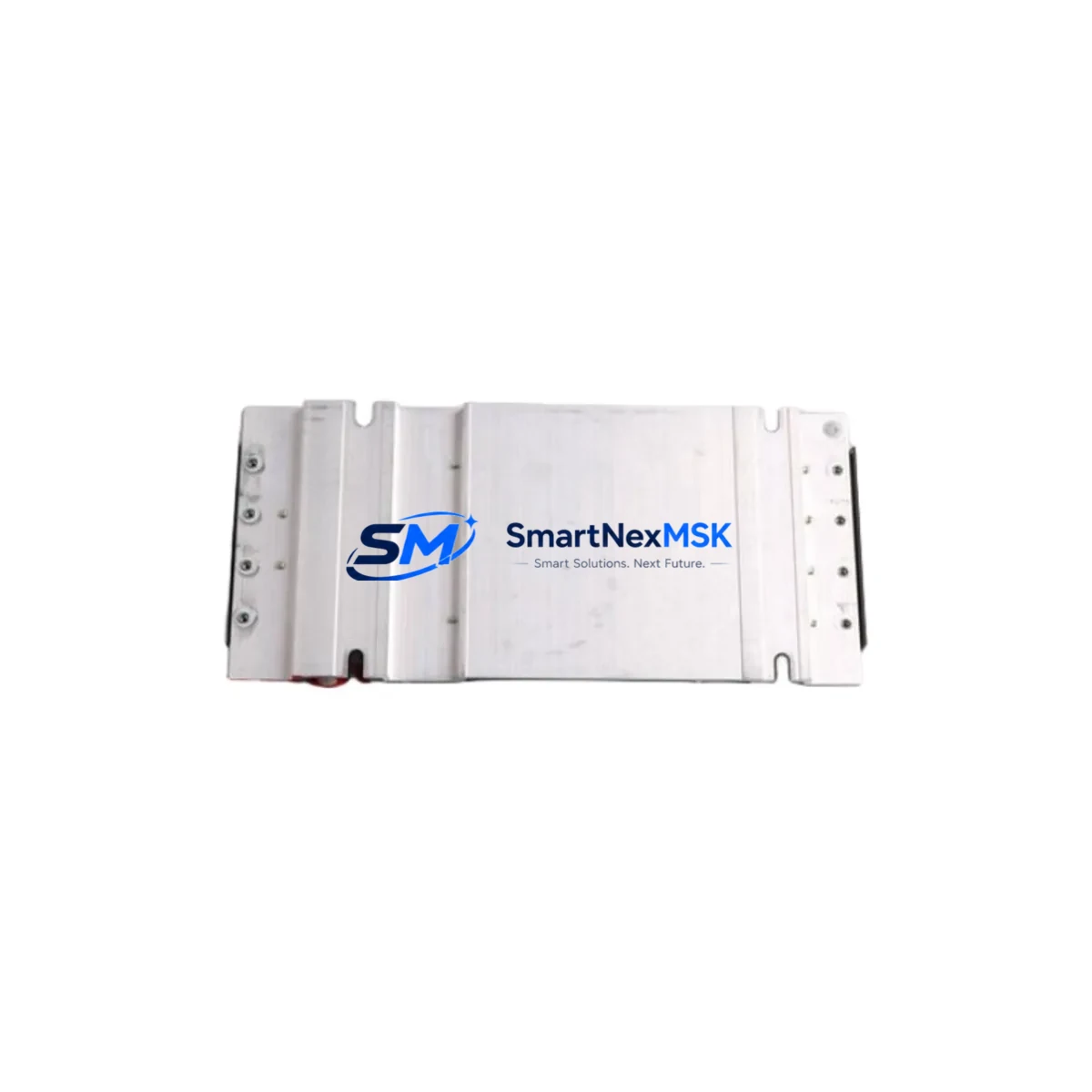
Siemens 6ES7972-0BA12-0XA0 Spare for SIMATIC S7 Automation
The Siemens 6ES7972-0BA12-0XA0 is a 90° PROFIBUS DP bus connector engineered for SIMATIC S7-300 and S7-400 control systems. As a maintenance-ready spare, it plays a critical role in sustaining fieldbus communication integrity across distributed I/O networks, drive systems, and remote station architectures. When a PROFIBUS segment fails due to a degraded or damaged connector, the resulting communication fault can cascade into full production line stoppage. Stocking the 6ES7972-0BA12-0XA0 as a certified spare eliminates this risk and enables same-shift restoration of bus continuity.
For maintenance engineers managing aging SIMATIC installations, this connector is a high-priority line item. Its 90° cable exit angle is specifically designed for panel-mounted CPUs and IM interface modules where straight connectors create cable stress or clearance conflicts. The integrated termination resistor switch allows the connector to serve as a bus terminator at segment endpoints — a function that must be correctly configured during replacement to prevent signal reflection faults across the entire PROFIBUS network.
Each unit supplied by SMARTNEXMSK is sourced from verified industrial channels, individually inspected prior to dispatch, and covered by a 12-month warranty. We support both emergency replacement orders and planned maintenance procurement, with fast international shipping to minimize downtime exposure.
Spare Maintenance Table
| Part Number | 6ES7972-0BA12-0XA0 |
| Brand | Siemens |
| Series | SIMATIC S7 / PROFIBUS DP |
| Type | PROFIBUS DP Bus Connector, 90° Cable Exit |
| Bus Standard | PROFIBUS DP (EN 50170) |
| Transmission Rate | Up to 12 Mbit/s |
| Termination Resistor | Integrated switchable termination |
| Connector Interface | Sub-D 9-pin female (RS-485) |
| Cable Entry Angle | 90° |
| Compatible Systems | SIMATIC S7-300, S7-400, ET 200M, ET 200S, SINAMICS, MICROMASTER |
| Operating Temperature | -20°C to +60°C |
| Protection Rating | IP20 |
| Origin | Germany |
| Installation | Tool-free cable termination, screw-clamp connection |
| Maintenance Note | Verify termination switch position at segment endpoints; inspect cable shield continuity |
| Warranty | 12 Months — SMARTNEXMSK Guarantee |
Maintenance Planning for Continuous Operation
When replacing the 6ES7972-0BA12-0XA0 during a planned or emergency maintenance event, a thorough inspection of the surrounding PROFIBUS segment is essential to prevent repeat failures. Begin by verifying the PROFIBUS cable — typically a Siemens 6XV1830-0EH10 or equivalent shielded twisted-pair — for insulation damage, excessive bending radius violations, or shield grounding faults at the cable entry point. A degraded cable is frequently the root cause of connector wear and intermittent communication errors.
At the CPU or IM module end, check the SIMATIC S7-300 CPU (such as a 6ES7315-2EH14-0AB0 or 6ES7317-2EK14-0AB0) for active PROFIBUS diagnostic alarms in the hardware configuration. If the CPU reports DP slave failures beyond the replaced connector, inspect each slave station’s own bus connector and cable termination. ET 200M distributed I/O stations (e.g., 6ES7153-1AA03-0XB0 interface modules) are common failure points in high-vibration environments and should be included in the inspection sweep.
For drive-integrated PROFIBUS nodes — such as SINAMICS G120 or MICROMASTER 440 drives — confirm that the CBP2 communication board or onboard PROFIBUS interface is seated correctly and that the drive’s bus address matches the hardware configuration in STEP 7 or TIA Portal. A mismatch following connector replacement is a common commissioning error that delays restart.
In control cabinets with dense wiring, also inspect the 24 VDC power supply feeding the DP slaves (e.g., a SITOP PSU100S 6EP1334-2BA20) for output voltage stability. Voltage sag under load can cause DP slaves to drop off the bus intermittently, mimicking a connector fault. Fuse holders and miniature circuit breakers protecting the 24 V rail should be checked for contact resistance. Terminal blocks (such as Siemens SIRIUS 8WH series) at the cable entry points should be inspected for loose terminations that may have been disturbed during connector replacement work.
If the PROFIBUS segment includes a DP/PA coupler or segment coupler for PROFIBUS PA instruments, verify coupler status LEDs and confirm that PA device addresses remain intact after the bus interruption. Signal isolators or repeaters (e.g., 6ES7972-0AA02-0XA0 RS 485 repeater) used to extend segment length should also be power-cycled and checked for correct termination configuration following any bus maintenance activity.
Site Replacement Workflow
Step 1 — Isolate and document: Before disconnecting the faulty 6ES7972-0BA12-0XA0, photograph the cable routing, termination switch position, and bus address label. Note whether the connector is at a segment endpoint (termination ON) or mid-segment (termination OFF). This prevents configuration errors during reinstallation.
Step 2 — Safe disconnection: Place the affected DP master or CPU in STOP mode via the mode selector or STEP 7/TIA Portal online function. This prevents the CPU from generating fault reactions (e.g., safety shutdowns or output de-energization) while the bus is interrupted. For safety-integrated systems, follow the applicable SIL/PLe isolation procedure before proceeding.
Step 3 — Cable preparation and termination: Strip the PROFIBUS cable to the correct length (typically 6–8 mm conductor exposure), connect A-line (green) and B-line (red) to the correct screw terminals on the 6ES7972-0BA12-0XA0, and ensure the cable shield is clamped to the connector’s shield contact. Set the termination resistor switch to match the original position.
Step 4 — Reconnect and verify: Reconnect the connector to the Sub-D port, restore power, and bring the CPU back to RUN mode. Monitor the PROFIBUS diagnostic buffer in STEP 7 or TIA Portal for any residual slave faults. A clean bus restart with all slaves reporting OK confirms successful replacement. Total replacement time for a prepared technician is typically under 15 minutes, minimizing production downtime to a single shift interruption.
Compatibility note: The 6ES7972-0BA12-0XA0 is a direct replacement for earlier variants including 6ES7972-0BA11-0XA0 and 6ES7972-0BA10-0XA0, maintaining full backward compatibility across all SIMATIC S7 PROFIBUS DP applications.
Spare Parts Support FAQ
Q: Is the 6ES7972-0BA12-0XA0 compatible with both S7-300 and S7-400 systems?
A: Yes. The connector is fully compatible with all SIMATIC S7-300 and S7-400 CPUs, IM interface modules, and ET 200 distributed I/O stations that use the standard PROFIBUS DP Sub-D 9-pin interface. It is also compatible with SINAMICS and MICROMASTER drive PROFIBUS interfaces.
Q: How is each unit tested before shipment?
A: Every 6ES7972-0BA12-0XA0 unit is visually inspected for mechanical integrity, connector pin condition, and termination switch function prior to dispatch. Units are packaged in anti-static protective packaging to prevent ESD damage during transit.
Q: What is the recommended spare quantity for a facility running multiple PROFIBUS segments?
A: For facilities with 3–10 PROFIBUS segments, we recommend maintaining a minimum of 2–3 connectors per segment as on-hand spares, with additional buffer stock for segment endpoint positions where termination-enabled connectors are required. High-criticality lines should carry a minimum 48-hour replacement buffer.
Q: What does the 12-month warranty cover?
A: The 12-month warranty covers manufacturing defects, connector pin failure, and termination resistor malfunction under normal industrial operating conditions. Warranty claims are supported with replacement dispatch within 5 business days. Contact [email protected] for warranty service initiation.
© 2026 SMARTNEXMSK. All rights reserved.
Original Source: https://smartnexmsk.com
Contact: [email protected] | +86 18259474341



