
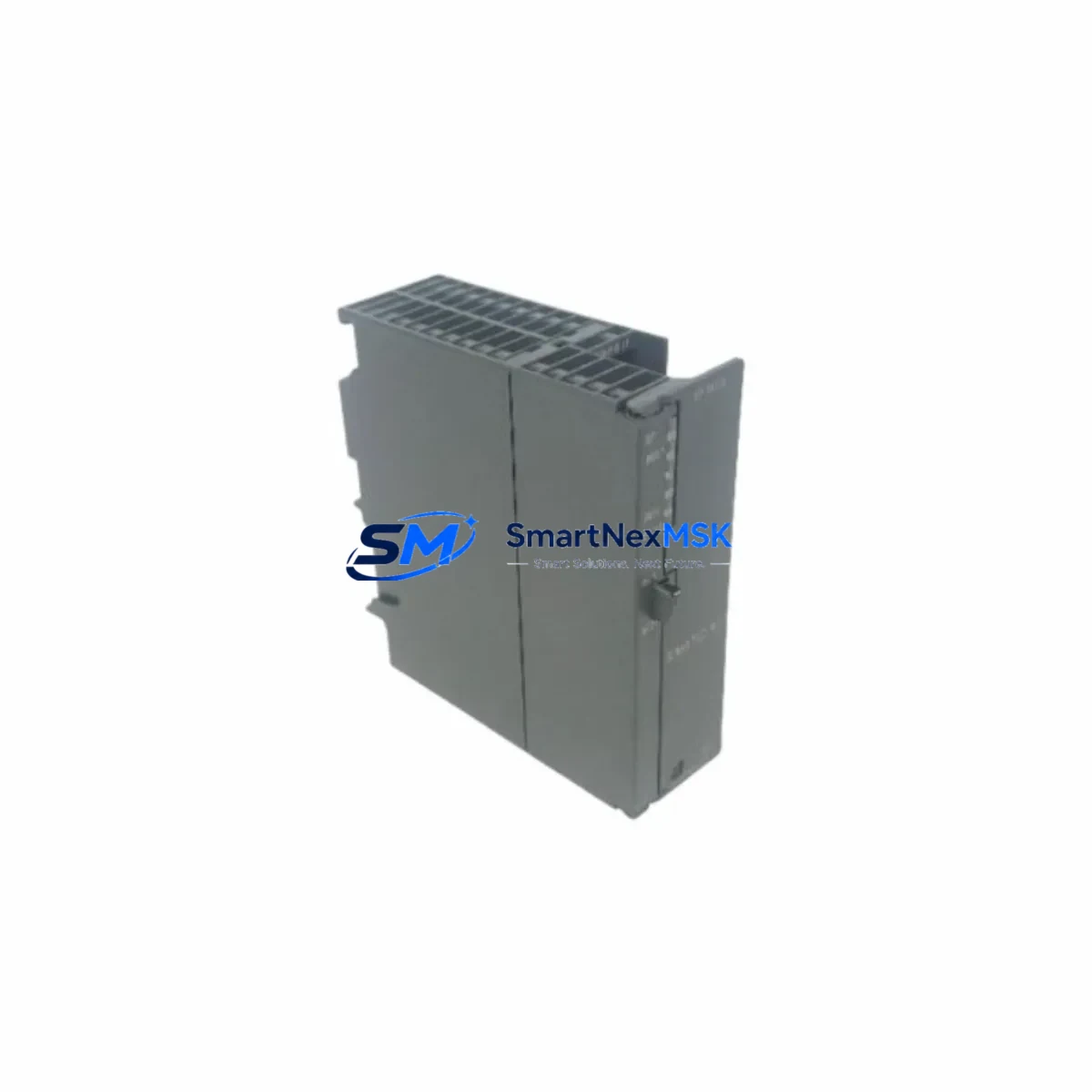
Siemens 6GK7342-5DA03-0XE0 Maintenance-Ready Spare CP 342-5 Automation
The Siemens 6GK7342-5DA03-0XE0 is a CP 342-5 Communications Processor designed for the SIMATIC S7-300 platform, enabling Profibus DP master and slave communication in demanding industrial automation environments. As a maintenance-ready original spare, this module is sourced, tested, and dispatched to support rapid downtime recovery across manufacturing lines, process control systems, and legacy automation infrastructure. Whether you are managing a scheduled overhaul, responding to an unplanned fault, or building a strategic spare parts inventory, the 6GK7342-5DA03-0XE0 delivers the compatibility and reliability that maintenance and procurement engineers depend on.
Spare Maintenance Table
| SKU / Part Number | 6GK7342-5DA03-0XE0 |
| Brand | Siemens |
| Series | CP 342-5 / SIMATIC NET |
| Compatible Platform | SIMATIC S7-300 (all standard racks) |
| Communication Protocol | Profibus DP (Master / Slave, up to 12 Mbit/s) |
| Interface | 9-pin Sub-D (RS-485), integrated bus termination |
| Supply Voltage | DC 5 V via S7-300 backplane bus |
| Max DP Slaves (Master Mode) | Up to 125 DP slaves |
| Operating Temperature | 0 °C to +60 °C |
| Mounting | S7-300 standard rail, DIN 35 mm |
| Firmware | V3.0 (compatible with STEP 7 V5.x and TIA Portal) |
| Origin | Germany (DE) |
| Condition | Original spare — inspected and function-tested prior to dispatch |
| Application Environment | Industrial automation, process control, machine tool, water treatment, energy |
| Maintenance Recommendation | Replace at first sign of communication fault; verify DP bus termination and cable shielding on installation |
| Warranty | 12 Months — covers functional defects under normal operating conditions |
Maintenance Planning for Continuous Operation
When a CP 342-5 communications fault is identified during routine control cabinet inspection or triggered by a Profibus DP bus error alarm, the replacement workflow extends beyond the module itself. Maintenance engineers should treat the 6GK7342-5DA03-0XE0 swap as an opportunity to audit the surrounding electrical environment and prevent secondary failures.
Begin by verifying the S7-300 power supply module — typically a PS 307 (6ES7307 series) — to confirm stable DC 24 V output to the rack. A degraded power supply is a common root cause of intermittent CP faults and should be checked before condemning the communications processor. Inspect the S7-300 CPU module (such as a CPU 315-2 DP or CPU 317-2 DP) for diagnostic buffer entries that may indicate whether the fault originated upstream of the CP 342-5.
On the Profibus DP network side, examine the bus connector and cable assembly — Siemens 6ES7972-0BA52-0XA0 or equivalent — for damaged shielding, loose termination resistors, or corroded contacts. A faulty bus connector can cause repeated CP resets even after module replacement. If the system uses Profibus repeaters (such as the 6ES7972-0AA02-0XA0) to extend segment length, these should be tested for signal integrity.
For I/O integrity, inspect the SM 321 digital input modules and SM 322 digital output modules connected to the same rack. Verify that no I/O module is drawing excessive current that could stress the backplane. If the control cabinet includes ET 200M distributed I/O connected via Profibus DP, confirm that each IM 153 interface module is communicating correctly after the CP replacement.
Signal isolation should also be reviewed: signal isolators or barriers on analog I/O channels connected to field instruments can degrade over time and introduce noise that affects bus stability. Where SIMATIC HMI panels (such as TP700 Comfort or MP277) communicate via Profibus MPI/DP, verify that the HMI connection is re-established and the project configuration matches the new module’s firmware version.
Finally, check the 24 V DC fuse and circuit breaker protecting the CP 342-5 rack slot, and inspect the DIN rail terminal blocks for loose connections that may have contributed to the original fault. Keeping a documented spare parts list that includes the CP 342-5, the PS 307 power supply, and at least one set of Profibus bus connectors ensures that your team can restore communication within a single maintenance window.
Site Replacement Workflow
The 6GK7342-5DA03-0XE0 is a direct replacement for earlier CP 342-5 revisions, including hardware versions with firmware V2.x, provided the STEP 7 or TIA Portal project is updated to match the new firmware baseline. To minimize downtime:
1. Pre-replacement preparation: Download and archive the current S7-300 project from the CPU. Note the CP 342-5 slot address, DP master system ID, and all configured DP slave addresses. Confirm the replacement module’s firmware version against your project requirements.
2. Safe isolation: Place the CPU in STOP mode. De-energize the rack using the PS 307 main switch. Remove the faulty CP 342-5 by releasing the front connector and sliding the module off the DIN rail. Do not disconnect the Profibus cable from the bus connector — remove the connector as a unit to preserve termination settings.
3. Module installation: Seat the 6GK7342-5DA03-0XE0 into the same slot. Reconnect the Profibus bus connector. Restore power and set the CPU to RUN mode. Monitor the CP 342-5 diagnostic LEDs: BF (Bus Fault) should extinguish within 30 seconds as the module initializes and joins the DP network.
4. Functional verification: Use STEP 7 NetPro or TIA Portal Device & Network view to confirm all DP slaves are online. Check the CPU diagnostic buffer for any residual errors. Perform a short I/O test cycle to validate that field signals are passing correctly through the restored Profibus network.
This workflow supports legacy S7-300 system life extension, allowing plants to defer full PLC migration while maintaining reliable communication performance.
Spare Parts Support FAQ
Q1: Is the 6GK7342-5DA03-0XE0 compatible with all S7-300 CPU variants?
Yes. The CP 342-5 is compatible with all standard S7-300 CPUs that support a CP slot in the rack configuration, including CPU 312, 314, 315-2 DP, 317, and 319 series. Verify slot assignment in your STEP 7 hardware configuration before installation.
Q2: How is each unit tested before shipment?
Every 6GK7342-5DA03-0XE0 unit undergoes functional inspection covering power-on self-test, firmware version verification, and Profibus interface continuity check. Units that do not pass inspection are not dispatched. A test report is available on request.
Q3: What does the 12-month warranty cover?
The 12-month warranty covers functional defects arising under normal operating conditions — correct supply voltage, rated temperature range, and proper installation per Siemens guidelines. It does not cover damage from incorrect wiring, overvoltage events, or physical mishandling after delivery.
Q4: Can you support long-term or blanket spare parts orders for this module?
Yes. For maintenance teams managing multiple S7-300 installations or planning annual spare parts budgets, we support scheduled supply agreements and reserved stock arrangements. Contact our team to discuss volume requirements and lead time commitments.
© 2026 SMARTNEXMSK. All rights reserved.
Original Source: https://smartnexmsk.com
Contact: [email protected] | +86 18259474341



