
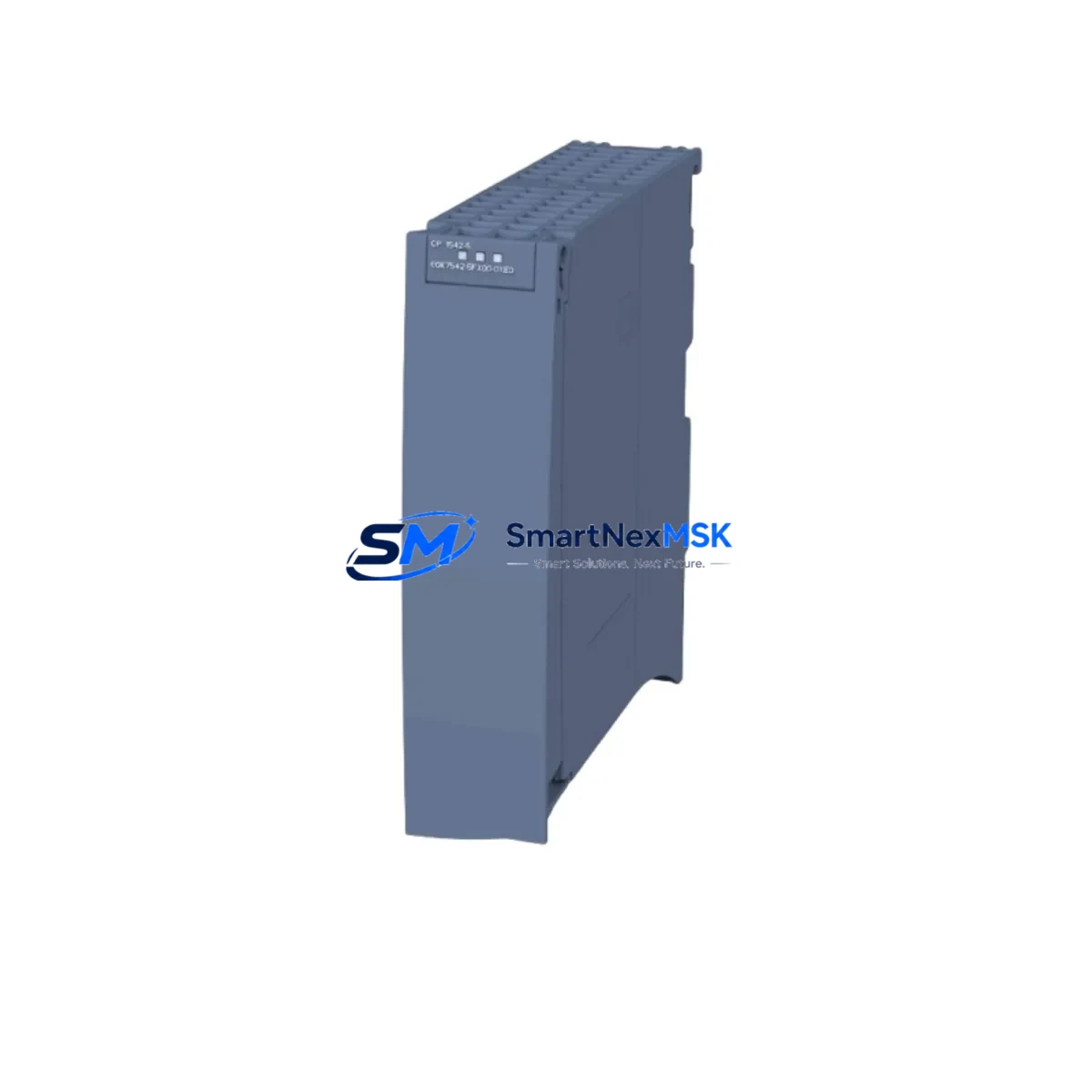
Siemens 6GK7542-5FX00-0XE0 Retrofit-Ready PROFIBUS CP for S7-400 Control Systems
The Siemens 6GK7542-5FX00-0XE0 is a CP 5422 PROFIBUS Communication Processor designed for integration into Siemens S7-400 programmable logic controller racks. As legacy PROFIBUS-based automation systems approach end-of-life or require capacity expansion, this module serves as a direct retrofit replacement for discontinued CP 5412 and CP 5431 variants, enabling engineers to restore or upgrade communication infrastructure without redesigning the control architecture. SMARTNEXMSK maintains verified in-stock inventory of the 6GK7542-5FX00-0XE0, supporting urgent replacement orders with same-week dispatch and a 12-month warranty on every unit.
Industrial facilities running Siemens S7-400 platforms — including process plants, automotive assembly lines, water treatment stations, and power distribution substations — frequently encounter the challenge of sourcing discontinued PROFIBUS communication modules. The 6GK7542-5FX00-0XE0 addresses this directly: it supports both PROFIBUS DP and PROFIBUS FMS protocols at data rates up to 12 Mbit/s, making it compatible with existing field device networks built around Siemens ET 200M remote I/O stations, Siemens IM 153-x interface modules, and third-party PROFIBUS slaves already installed on the plant floor.
Upgrade Compatibility Table
| Parameter | Details |
|---|---|
| Module SKU | 6GK7542-5FX00-0XE0 |
| Module Type | CP 5422 PROFIBUS Communication Processor |
| Compatible Platform | Siemens S7-400 (UR1, UR2, UR2-H, CR2, CR3 racks) |
| Replaces / Upgrades From | CP 5412 (6GK1541-2BA00), CP 5431 (6GK1543-1AA01), CP 5412 A2 |
| Communication Protocol | PROFIBUS DP (Master/Slave), PROFIBUS FMS |
| Max Data Rate | 12 Mbit/s |
| Bus Interface | 9-pin Sub-D female (standard PROFIBUS connector) |
| Installation Slot | Any standard S7-400 rack slot (no dedicated slot required) |
| Power Supply Requirement | Supplied via S7-400 backplane bus (no external 24 VDC required) |
| Programming / Configuration | STEP 7 v5.x / TIA Portal with S7-400 project; NCM S7 for PROFIBUS |
| HMI Compatibility | WinCC, SIMATIC HMI TP/MP panels via PROFIBUS DP |
| Commissioning Tool | STEP 7 Hardware Configuration + NCM Diagnostics |
| Origin | Germany |
| Warranty | 12 Months — covers functional defects, DOA replacement within 30 days |
Retrofit Planning for Existing Automation Systems
Replacing a failed or discontinued PROFIBUS communication processor in a live S7-400 system requires careful pre-migration planning to avoid extended downtime. Before removing the existing module, engineers should document the current PROFIBUS station address assigned to the CP in STEP 7 Hardware Configuration, as the 6GK7542-5FX00-0XE0 must be configured with the identical address to maintain network transparency. The module occupies a standard S7-400 rack slot in UR1 or UR2 backplane configurations, and no additional bus termination hardware is required if the existing PROFIBUS cable segment is already properly terminated at both ends.
Power budget verification is a critical step often overlooked during module swaps. The S7-400 power supply module — typically a PS 407 10A (6ES7407-0KA02-0AA0) or PS 405 4A — must have sufficient residual capacity to support the CP 5422 alongside other installed modules such as the CPU 414-3 PN/DP or CPU 416-3 PN/DP, digital I/O modules like SM 421 and SM 422, and analog I/O modules such as SM 431 and SM 432. If the rack is near its power budget ceiling, a PS 407 20A upgrade should be evaluated before the retrofit proceeds.
Terminal wiring for the PROFIBUS bus connection uses the standard 9-pin Sub-D male connector. Technicians should verify that the existing PROFIBUS cable — typically a Siemens 6XV1830-0EH10 or equivalent Type A cable — is in good condition and that the bus termination resistors at the segment endpoints are active. If the 6GK7542-5FX00-0XE0 is installed at a segment endpoint, the integrated termination switch on the PROFIBUS connector must be set to ON.
For systems that previously used a CP 5412 A2 or CP 5431 FMS module, the PROFIBUS FMS connection objects and variable lists configured in STEP 7 NCM S7 must be re-imported or manually recreated in the new project configuration. The 6GK7542-5FX00-0XE0 supports FMS services including Read, Write, and Information Report, maintaining backward compatibility with older FMS-based field devices and SCADA interfaces. Communication modules such as the CP 343-1 Lean (6GK7343-1CX10-0XE0) installed in distributed S7-300 sub-stations connected via PROFIBUS DP will continue to operate without reconfiguration after the CP 5422 replacement is complete.
If the retrofit scope includes expanding the PROFIBUS network — for example, adding new ET 200S or ET 200SP remote I/O islands — the DP master configuration in STEP 7 must be updated to include the new slave GSD files before downloading to the CPU. The 6GK7542-5FX00-0XE0 supports up to 125 DP slaves per master interface, providing substantial headroom for I/O expansion without requiring an additional communication processor.
Downtime Control During System Migration
Minimizing production interruption during a PROFIBUS CP replacement is achievable with structured preparation. The recommended approach is to perform all STEP 7 configuration changes — including hardware configuration updates, NCM S7 parameter assignments, and program block downloads — on an offline project copy first, then validate the configuration in a test environment or on a spare CPU if available. Before the physical swap, place the S7-400 CPU in STOP mode and record the current process image values for critical outputs to support rapid restart verification.
The 6GK7542-5FX00-0XE0 module is hot-swap capable within the S7-400 rack when the system is powered, but Siemens recommends a controlled CPU STOP before module removal to prevent bus fault propagation to connected PROFIBUS slaves. After physical installation, the module requires a CPU restart and a fresh download of the hardware configuration from STEP 7 or TIA Portal. PROFIBUS DP slaves — including Siemens SINAMICS G120 drives, SITOP power supply units with PROFIBUS interface, and third-party valve terminals — will re-establish communication automatically once the DP master cycle restarts.
For facilities where continuous operation is mandatory, a parallel migration strategy using a second S7-400 rack with a pre-configured 6GK7542-5FX00-0XE0 allows cutover to be completed in under 15 minutes. Original program logic stored in the CPU’s load memory is preserved across the module swap, and HMI screens connected via WinCC or SIMATIC HMI panels will resume normal display without screen reconfiguration once the PROFIBUS link is re-established. All units shipped by SMARTNEXMSK undergo pre-shipment functional testing to confirm PROFIBUS communication initialization, reducing the risk of commissioning delays caused by DOA hardware.
Retrofit Support FAQ
Q1: Is the 6GK7542-5FX00-0XE0 a direct drop-in replacement for the CP 5412 A2?
The 6GK7542-5FX00-0XE0 (CP 5422) is the recommended Siemens upgrade path from the discontinued CP 5412 A2. It occupies the same S7-400 rack slot form factor and uses the same 9-pin Sub-D PROFIBUS bus connector. The STEP 7 hardware configuration must be updated to reflect the new module order number, and NCM S7 connection parameters should be re-verified. No physical wiring changes to the PROFIBUS cable are required in most installations.
Q2: What commissioning steps are required after installing the module?
After physical installation, download the updated STEP 7 hardware configuration to the S7-400 CPU, then perform a CPU STOP/RUN cycle. Use NCM Diagnostics in STEP 7 to verify that the PROFIBUS DP master is active and that all configured slave stations are reporting OK status. Check the module’s diagnostic LEDs: BF (Bus Fault) should be off and the RUN LED should be steady green within 30 seconds of CPU restart. If BF remains active, verify bus termination and cable continuity at the Sub-D connector.
Q3: Can this module be used in both PROFIBUS DP and PROFIBUS FMS modes simultaneously?
The 6GK7542-5FX00-0XE0 supports PROFIBUS DP and PROFIBUS FMS, but the operating mode is configured per interface in STEP 7 NCM S7. Simultaneous DP and FMS operation on the same physical bus segment is supported by the PROFIBUS standard, provided all devices on the segment operate at the same baud rate. Confirm that existing FMS devices on the network are compatible with the configured baud rate before enabling FMS services.
Q4: What does the 12-month warranty cover, and what is the return process?
Every 6GK7542-5FX00-0XE0 unit shipped by SMARTNEXMSK carries a 12-month warranty covering manufacturing defects and functional failures under normal operating conditions. Dead-on-arrival (DOA) units are eligible for express replacement within 30 days of receipt. To initiate a warranty claim, contact [email protected] with the order number, a description of the fault, and diagnostic screenshots from STEP 7 NCM Diagnostics if available. Replacement units are dispatched from verified stock after fault confirmation.
© 2026 SMARTNEXMSK. All rights reserved.
Original Source: https://smartnexmsk.com
Contact: [email protected] | +86 18259474341



