
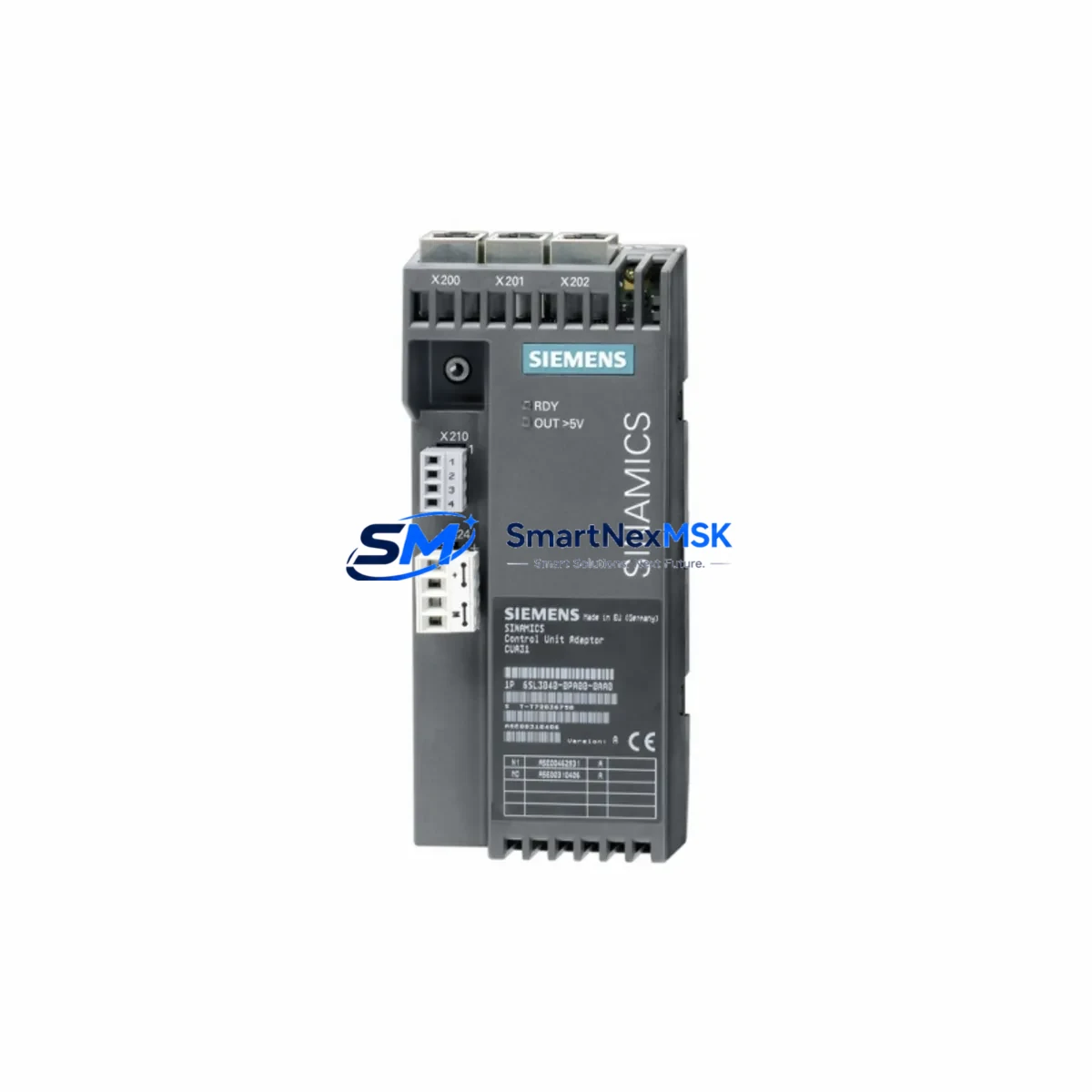
Siemens 6SL3040-0MA00-0AA1 Maintenance-Ready Spare S120 Automation
The Siemens 6SL3040-0MA00-0AA1 is an original SINAMICS S120 CompactFlash Card designed for use with the CU320-2 and CU310-2 Control Units. In industrial drive systems, this memory card stores the firmware, parameter sets, and drive configuration data that are critical to the continuous operation of multi-axis servo and vector drive applications. When this component fails or becomes corrupted, the entire drive axis — and potentially the production line — comes to a halt. Maintaining a verified spare of the 6SL3040-0MA00-0AA1 in your parts inventory is one of the most cost-effective strategies for minimizing unplanned downtime in SINAMICS S120-based automation systems.
For maintenance engineers managing aging S120 drive cabinets, the CompactFlash Card is often overlooked during routine inspections. However, it is a single point of failure: without a valid firmware image and parameter backup, the CU320-2 cannot initialize, and the drive will not respond to enable commands. Procurement engineers sourcing replacement parts for long-running production lines should treat the 6SL3040-0MA00-0AA1 as a critical consumable — not a one-time purchase — particularly in facilities where S120 systems have been in service for five years or more.
This unit is supplied as an original Siemens spare, individually tested prior to shipment, and covered by a 12-month warranty. Fast dispatch is available to support emergency maintenance scenarios and planned shutdown windows alike.
Spare Maintenance Table
| Part Number | 6SL3040-0MA00-0AA1 |
| Brand | Siemens |
| Series | SINAMICS S120 |
| Component Type | CompactFlash Card (Drive Memory Card) |
| Compatible Control Units | CU320-2 DP, CU320-2 PN, CU310-2 DP, CU310-2 PN |
| Function | Stores firmware, drive parameters, and configuration data for SINAMICS S120 Control Units |
| Interface | CompactFlash Type I slot on CU320-2 / CU310-2 |
| Origin | Germany |
| Application Environment | Industrial drive cabinets, servo systems, vector drive applications, multi-axis motion control |
| Installation Note | Insert with drive powered down; re-parameterize via STARTER or TIA Portal after replacement |
| Maintenance Recommendation | Inspect card seating and contacts during scheduled cabinet maintenance; back up parameters before replacement |
| Condition | Original, new, tested before shipment |
| Warranty | 12 Months |
Maintenance Planning for Continuous Operation
When a maintenance team responds to a SINAMICS S120 fault caused by a failed or unreadable CompactFlash Card, the replacement of the 6SL3040-0MA00-0AA1 is only the first step in a complete drive restoration procedure. A thorough site inspection should also address the surrounding components that share the same control cabinet and electrical circuit.
Begin by verifying the 24 VDC supply to the CU320-2 — the Siemens SITOP PSU100S 24V power supply module or equivalent should be checked for output stability, as voltage fluctuations are a common cause of memory card read errors and premature wear. Next, inspect the S120 Smart Line Module (SLM) or Active Line Module (ALM) for any stored fault codes that may have triggered the card failure event. The CU320-2 DP or CU320-2 PN Control Unit itself should be examined for signs of overheating, connector corrosion, or physical damage to the CF card slot.
In multi-axis configurations, the S120 Motor Modules (single-axis or double-axis) connected via the DRIVE-CLiQ backbone should be individually checked for firmware version compatibility after the new card is installed. The DRIVE-CLiQ hub module DMC20 or DME20 is another component worth inspecting, as communication errors on the DRIVE-CLiQ network can sometimes be misdiagnosed as memory card faults.
For cabinet-level inspection, review the 24V terminal block wiring and fuse protection — blown fuses on the control voltage rail are a frequent secondary finding during S120 drive maintenance. If the system includes a Siemens SIMATIC S7-300 or S7-1500 PLC communicating with the S120 via PROFIBUS DP or PROFINET, verify that the PLC program and drive telegram configuration remain consistent after the card swap. Where Siemens OP panels or SIMATIC HMI TP700/TP900 panels are used for local drive control, confirm that the HMI project references are still valid post-replacement. Finally, check any signal isolators or analog input/output modules on the speed reference and torque feedback circuits to ensure signal integrity is maintained throughout the restoration process.
Site Replacement Workflow
Replacing the 6SL3040-0MA00-0AA1 in a live production environment requires a structured approach to minimize downtime and avoid configuration loss. Before beginning, export the full drive parameter set from the existing CU320-2 using Siemens STARTER software or TIA Portal Drive Optimizer. Save the project file to a secure location — this backup is essential if the existing card is unreadable and parameters cannot be transferred automatically.
Power down the drive cabinet following the site lockout/tagout procedure. Remove the faulty CompactFlash Card from the CU320-2 slot and insert the replacement 6SL3040-0MA00-0AA1. On power-up, the CU320-2 will load the firmware from the new card. If the card ships pre-loaded with the correct firmware version for your system, the drive may initialize without further intervention. If a firmware update is required, use STARTER or TIA Portal to download the appropriate version before restoring the parameter backup.
After parameter restoration, perform a function test on each drive axis before returning the system to automatic mode. Verify encoder feedback signals, check the DRIVE-CLiQ topology, and confirm that all Motor Modules report ready status. This workflow is applicable whether you are replacing a failed card on an emergency basis or performing a planned swap during a scheduled maintenance window. The 6SL3040-0MA00-0AA1 is a direct replacement for earlier S120 CompactFlash Card variants, making it suitable for system upgrades and old-system life extension programs without hardware redesign.
Spare Parts Support FAQ
Q1: Is the 6SL3040-0MA00-0AA1 compatible with both CU320-2 DP and CU320-2 PN variants?
Yes. The 6SL3040-0MA00-0AA1 CompactFlash Card is compatible with both the PROFIBUS DP and PROFINET variants of the CU320-2, as well as the CU310-2 series. Compatibility is determined by the firmware version stored on the card, not the communication interface of the Control Unit. Always verify that the firmware version on the replacement card matches or is compatible with your existing drive project before commissioning.
Q2: What is included in the 12-month warranty, and what does pre-shipment testing cover?
Each 6SL3040-0MA00-0AA1 unit is tested for readability, firmware integrity, and physical condition before dispatch. The 12-month warranty covers manufacturing defects and component failure under normal operating conditions. It does not cover damage resulting from incorrect installation, electrostatic discharge, or operation outside specified environmental parameters. Warranty claims are processed with full technical support.
Q3: How should the 6SL3040-0MA00-0AA1 be stored as a long-term spare?
Store the card in its original anti-static packaging in a dry environment at temperatures between -25°C and +70°C, away from strong magnetic fields and direct sunlight. For facilities running multiple S120 systems, it is recommended to maintain at least one spare card per CU320-2 or CU310-2 unit in service. Label each spare with the associated drive tag number and the date of the last parameter backup to streamline emergency replacement.
Q4: Can the 6SL3040-0MA00-0AA1 be used to extend the service life of older S120 systems?
Yes. The 6SL3040-0MA00-0AA1 is a current Siemens catalog part and is suitable for use in both new installations and legacy S120 systems that have been in service for many years. It supports the full range of SINAMICS S120 firmware versions applicable to the CU320-2 and CU310-2 platforms, making it an effective solution for old-system life extension without requiring a full drive cabinet replacement.
© 2026 SMARTNEXMSK. All rights reserved.
Original Source: https://smartnexmsk.com
Contact: [email protected] | +86 18259474341



