
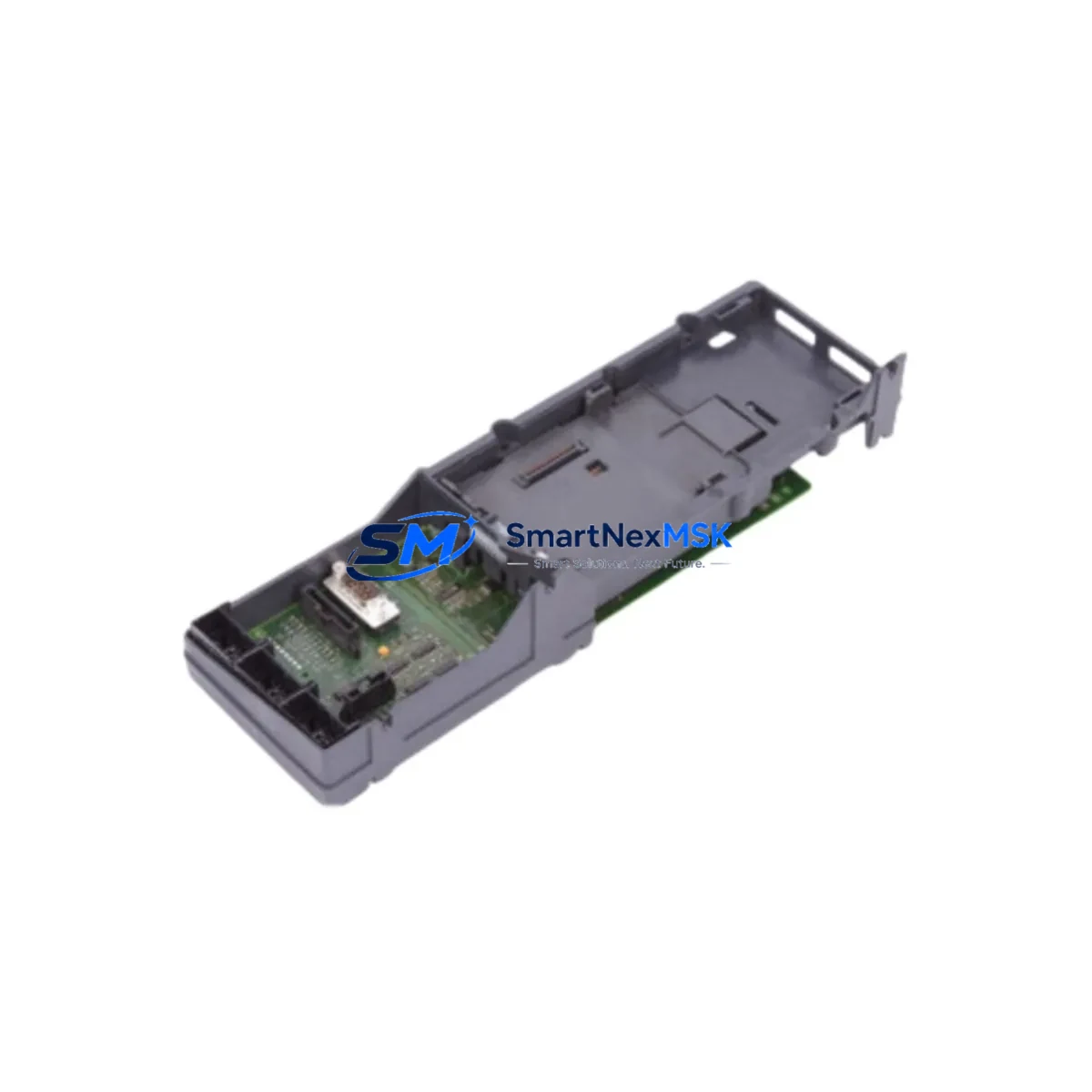
Siemens 6SL3351-6FE33-1AA1 Maintenance-Ready Spare for S120 Automation
The Siemens 6SL3351-6FE33-1AA1 is an original Control Interface Board designed for the SINAMICS S120 drive system — one of Siemens’ most widely deployed modular servo and vector drive platforms in industrial automation. For maintenance engineers managing continuous production lines, CNC machining centers, or multi-axis motion control systems, this board is a critical spare that directly governs communication and control signal routing between the drive module and the higher-level controller. Unplanned failure of this component can result in immediate drive shutdown, triggering costly production downtime. Holding a verified, tested replacement unit in your spare parts inventory is the most effective strategy for rapid fault recovery and system restoration.
At SMARTNEXMSK, every 6SL3351-6FE33-1AA1 unit is sourced from authorized supply channels, inspected prior to dispatch, and shipped with a 12-month warranty. We support maintenance teams and procurement engineers who require long-term supply continuity for legacy and current-generation S120 installations.
Spare Maintenance Table
| Parameter | Specification |
|---|---|
| Part Number / SKU | 6SL3351-6FE33-1AA1 |
| Product Type | Control Interface Board |
| Compatible Series | SINAMICS S120 |
| Brand | Siemens |
| Origin | Germany (DE) |
| Mounting | Direct module integration, S120 booksize / chassis format |
| Communication Interface | DRIVE-CLiQ, digital I/O signal routing |
| Application Environment | Industrial automation, servo drives, CNC, material handling |
| Replacement Scope | Direct OEM replacement for failed or degraded interface boards |
| Pre-shipment Testing | Functional verification prior to dispatch |
| Warranty | 12 Months |
| Condition | Original / New |
Maintenance Planning for Continuous Operation
When a 6SL3351-6FE33-1AA1 Control Interface Board is flagged for replacement during a scheduled inspection or emergency fault response, experienced maintenance engineers know that a single-component swap rarely tells the whole story. The S120 drive system is a tightly integrated architecture, and a failed interface board often indicates stress on adjacent components that should be evaluated concurrently.
Begin by inspecting the SINAMICS S120 Control Unit (CU320-2 DP or CU320-2 PN) — the master controller that communicates with this interface board via DRIVE-CLiQ. A degraded CU320 can generate false fault codes that mimic interface board failure. Next, check the DRIVE-CLiQ cables and connectors running between the interface board and the control unit; damaged shielding or loose connectors are a common root cause of intermittent communication faults.
The S120 Power Module (PM340 or PM240-2) feeding the affected drive axis should also be verified — voltage ripple or DC bus instability can stress the interface board over time. Inspect the 24 VDC auxiliary power supply (typically a SITOP PSU series unit) that powers the control electronics; an out-of-tolerance supply voltage is a frequent but overlooked contributor to interface board degradation.
For multi-axis cabinets, review the S120 Motor Modules on the same DC bus segment. A failing motor module can inject noise that disrupts interface board signal integrity. The Sensor Module Cabinet-Mounted (SMC30 or SMC20) units connected to encoder feedback lines should be checked for proper grounding and signal levels.
Additionally, inspect the terminal block assemblies and I/O wiring at the cabinet level — loose or corroded terminals on digital input/output circuits connected to the interface board can cause intermittent faults that are difficult to reproduce. If the system uses a TM31 or TM41 Terminal Module for extended I/O, verify its DRIVE-CLiQ connection and firmware version compatibility with the current S120 firmware stack.
For sites running older S120 installations, consider proactively stocking the 6SL3040-1MA01-0AA0 CompactFlash Card alongside this interface board — firmware corruption on the CF card can produce symptoms identical to hardware interface failure, and having a pre-programmed spare card eliminates ambiguity during fault diagnosis.
Site Replacement Workflow
Replacing the 6SL3351-6FE33-1AA1 on-site is a structured process that, when executed correctly, minimizes drive downtime to under two hours for a prepared maintenance team.
Step 1 — Isolation: Isolate the affected drive axis from the DC bus and confirm zero voltage on the DC link capacitors using a calibrated multimeter. Lock out / tag out (LOTO) the cabinet per site safety procedures.
Step 2 — Documentation: Photograph the existing wiring, DRIVE-CLiQ cable routing, and connector positions before disassembly. Record the current firmware version from the CU320 diagnostics screen or STARTER/TIA Portal project.
Step 3 — Board Removal: Disconnect all DRIVE-CLiQ cables and I/O connectors from the existing interface board. Remove the board from the module housing following the S120 hardware installation manual (Siemens document A5E03264351).
Step 4 — Installation: Seat the replacement 6SL3351-6FE33-1AA1 board, reconnect all DRIVE-CLiQ and I/O cables in the documented sequence, and verify connector locking tabs are fully engaged.
Step 5 — Commissioning: Power up the control supply and allow the CU320 to perform its boot sequence. Confirm the new board is recognized in the DRIVE-CLiQ topology via STARTER or TIA Portal. Perform a function test on all I/O channels before returning the axis to production.
This workflow is compatible with both new S120 installations and legacy systems where the 6SL3351-6FE33-1AA1 replaces an older interface board variant. The direct OEM form factor ensures no mechanical or electrical adaptation is required, preserving system compatibility and reducing commissioning time.
Spare Parts Support FAQ
Q1: What is the warranty coverage for the 6SL3351-6FE33-1AA1?
All units supplied by SMARTNEXMSK carry a 12-month warranty covering manufacturing defects and functional failure under normal operating conditions. Each unit undergoes pre-shipment functional verification. Warranty claims are supported with direct technical assistance from our engineering team.
Q2: How do I confirm compatibility with my existing S120 system before ordering?
The 6SL3351-6FE33-1AA1 is designed for the SINAMICS S120 platform. To confirm compatibility, provide your CU320 firmware version and the existing interface board part number from your cabinet documentation. Our technical team will verify fit before dispatch. Compatibility with specific motor module configurations can also be confirmed on request.
Q3: What is the recommended inventory strategy for this spare part?
For production facilities with two or more S120 drive axes, we recommend holding a minimum of one 6SL3351-6FE33-1AA1 unit on-site. For critical continuous-process applications (e.g., paper mills, chemical plants, automotive lines), a two-unit buffer is advisable. Pairing this spare with a pre-programmed CF card and a set of DRIVE-CLiQ cables provides a complete rapid-recovery kit.
Q4: Can this board be used to replace older or superseded Siemens interface board variants?
In many cases, yes — the 6SL3351-6FE33-1AA1 serves as a current-generation replacement for earlier S120 interface board revisions. However, firmware compatibility between the board and the CU320 control unit must be verified. Contact our team with your existing part number and firmware version for a confirmed cross-reference before installation.
© 2026 SMARTNEXMSK. All rights reserved.
Original Source: https://smartnexmsk.com
Contact: [email protected] | +86 18259474341



