
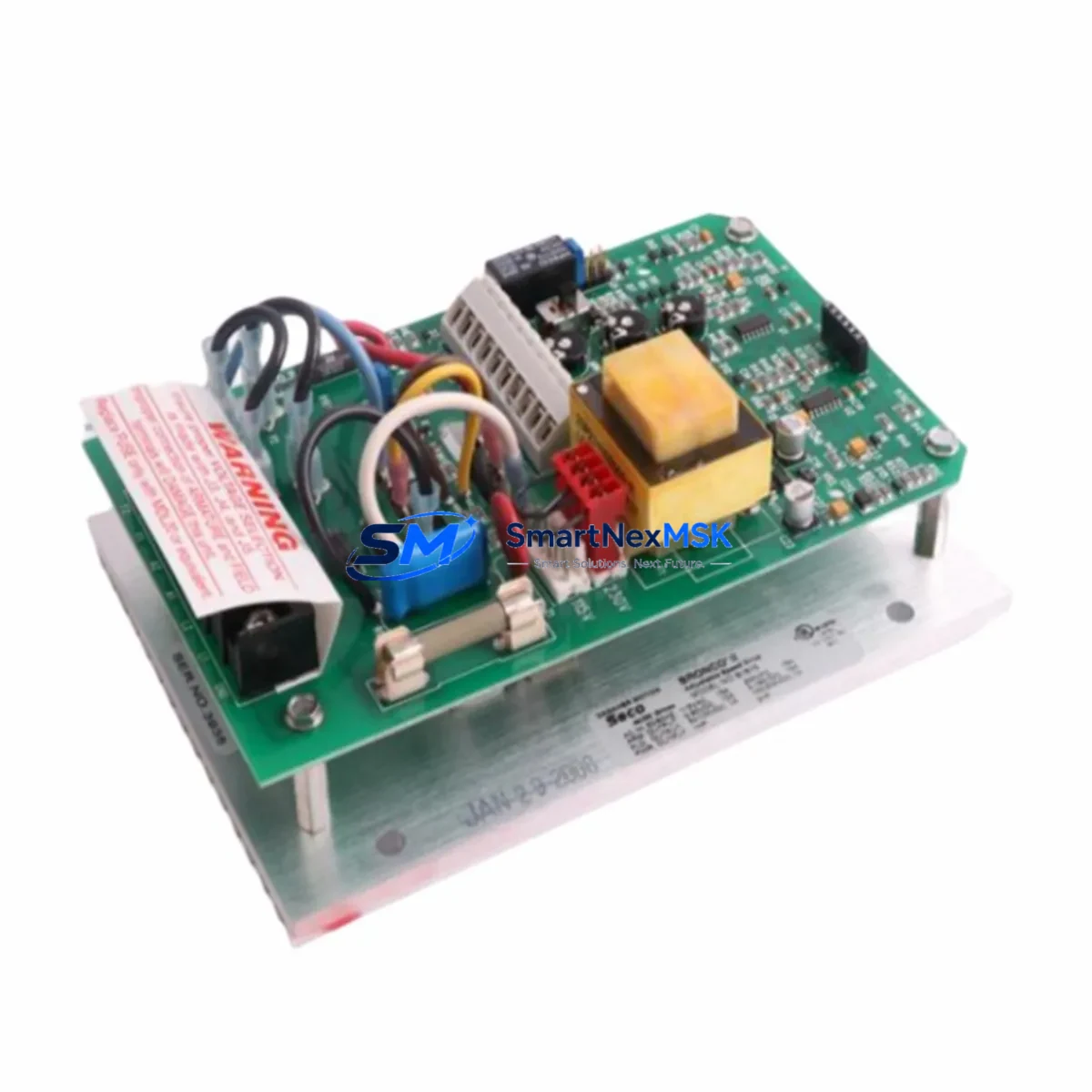
TAIYO PQC-CU-02 Maintenance-Ready Spare for PQC Automation
When a TAIYO PQC-CU-02 central processing unit fails in a quality control line, every minute of unplanned downtime translates directly into production loss and schedule disruption. The PQC-CU-02 is the core computational module of the TAIYO PQC Series — a dedicated quality-control automation platform widely deployed in precision manufacturing, assembly verification, and inline inspection systems. Sourced as an original spare, this unit is tested before shipment, covered by a 12-month warranty, and held in long-term supply inventory to support both emergency replacement and planned maintenance cycles.
Maintenance engineers and procurement engineers working with TAIYO PQC Series systems understand that the CPU module is not an isolated component. Its health is interdependent with the power supply module, I/O expansion racks, communication interfaces, and the HMI panel that operators use for real-time monitoring. A replacement of the PQC-CU-02 should always be accompanied by a systematic inspection of the surrounding control cabinet to prevent secondary failures and ensure the restored system operates within original design parameters.
Spare Maintenance Table
| Parameter | Specification / Recommendation |
|---|---|
| SKU / Part Number | PQC-CU-02 |
| Brand | TAIYO |
| Series | PQC Series |
| Module Type | Central Processing Unit (CPU Module) |
| Product Category | Industrial Automation / PLC CPU Modules |
| Application | Quality Control Automation, Inline Inspection, Assembly Verification |
| Origin | Japan |
| Compatibility | TAIYO PQC Series control racks and backplanes; verify slot assignment and firmware revision before installation |
| Installation | DIN-rail or rack-mount per PQC Series cabinet layout; observe ESD precautions during handling |
| Operating Environment | Industrial control cabinet; IEC 61131-2 environmental conditions; IP20 enclosure recommended |
| Maintenance Interval | Inspect during scheduled annual shutdown; replace proactively if diagnostic error codes are logged |
| Pre-Shipment Testing | Functional test performed on every unit before dispatch; test report available on request |
| Warranty | 12 Months from date of shipment |
| Long-Term Supply | Available for ongoing procurement; suitable for spare parts inventory programs |
Maintenance Planning for Continuous Operation
Replacing the PQC-CU-02 is most effective when treated as part of a broader control cabinet inspection rather than a single-component swap. During the replacement procedure, maintenance engineers should simultaneously verify the condition of the PQC Series power supply module, which provides regulated DC voltage to the CPU and I/O bus — a degraded power supply is a common root cause of intermittent CPU faults and should be replaced or load-tested at the same time.
The I/O expansion modules connected to the PQC-CU-02 backplane should be inspected for loose terminal connections, oxidized contacts, and any indication of overheating. Digital input modules and digital output modules in the same rack share the CPU’s scan cycle, and a faulty I/O module can generate false diagnostics that are misattributed to the CPU itself. Relay output modules in the control circuit — particularly those driving solenoids, contactors, or signal lamps — should have their contact resistance checked and coil voltages verified.
Communication continuity is equally critical. The PQC-CU-02 typically interfaces with upstream SCADA or MES systems via RS-485 or Ethernet communication modules mounted in the same rack. These communication modules, along with any signal isolators or protocol converters in the signal chain, should be confirmed operational before the replacement CPU is brought online. A communication module with degraded firmware or a faulty transceiver can prevent the new CPU from establishing network connectivity, extending the downtime window unnecessarily.
For systems that include an HMI panel connected to the PQC controller, the HMI communication parameters — baud rate, station address, and protocol settings — must be verified to match the replacement CPU’s configuration. Terminal blocks and wiring harnesses in the cabinet should be inspected for insulation integrity, especially in high-vibration or high-temperature environments. Fuse holders and miniature circuit breakers protecting the 24 VDC control circuit should be tested for continuity and correct rating. Where signal isolation is required between the PQC system and field sensors, signal isolator modules should be confirmed to be within calibration.
Maintaining a structured spare parts kit for the PQC Series — including at minimum one PQC-CU-02 CPU, one power supply module, a matched set of I/O modules, and a stock of terminal block connectors — is the most reliable strategy for minimizing mean time to repair (MTTR) across the service life of the system.
Site Replacement Workflow
Before removing the existing PQC-CU-02, back up the current program and parameter data using the TAIYO programming software or a compatible memory backup device. Document the firmware version, I/O configuration, and communication settings currently active on the unit. Power down the control cabinet following the site lockout/tagout (LOTO) procedure and discharge any residual voltage in the power supply capacitors before handling the CPU module.
Remove the faulty PQC-CU-02 from its rack slot, observing ESD precautions. Install the replacement unit into the same slot, ensuring the backplane connector is fully seated. Restore power and confirm that the CPU initializes without fault codes. Load the backed-up program and verify I/O mapping against the original configuration. Perform a controlled test cycle — activating each I/O channel in sequence — before returning the system to production mode.
For sites migrating from an older TAIYO PQC Series CPU variant, confirm that the PQC-CU-02 firmware is compatible with the existing I/O modules and communication modules in the rack. In most cases, the PQC-CU-02 is a direct functional replacement for earlier PQC Series CPU revisions, but firmware alignment should be verified with the system documentation or the original commissioning records. This approach eliminates compatibility risk and ensures the restored system meets the original performance specification without requiring additional engineering intervention.
Spare Parts Support FAQ
Q: What is the warranty coverage for the TAIYO PQC-CU-02 spare part?
A: Every PQC-CU-02 unit supplied by SMARTNEXMSK carries a 12-month warranty from the date of shipment. Each unit undergoes functional testing before dispatch to confirm operational integrity. In the event of a warranty claim, contact our technical support team with the order reference and fault description.
Q: How do I verify compatibility between the PQC-CU-02 and my existing PQC Series rack?
A: Compatibility is determined by the rack backplane revision, firmware version, and I/O module configuration. Provide your existing CPU part number, rack model, and firmware version when placing your order, and our engineering team will confirm compatibility before shipment. For legacy PQC Series installations, we maintain cross-reference records to identify suitable replacement options.
Q: Can the PQC-CU-02 be used as a long-term inventory spare?
A: Yes. The PQC-CU-02 is available for bulk procurement and spare parts inventory programs. Units are stored in controlled conditions and supplied with original packaging. For facilities managing multiple PQC Series systems, we recommend maintaining at least one CPU module per system in on-site inventory to support emergency replacement without lead-time dependency.
Q: What pre-shipment checks are performed on each PQC-CU-02 unit?
A: Each unit is powered on and subjected to a functional verification test covering CPU initialization, I/O bus communication, and diagnostic self-check routines. Units that do not pass all test criteria are not dispatched. A test report is available upon request for quality-critical procurement processes.
© 2026 SMARTNEXMSK. All rights reserved.
Original Source: https://smartnexmsk.com
Contact: [email protected] | +86 18259474341