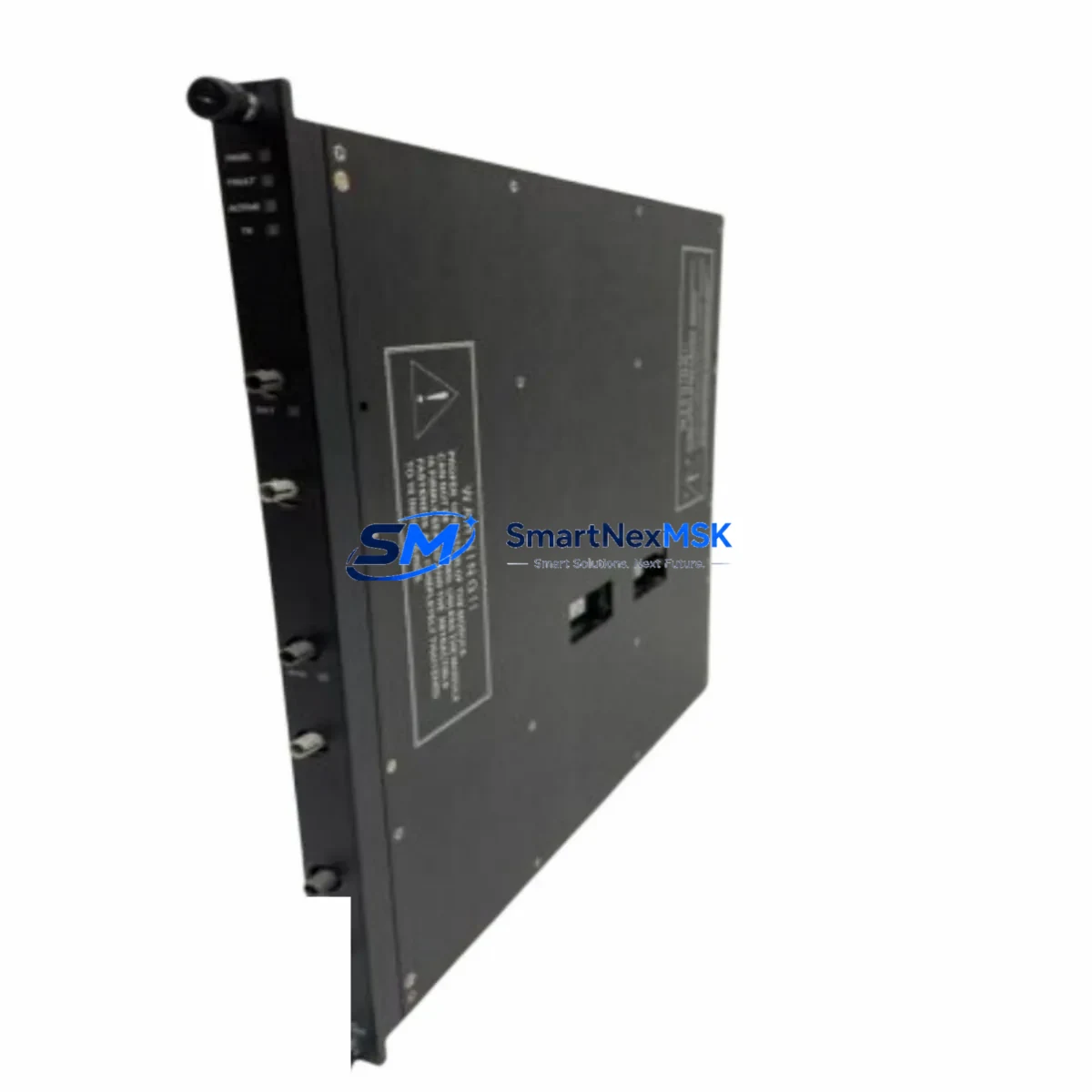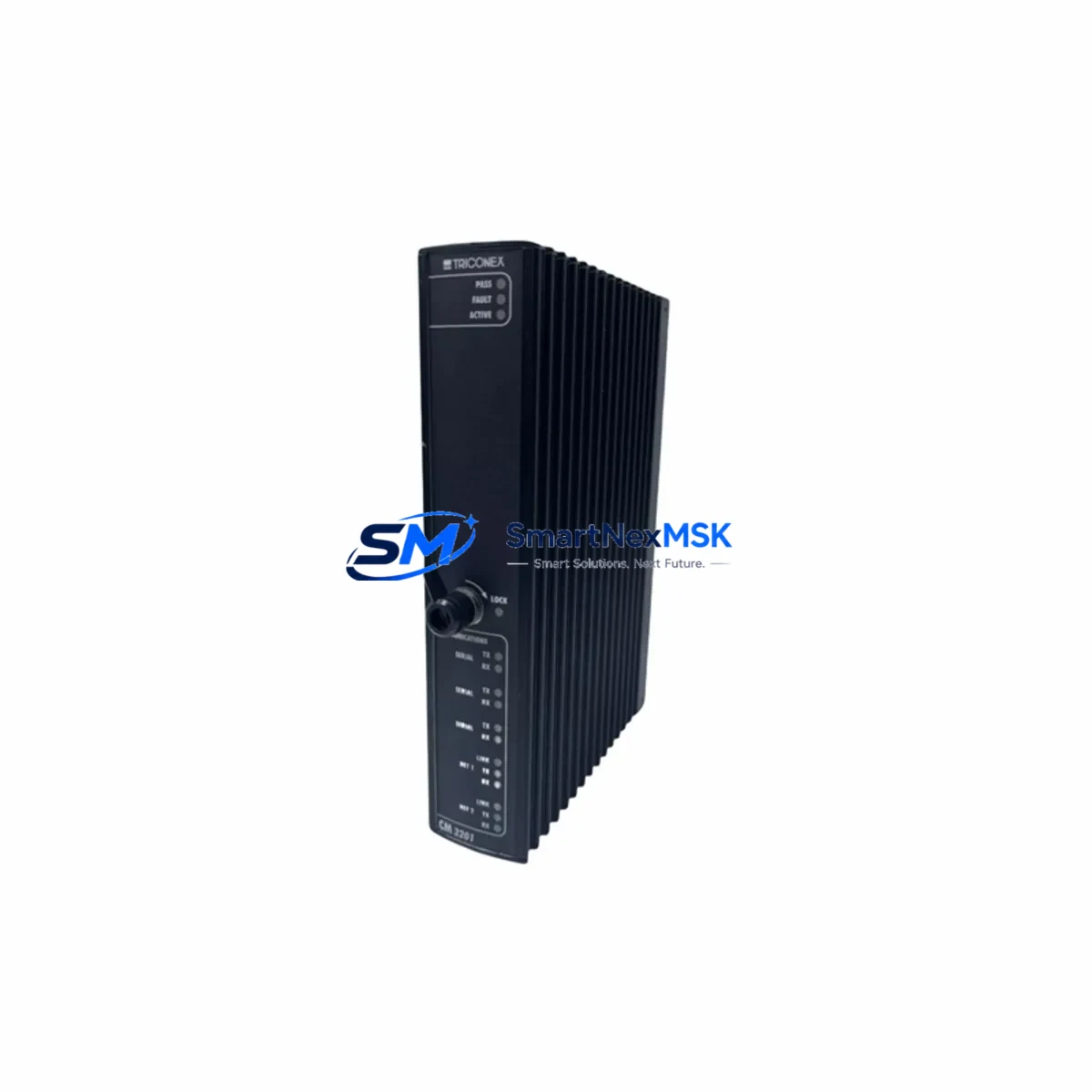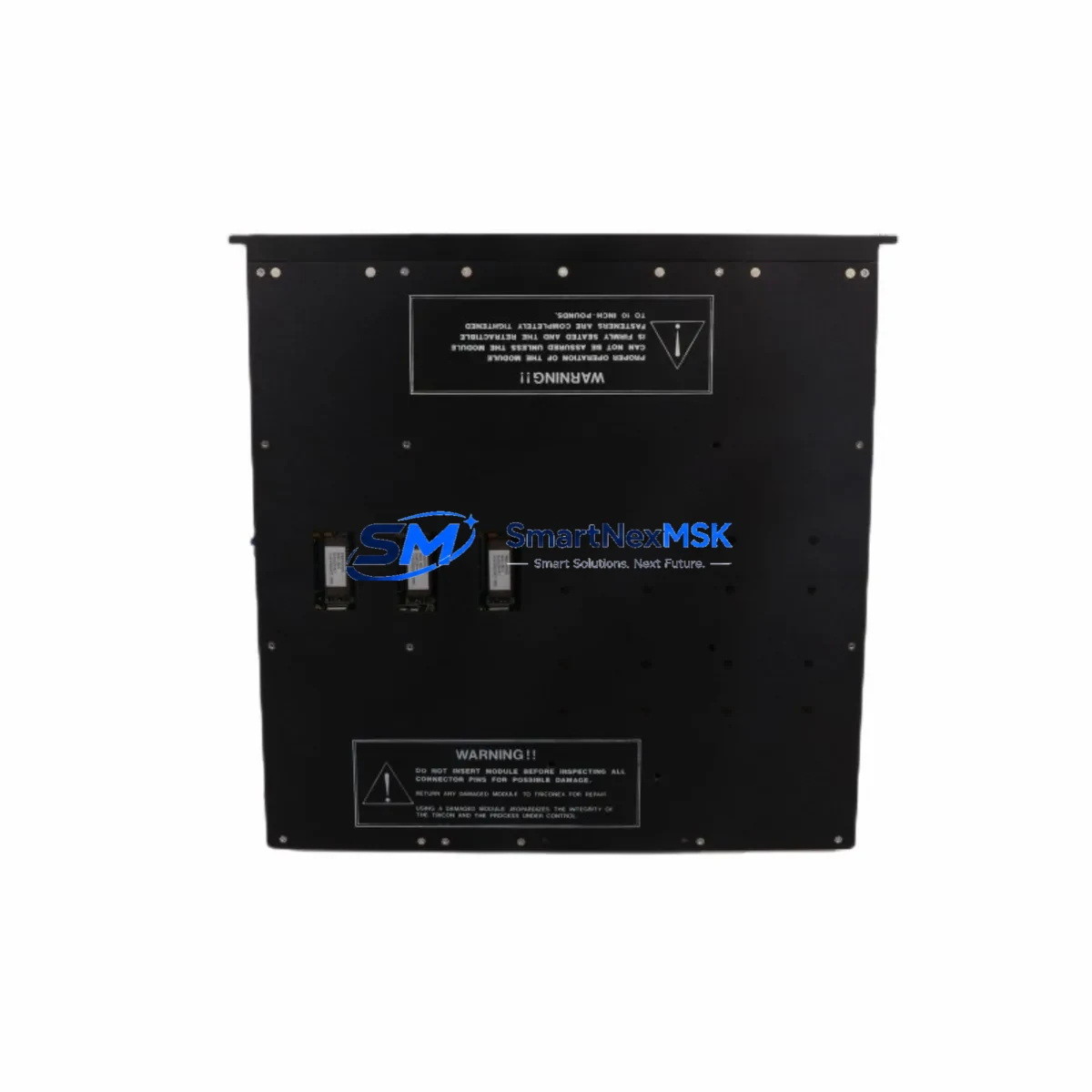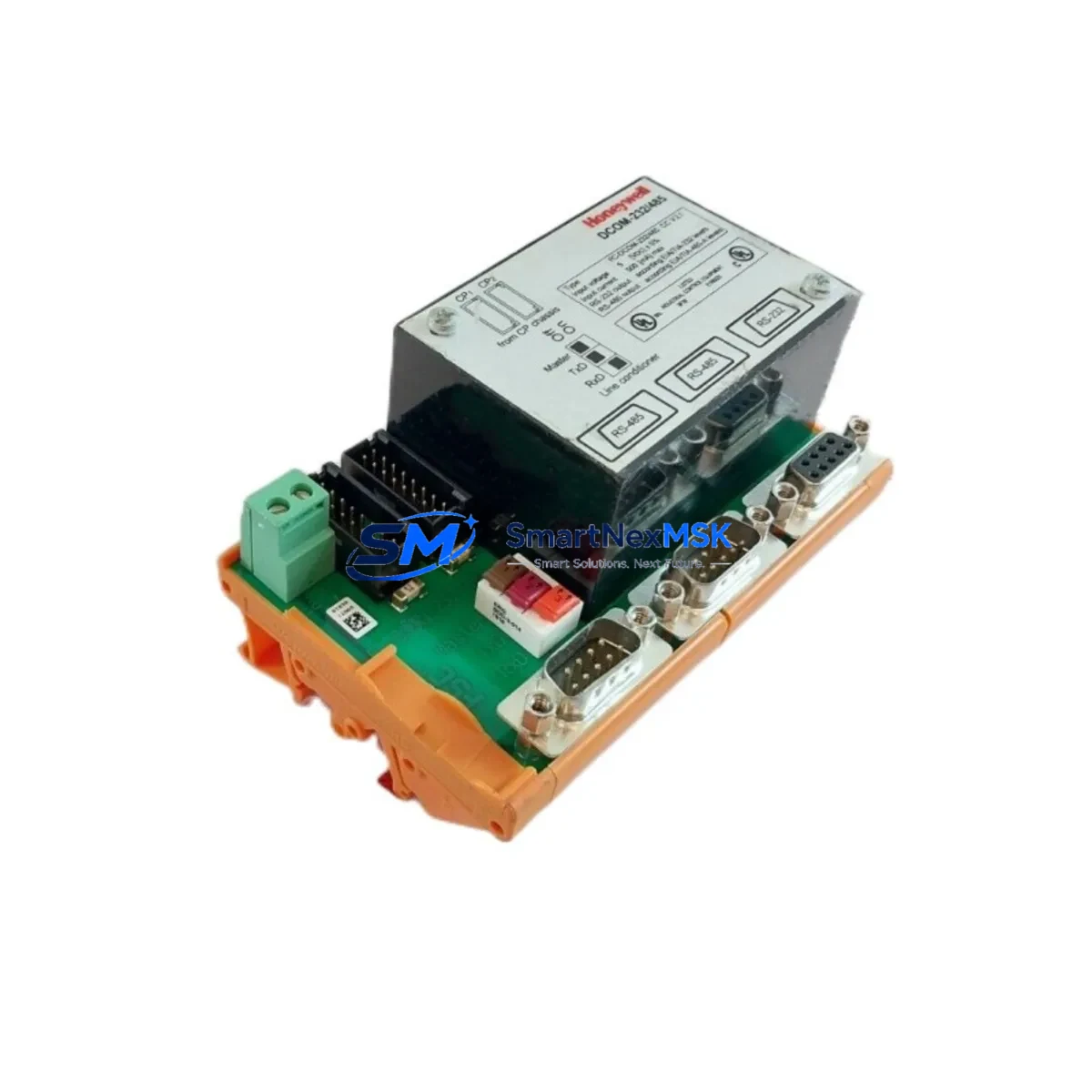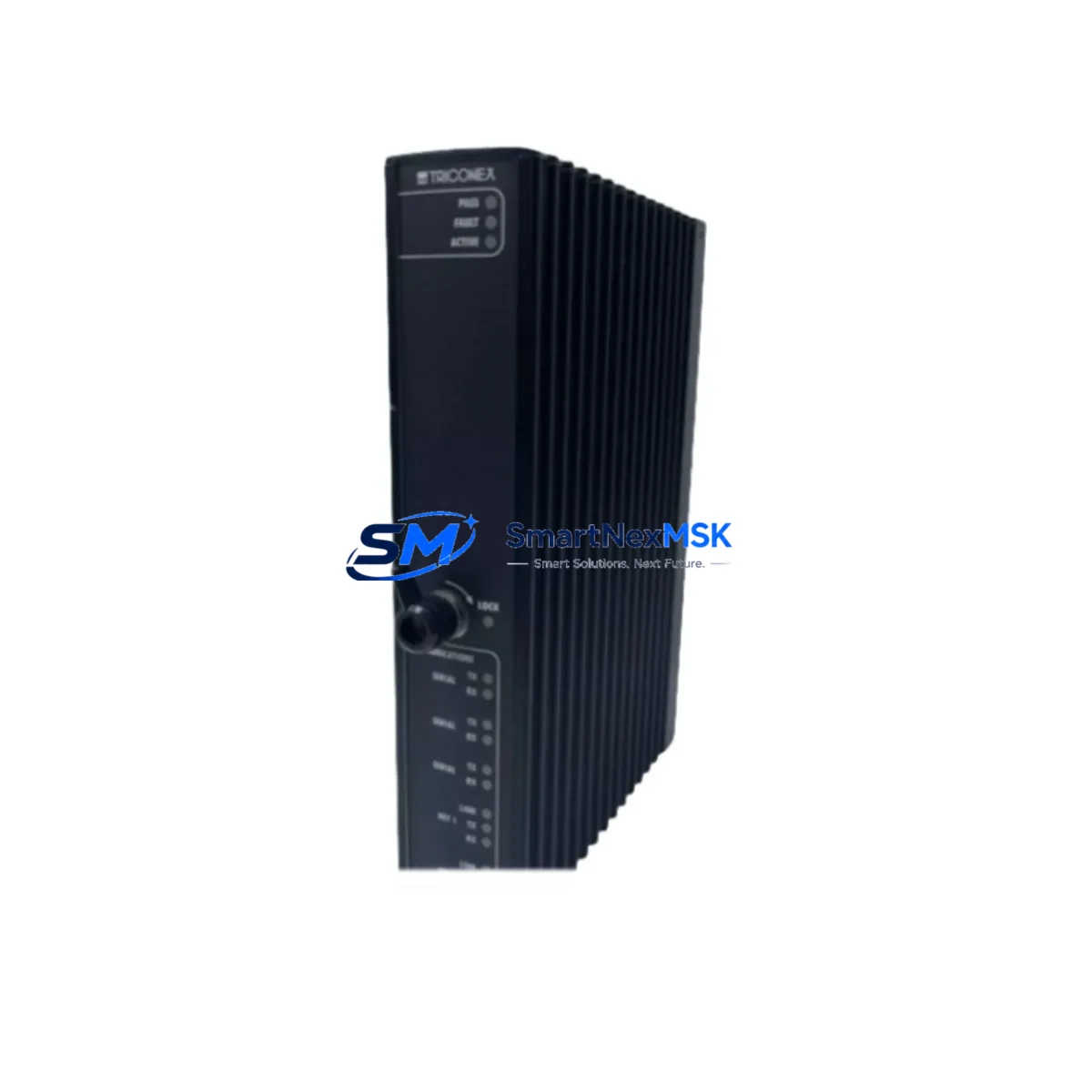
Triconex CM3201S2 Maintenance-Ready Spare for Tricon Automation
The Triconex CM3201S2 is an original Triple Modular Redundant (TMR) Safety CPU Module designed for Tricon safety instrumented systems operating under IEC 61511 SIL 3 requirements. As a critical component in process safety architectures across oil & gas, petrochemical, power generation, and chemical manufacturing facilities, the CM3201S2 governs the core logic execution, I/O scanning, and fault-tolerant voting across all three redundant processing legs. When this module fails or reaches end-of-life, unplanned downtime risk escalates immediately — making a verified, tested spare essential to any maintenance-ready inventory strategy.
SMARTNEXMSK supplies the CM3201S2 as a fully tested original spare, backed by a 12-month warranty and pre-shipment functional verification. Each unit is inspected for firmware compatibility, connector integrity, and TMR voting circuit health before dispatch. Our global logistics network supports urgent replacement scenarios with expedited shipping to minimize process downtime.
Spare Maintenance Table
| Parameter | Specification |
|---|---|
| Part Number | CM3201S2 |
| Manufacturer | Triconex (Schneider Electric) |
| Module Type | TMR Safety CPU Module |
| Compatible System | Tricon Safety Instrumented System (SIS) |
| Safety Integrity Level | SIL 3 (IEC 61511 / IEC 61508) |
| Architecture | Triple Modular Redundant (TMR) |
| Operating Voltage | 24 VDC (via Tricon Power Supply Module) |
| Communication | TriStation 1131 compatible; peer-to-peer Tribus network |
| Backplane Compatibility | Tricon main chassis / expansion chassis |
| Operating Temperature | 0°C to 60°C |
| Humidity | 5% to 95% non-condensing |
| Condition | Original, tested, pre-shipment verified |
| Warranty | 12 Months |
| Application | Oil & Gas, Petrochemical, Power, Chemical SIS |
| Maintenance Recommendation | Replace on fault alarm or scheduled 5-year overhaul cycle |
Maintenance Planning for Continuous Operation
Replacing the CM3201S2 in a live Tricon system requires a structured approach to avoid inadvertent safety function impairment. Maintenance engineers should treat this replacement as part of a broader control cabinet inspection, not an isolated swap. Before and after installing the CM3201S2, the following associated components should be inspected and verified:
Begin with the Tricon Power Supply Module (e.g., 8312) — the CM3201S2 draws regulated 24 VDC from the chassis backplane, and a degraded power supply can cause intermittent CPU faults that mimic module failure. Verify output voltage stability under load before condemning the CPU. Next, inspect the Tricon Communication Module (TCM) responsible for TriStation 1131 programming interface and peer-to-peer Tribus links; a faulty TCM can prevent successful firmware download to the new CM3201S2.
Check all Digital Input (DI) and Digital Output (DO) modules in the chassis — the CM3201S2 coordinates I/O voting across all three legs, and a degraded I/O module can generate spurious diagnostics post-replacement. Similarly, inspect Analog Input (AI) modules used for process variable monitoring; signal drift or channel faults here are often misattributed to CPU issues. If the system includes Relay Output Modules driving final elements such as ESD valves or shutdown relays, verify coil continuity and contact integrity as part of the same maintenance window.
For systems with Tricon Communication Interface (TCI) or Modbus/OPC gateway modules, confirm that DCS or SCADA communication is restored and stable after CPU replacement — configuration mismatches between the new module and the communication layer are a common post-replacement issue. Where signal isolators or barriers are installed between field instruments and Tricon AI/DI channels, inspect for isolation degradation that could introduce ground loops affecting CPU diagnostics.
Procurement engineers building a spare parts inventory around the CM3201S2 should also stock the Tricon chassis backplane and termination panel assemblies, as connector wear on aging backplanes can cause intermittent module seating faults. A complete maintenance kit for a Tricon SIS cabinet typically includes the CPU module, at least one power supply spare, representative I/O module spares, and communication module backups — ensuring that any single-point failure can be resolved within one maintenance shift without waiting for emergency procurement.
Site Replacement Workflow
Step 1 — Pre-Replacement Verification: Confirm the CM3201S2 replacement unit matches the installed firmware revision. Use TriStation 1131 to document the current application program, configuration, and I/O mapping before any hardware change. Archive the project file to a secure location.
Step 2 — System State Assessment: Verify that the Tricon system is in a safe state for maintenance. In TMR architecture, the system can tolerate one leg fault while maintaining SIL 3 function — confirm the remaining two legs are healthy before proceeding. Notify the control room and obtain a permit-to-work.
Step 3 — Module Extraction: Power down only the affected leg if the system supports online replacement. Remove the CM3201S2 by releasing the front-panel locking mechanism and sliding the module from the chassis slot. Inspect the backplane connector for bent pins or contamination.
Step 4 — Replacement Installation: Insert the new CM3201S2 firmly into the chassis slot until the locking mechanism engages. Power up the leg and observe the module status LEDs — all three TMR legs should synchronize within the startup sequence. Use TriStation 1131 to confirm the module is online and the application program is executing correctly.
Step 5 — Post-Replacement Testing: Perform a full I/O channel check and verify all safety function outputs respond correctly to simulated process inputs. Confirm DCS/SCADA communication is restored. Document the replacement in the site maintenance log with the new module serial number and firmware version.
This workflow minimizes downtime, maintains system compatibility, and ensures the replacement CM3201S2 is fully integrated before returning the system to normal operation. SMARTNEXMSK pre-tests each unit against these criteria before shipment, reducing on-site commissioning time.
Spare Parts Support FAQ
Q1: Is the CM3201S2 you supply an original Triconex module or a third-party replacement?
All CM3201S2 units supplied by SMARTNEXMSK are original Triconex (Schneider Electric) modules — not clones, refurbished third-party units, or compatible substitutes. Each unit is sourced from verified industrial channels and undergoes pre-shipment functional testing to confirm TMR voting circuit integrity, firmware operability, and connector condition.
Q2: How do I verify firmware compatibility before installing the replacement CM3201S2?
Firmware version is printed on the module label and can also be read via TriStation 1131 after installation. We recommend providing your current installed firmware version when ordering so we can match or advise on compatible revisions. If a firmware upgrade is required, this should be performed using the TriStation 1131 programming environment following Triconex upgrade procedures.
Q3: What does the 12-month warranty cover, and what is the claims process?
The 12-month warranty covers manufacturing defects, functional failure under normal operating conditions, and DOA (dead-on-arrival) units. It does not cover damage caused by incorrect installation, overvoltage, or physical mishandling. To initiate a warranty claim, contact [email protected] with the order number, module serial number, and a description of the fault. Replacement or repair will be arranged within 5 business days of claim confirmation.
Q4: Can you support long-term supply for legacy Tricon systems that are no longer in Triconex’s active catalog?
Yes. SMARTNEXMSK specializes in long-term supply support for legacy and end-of-life industrial automation components, including discontinued Triconex modules. We maintain strategic inventory of critical Tricon spare parts to support facilities extending the operational life of existing SIS installations. Contact us to discuss a long-term supply agreement or consignment stock arrangement tailored to your maintenance schedule.
© 2026 SMARTNEXMSK. All rights reserved.
Original Source: https://smartnexmsk.com
Contact: [email protected] | +86 18259474341