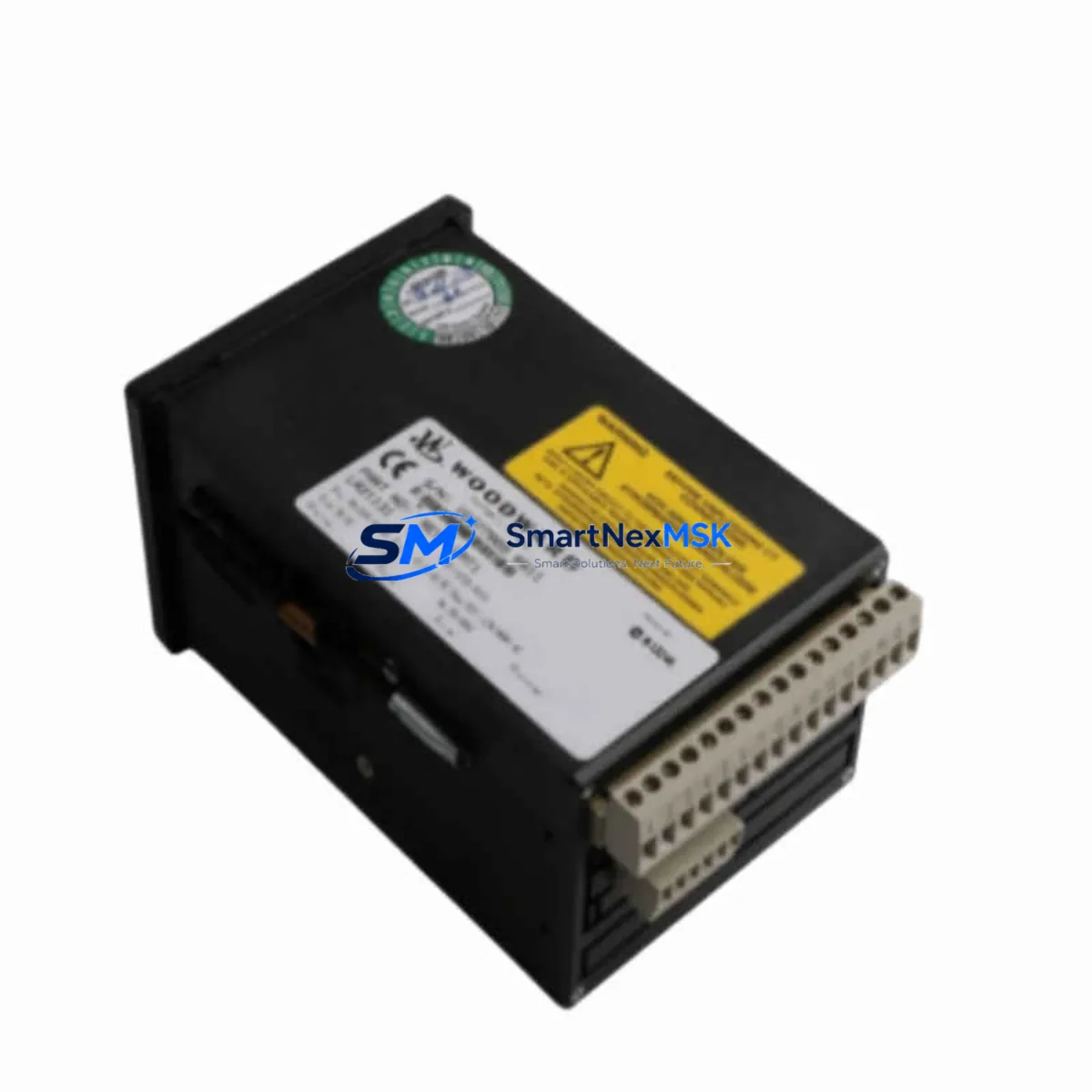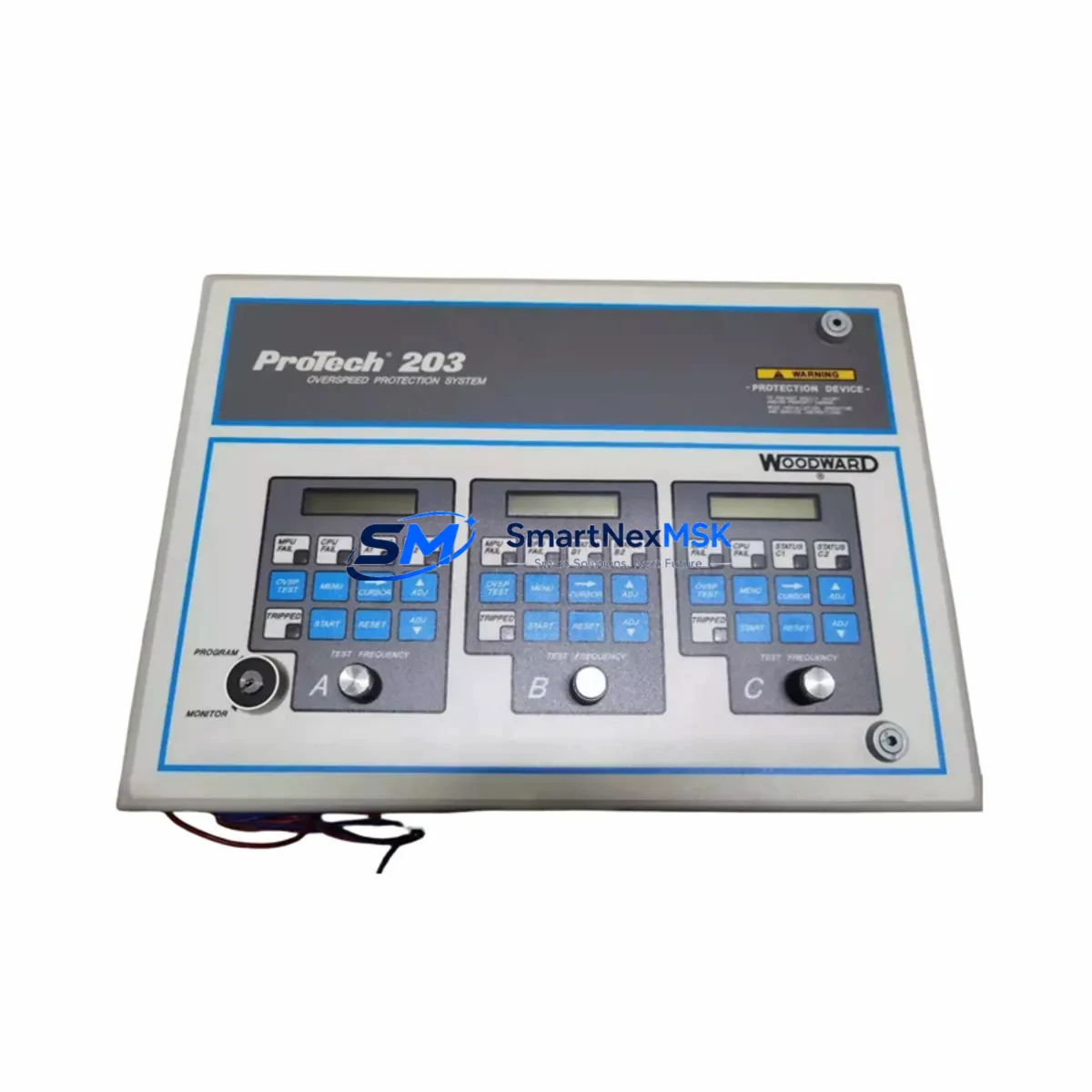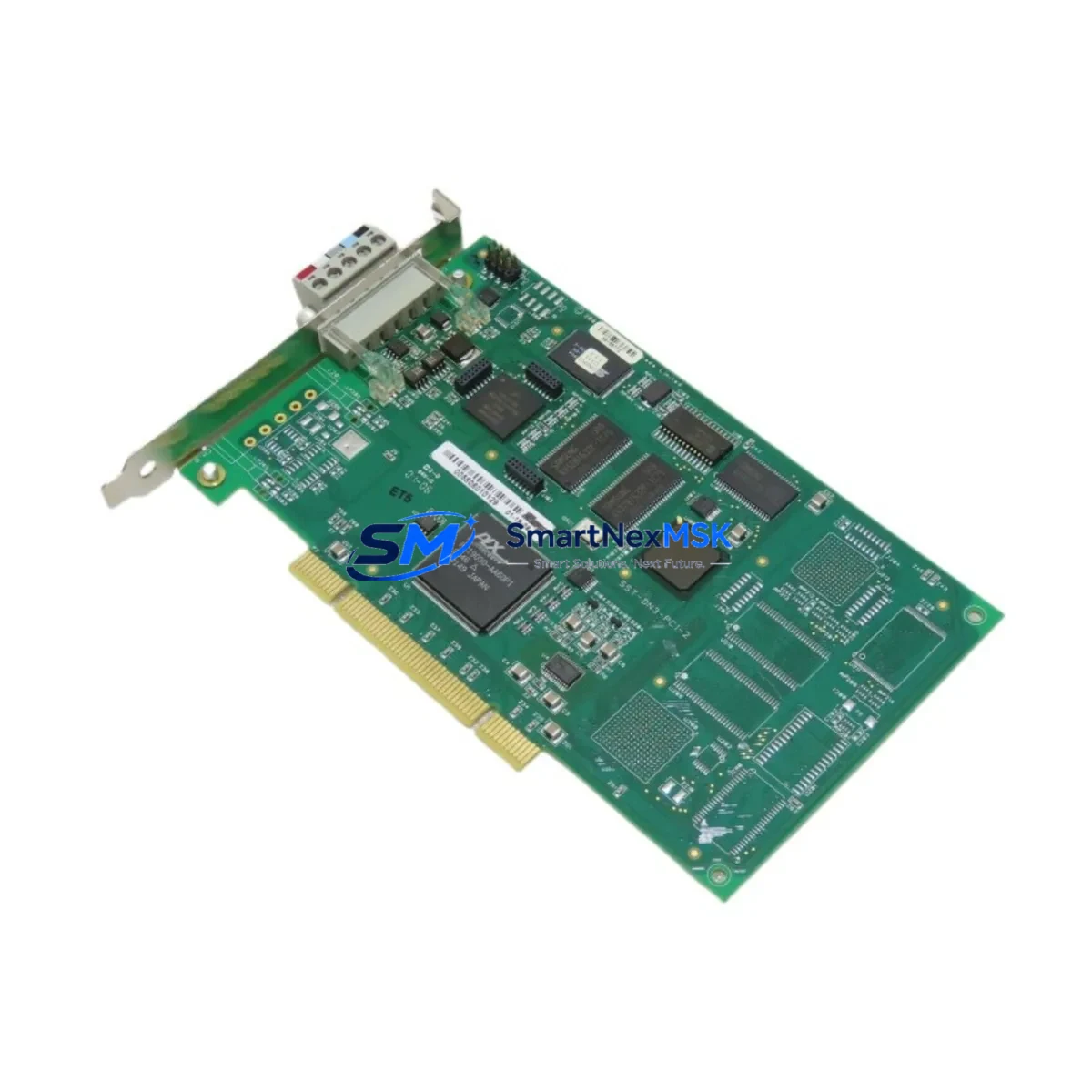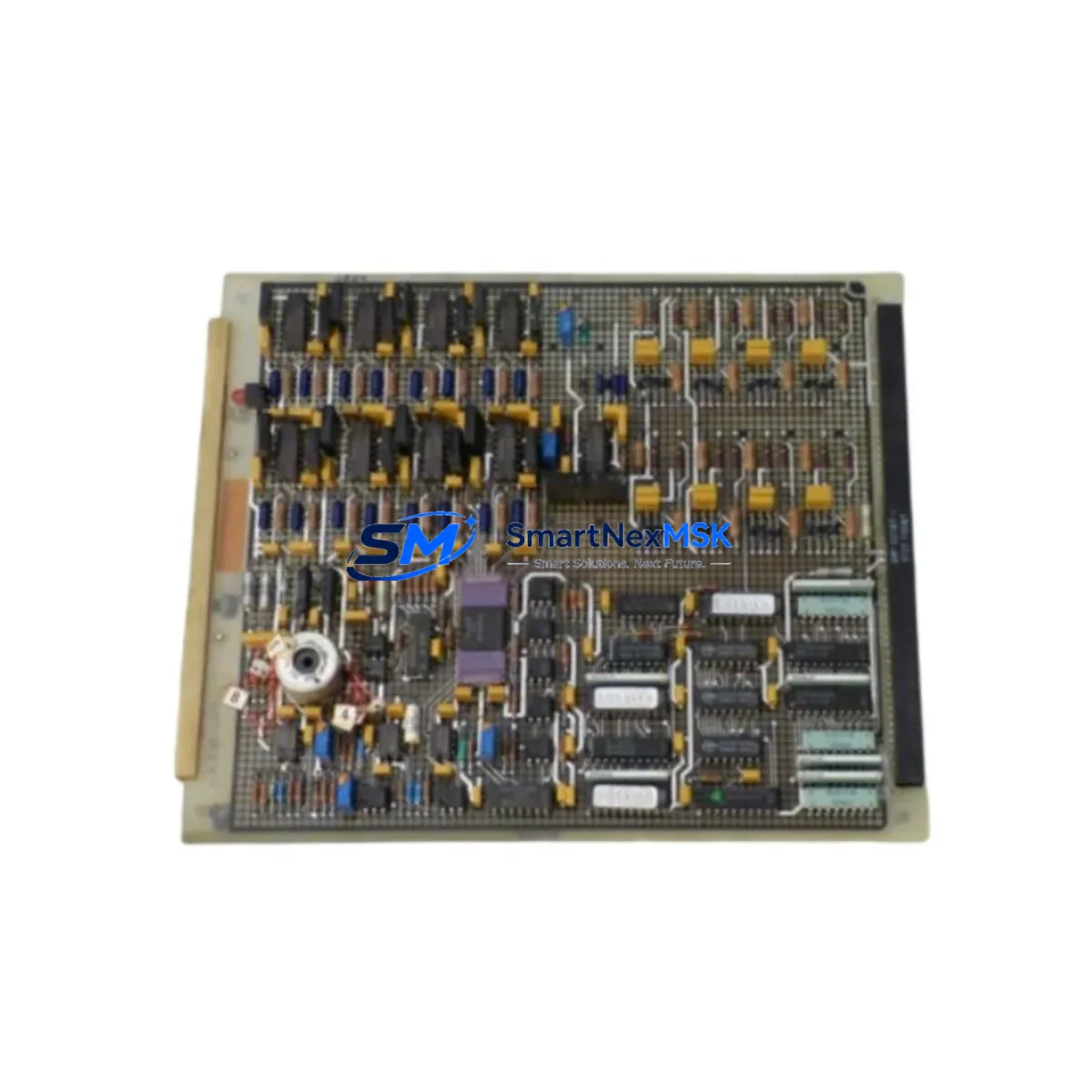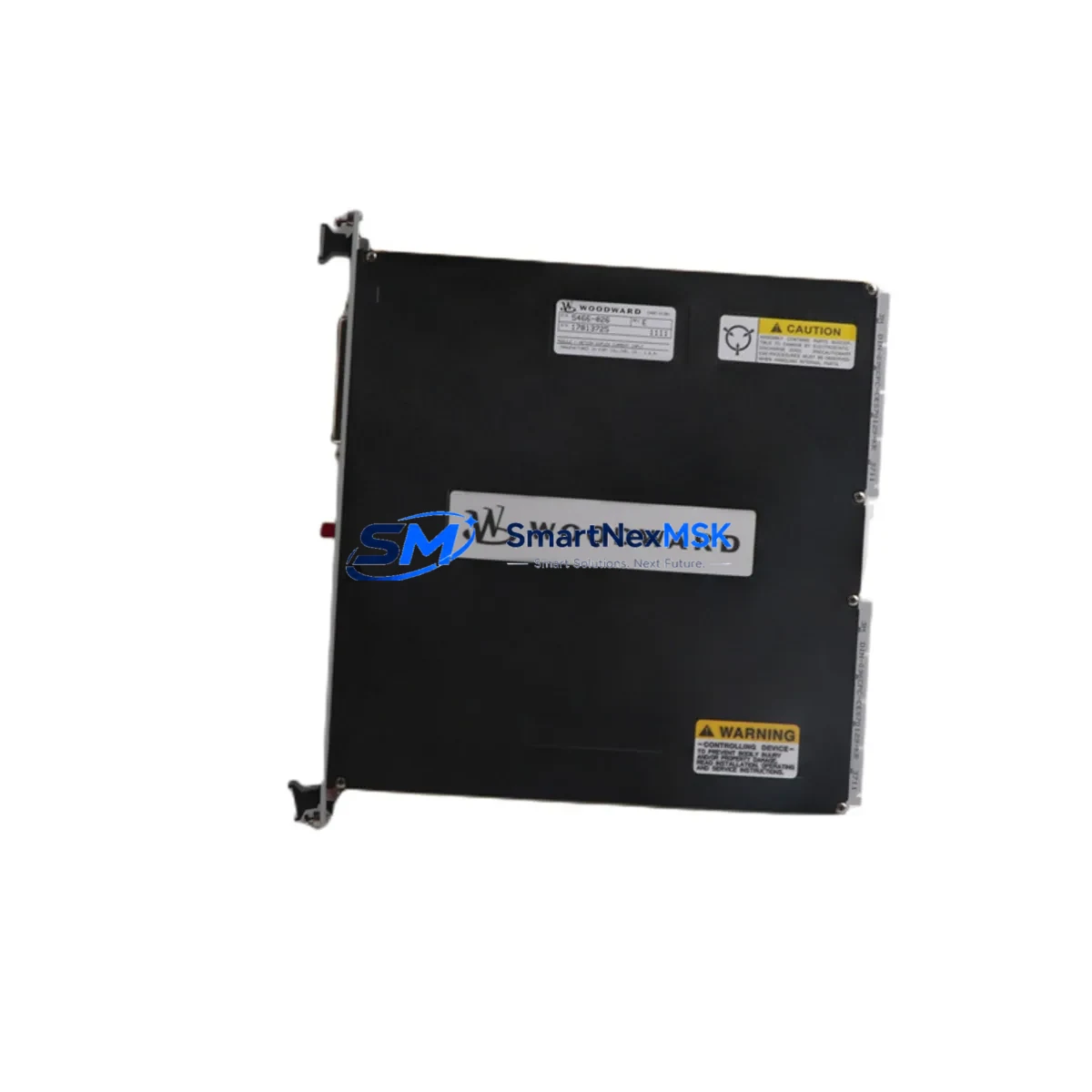
WOODWARD 5466-026 Maintenance-Ready Spare for NETCON Automation
The WOODWARD 5466-026 is a Duplex Current Input Module designed for the NETCON turbine and industrial process control platform. As a critical signal acquisition component, it receives analog current signals from field transmitters and sensors, converting them into reliable process data for the NETCON controller. When this module fails or degrades, the entire turbine control loop is compromised — making rapid, verified spare availability the single most important factor in minimizing unplanned downtime.
At SMARTNEXMSK, every 5466-026 unit is sourced as an original WOODWARD component, individually inspected, and shipped with a 12-month warranty. Our inventory is maintained specifically to support maintenance engineers and procurement teams who cannot afford extended lead times on safety-critical automation hardware.
Spare Maintenance Table
| Parameter | Specification / Detail |
|---|---|
| Part Number / SKU | 5466-026 |
| Brand | WOODWARD |
| Series / Platform | NETCON Turbine & Process Control |
| Module Type | Duplex Current Input Module |
| Signal Type | Analog Current Input (4–20 mA standard) |
| Channel Configuration | Duplex (redundant channel architecture) |
| Compatibility | WOODWARD NETCON 5000 / NETCON series controllers |
| Mounting | NETCON backplane / rack-mount card slot |
| Operating Environment | Industrial control cabinet; standard IEC 61010 conditions |
| Application | Turbine control, compressor control, process automation |
| Origin | United States (Original WOODWARD) |
| Weight | 940 g |
| Condition | Original spare; tested before shipment |
| Warranty | 12 Months |
| Lead Time | In stock — ships within 1–3 business days |
| Support | [email protected] | +86 18259474341 |
Maintenance Planning for Continuous Operation
Replacing the WOODWARD 5466-026 is rarely an isolated task. In a NETCON-based turbine control cabinet, the current input module sits at the intersection of field instrumentation and the control processor — meaning a fault here can mask or trigger cascading alarms across the entire system. Experienced maintenance engineers treat a 5466-026 replacement as an opportunity to audit the surrounding electrical environment before returning the unit to service.
Begin by verifying the integrity of the NETCON power supply module feeding the card rack. Voltage sag or ripple on the 24 VDC bus is a common root cause of premature analog module failure. Next, inspect the signal wiring and terminal blocks connected to the current input channels — corroded or loose terminations introduce measurement error that can be misdiagnosed as module failure. If the system uses a WOODWARD NETCON analog output module in the same loop for valve positioner feedback, verify its calibration simultaneously.
For redundant architectures, the duplex design of the 5466-026 pairs with a NETCON redundancy controller or switchover module; confirm that the redundancy logic is functioning correctly after card replacement. Check the NETCON communication module (typically a serial or Modbus interface card) to ensure that process values are being transmitted correctly to the supervisory SCADA or DCS layer after the swap.
In the field instrumentation loop, inspect the 4–20 mA transmitters connected to the input channels — a failing transmitter can damage input circuitry over time. If signal isolation is required between the field device and the NETCON rack, verify that any installed signal isolator or loop-powered isolator is within specification. For plants running older NETCON installations, it is also advisable to inspect the NETCON backplane and card-edge connectors for oxidation, which is a frequent cause of intermittent faults in long-running systems.
Finally, if the turbine control system includes a WOODWARD HMI operator panel or local display unit, confirm that process variable readings are consistent before and after the module swap. Maintaining a minimum of one spare 5466-026 in your on-site inventory — alongside a spare power supply module and a spare communication card — is the most cost-effective strategy for protecting against unplanned turbine trips.
Site Replacement Workflow
Step 1 — Pre-replacement verification: Confirm the exact module position in the NETCON rack using the system drawing. Record the current process values displayed on the HMI or SCADA before initiating any work. Verify that the replacement 5466-026 carries the same firmware revision or is confirmed compatible by WOODWARD documentation.
Step 2 — Safe isolation: Follow your site’s lockout/tagout procedure. For hot-swap capable NETCON racks, confirm whether the slot supports live replacement; if not, coordinate a controlled shutdown window. Disconnect field wiring from the terminal block in a documented sequence to avoid cross-connection on reinstatement.
Step 3 — Module swap: Remove the failed 5466-026 by releasing the card ejector levers. Inspect the backplane connector for damage before inserting the replacement. Seat the new module firmly and re-engage the ejectors. Reconnect field wiring in reverse sequence, verifying each termination against the loop drawing.
Step 4 — Commissioning check: Power up the rack and observe the module status LEDs. Navigate to the NETCON diagnostic screen or SCADA tag list and confirm that all input channels are reading within expected range. Compare live values against the pre-replacement baseline. If the system uses a redundancy module, verify that the switchover test passes before releasing the unit to automatic control.
Step 5 — Documentation: Record the replacement in the maintenance management system (CMMS), including the old module’s serial number, failure mode, and the new module’s part number and source. Update the spare parts inventory to trigger a replenishment order for the next 5466-026 unit.
This workflow applies equally when upgrading from an obsolete predecessor module to the current 5466-026 specification, ensuring system compatibility is maintained without requiring controller reconfiguration.
Spare Parts Support FAQ
Q1: What is the shelf life and storage requirement for the WOODWARD 5466-026 spare?
The 5466-026 should be stored in its original anti-static packaging in a dry, temperature-controlled environment (typically 0–50 °C, <85% RH non-condensing). Under these conditions, the module can be stored for several years without degradation. Our 12-month warranty begins from the date of shipment, covering manufacturing defects and functional failure under normal operating conditions.
Q2: How do I verify compatibility before ordering?
Confirm your NETCON system model and rack configuration against the WOODWARD system documentation. The 5466-026 is designed for the NETCON platform; if you are unsure whether your rack revision is compatible, contact us at [email protected] with your system nameplate data and we will confirm compatibility before shipment.
Q3: Is the unit tested before shipment?
Yes. Every 5466-026 unit we ship undergoes a functional inspection prior to dispatch. We verify basic electrical integrity and confirm that the module shows no physical damage. A test report can be provided upon request for critical applications.
Q4: What is your lead time and what happens if the module fails within the warranty period?
In-stock units ship within 1–3 business days via your preferred freight method. If a unit fails within the 12-month warranty period under normal operating conditions, we will arrange a replacement or refund. Contact [email protected] with the order reference and a description of the failure mode to initiate a warranty claim.
© 2026 SMARTNEXMSK. All rights reserved.
Original Source: https://smartnexmsk.com
Contact: [email protected] | +86 18259474341