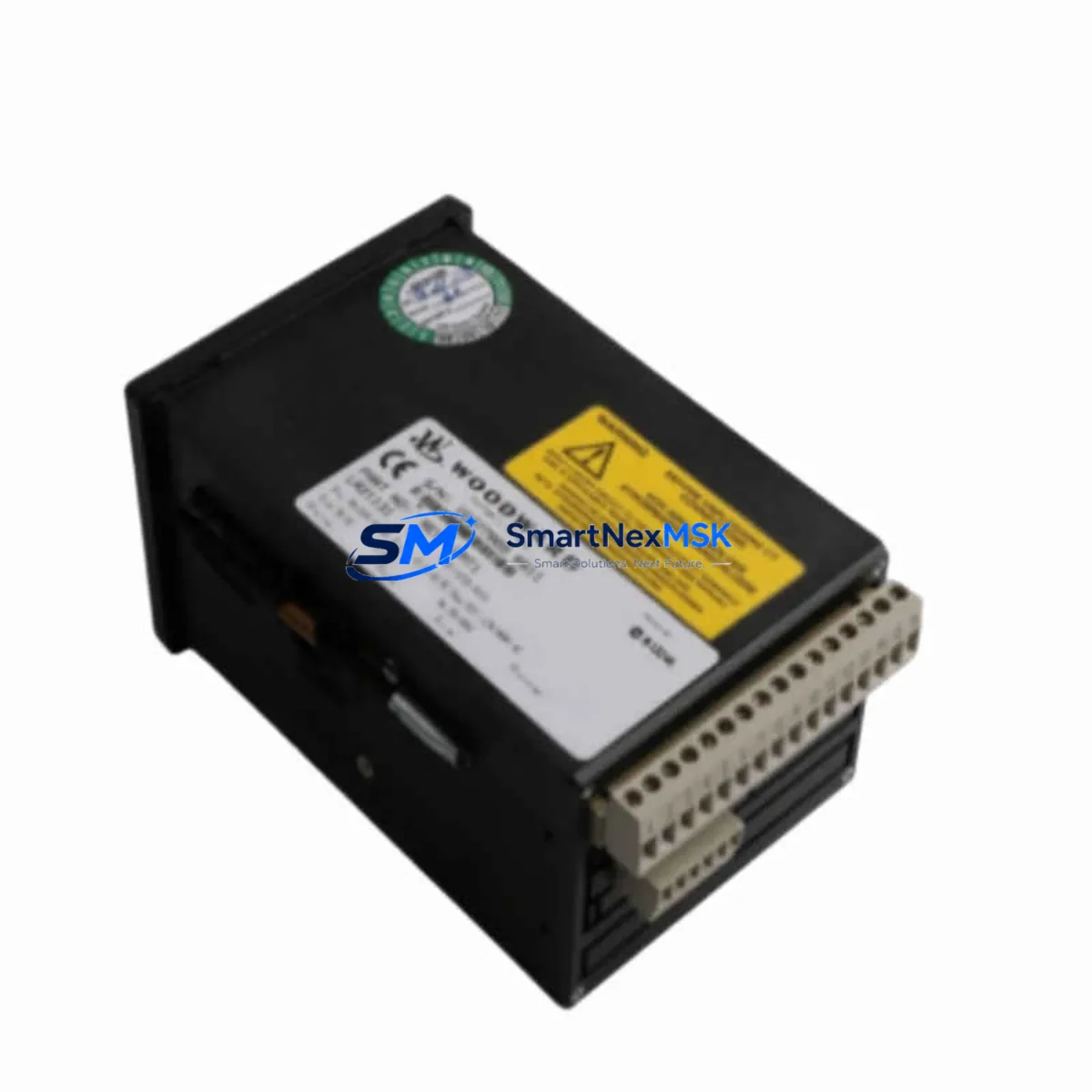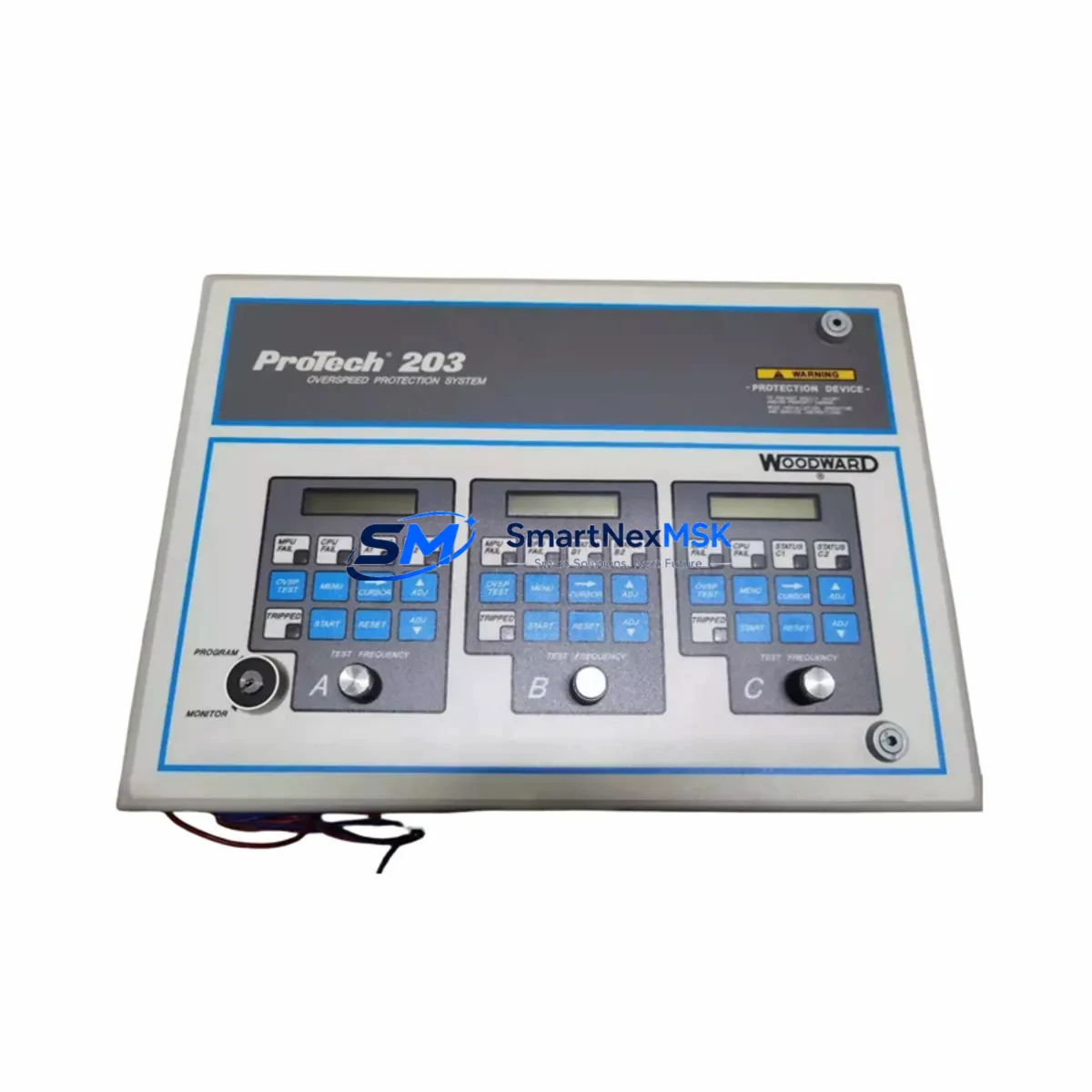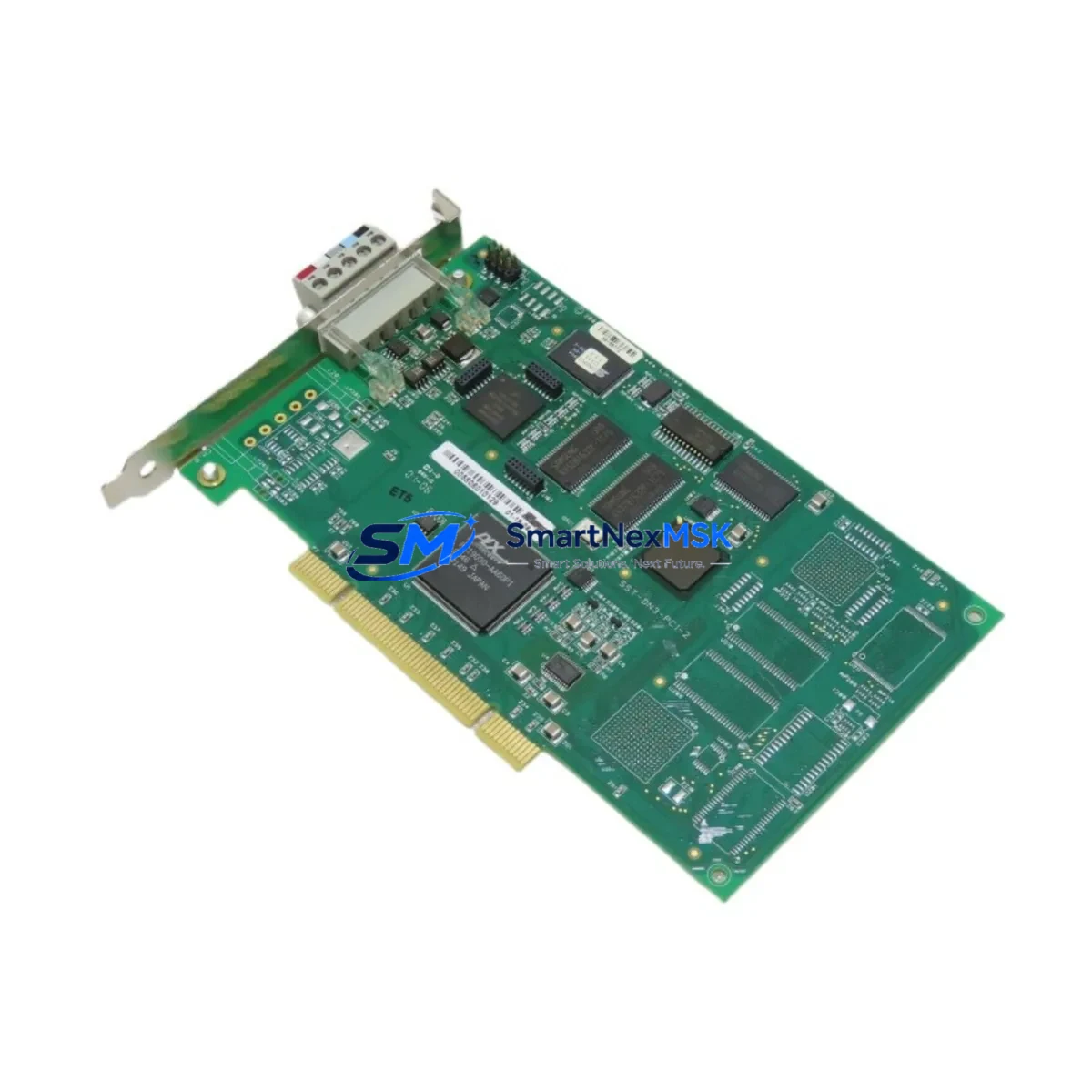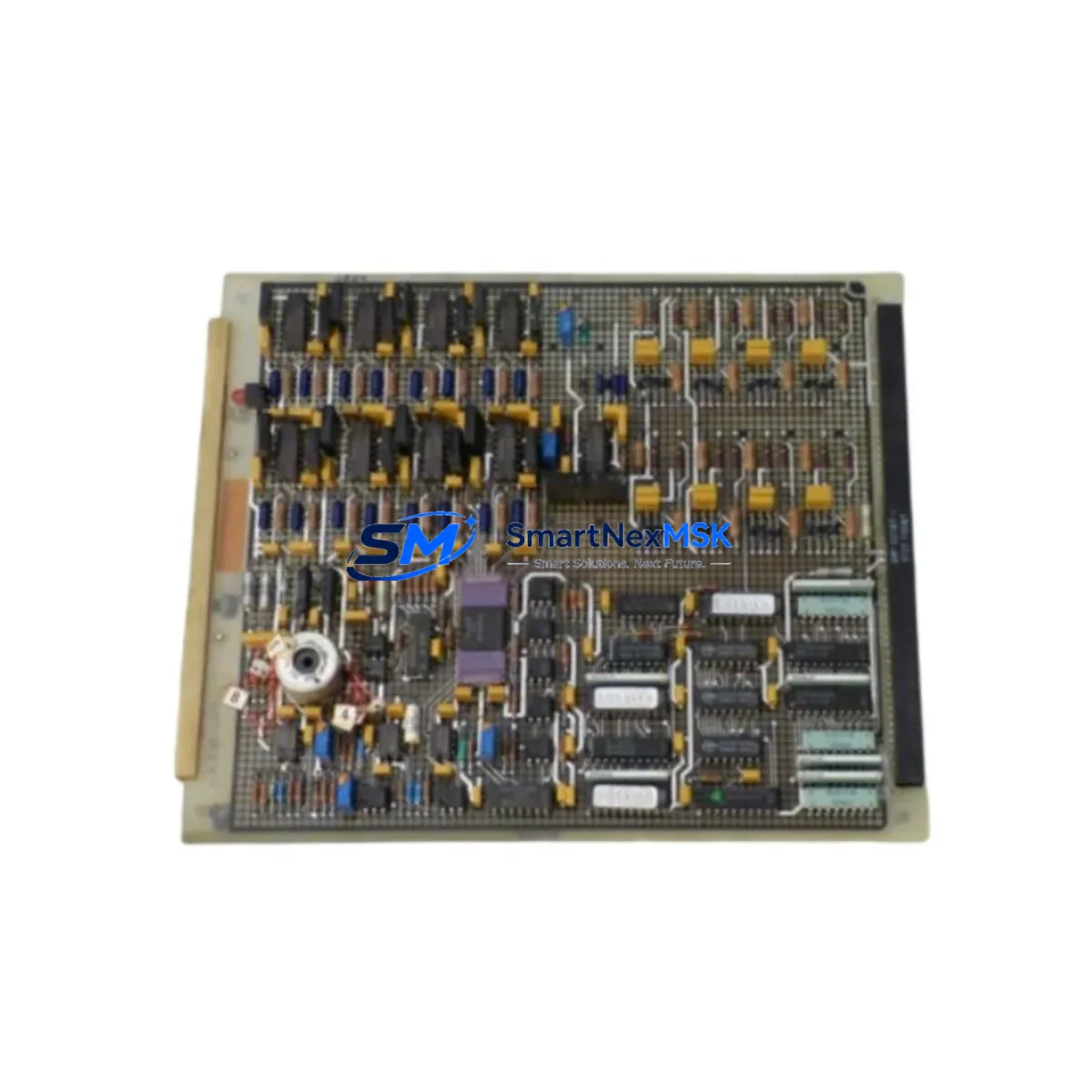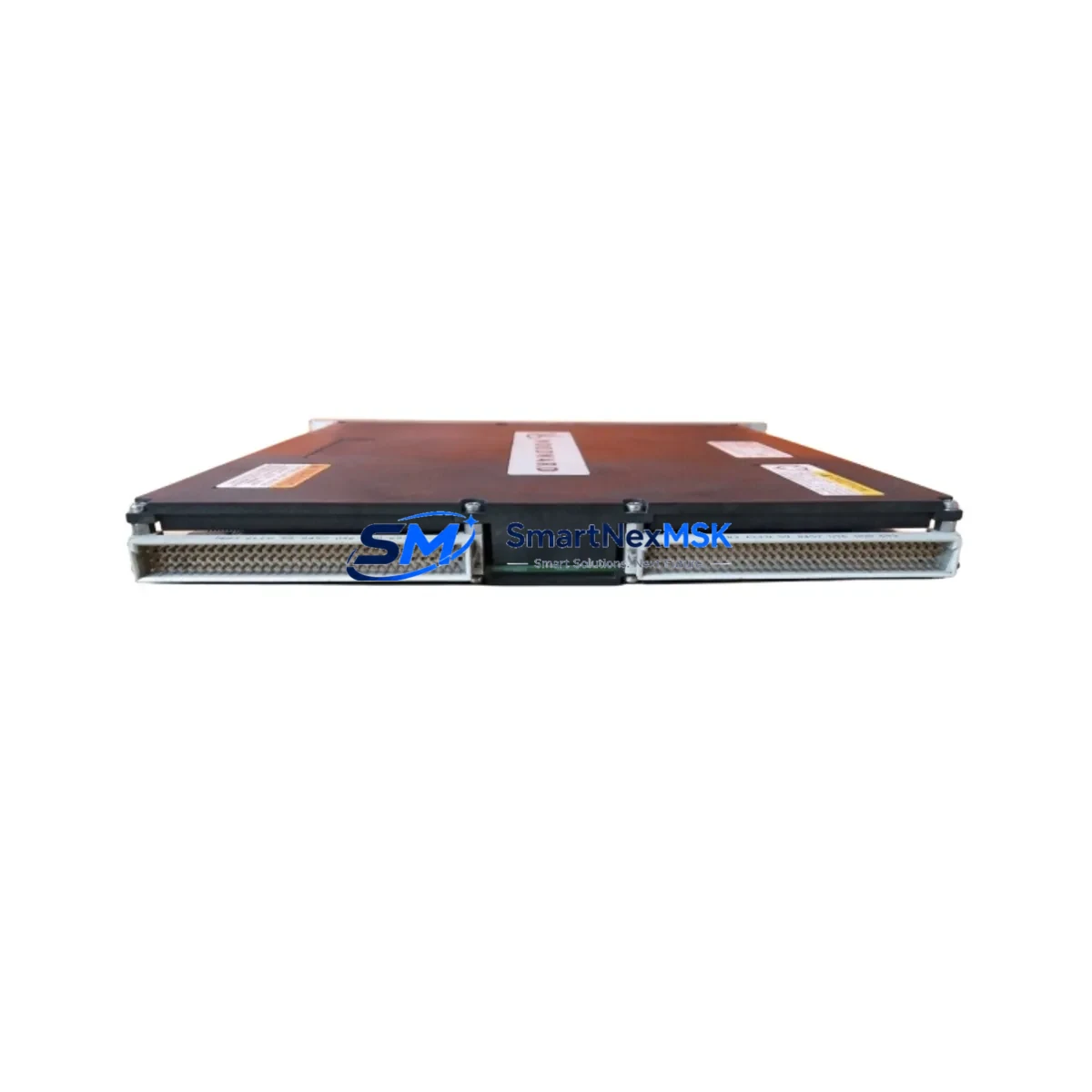
WOODWARD 5501-470 Retrofit-Ready CPU for MicroNet Control Systems
The WOODWARD 5501-470 is a high-reliability CPU module engineered for seamless integration into MicroNet turbine and generator control platforms. As legacy control systems age and OEM support windows close, the 5501-470 has become a critical retrofit component for facilities managing gas turbines, steam turbines, and combined-cycle power generation assets. Whether you are replacing a failed unit, upgrading a degraded control cabinet, or executing a planned modernization of an aging MicroNet rack, the 5501-470 delivers the processing performance and I/O compatibility required to restore full system functionality with minimal engineering rework.
This module is designed to slot directly into the MicroNet backplane without requiring chassis replacement or re-engineering of the existing terminal wiring. Engineers undertaking a retrofit must verify the backplane slot address assignment, confirm that the existing power supply — typically the WOODWARD 5501-306 or 5501-308 power supply module — can sustain the CPU’s rated current draw, and validate that the module firmware revision is compatible with the site’s application software version. Mismatched firmware between the 5501-470 and the resident 5501-472 or 5501-476 I/O expansion modules is a common source of commissioning delays and should be resolved before the replacement unit is installed on-site.
Terminal wiring on the MicroNet platform is routed through dedicated I/O modules rather than directly to the CPU, which simplifies the physical swap. However, technicians should document all existing wiring terminations on the 5501-380 analog input modules and 5501-382 digital input/output modules before powering down the cabinet. Photographic records of the terminal strip assignments, combined with an exported copy of the application program from the existing CPU, provide the baseline needed to validate the replacement unit after installation.
Upgrade Compatibility Table
| Parameter | Detail |
|---|---|
| Compatible Series | WOODWARD MicroNet, MicroNet Plus, MicroNet TMR |
| Backplane Interface | MicroNet standard backplane bus; direct slot replacement |
| Communication Protocols | Modbus RTU, Modbus TCP/IP, CANbus, Ethernet (firmware dependent) |
| Power Supply Compatibility | 5501-306, 5501-308 (verify rail voltage and current capacity) |
| I/O Module Compatibility | 5501-380 (analog in), 5501-382 (digital I/O), 5501-472 expansion |
| Installation Requirement | Slot address configuration via DIP switch or software; firmware match required |
| Replacement Scope | Drop-in for failed or end-of-life 5501-470 units; no chassis modification |
| Commissioning Note | Application program reload required; HMI tag mapping validation recommended |
| Warranty | 12-Month Warranty — covers manufacturing defects and functional failure |
| Shipping | Global express shipping; export documentation available on request |
Retrofit Planning for Existing Automation Systems
A successful MicroNet retrofit begins well before the replacement module arrives on-site. The engineering team should audit the full control cabinet inventory, identifying every active component: the existing 5501-470 CPU, any installed 5501-472 remote I/O expansion modules, the 5501-306 or 5501-308 power supply, and all 5501-380 and 5501-382 signal conditioning modules. Each of these components has a defined role in the control loop, and the replacement CPU must be configured to recognize and communicate with each one at the correct module address.
Communication architecture is a frequent source of retrofit complexity. Many legacy MicroNet installations rely on Modbus RTU links to upstream DCS platforms or SCADA systems, and the 5501-470 must be configured with the correct baud rate, parity, and device address to maintain those links without interruption. Sites that have begun migrating toward Ethernet-based supervisory control should verify whether the installed firmware on the replacement CPU supports Modbus TCP/IP natively or requires a protocol converter. In either case, the communication link to the plant historian or DCS — often a Honeywell Experion, Emerson DeltaV, or ABB 800xA system — must be validated as part of the commissioning checklist.
HMI screen mapping is another area that requires careful pre-planning. If the site operates a panel-mounted HMI or a PC-based operator interface linked to the MicroNet CPU via serial or Ethernet, the tag database must be verified against the replacement module’s address map. Any discrepancy between the CPU’s internal variable addresses and the HMI’s configured tag list will result in display errors or loss of operator visibility during startup. Resolving these mapping issues in a simulation environment before the physical swap significantly reduces the risk of extended downtime.
For sites managing multiple turbine trains, it is common practice to stage the replacement on a non-critical unit first, using the commissioning experience to refine the procedure before applying it to the primary train. This approach also allows the maintenance team to validate the programming cable connection — typically a WOODWARD 5501-258 or compatible USB-to-serial adapter — and confirm that the application software can be successfully uploaded and verified on the replacement CPU before the critical unit is taken offline.
Downtime Control During System Migration
Minimizing unplanned downtime during a CPU replacement requires a structured pre-outage preparation protocol. Before the maintenance window opens, the site team should export and archive the complete application program from the existing 5501-470, including all tunable parameters, setpoints, and calibration offsets. This backup serves as both the restore image for the replacement unit and the reference document for post-installation verification.
The physical swap itself — removing the failed CPU from the MicroNet backplane and seating the replacement — typically takes less than thirty minutes when the cabinet is properly documented and the replacement unit has been pre-configured off-line. The majority of the maintenance window is consumed by program loading, communication link verification, I/O loop checks, and HMI validation. A well-prepared team with a complete commissioning checklist can complete a full MicroNet CPU replacement and return the turbine to service within a four-to-six hour window, even on complex multi-train installations.
To protect original program logic during the transition, the replacement CPU should never be powered up on the live backplane without first confirming that the application program has been successfully loaded and verified in offline simulation. Powering an unconfigured CPU on a live MicroNet rack risks overwriting shared memory registers and disrupting the I/O module address table, which can extend the recovery time significantly. Following a disciplined load-verify-commission sequence preserves control continuity and protects the integrity of the existing automation logic.
Retrofit Support FAQ
Q: Is the WOODWARD 5501-470 a direct drop-in replacement for an existing failed unit?
A: Yes. The 5501-470 is designed for direct backplane replacement within the MicroNet chassis. No mechanical modification to the rack or cabinet is required. The replacement unit must be configured with the correct slot address and loaded with the site’s application program before being placed in service.
Q: What commissioning steps are required after installing the replacement CPU?
A: After physical installation, the technician must load the application program via the programming port, verify all I/O module communications, confirm Modbus or Ethernet link integrity to the upstream DCS or SCADA system, validate HMI tag mapping, and perform a full I/O loop check before returning the turbine to automatic control.
Q: How do I confirm wiring compatibility between the 5501-470 and my existing terminal modules?
A: The 5501-470 CPU does not terminate field wiring directly. All analog and digital signals are routed through the 5501-380 and 5501-382 I/O modules, which remain in place during the CPU swap. Verify that the I/O module firmware versions are compatible with the replacement CPU firmware before installation.
Q: What does the 12-month warranty cover?
A: The 12-month warranty covers manufacturing defects and functional failure under normal operating conditions. Each unit undergoes functional testing prior to shipment. Warranty claims are supported with replacement or repair at no additional cost. Contact our technical team for warranty registration and claim procedures.
© 2026 SMARTNEXMSK. All rights reserved.
Original Source: https://smartnexmsk.com
Contact: [email protected] | +86 18259474341