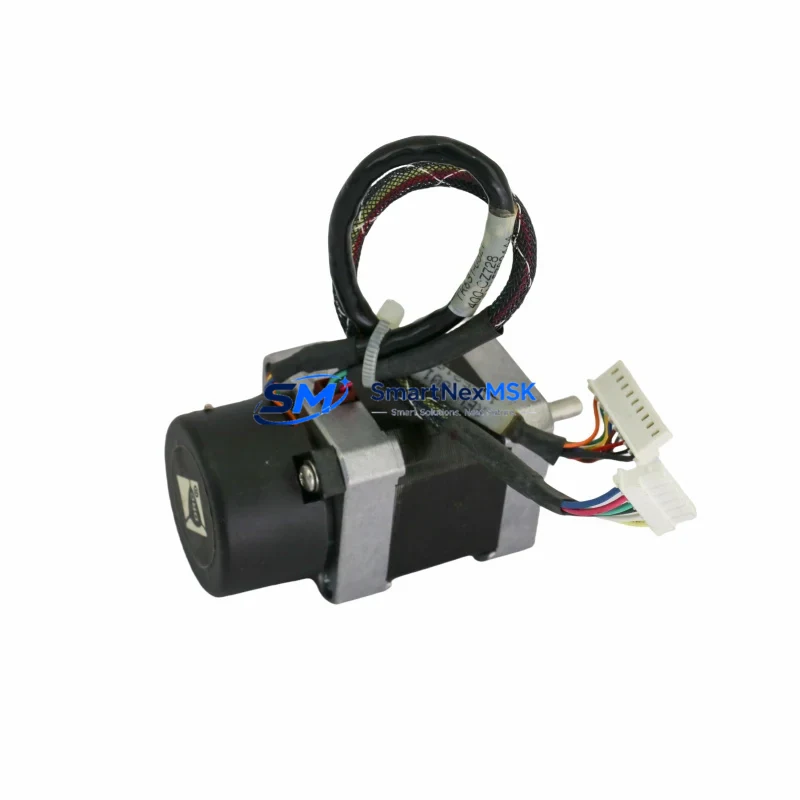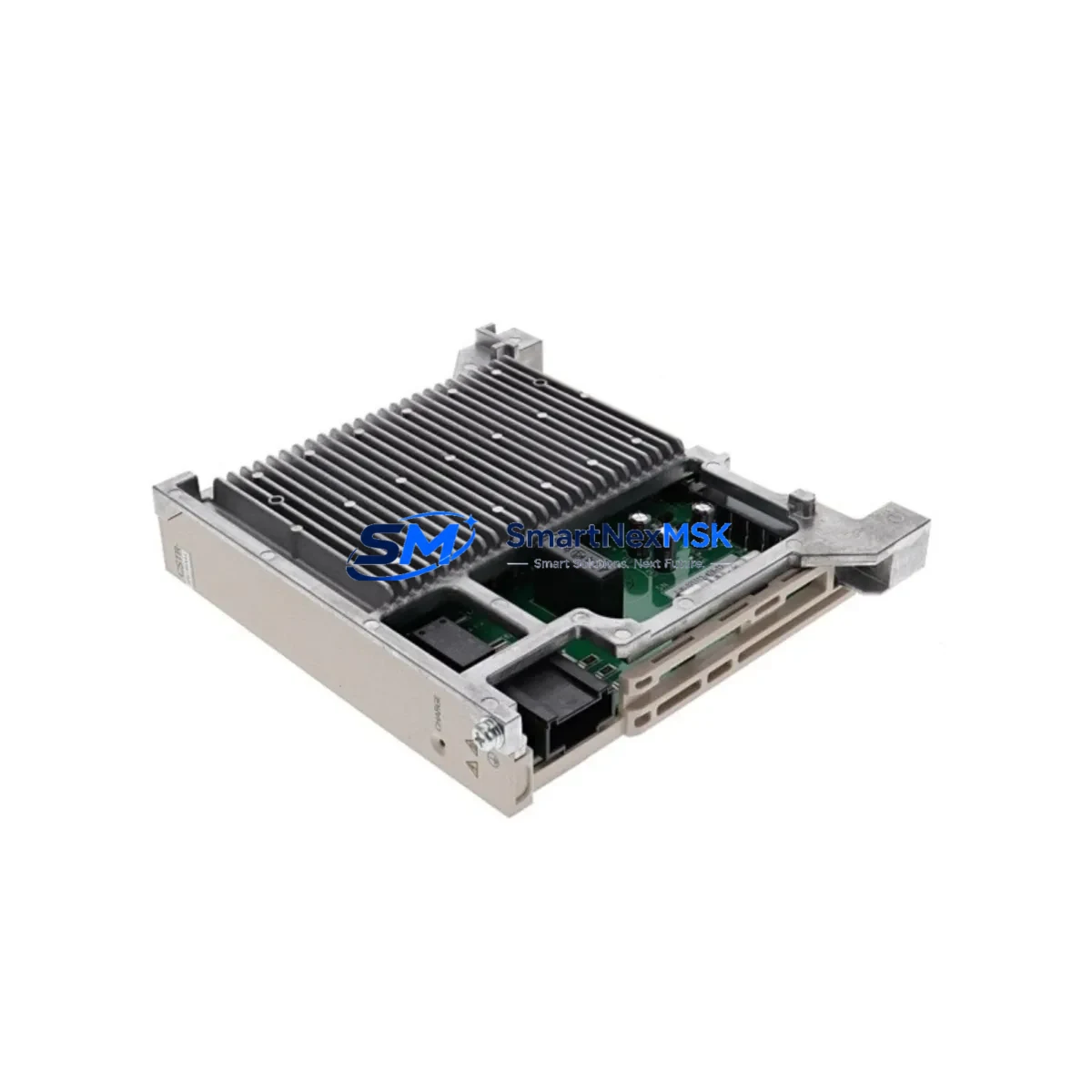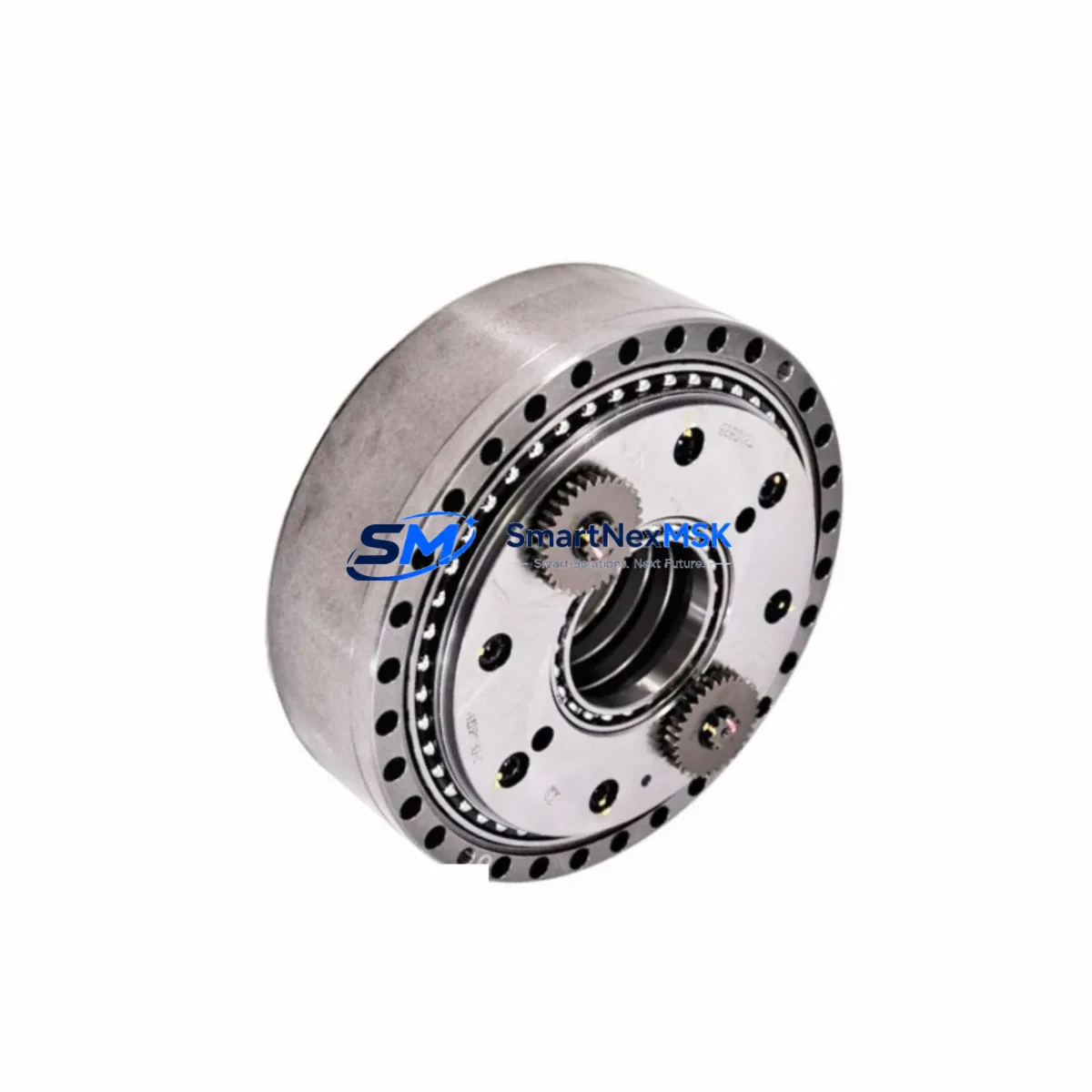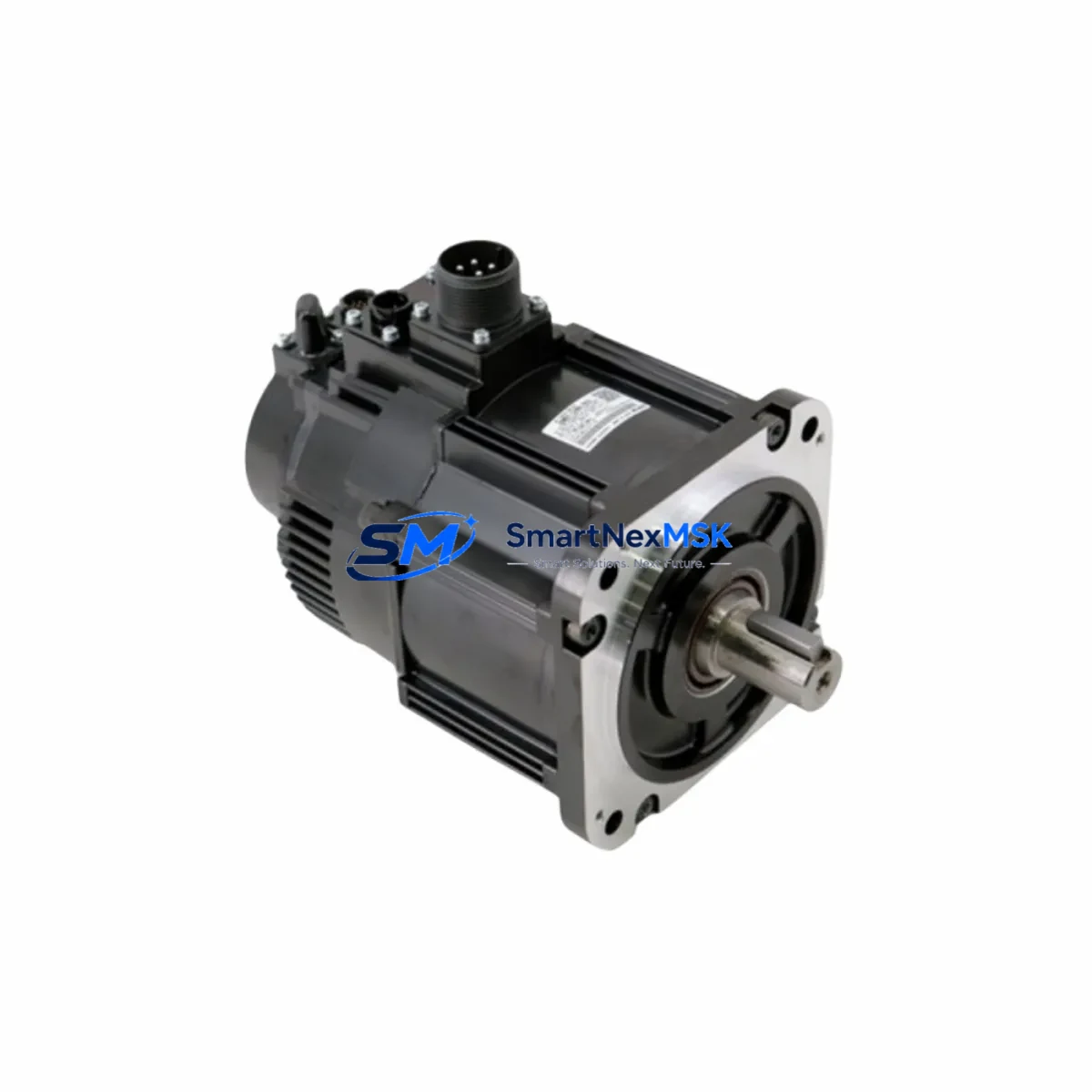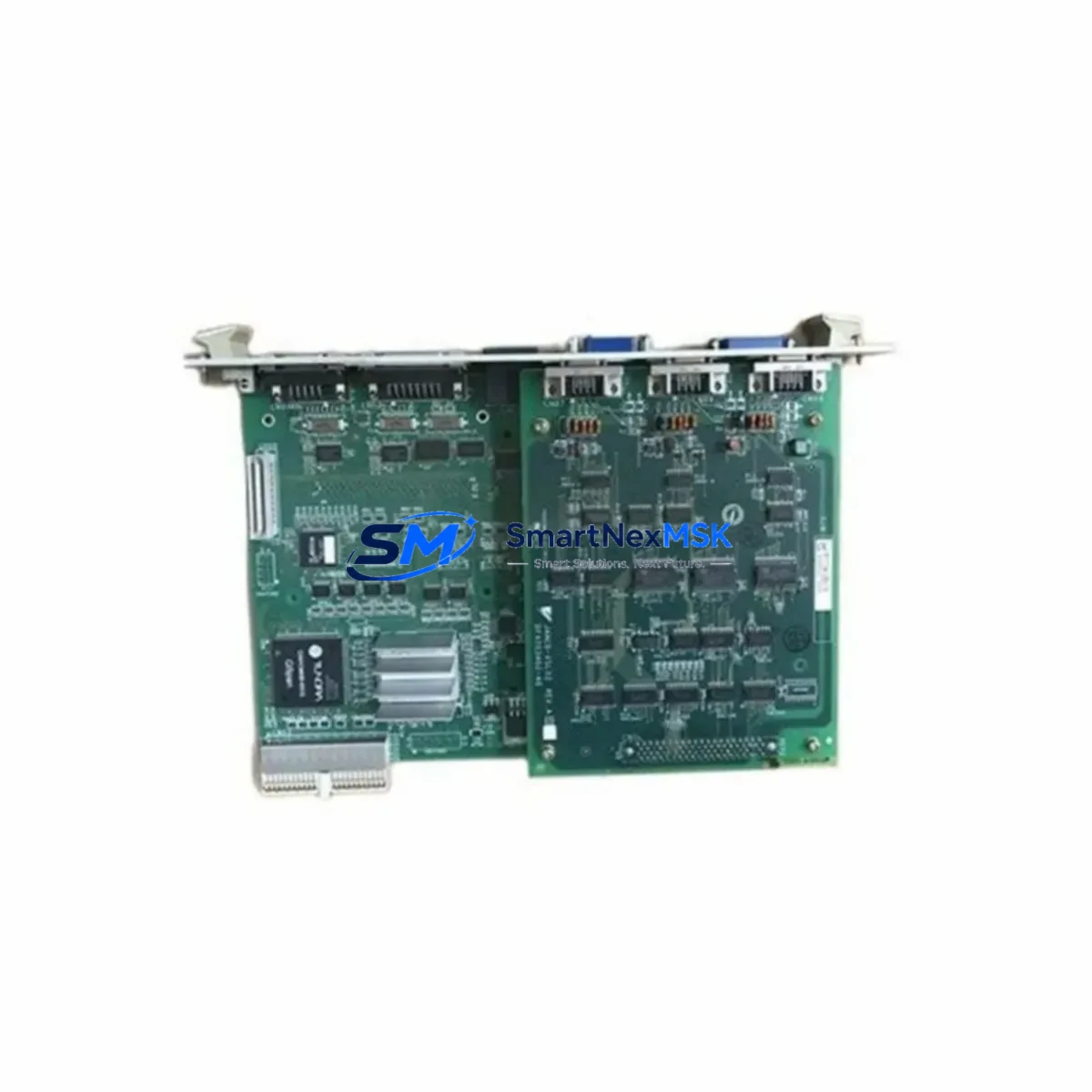
Yaskawa RECW20D50-201-1 Retrofit-Ready Motion PCB for NX100 Control Systems
The Yaskawa RECW20D50-201-1 is a motion control PCB designed for seamless integration into NX100 and YRC1000 robot controller platforms. As production lines age and OEM support windows close, this board has become a critical retrofit component for facilities managing Motoman robot arms across automotive, electronics, and general manufacturing environments. Whether you are replacing a failed unit in an NX100 cabinet or upgrading a legacy system toward YRC1000 architecture, the RECW20D50-201-1 provides a verified, drop-in compatible solution that minimizes engineering risk and reduces unplanned downtime.
This PCB handles axis motion coordination, encoder signal processing, and servo command distribution within the robot controller backplane. It interfaces directly with the JANCD-NCP02 CPU board and communicates with downstream servo amplifier units via the internal high-speed bus. Facilities that have previously operated with the CSRA-SDCA01AA servo drive board will find the signal interface and connector pinout fully compatible, eliminating the need for custom wiring adapters during the swap procedure.
Upgrade Compatibility Table
| Parameter | Detail |
|---|---|
| Compatible Controller | NX100, YRC1000 |
| Replaces / Supersedes | RECW20D50-201-1 (same SKU, OEM-equivalent) |
| Backplane Interface | NX100 / YRC1000 standard backplane slot — no adapter required |
| Communication Protocol | Yaskawa internal high-speed serial bus (MECHATROLINK-compatible path) |
| CPU Board Compatibility | JANCD-NCP02 and equivalent NX100 CPU modules |
| Servo Drive Compatibility | CSRA-SDCA01AA and standard NX100/YRC1000 servo amplifier series |
| Installation Requirement | Controller power-off, ESD precautions, module address re-confirmation |
| Retrofit Recommendation | Direct replacement; verify firmware version on JANCD-NCP02 before power-on |
| Commissioning Focus | Axis parameter reload, encoder zero-point verification, teach pendant alarm clear |
| Warranty | 12 months from date of shipment |
Retrofit Planning for Existing Automation Systems
Successful integration of the RECW20D50-201-1 into an existing NX100 cabinet begins well before the board arrives on site. Engineers should first audit the controller’s power supply unit — typically a JZNC-NZP01 or equivalent NX100 PSU — to confirm that the 24 VDC and 5 VDC rails are within tolerance. A degraded power supply is a common root cause of repeated PCB failures and must be ruled out before committing to a board replacement.
Next, document the existing terminal wiring on the I/O interface board, usually a JANCD-NIO01 or JANCD-NIO02 panel, before disconnecting any cables. Photograph each connector position and label all field wiring. The RECW20D50-201-1 does not alter the I/O mapping, but physical disturbance during installation can introduce wiring errors that are difficult to trace after power-on. If the system uses a DeviceNet or Profibus communication card installed in an adjacent backplane slot, note the node address and baud rate settings before removal, as these parameters will need to be re-entered or verified after the controller restarts.
For facilities running Motoman NX100 systems with a DX100 teach pendant or an older XRC-era programming cable, confirm that the programming interface remains compatible with the replacement board. The RECW20D50-201-1 does not change the teach pendant communication path, but if the site is simultaneously migrating HMI screens from an older operator panel to a newer touch-screen interface, the HMI tag mapping should be validated against the robot job files stored in the JANCD-NCP02 memory before the old board is removed.
Facilities that operate multiple robot cells sharing a common safety relay circuit or a JZNC-NZE01 emergency stop expansion board should isolate the affected cell completely before beginning the swap. Confirm that the safety PLC — often a third-party unit from Siemens or Allen-Bradley installed in the same control cabinet — has been placed in a safe state and that all robot axes are in a mechanically locked or gravity-compensated position. After the RECW20D50-201-1 is seated and secured, reload the axis parameters from the backup file, verify encoder feedback on each axis through the teach pendant diagnostic screen, and perform a slow-speed test cycle before returning the cell to production speed.
Downtime Control During System Migration
Unplanned downtime during a motion PCB replacement is the primary concern for production managers. The RECW20D50-201-1 is shipped pre-tested and ready for installation, which eliminates the bench-testing phase that adds hours to a typical repair cycle. To further compress the maintenance window, prepare a complete replacement kit before the scheduled outage: have the board, a fresh set of ESD bags, a torque screwdriver set to the backplane screw specification, and a laptop loaded with the Yaskawa MotoSim or INFORM job backup utility ready at the cabinet door.
Back up the robot program, system parameters, and I/O configuration to an external USB drive or the site’s DNC server before powering down. The JANCD-NCP02 CPU board retains program memory independently of the RECW20D50-201-1, so a clean board swap should not result in program loss — but a verified backup eliminates any risk. After installation, the controller typically requires a cold restart followed by an alarm history clear. Axis zero-point calibration should be confirmed using the master jig or the stored calibration data file. In most NX100 installations, the full swap and recommission sequence can be completed within two to four hours by a qualified Yaskawa-trained technician, keeping the production impact within a single shift.
For facilities that cannot tolerate even a planned outage, consider maintaining a spare RECW20D50-201-1 in the site’s critical spares inventory alongside a spare JANCD-NCP02 and a spare NX100 power supply unit. This three-component kit covers the most common failure modes in an aging NX100 controller and allows a full controller recovery within the same shift window.
Retrofit Support FAQ
Q1: Is the RECW20D50-201-1 a direct replacement for the original Yaskawa part, or does it require firmware updates?
The RECW20D50-201-1 supplied by SMARTNEXMSK is an OEM-equivalent replacement that matches the original Yaskawa specification. In most NX100 installations, no firmware update is required on the replacement board itself. However, we recommend verifying that the JANCD-NCP02 CPU board is running a firmware version that is compatible with your robot model and job file format before power-on. If a firmware mismatch is detected, our technical team can advise on the correct update path.
Q2: What wiring or terminal changes are needed when installing this board?
The RECW20D50-201-1 uses the standard NX100 backplane connector and does not require any field wiring changes at the terminal block level. The board seats directly into the designated backplane slot. The only adjustment typically required is re-confirming the module address setting via the teach pendant after the first power-on, and clearing any axis-related alarms that appear during the initialization sequence.
Q3: How is the board tested before shipment, and what does the 12-month warranty cover?
Every RECW20D50-201-1 unit undergoes functional testing on a compatible NX100 test rig before shipment. The 12-month warranty covers defects in materials and workmanship under normal operating conditions. It does not cover damage caused by incorrect installation, overvoltage events, or physical impact. Warranty claims are processed through our sales team at [email protected], and replacement units are dispatched within 3 business days of claim approval.
Q4: Can this board be used in a YRC1000 controller as well as the NX100?
Yes. The RECW20D50-201-1 is compatible with both the NX100 and YRC1000 controller platforms. When installing in a YRC1000 cabinet, verify the backplane slot assignment against the YRC1000 hardware manual, as slot numbering conventions differ slightly from the NX100. The communication protocol and servo interface remain compatible across both platforms, and no additional adapter hardware is required.
© 2026 SMARTNEXMSK. All rights reserved.
Original Source: https://smartnexmsk.com
Contact: [email protected] | +86 18259474341