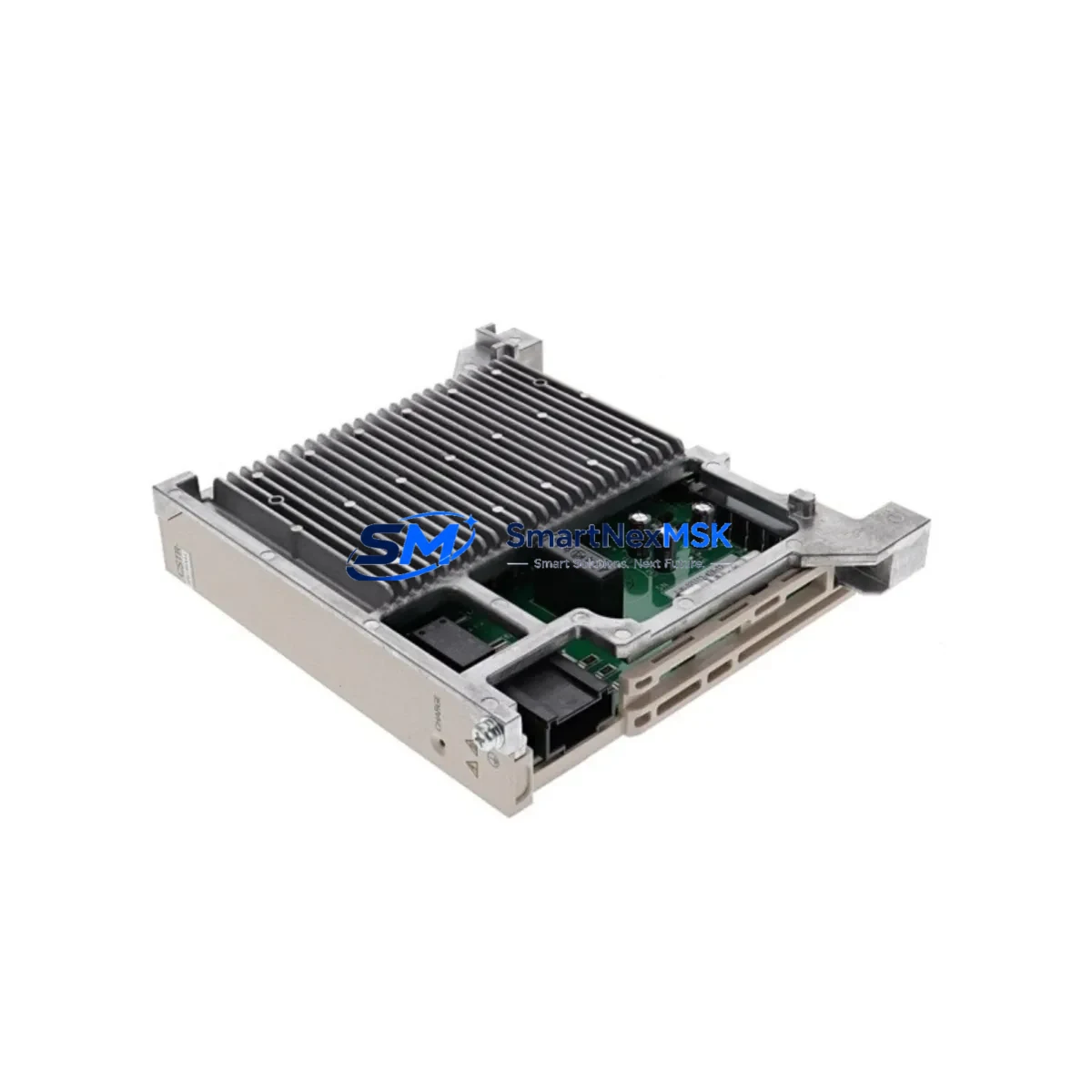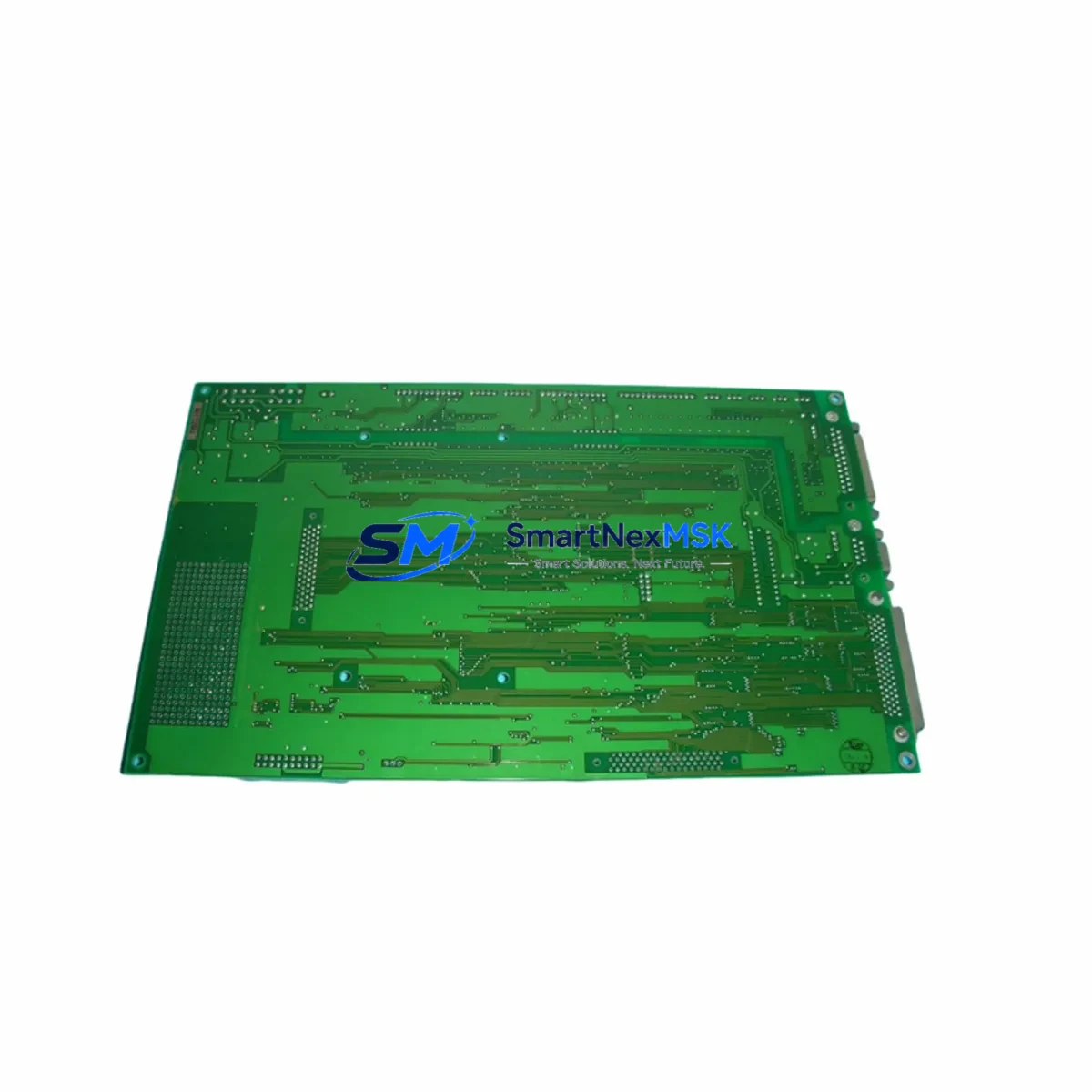
YASKAWA F350604-1 Retrofit-Ready Control Board for AC Drive Series: Compatible Upgrade for Legacy Control Systems
The YASKAWA F350604-1 is a retrofit-ready AC drive control board engineered to serve as a direct replacement for aging or discontinued drive control assemblies within the YASKAWA AC drive product family. As industrial facilities face increasing pressure to maintain uptime on legacy automation infrastructure, the F350604-1 provides a reliable, specification-matched upgrade path that eliminates the need for full drive replacement. Whether you are managing a planned modernization project or responding to an unplanned failure on the production floor, this control board is stocked, tested, and ready for immediate deployment.
Designed for compatibility with YASKAWA’s established AC drive platforms, the F350604-1 integrates directly into existing drive enclosures without requiring modifications to the power stage, gate driver board, or cooling assembly. Engineers responsible for maintaining YASKAWA E7, F7, G7, or P7 series drives will find the F350604-1 particularly relevant as a control-layer replacement when the power hardware remains serviceable but the control board has reached end of life or suffered damage from voltage transients, moisture ingress, or component aging.
Upgrade Compatibility Table
| Parameter | Details |
|---|---|
| Compatible Drive Series | YASKAWA E7, F7, G7, P7 AC Drive Series |
| Replaced SKU | F350604-1 (OEM equivalent control board) |
| Mounting Interface | Standard YASKAWA backplane connector; no mechanical modification required |
| Communication Compatibility | MEMOBUS/Modbus RTU; optional PROFIBUS, DeviceNet, CANopen via option card slot |
| Power Supply Input | Internal SMPS from drive DC bus; verify bus voltage within rated range before installation |
| Parameter Retention | Upload existing parameters via DriveWizard or JVOP-160 operator keypad before swap |
| Firmware Compatibility | Confirm drive firmware version; reflash if required using YASKAWA programming tool |
| Installation Requirement | ESD precautions mandatory; torque terminal screws to specification |
| Commissioning | Auto-tune recommended post-installation; verify I/O signal mapping |
| Warranty | 12 Months from date of shipment; covers manufacturing defects and functional failure |
Retrofit Planning for Existing Automation Systems
Successful retrofit of the F350604-1 begins well before the physical swap. Technicians should first perform a full parameter backup using the JVOP-160 digital operator or DriveWizard Industrial software, capturing all A, b, C, d, E, F, H, L, n, and o parameter groups. This backup protects the motor tuning data, acceleration/deceleration ramp profiles, and PID loop settings that have been optimized for the specific load over years of operation.
Before removing the existing control board, verify that the 24VDC control power supply feeding the I/O terminals is isolated. The F350604-1 interfaces with the same multi-pin backplane connector used across the YASKAWA G7 and F7 control board generations, but technicians should cross-reference the terminal block layout against the existing wiring diagram to confirm analog input scaling (0–10V or 4–20mA), digital input sink/source configuration, and relay output contact ratings. If the existing installation uses a SI-N3 PROFIBUS option card or an SI-C3 CANopen card, these can be transferred directly to the F350604-1 option card slot without reconfiguration, preserving the fieldbus node address and baud rate settings.
For facilities running YASKAWA DriveWorks EZ application programs, verify that the application logic stored in the A1-07 parameter group is compatible with the replacement board’s firmware revision. In most cases, the program can be reloaded via the USB port on the JVOP-160 operator or through the RS-422 port using DriveWizard. If the control cabinet also houses a YASKAWA MP2300 machine controller or a CP-9200SH programmable controller communicating with the drive over MEMOBUS, confirm that the register map and polling cycle remain unchanged after the board swap to avoid communication faults at the PLC level.
I/O expansion modules connected to the drive’s option slots — such as the DO-A3 digital output card or the AI-A3 analog input card — should be inspected for corrosion or connector wear during the retrofit window. Replacing these alongside the F350604-1 control board during a planned maintenance window reduces the risk of secondary failures after the system is returned to service. Similarly, if the installation includes a YASKAWA JVOP-182 USB copy unit for parameter cloning across multiple drives of the same model, this is an ideal time to refresh the parameter set stored on the copy unit to reflect any tuning changes made since the original commissioning.
Downtime Control During System Migration
Minimizing production downtime during a control board replacement requires a structured pre-outage preparation protocol. Begin by scheduling the swap during a planned maintenance window and pre-staging all required tools, torque drivers, ESD wrist straps, and the replacement F350604-1 board at the work site. Having a pre-verified parameter backup file on the JVOP-160 operator or on a laptop running DriveWizard eliminates the single largest source of extended downtime — parameter re-entry from paper records.
Once the drive is de-energized and the DC bus has discharged to safe levels (verify with a calibrated multimeter; YASKAWA specifies waiting a minimum of five minutes after power-off for drives above 22kW), the control board can be removed by releasing the backplane locking tabs and disconnecting the ribbon cable to the gate driver board. The F350604-1 replacement board should be installed in reverse order, with particular attention to the ribbon cable orientation and the backplane connector seating depth.
After physical installation, restore power and load the parameter backup before initiating any run command. Perform a stationary auto-tune if the motor nameplate data has changed or if the original tuning data is unavailable. Verify all digital input and output signals against the I/O checklist, confirm the communication link to the upstream MEMOBUS master or PROFIBUS controller, and run the drive at low speed in local mode before returning to remote control. A structured commissioning checklist executed in this sequence typically returns the drive to full production service within 60 to 90 minutes of the initial power-down, keeping unplanned downtime to an absolute minimum.
Retrofit Support FAQ
Q1: Is the F350604-1 a direct drop-in replacement for the original YASKAWA control board in E7 and G7 series drives?
A: Yes. The F350604-1 uses the same backplane connector and mounting footprint as the original control board in compatible YASKAWA AC drive models. No mechanical modification to the drive chassis is required. Confirm the drive’s model number and power rating against the compatibility table before ordering.
Q2: Do I need to re-enter all drive parameters after installing the F350604-1?
A: Parameters are stored on the control board, so a replacement board will ship with factory defaults. You must restore your site-specific parameter set from a backup. Use the JVOP-160 digital operator’s parameter copy function or DriveWizard Industrial to upload the backup file. Always perform a backup before removing the original board.
Q3: What communication protocols does the F350604-1 support, and will my existing fieldbus connection work?
A: The F350604-1 natively supports MEMOBUS/Modbus RTU via the RS-422/485 port. Optional fieldbus protocols including PROFIBUS DP, DeviceNet, and CANopen are supported through the drive’s option card slot. Existing option cards (SI-N3, SI-C3, etc.) can be transferred from the original board to the replacement without reconfiguration.
Q4: What does the 12-month warranty cover, and how is it processed?
A: The 12-month warranty covers manufacturing defects and functional failure under normal operating conditions from the date of shipment. Warranty claims are processed by contacting our technical support team with the order reference and a description of the fault. We provide advance replacement where stock permits to minimize your downtime exposure. Physical damage, incorrect installation, or operation outside rated parameters are excluded from warranty coverage.
© 2026 SMARTNEXMSK. All rights reserved.
Original Source: https://smartnexmsk.com
Contact: [email protected] | +86 18259474341