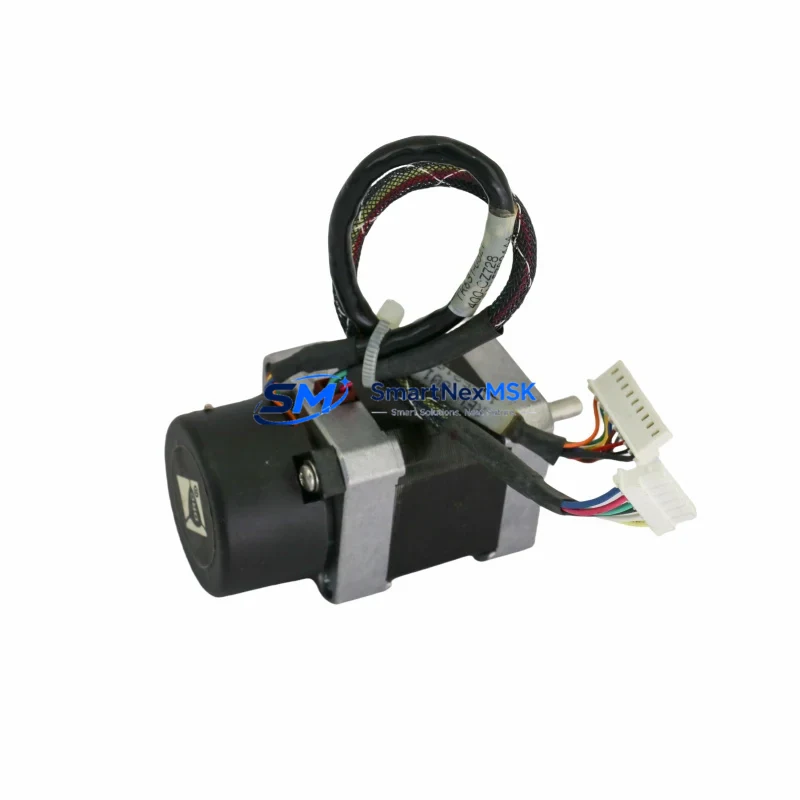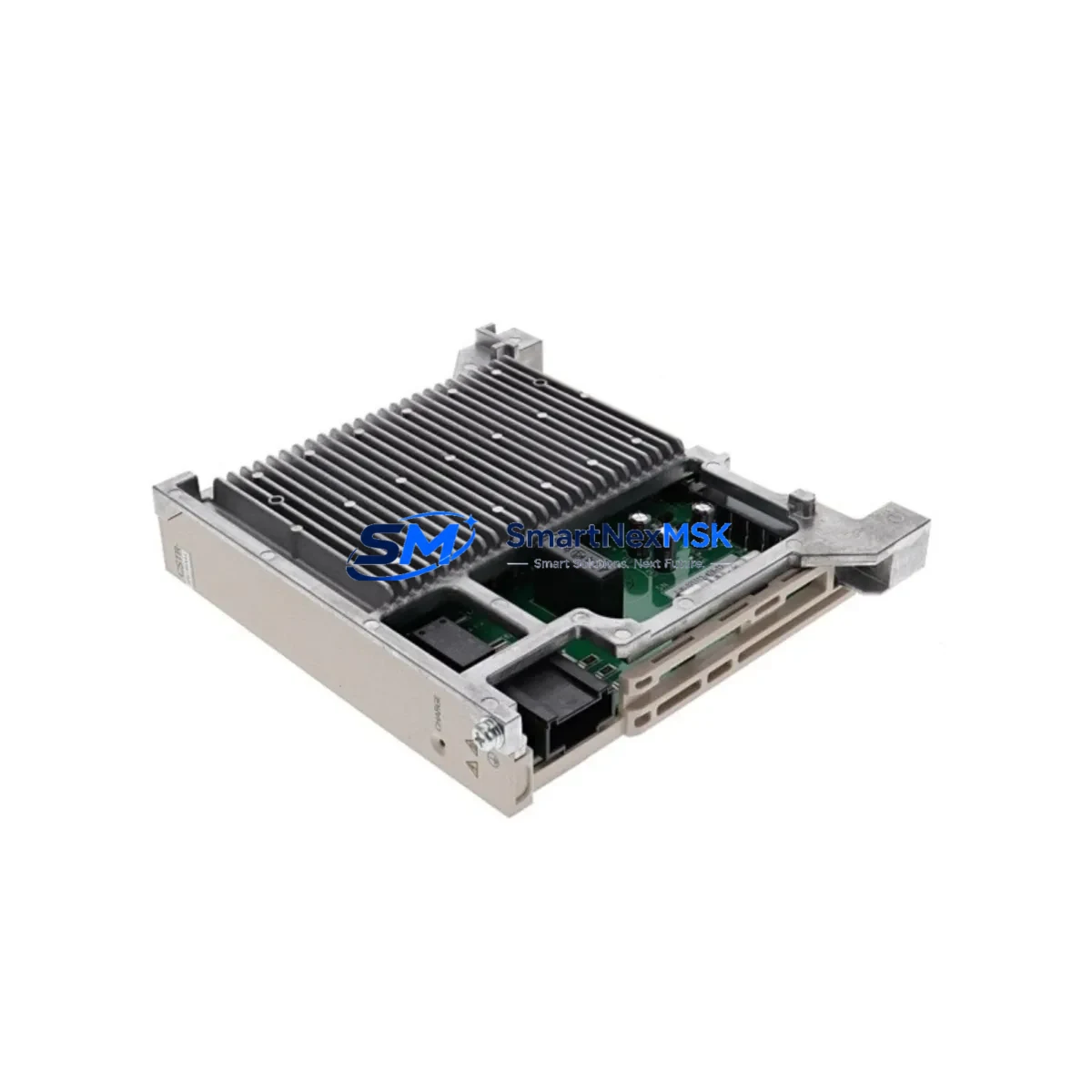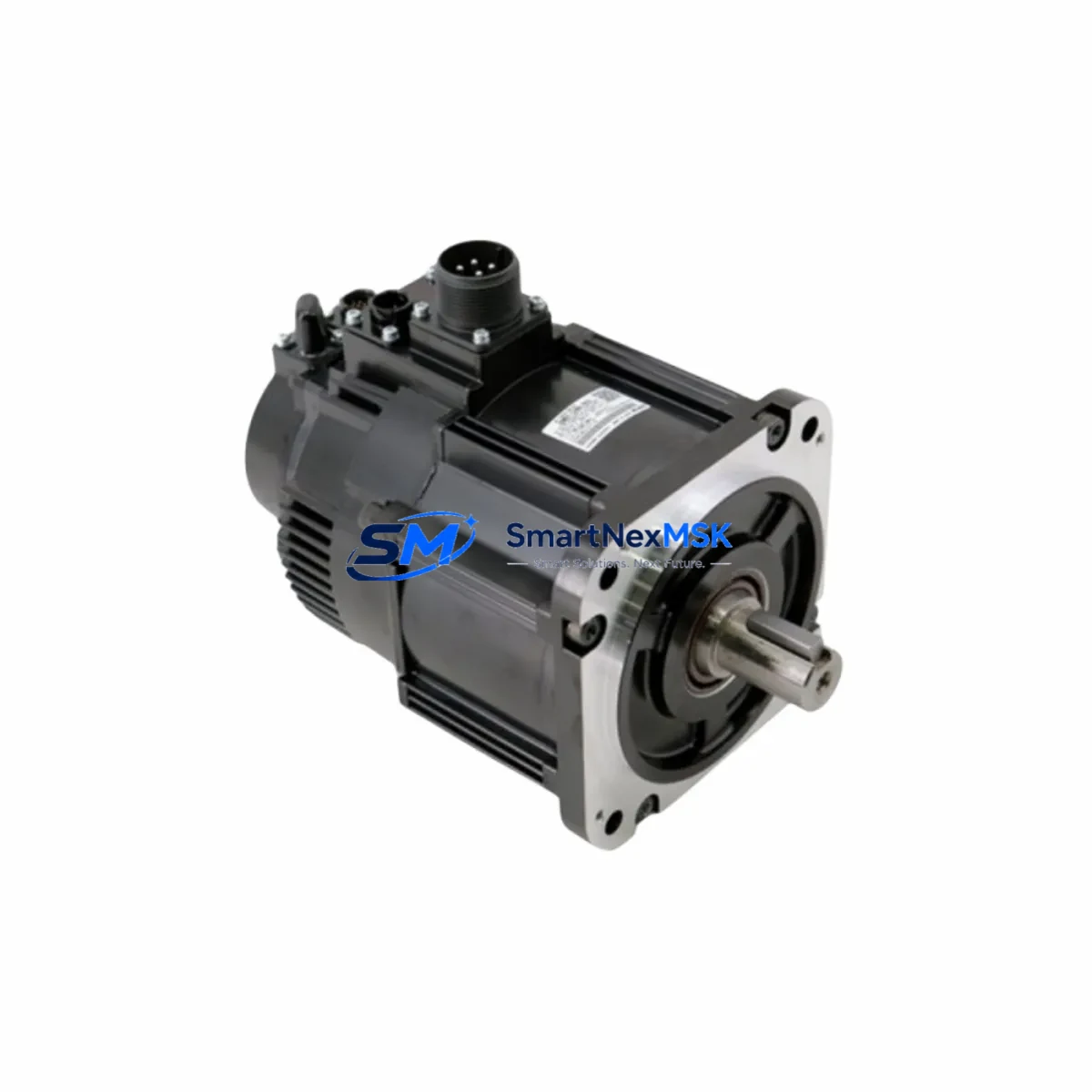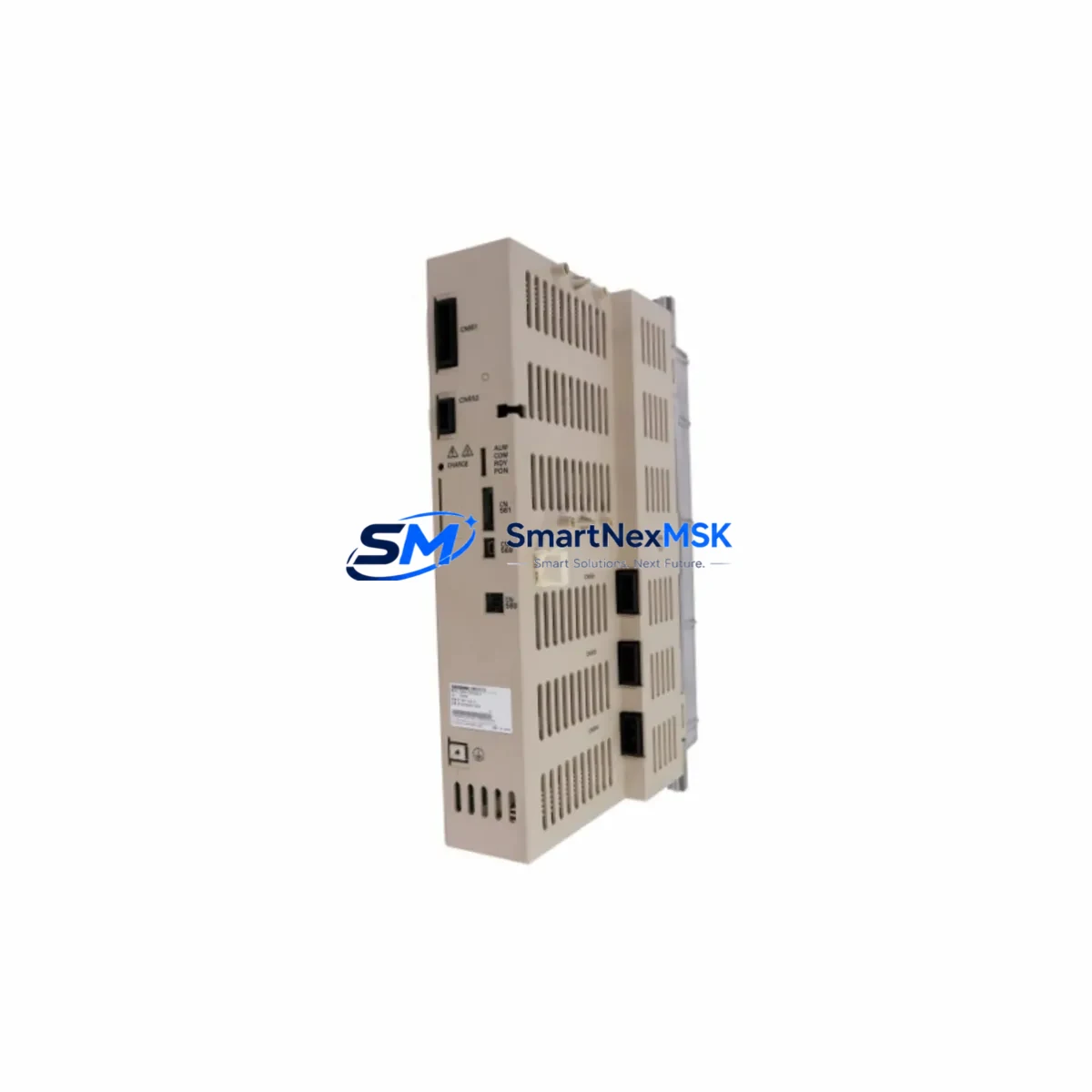
Yaskawa YRC1000 Maintenance-Ready Spare for Motoman YRC Automation
The Yaskawa YRC1000 is the dedicated robot controller for the Motoman YRC Series of industrial robots, widely deployed across automotive assembly, arc welding, material handling, and precision manufacturing lines worldwide. When a YRC1000 controller fails or reaches end-of-service life, every minute of unplanned downtime translates directly into production loss and schedule disruption. Sourcing a verified, original-specification spare unit is the fastest path to restoring full robot operation without compromising system integrity or safety certification.
At SMARTNEXMSK, we supply the Yaskawa YRC1000 as a maintenance-ready spare — inspected, function-tested, and shipped with full documentation. Whether you are executing a planned overhaul, responding to an emergency fault, or building a strategic spare parts buffer for a multi-robot cell, the YRC1000 we supply is ready for immediate installation. Our inventory is maintained to support both single-unit urgent orders and bulk procurement for large-scale maintenance programs, with consistent lead times and a 12-month warranty on every unit.
Maintenance engineers and procurement teams working with Motoman robot systems understand that the YRC1000 controller does not operate in isolation. A complete maintenance response requires evaluating the entire electrical and control architecture around the controller — from the teach pendant (YRC1000 DX200-compatible programming unit) and servo amplifier modules to the power supply unit, safety I/O board, and communication interface cards. When replacing the YRC1000, it is standard practice to simultaneously inspect the robot cable harness connecting the controller to the manipulator, verify the integrity of the emergency stop circuit and safety relay module, and confirm that the DeviceNet or EtherNet/IP communication module is correctly configured for the new controller unit. Overlooking these adjacent components is a common cause of repeat faults after controller replacement.
Spare Maintenance Table
| SKU | YRC1000 |
| Brand | Yaskawa |
| Series | Motoman YRC Series |
| Product Type | Robot Controller |
| Origin | Japan |
| Compatible Robots | Motoman YRC Series (GP, HC, MPL, MPX, MH, MA families) |
| Control Axes | Up to 8 axes (robot + external axes) |
| Power Supply Input | Three-phase 200–230 VAC, 50/60 Hz |
| Communication Interfaces | EtherNet/IP, DeviceNet, PROFIBUS, Ethernet (standard) |
| Safety Standard | ISO 10218-1, IEC 62061, PLd Cat.3 |
| Operating Temperature | 0°C to 45°C (controller cabinet interior) |
| Enclosure Rating | IP54 (standard cabinet) |
| Installation | Floor-mount or rack-mount cabinet; direct cable harness connection to manipulator |
| Maintenance Recommendation | Inspect servo amplifier modules, power supply unit, safety I/O board, and teach pendant cable at time of controller replacement |
| Warranty | 12 Months — covers functional defects under normal industrial operating conditions |
| Condition | Original specification; function-tested prior to shipment |
| Lead Time | Confirmed at order; urgent dispatch available |
Maintenance Planning for Continuous Operation
A structured maintenance plan for any Motoman YRC1000-controlled robot cell must account for the interdependencies between the controller and the surrounding electrical infrastructure. When scheduling a YRC1000 replacement — whether as a corrective action after a fault alarm or as a proactive swap during a planned shutdown window — maintenance engineers should use the opportunity to conduct a comprehensive inspection of the control cabinet and associated field wiring.
Begin with the servo amplifier modules inside the YRC1000 cabinet. These units are subject to thermal cycling stress and capacitor aging, and a controller replacement that leaves degraded servo amplifiers in place risks a secondary failure within weeks. Next, verify the power supply unit (PSU) output voltages — the YRC1000 relies on stable 24 VDC logic power, and a marginal PSU will cause intermittent controller faults that are difficult to diagnose after reinstallation. The safety I/O board and associated safety relay module should be tested for correct emergency stop response and zone safety signal integrity before the new controller is commissioned.
On the communication side, confirm that the EtherNet/IP or DeviceNet communication module is correctly addressed and that the network switch or hub feeding the robot controller has no port faults. If the system uses a PROFIBUS DP interface card, verify the termination resistors and cable shielding continuity. For cells integrated with a PLC (such as a Siemens S7-300/400 or Allen-Bradley ControlLogix), re-validate the I/O mapping and handshake signals after the YRC1000 is replaced, as controller firmware differences can affect signal timing.
The teach pendant (programming unit) and its cable should be inspected for connector wear and cable jacket integrity — a damaged pendant cable is a frequent source of communication errors that are incorrectly attributed to the controller. Additionally, inspect the robot cable harness (the multi-conductor cable connecting the YRC1000 to the manipulator base) for abrasion, connector corrosion, and continuity. Finally, check the terminal block assemblies inside the cabinet for loose connections, oxidation, and correct torque — loose terminals are a leading cause of intermittent faults in high-vibration manufacturing environments.
Building a spare parts buffer that includes a YRC1000 controller alongside critical consumables — servo amplifier modules, PSU units, safety relay modules, and communication interface cards — is the most effective strategy for minimizing mean time to repair (MTTR) across a multi-robot production line.
Site Replacement Workflow
Replacing a Yaskawa YRC1000 in a live production environment requires a disciplined, step-by-step approach to minimize downtime and ensure the replacement unit is fully operational before the robot cell is returned to service.
Step 1 — Fault Isolation: Confirm the YRC1000 controller is the root cause of the fault by reviewing the alarm history log on the teach pendant and ruling out upstream power supply issues, cable harness faults, and safety circuit interruptions. Do not replace the controller until peripheral causes are eliminated.
Step 2 — Job File and Parameter Backup: If the existing controller is partially functional, export all robot job files, system parameters, tool data, and I/O assignments via the teach pendant or Ethernet backup utility. Store the backup on an external device before powering down.
Step 3 — Safe Isolation: Follow LOTO (Lockout/Tagout) procedures. Isolate the three-phase power supply, discharge the servo amplifier capacitors per the Yaskawa service manual, and disconnect the robot cable harness and all field wiring connectors in sequence.
Step 4 — Controller Swap: Install the replacement YRC1000 unit, reconnect the robot cable harness, field wiring, teach pendant, and communication cables. Verify all connector seating and terminal torque values.
Step 5 — Parameter Restore and Commissioning: Restore the backed-up job files and system parameters. Verify axis calibration, tool center point (TCP) data, and safety zone configurations. Perform a low-speed test run before returning to full production speed.
Step 6 — System Verification: Confirm communication with the host PLC or DCS, verify I/O signal mapping, and document the replacement in the maintenance log with the new controller serial number and warranty start date.
This workflow is applicable whether the YRC1000 is replacing an identical failed unit or substituting an older Motoman controller model as part of a system modernization. The YRC1000’s backward compatibility with the Motoman YRC Series robot mechanical units means that in most cases, no mechanical recalibration of the manipulator is required — significantly reducing total replacement time compared to cross-generation controller upgrades.
Spare Parts Support FAQ
Q1: What is the warranty coverage for the Yaskawa YRC1000 supplied by SMARTNEXMSK?
Every YRC1000 unit we supply carries a 12-month warranty covering functional defects under normal industrial operating conditions. The warranty period begins from the date of shipment. Units that fail within the warranty period due to manufacturing or component defects are repaired or replaced at no additional cost. The warranty does not cover damage resulting from incorrect installation, overvoltage events, or physical impact.
Q2: How do I verify compatibility between the YRC1000 and my existing Motoman robot manipulator?
The YRC1000 is designed for use with Motoman YRC Series robot models, including the GP, HC, MPL, MPX, MH, and MA families. Compatibility is confirmed by matching the robot model designation on the manipulator nameplate against the YRC1000 controller specification sheet. If you are replacing an older Motoman controller with a YRC1000, please provide your robot model number and current controller model to our technical team at [email protected] for a compatibility assessment before ordering.
Q3: What pre-shipment testing is performed on the YRC1000?
Each unit undergoes functional testing prior to dispatch, including power-on verification, servo amplifier communication check, safety I/O response test, and communication interface validation. A test report is available upon request. Units are packed in anti-static, shock-protected packaging suitable for international air and sea freight.
Q4: Can SMARTNEXMSK support long-term or recurring spare parts procurement for multi-robot facilities?
Yes. We support both one-time urgent orders and long-term supply agreements for facilities operating multiple Motoman YRC1000-controlled robot cells. Long-term supply arrangements include reserved inventory allocation, priority dispatch, and consolidated documentation for maintenance record-keeping. Contact our team to discuss a supply plan tailored to your maintenance cycle and production schedule.
© 2026 SMARTNEXMSK. All rights reserved.
Original Source: https://smartnexmsk.com
Contact: [email protected] | +86 18259474341