
B&R XZ Utils Advisory: Spare Version Checks
How the B&R XZ Utils advisory affects controller and HMI spare planning, version checks, and maintenance risk reviews for MRO teams.
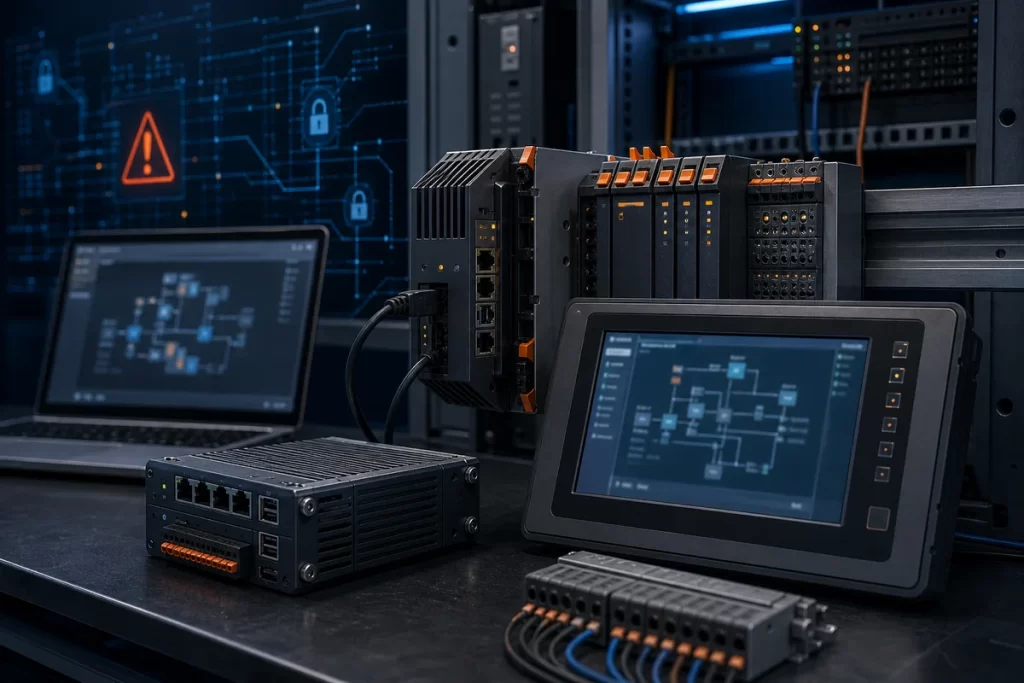
CISA’s June 30, 2026 advisory on the XZ Utils vulnerability impacting B&R products is a useful reminder that lifecycle risk is not limited to the visible controller, HMI, or panel PC on the cabinet door. The advisory lists affected B&R product families including PPC3100, C50, C80, FT50, MT50, T30, T50, and T80 versions around the 1.8.x release range, and references CVE-2025-31115 with a CVSS v3.1 base score of 7.5. For maintenance teams, this is not just a software-library story. It is a version-control story, a spare strategy story, and a documentation story.
Most factories do not buy industrial controllers the way IT teams buy laptops. A controller, panel PC, or HMI may sit in service for years, sometimes with a locked machine image, a specific runtime, a vendor engineering tool, and a known-good spare on the shelf. When a vulnerability affects the software stack inside a field device or embedded platform, the question becomes practical: which installed units are affected, which spares are affected, and which update path can be used without creating avoidable downtime?
Why this advisory matters to maintenance and MRO teams
The advisory points to XZ Utils, a compression library and toolset used in many Linux-based environments. In a plant environment, that kind of dependency can be easy to overlook. The asset tag may say controller, panel PC, operator terminal, or automation PC; the vulnerability may sit deeper in the operating system or firmware image. That gap between the hardware label and the software bill of materials is where many spare-parts decisions become weak.
For teams working with ABB and B&R automation assets, the first practical step is to separate product family, installed version, and spare condition. A stocked spare that has never been powered up may still carry an affected image. A running unit may be safe only because it is isolated from risky network paths. A replacement unit may require an update before it should be placed into service. Treat the advisory as a reason to review the installed base, not as a reason to panic-buy hardware.
If the installed environment includes broader ABB or B&R automation equipment, route the sourcing and documentation review through a clean ABB automation parts path. That helps procurement keep brand context, model evidence, firmware notes, quantity, and urgency together instead of treating each controller as an isolated line item.
What to record before requesting a spare or update path
Version evidence is the main requirement. A photo of the front label is useful, but it is not enough. Capture the product family, exact order code, serial label, installed firmware or system version, runtime version if visible, and whether the device is used as a controller, operator panel, industrial PC, gateway, or maintenance spare. If the machine builder supplied a system image or recovery media, record that too.
Procurement should ask maintenance one important question before sending a quote request: is the plant looking for an exact like-for-like spare, an updated spare, or a migration-safe alternative? Those are different tasks. Exact spares reduce installation uncertainty, but may need version review. Updated spares may reduce security risk, but can introduce compatibility questions. Alternatives may help availability, but require engineering approval before they are trusted in a production line.
For category-level routing, start from industrial PLC and controller sourcing when the device is part of the control layer, or from HMI and touch panel replacement when the affected unit is primarily an operator interface. If the device sits between machines, panels, and networks, include related communication modules and I/O hardware in the same review.
Do not let the spare shelf become the blind spot
Many plants check running assets but forget stored spares. That is a mistake. A spare controller or HMI can become the recovery path during a breakdown. If the spare is old, undocumented, or loaded with an unknown image, the plant may discover the problem only when production is already down. For advisories involving embedded software components, stored spares deserve the same version review as installed equipment.
A useful spare-shelf audit can be simple: list each device family, exact model, serial number, installed version if known, last powered-on date, recovery media status, and intended machine line. Mark whether the spare is ready-to-install, needs update, needs configuration, or needs engineering review. That list becomes more valuable than a price quote because it tells the plant which items can actually reduce downtime.
This is also where a structured replacement risk review for automation parts is useful. Even when the product is not obsolete, the wrong version or missing runtime can create the same practical risk as an unavailable part.
FAQ
Does this advisory mean every B&R controller or HMI must be replaced?
No. The advisory identifies affected versions and recommends applying updates. The first task is to confirm whether the installed product family and version match the affected range, then plan remediation with engineering approval.
What information should I send when asking for a B&R spare?
Send the full order code, product family, serial label photo, firmware or system version, quantity, destination, and whether the unit is for exact replacement, updated spare stock, or migration review.
Should stored spares be checked if they are not connected to the network?
Yes. Stored spares may become the emergency recovery path. If a spare has an affected or unknown version, it should be marked for update or engineering review before a breakdown forces rushed installation.
Can procurement request an updated substitute instead of the exact old model?
Only if engineering confirms compatibility. Updated hardware or firmware can change runtime behavior, communication, recovery image requirements, or machine validation work. Procurement should define which constraints cannot change.
What if the installed version is unknown?
Start with photos and cabinet context. Send front and side labels, boot screen or system information photos if available, the machine line, and any backup image notes. That is enough to begin the sourcing and version-check workflow.
Practical next step
If your plant is reviewing B&R controllers, HMI panels, industrial PCs, or stored spares after this advisory, prepare the exact model, version evidence, spare-shelf status, quantity, destination, and urgency before requesting support. SmartNexMSK can help route the request as exact spare sourcing, updated spare planning, or lifecycle risk review. Send details to [email protected] or WhatsApp/Phone +86 18259474341.
Source checked: CISA ICS Advisory ICSA-26-181-05, XZ Utils vulnerability impacting B&R Products, June 30, 2026.
Route this topic into a sourcing request
Connect the article topic to a model number, category, brand, quantity, and destination before opening the RFQ.
Related Insights
Continue with sourcing and model matching guides
 Sep 8, 2026
SANYO DENKI QS1E Spares: Save Parameters First
When a SANMOTION Q axis stops, the purchasing request often becomes a model number: “Please quote QS1E01AA0H4A3P1T.” That is a useful starting point, but…
Read guide Sep 6, 2026
Yaskawa SGDH-05DE-OY Spares: Check the Servo Chain
A servo drive fault often produces a deceptively simple purchasing request: “Replace the SGDH-05DE-OY.” In a running machine, however, the amplifier is only one…
Read guide Sep 5, 2026
GE IS220PCLAH1A Spares: Check Mark VIe Fit
When a Mark VIe cabinet develops an intermittent control fault, the urgent request often becomes a single line: “Please quote IS220PCLAH1A.” That is understandable…
Read guide