
FUXA SCADA/HMI Advisory: User Role and Spare Checks
How the FUXA SCADA/HMI advisory affects user-role review, HMI project backups, replacement planning, and maintenance RFQs.
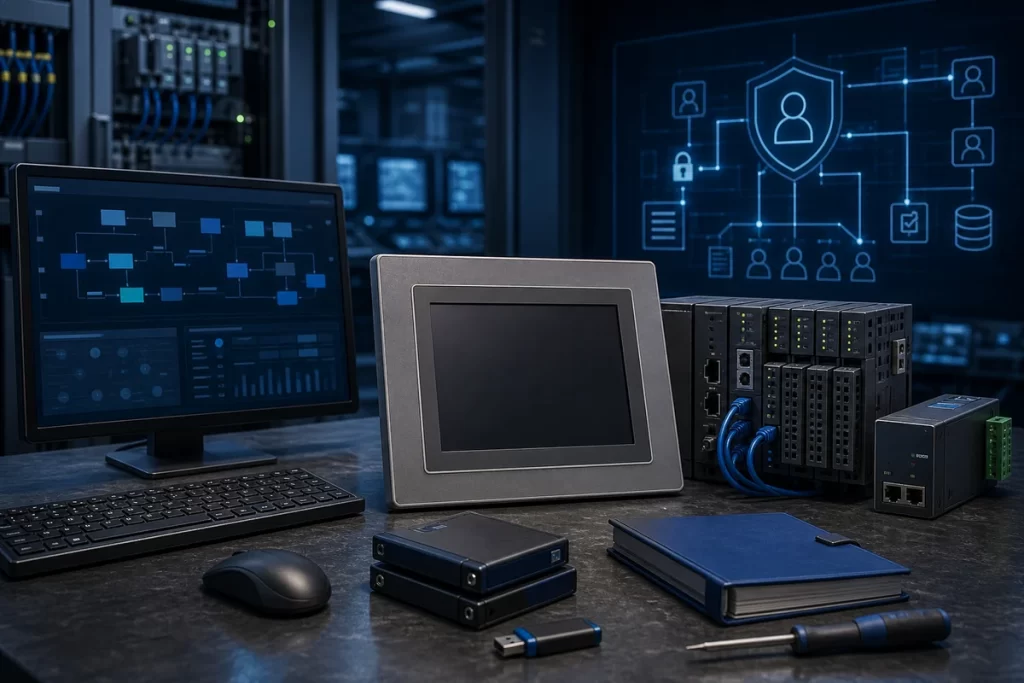
CISA’s June 30, 2026 advisory for Frangoteam FUXA SCADA/HMI is a good example of why HMI and SCADA maintenance should not be reduced to screen size, panel cutout, and replacement price. The advisory covers FUXA versions 1.3.1 and prior, with CVE-2026-13207 assigned to an authentication bypass issue in the REST API. CISA states that successful exploitation could allow an unauthenticated remote attacker to enumerate all user accounts and role assignments on a FUXA SCADA/HMI instance.
The vulnerability is specific: dot-segment path normalization can allow protected endpoints such as user and role paths to be reached without the expected authentication checks. CISA lists a CVSS v3 score of 7.5 and notes that no known public exploitation specifically targeting this vulnerability had been reported at publication time. Frangoteam recommends applying FUXA version 1.3.2 or later. For factory teams, the point is not panic. The point is to treat HMI/SCADA user roles, project files, and replacement workflows as part of the same maintenance system.
Why user roles matter in a spare discussion
When a plant requests a replacement HMI or SCADA workstation, the first questions are usually mechanical and electrical: display size, power supply, mounting, communication protocol, and cable access. Those are necessary, but they do not cover the operational risk. If a SCADA/HMI instance exposes user names, role assignments, or project structure, a replacement plan should include access-control cleanup and backup validation, not just hardware sourcing.
For HMI and touch panel replacement, collect more than the model label. Record the project backup status, user-role structure, operator privilege levels, connected PLCs, network exposure, remote access path, and whether the HMI is a standalone panel or part of a web-based SCADA layer. A spare screen without a controlled project file can be easy to buy and difficult to commission.
Project backups are not automatically safe
HMI and SCADA backups often contain more than screens. They may include tag names, alarm logic, role definitions, user lists, server paths, device addresses, historian connections, recipes, and credentials or tokens depending on the platform. Even when credentials are not stored directly, role mapping can reveal enough about plant operations to help an attacker understand who can acknowledge alarms, change setpoints, or view sensitive process areas.
That is why replacement planning should include a project-file review. Before sending a backup to any supplier, contractor, or remote support channel, confirm what the file contains and whether sensitive data can be removed or protected. If the HMI communicates with controllers, include related industrial PLC controller sourcing context so the replacement request is not handled as a generic display swap.
Network exposure changes the urgency
CISA’s recommended practices remain direct: minimize network exposure for control system devices, keep control networks behind firewalls, isolate them from business networks, and use secure VPN methods when remote access is required. In HMI/SCADA environments, exposure can be less obvious than a public-facing web page. A project may be reachable from an engineering VLAN, remote desktop bridge, cellular router, maintenance laptop, or shared plant historian network.
Before treating the advisory as “software only,” map how operators and engineers reach the HMI. Confirm whether the web interface is reachable beyond the control network, whether user roles are reviewed after staff changes, and whether any temporary remote-access rule was left in place after troubleshooting. If gateways or data collection devices sit between panels and controllers, include communication modules and I/O hardware in the same evidence package.
Where procurement fits
Procurement teams do not need to become SCADA security engineers, but they do need to ask better questions. A request that says “send replacement HMI” is incomplete if the existing system depends on a project backup, user-role migration, or remote support path. Ask whether the site needs a blank unit, a preloaded project, a migration review, or a like-for-like replacement. Ask whether the backup is current and whether the commissioning window is fixed.
A structured replacement risk review for automation parts is useful when HMI hardware, SCADA software, role data, project backups, and downtime planning intersect. It keeps the purchase decision tied to the actual operational risk, instead of treating the spare as a box with a screen.
FAQ
Does this advisory mean every FUXA SCADA/HMI instance must be replaced?
No. The vendor recommendation is to apply FUXA version 1.3.2 or later. A replacement may be relevant if the installed system is part of a broader HMI migration, unsupported workstation, or hardware refresh, but the first step is version and exposure review.
What should maintenance teams check first?
Check the FUXA version, whether the instance is reachable outside the control network, how user accounts and roles are assigned, whether project backups are current, and whether remote support paths are controlled.
What information belongs in an HMI replacement RFQ?
Include model photos, screen size, power supply, mounting details, connected PLCs, project backup status, software version, role or access-control needs, communication method, quantity, destination, and required downtime window.
Can I send a SCADA project backup to a supplier?
Only after reviewing what the backup contains. Project files may expose tag names, role structures, addresses, server paths, recipes, or operational logic. If support requires a backup, send only what is necessary through a controlled channel.
How does this affect spare parts planning?
It changes the definition of a “ready” spare. For HMI/SCADA systems, readiness includes hardware availability, project-file quality, user-role cleanup, network access control, and a tested commissioning path.
Practical next step
If your plant is reviewing HMI panels, SCADA workstations, or project backups after this advisory, prepare model evidence, software version, project backup status, connected controller list, user-role notes, destination, quantity, and downtime limits before sourcing. SmartNexMSK can help route the request as exact spare sourcing, project evidence review, or lifecycle replacement planning. Send details to [email protected] or WhatsApp/Phone +86 18259474341.
Source checked: CISA ICS Advisory ICSA-26-181-02, Frangoteam FUXA SCADA/HMI, June 30, 2026.
Route this topic into a sourcing request
Connect the article topic to a model number, category, brand, quantity, and destination before opening the RFQ.
Related Insights
Continue with sourcing and model matching guides
 Sep 8, 2026
SANYO DENKI QS1E Spares: Save Parameters First
When a SANMOTION Q axis stops, the purchasing request often becomes a model number: “Please quote QS1E01AA0H4A3P1T.” That is a useful starting point, but…
Read guide Sep 6, 2026
Yaskawa SGDH-05DE-OY Spares: Check the Servo Chain
A servo drive fault often produces a deceptively simple purchasing request: “Replace the SGDH-05DE-OY.” In a running machine, however, the amplifier is only one…
Read guide Sep 5, 2026
GE IS220PCLAH1A Spares: Check Mark VIe Fit
When a Mark VIe cabinet develops an intermittent control fault, the urgent request often becomes a single line: “Please quote IS220PCLAH1A.” That is understandable…
Read guide