
HMI Spares: Check Backup Scope Before Buying
Separate HMI runtime files, device backups and editable projects before accepting a spare and its application-recovery responsibilities.
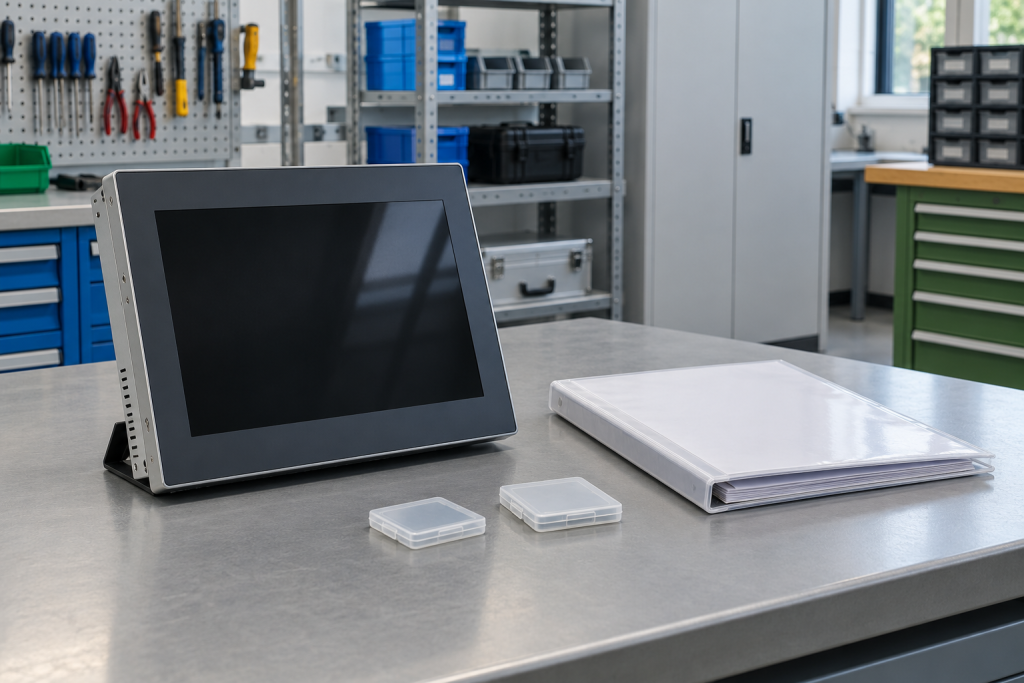
An HMI spare can arrive with the right nameplate and still leave the machine waiting for a usable application. The purchase request says “backup available,” but that phrase may mean a panel recovery image, a runtime application, a recipe export or an editable engineering project. Those files solve different problems. Buying hardware before clarifying the difference transfers an unresolved recovery task into the outage.
For teams buying HMI spare parts, the useful question is not whether somebody has a file. It is what that file can restore, on which exact target, with which tools and permissions, and what remains outside its scope. Treat this evidence as part of HMI spare acceptance, separate from the supplier’s hardware condition report.
Define the recovery outcome before the spare
Separate two requests: restoring an approved operator interface without application changes, and changing or migrating that interface. A recovery package suitable for the first does not automatically support the second. Record the required outcome in the quotation request so the supplier is not asked to promise application engineering from a hardware part number.
Identify the installed panel, complete order code, hardware revision where available, runtime or device-image version, controller connection and approved application revision. Keep the target spare identity beside this record. A family name or matching screen size cannot establish that a particular backup belongs on the proposed unit.
Name the file and its documented scope
Classify HMI backup files by purpose rather than placing everything under “HMI program.” Distinguish the editable project, a deployable runtime, a device backup and separate operational data. Preserve the original files before an authorized engineer evaluates them in an isolated, supported environment. Record the tool and version used; a filename extension alone is not acceptance evidence.
Siemens WinCC V20 backup guidance makes the scope device-dependent. Its Windows CE guidance also separates flash-memory backup from externally stored alarm and process-value logs. This is a reason to check the selected backup type and separate media, not to assume that one archive contains every project asset or operating record.
Do not promise editable source from a runtime
Some recovery files are intended to restore operation rather than provide an unrestricted development project. Ask whether the approved engineering source is available, who controls it and which supported software can open it. Where source is unavailable, define the remaining limitation explicitly before agreeing to changed screens, tags, controller drivers or a different terminal platform.
Rockwell’s FactoryTalk View ME runtime-restore help describes conversion of version 5.00-or-later runtime applications, subject to protection choices. Earlier runtimes are outside that operation. It also distinguishes restored runtime communications information from the original design workstation’s topology. A .mer file is therefore not unconditional proof of a complete editable engineering environment. Obtain required authorization and credentials from their owner; do not bypass protection.
Check target and tool constraints separately
A file that opens successfully is not yet proof that the proposed spare can run the required application. Keep the target device, installed image, engineering software and runtime versions as separate fields. Have the controls owner verify the applicable vendor compatibility path. Do not make a universal latest-software or same-brand interchange promise.
Siemens’ backup-and-restore instructions constrain project-data restoration to operating devices configured with the same configuration software. That note is one check, not blanket permission to restore across models. Use the exact device documentation and an approved recovery plan; never trial a restore on the running machine to discover whether a quotation was correct.
Make application evidence a purchase deliverable
For hardware routing, use the HMI and touch-panel category, then qualify the actual offered unit against the installed identity. A category listing establishes a sourcing route, not that a seller owns the machine builder’s project, passwords or software rights.
State who supplies the approved application, who performs recovery, which dependencies are excluded and what evidence closes acceptance. Include the agreed file revision, permitted tools, required licenses, separate media and a named engineering reviewer. The broader control-system recovery checklist helps place the HMI package beside controller and workstation recovery records.
Close the gap with a controlled acceptance record
For HMI project recovery, define acceptance before dispatch or the maintenance window. In an authorized isolated setup, the engineer should establish the supported recovery path and document application identity, screen navigation, communications, permissions and relevant alarm or recipe behavior. The plant’s approved functional test still governs return to service; a display power-up or file-open screenshot does not replace it.
Retain unresolved dependencies as open actions with owners. Do not label a spare “application ready” when only its hardware has been checked. If migration is required, quote it as a separate controlled engineering task with rollback and validation requirements, rather than hiding it inside an exact-spare purchase.
FAQ
Does an HMI backup always include the editable project?
No. Identify the backup type and vendor-defined contents. Keep engineering-source availability as a separate acceptance field.
Can every FactoryTalk View ME runtime become a development application?
No. The documented operation has version and protection limits. Confirm the particular file’s permitted recovery path with its owner.
Does a matching panel model prove the application is ready?
No. Application revision, target image, tools, permissions and required data still need documented verification.
Should a supplier receive passwords in a normal RFQ?
No. Record who controls authorized access; exchange sensitive credentials only through the organization’s approved secure process.
Prepare the HMI spare review
Send the full model, nameplate photos, discontinued-part replacement need and delivery requirement to [email protected] or WhatsApp/Phone +86 18259474341. Include a non-sensitive summary of available file types and software versions so hardware sourcing and application-recovery responsibilities can be separated before quotation.
Route this topic into a sourcing request
Connect the article topic to a model number, category, brand, quantity, and destination before opening the RFQ.
Related Insights
Continue with sourcing and model matching guides
 Nov 28, 2026
Series 90-30 Spares: Check the RX3i Rack Boundary
Separate exact Series 90-30 spares from the verified RX3i rack, processor and retained I/O needed for a planned migration.
Read guide Nov 27, 2026
HMI Screen Spares: Identify the Failed Layer
Separate surface damage, touch input and the supported display assembly before specifying an HMI hardware spare.
Read guide Nov 26, 2026
Motor Brake Rectifier Spares: Match the Coil
Check the fitted brake coil and approved control function before treating a motor brake rectifier as an exact spare.
Read guide