
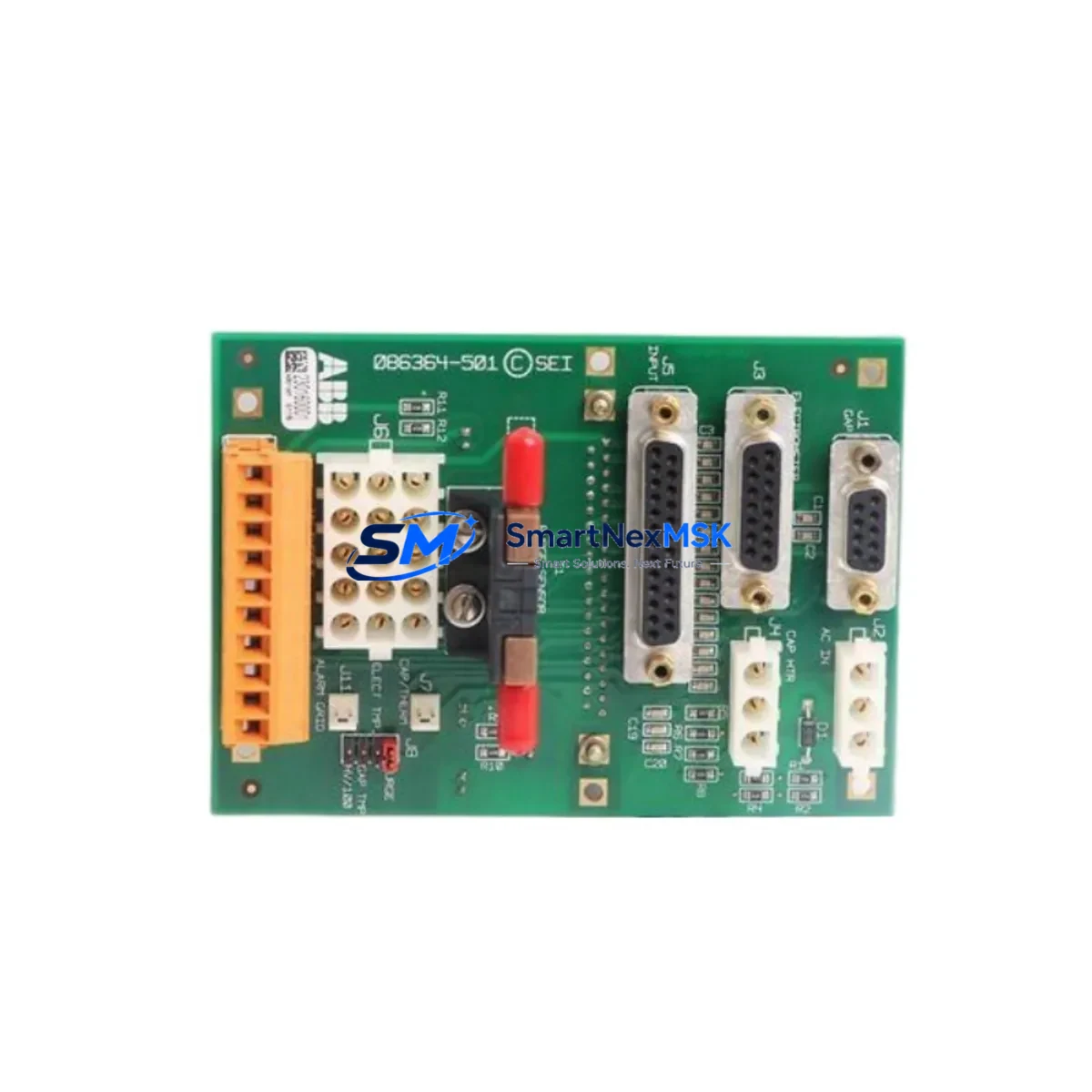
ABB 07SK90R1 Retrofit-Ready Programming Cable for AC500 Control Systems
The ABB 07SK90R1 is a 5-metre programming and configuration cable purpose-built for the ABB AC500 PLC series, including the PM571, PM581, PM591, PM595, and PM564 CPU modules. As legacy control cabinets age and original cables become difficult to source, the 07SK90R1 serves as a verified drop-in replacement that restores full programming access without requiring hardware modifications or driver updates. Whether you are commissioning a new panel, recovering a system after an unplanned outage, or executing a planned retrofit of an older S500 or AC31 installation, this cable provides the reliable USB-to-serial interface required by ABB’s Automation Builder and PS501 Control Builder Plus software environments.
Upgrade Compatibility Table
| Parameter | Details |
|---|---|
| SKU / Part Number | 07SK90R1 |
| Compatible CPU Modules | PM571, PM581, PM591, PM595, PM564 (AC500 series) |
| Interface | USB Type-A (PC) to RJ45 / Serial (PLC) |
| Cable Length | 5 metres |
| Software Compatibility | ABB Automation Builder, PS501 Control Builder Plus |
| Communication Protocol | Serial / USB-CDC; no additional driver required on Win10/11 |
| Replaces / Supersedes | Earlier ABB S500 and AC31 programming cables |
| Installation Requirement | Direct plug-in; no backplane or rack modification needed |
| Retrofit Recommendation | Verify COM port assignment in Device Manager before first use |
| Commissioning Note | Set baud rate to match CPU firmware version in Control Builder |
| Warranty | 12 months from date of shipment |
| Origin | Germany |
Retrofit Planning for Existing Automation Systems
A successful retrofit of an AC500-based control system involves far more than swapping a single cable. Engineers undertaking a full panel upgrade must audit the entire control architecture before any hardware is replaced. In a typical AC500 installation, the CPU module sits on a TB521 or TB541 terminal base, which defines the backplane communication bus and I/O addressing scheme. When migrating from an older S500 rack to a current AC500 eCo or AC500-S safety platform, the terminal base pinout and module addressing must be re-verified to avoid I/O mapping conflicts in the PLC program.
Power supply integrity is a critical first checkpoint. The ABB CP-E 24VDC/5A power supply or equivalent must be confirmed to deliver stable 24 VDC within ±1% tolerance before any programming session begins. Voltage fluctuations during firmware download can corrupt the CPU flash memory, requiring a full factory reset. Alongside the power supply, the 07SK90R1 programming cable is the primary interface for uploading revised ladder logic, function block diagrams, or structured text programs developed in Automation Builder.
For systems that include distributed I/O over PROFIBUS-DP or Modbus RTU, the communication module — typically an ABB CI590-CS31-HA or CI501-PNIO PROFINET adapter — must be reconfigured to match the new network topology. GSD files for PROFIBUS slaves and GSDML files for PROFINET devices must be re-imported into the project after any CPU replacement. If the legacy system used a CS31 fieldbus architecture, a protocol migration to PROFINET or EtherNet/IP may be required, which in turn affects HMI tag mapping on connected ABB CP600 or CP620 operator panels.
Analog and digital I/O modules such as the ABB AI523 analog input module and DO501 digital output module retain their configuration data on the terminal base, not the module itself, which simplifies hot-swap replacement during planned maintenance windows. However, engineers must confirm that the new module firmware version is compatible with the CPU firmware to avoid CRC errors on the backplane bus. The 07SK90R1 cable is used at every stage of this verification — from initial project download to post-swap online monitoring and forced I/O testing.
Where the original control cabinet included a ABB SREA-01 Ethernet adapter for remote diagnostics, the adapter’s IP address and subnet mask must be re-entered after a CPU swap, as these parameters are stored in the CPU’s non-volatile memory. Documenting all network parameters before beginning the retrofit is strongly recommended to minimise recovery time if the configuration is lost.
Downtime Control During System Migration
Minimising unplanned downtime is the primary concern for any plant engineer executing a live-system retrofit. The recommended approach is to perform a full project backup using the 07SK90R1 cable and Automation Builder’s online backup function before any hardware is touched. This backup captures the CPU program, I/O configuration, communication parameters, and retain variable values, providing a complete restore point if the migration encounters an unexpected fault.
Where production schedules permit only a narrow maintenance window, a staged migration strategy is advisable. The new AC500 CPU and its associated terminal base can be pre-configured and tested on a bench setup using the same 07SK90R1 cable, with the program loaded and verified offline before the panel changeover begins. This approach reduces the in-cabinet work to a physical swap and a final online verification, typically achievable within a two-hour window for a single-rack system.
During the changeover, field wiring connected to the terminal base remains undisturbed, as the AC500 terminal base design separates the I/O wiring layer from the electronics layer. Once the new CPU is seated and powered, the engineer reconnects via the 07SK90R1 cable, performs a cold start, and verifies all I/O states against the pre-migration baseline. HMI screens on connected operator panels should be validated last, confirming that all tag references resolve correctly and that alarm histories have been preserved where applicable.
Retrofit Support FAQ
Q1: Is the ABB 07SK90R1 a direct replacement for older ABB programming cables used with S500 or AC31 systems?
The 07SK90R1 is designed for the AC500 platform and uses a USB-to-serial interface compatible with Automation Builder and PS501 Control Builder Plus. For S500 or AC31 systems still running legacy software, verify the COM port and baud rate settings. In most cases, the 07SK90R1 can be used with a serial adapter for older platforms, but firmware compatibility should be confirmed before use in a production environment.
Q2: What commissioning steps are required after connecting the 07SK90R1 to a replacement AC500 CPU?
After physical connection, open Automation Builder and scan for the CPU on the assigned COM port. Confirm the project version matches the CPU firmware. Perform a full download, then execute a cold start. Verify all I/O modules report online status on the backplane, check communication module link states, and run a forced I/O test on critical outputs before returning the system to automatic mode.
Q3: Can the 07SK90R1 be used for online monitoring and diagnostics without interrupting the running PLC program?
Yes. The 07SK90R1 supports online connection in monitoring mode, allowing engineers to observe variable states, force I/O points, and review diagnostic buffers without stopping the CPU. This is particularly useful during commissioning of retrofitted systems where the original program logic must be validated against live field signals.
Q4: What warranty and testing does the 07SK90R1 carry?
All units supplied by SMARTNEXMSK carry a 12-month warranty from the date of shipment. Each cable undergoes continuity and communication function testing prior to dispatch. In the event of a fault within the warranty period, a replacement unit is dispatched from stock to minimise system downtime. Contact [email protected] for warranty claims or pre-shipment technical verification requests.
© 2026 SMARTNEXMSK. All rights reserved.
Original Source: https://smartnexmsk.com
Contact: [email protected] | +86 18259474341



