
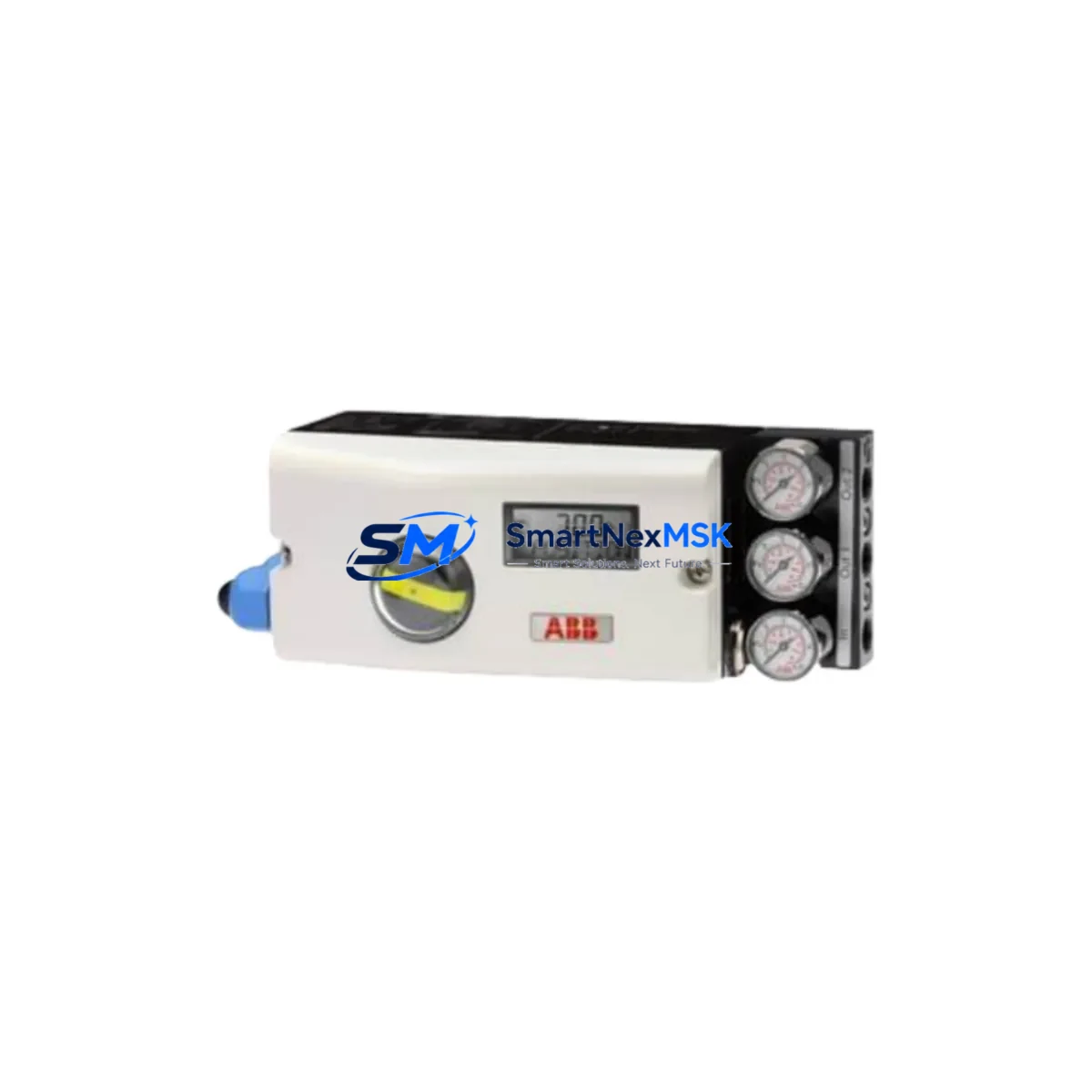
ABB 18345-1010521001 Retrofit-Ready I/O Module for AC500 Control Systems
The ABB 18345-1010521001 is a retrofit-ready digital I/O module designed for seamless integration into ABB AC500 PLC control systems and legacy automation architectures. Whether you are replacing a discontinued component on an aging production line, upgrading a control cabinet to meet current safety and communication standards, or restoring a system after an unplanned failure, the 18345-1010521001 delivers verified compatibility, reliable signal handling, and a straightforward installation path that minimizes engineering risk and downtime exposure.
This module is widely specified in retrofit projects involving ABB S500 I/O expansion racks, TB511, TB521, and TB541 terminal base units, and AC500 CPU modules such as the PM571, PM581, and PM591. Its backplane interface conforms to the standard AC500 S-Bus architecture, allowing it to be addressed and configured directly through ABB Automation Builder or the legacy PS501 Control Builder environment without requiring firmware modifications or custom driver development.
For engineers managing a phased migration from older ABB Advant or Freelance DCS platforms toward a unified AC500 architecture, the 18345-1010521001 provides a stable I/O anchor point. It supports the same channel density and signal range expected by existing HMI screens built on ABB CP600 or CP620 operator panels, meaning that panel graphics, alarm tags, and trend displays can be preserved without remapping. Communication continuity is maintained through the existing PROFIBUS DP or Modbus RTU links already present in the control cabinet, eliminating the need for protocol gateway hardware during the transition period.
Upgrade Compatibility Table
| Parameter | Details |
|---|---|
| SKU / Part Number | 18345-1010521001 |
| Brand | ABB |
| Compatible Series | ABB AC500, S500 I/O |
| Compatible CPUs | PM571, PM581, PM591, PM595 |
| Terminal Base Compatibility | TB511, TB521, TB541 |
| Backplane Interface | AC500 S-Bus (standard) |
| Communication Protocols | PROFIBUS DP, Modbus RTU, CANopen (platform-dependent) |
| Programming Environment | ABB Automation Builder, PS501 Control Builder |
| Installation Type | DIN rail / rack-mount via terminal base |
| Replacement Scope | Drop-in for discontinued AC500 I/O modules with matching terminal base |
| Commissioning Requirement | Module address configuration via rotary switch; no firmware flash required |
| Warranty | 12 Months — covers manufacturing defects, functional failure under normal operating conditions |
| Origin | China (CN) |
| Stock Status | Available — ships within 3–5 business days |
Retrofit Planning for Existing Automation Systems
A successful retrofit using the ABB 18345-1010521001 begins with a thorough audit of the existing control cabinet. Before removing the legacy module, engineers should document the current terminal wiring layout against the original I/O list, verify the power supply capacity of the rack — typically provided by an ABB PS501 or PS560 power supply module — and confirm that the backplane slot assignment does not conflict with other S500 modules already installed in the expansion rack.
The terminal base selection is critical. The 18345-1010521001 must be seated on a compatible TB511, TB521, or TB541 terminal base. If the existing base is damaged or incompatible, it must be replaced before the module is installed. Wiring from field devices — sensors, actuators, solenoid valves, and relay outputs — connects directly to the terminal base screw terminals, so the field cable lengths and conductor cross-sections should be verified against the module’s rated input impedance and output current capacity.
Module addressing is performed via the rotary address switch on the module face. The address must match the slot configuration defined in the Automation Builder hardware tree. After physical installation, the CPU — whether a PM571 or PM591 — will perform an automatic I/O scan on power-up. If the module address and type match the project configuration, the CPU will bring the module online without requiring a full program download, which is a significant advantage in live-plant retrofit scenarios where only partial shutdowns are possible.
For projects involving communication protocol migration — for example, moving from a legacy PROFIBUS DP segment to an Ethernet-based PROFINET or Modbus TCP architecture — the 18345-1010521001 can coexist with an ABB CI590-CS31-HA communication interface module or a CI501-PNIO PROFINET adapter installed in the same rack. This allows the I/O module to remain in service while the communication layer is upgraded incrementally, avoiding a full system cutover. HMI screens on ABB CP635 or third-party SCADA systems connected via OPC-UA can continue reading I/O values through the existing data mapping without modification.
Where I/O expansion is required as part of the upgrade — for example, adding new sensor inputs for a modernized safety circuit or integrating additional analog channels from upgraded field instruments — the 18345-1010521001 can be combined with ABB AI523 analog input modules or DI524 digital input modules in the same S500 expansion rack, sharing the same backplane bus and power budget. The SM560-S safety module can also be added to the rack if the retrofit scope includes SIL-rated safety functions.
Downtime Control During System Migration
Minimizing production downtime during a control system retrofit is the primary operational concern for most plant engineers. The ABB 18345-1010521001 supports a staged replacement strategy that allows the new module to be pre-configured and tested offline before the scheduled maintenance window begins.
The recommended approach is to prepare a duplicate hardware configuration in Automation Builder, simulate the I/O mapping against the existing program logic, and verify that all variable addresses, function block inputs, and HMI tag bindings resolve correctly before the physical swap. ABB’s online change capability in the AC500 platform allows minor program modifications — such as adjusting I/O channel assignments or adding diagnostic blocks — to be downloaded to the CPU without stopping the PLC scan cycle, further reducing the risk of process interruption.
During the physical replacement, the field wiring remains connected to the terminal base throughout the module swap, since the 18345-1010521001 separates the electronic module from the terminal base. This means the module can be removed and reinserted without disturbing field cable terminations, which is a key advantage over older monolithic I/O designs where wiring had to be disconnected and reconnected during every module change.
After reinsertion, the CPU performs a module recognition cycle within seconds. If the module type and address match the project configuration, normal I/O operation resumes automatically. A brief functional test — verifying that all channel status LEDs reflect the expected field device states and that the SCADA or HMI system is receiving correct values — completes the commissioning process. Total planned downtime for a single-module swap using this method is typically under 30 minutes, including documentation and sign-off.
All units supplied by SMARTNEXMSK are subject to pre-shipment functional testing, including power-on verification, channel continuity checks, and communication interface validation. Each module ships with a test report and is covered by a 12-month warranty against manufacturing defects and functional failure under normal operating conditions.
Retrofit Support FAQ
Q1: Can the ABB 18345-1010521001 directly replace my existing AC500 I/O module without program changes?
In most cases, yes. If the replacement module is the same type and is installed at the same rack address on a compatible terminal base (TB511, TB521, or TB541), the AC500 CPU will recognize it automatically on power-up and resume normal I/O operation without requiring a program download. Minor configuration adjustments may be needed if the original module had custom diagnostic or parameterization settings stored in the CPU project.
Q2: What wiring checks are required before installing the 18345-1010521001?
Verify that all field cables are correctly terminated on the existing terminal base before removing the old module. Confirm conductor cross-sections are within the terminal base rated range, check for any shielding or grounding requirements specific to your signal types, and ensure that the 24 VDC supply to the terminal base is within the module’s rated input voltage tolerance. No rewiring is required if the terminal base is compatible and in good condition.
Q3: Is the 18345-1010521001 compatible with both Automation Builder and the legacy PS501 Control Builder?
Yes. The module is recognized by both ABB Automation Builder (current platform) and the legacy PS501 Control Builder environment. If your project was originally developed in PS501, it can be used as-is without migration to Automation Builder, provided the CPU firmware version supports the module type. SMARTNEXMSK recommends confirming the CPU firmware revision against ABB’s compatibility matrix before installation.
Q4: What does the 12-month warranty cover, and how is a warranty claim processed?
The 12-month warranty covers manufacturing defects and functional failure under normal operating conditions, including signal channel failures, communication interface faults, and power regulation issues. It does not cover damage caused by incorrect installation, overvoltage, reverse polarity, or physical impact. To initiate a warranty claim, contact SMARTNEXMSK at [email protected] with the order reference, module serial number, and a description of the fault. Replacement units are dispatched after fault verification, with return shipping arranged by SMARTNEXMSK.
© 2026 SMARTNEXMSK. All rights reserved.
Original Source: https://smartnexmsk.com
Contact: [email protected] | +86 18259474341



