
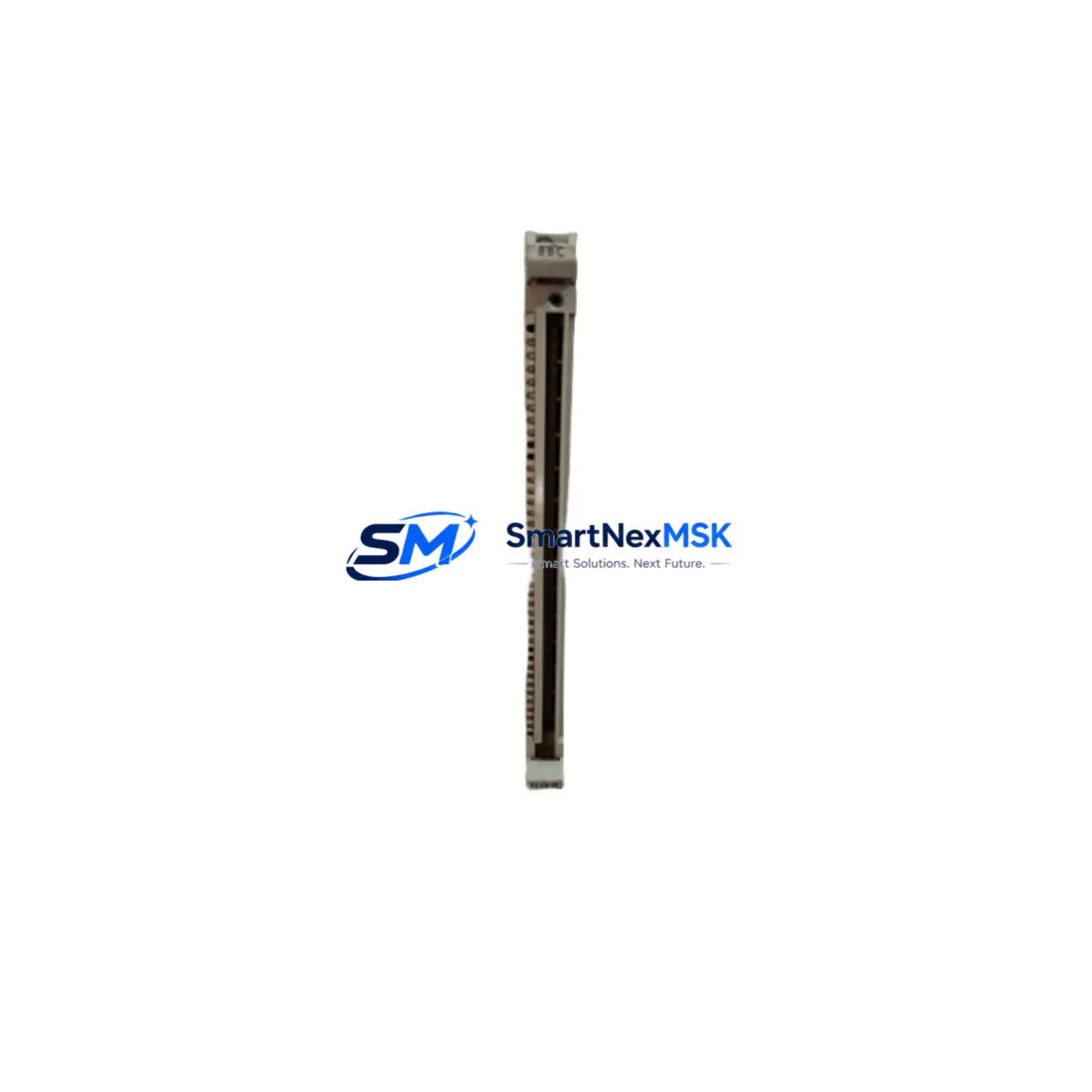
ABB 35EB91 GJR5142600R0001 Retrofit-Ready Analog Input Module for Symphony Plus Control Systems
The ABB 35EB91 (GJR5142600R0001) is a DCS analog input module engineered for the ABB Symphony Plus distributed control system platform — formerly known as the Harmony and Infi-90 DCS families. As legacy control infrastructure ages across power generation, chemical processing, oil & gas, and pulp & paper industries, the 35EB91 has become a critical retrofit component for engineers tasked with extending system life, replacing failed modules, and modernizing I/O subsystems without full platform migration.
This module provides multi-channel analog signal acquisition, accepting standard 4–20 mA and voltage inputs from field transmitters, flow meters, pressure sensors, and temperature transducers. Its direct compatibility with the Symphony Plus S+ Operations environment and the existing Harmony AC800M controller infrastructure makes it a preferred drop-in replacement for sites running mixed-generation DCS architectures.
Upgrade Compatibility Table
| Parameter | Details |
|---|---|
| Part Number | 35EB91 / GJR5142600R0001 |
| Brand / Manufacturer | ABB |
| Compatible Platform | ABB Symphony Plus, Harmony DCS, Infi-90 |
| Module Function | Analog Input (AI) — multi-channel, 4–20 mA / voltage |
| Backplane Interface | Symphony Plus S800 I/O bus; compatible with CI854, CI857 communication interfaces |
| Replacement For | Legacy Harmony AI modules; direct functional equivalent for discontinued Infi-90 analog input cards |
| Installation Requirement | Mounts on standard Symphony Plus I/O station; no additional adapter required |
| Communication Compatibility | PROFIBUS DP, Modbus RTU (via CI854/CI857 interface modules) |
| Wiring Compatibility | Terminal block wiring retained from legacy Harmony installations; field wiring unchanged |
| Commissioning Note | Module address must be configured via DIP switch or S+ Engineering tool prior to installation |
| Warranty | 12 Months — covers manufacturing defects and functional failure under normal operating conditions |
| Condition | New / Surplus New / Tested Refurbished (specify at order) |
| Lead Time | In stock — ships within 2 business days |
Retrofit Planning for Existing Automation Systems
Replacing the ABB 35EB91 GJR5142600R0001 within an operating Symphony Plus or legacy Harmony DCS environment requires careful pre-migration planning. Engineers should begin by auditing the existing I/O station configuration, confirming the number of occupied slots, and verifying that the replacement module’s channel count and signal type match the original wiring schedule.
In most retrofit scenarios, the 35EB91 is installed alongside the ABB TB820V2 ModuleBus Modem or the CI854AK PROFIBUS DP Interface, which handles communication between the I/O station and the AC800M controller. If the site is migrating from an older Infi-90 rack to a Symphony Plus I/O station, the ABB S800 I/O station baseplate and associated TB807 or TB811 terminal units must be verified for mechanical and electrical compatibility before the 35EB91 is seated.
Power supply capacity is a frequent oversight in retrofit projects. The ABB SD821 or SD823 power supply modules feeding the I/O station must be confirmed to have sufficient headroom to support the additional analog input load. A full power budget calculation — accounting for all installed modules including communication interfaces, digital output modules, and any newly added AI cards — should be completed before energizing the upgraded station.
For sites running ABB AC800M controllers with the PM860AK or PM864AK processor modules, the control program logic referencing the replaced analog input channels must be reviewed in ABB Control Builder Plus. Channel mapping, scaling parameters, and alarm limits tied to the original module’s hardware address must be preserved or updated to reflect the new module’s configured node address. Failure to align the software channel map with the physical module address is the most common cause of commissioning delays in analog input retrofit projects.
HMI faceplates in ABB S+ Operations or legacy Operate IT environments that display process values from the replaced AI channels should be validated post-replacement. Tag bindings, engineering unit displays, and alarm annunciation linked to the 35EB91’s input channels must be confirmed live before returning the loop to automatic control. Where the site uses a ABB 800xA System for integrated operations, the aspect system should be refreshed to reflect any hardware topology changes introduced during the retrofit.
Communication link integrity between the I/O station and the controller should be verified using the diagnostic tools in ABB S+ Engineering, confirming that the CI854 or CI857 interface module reports the 35EB91 as online and that all configured channels are returning valid process values within expected engineering unit ranges.
Downtime Control During System Migration
Minimizing unplanned downtime is the primary operational constraint in any live DCS retrofit. For the ABB 35EB91 GJR5142600R0001, the recommended approach is a hot-swap procedure where the process unit is placed in manual control mode at the S+ Operations console before the failed or aging module is physically removed. Operators should confirm that all loops fed by the affected analog input channels are in manual or cascade-hold state, and that field devices — transmitters, analyzers, and flow elements — are isolated or bypassed as required by the site’s management of change procedure.
The 35EB91 supports module-level replacement without requiring a full I/O station power-down in most Symphony Plus configurations, provided the station’s backplane power remains stable and the CI854 or CI857 communication interface is not interrupted. After seating the replacement module, the system typically performs an automatic re-initialization sequence, and the module’s status LED should transition from fault to run within 30–60 seconds. Engineers should monitor the ABB S+ Engineering hardware view in real time during this sequence to confirm successful module recognition.
Original control program logic stored in the AC800M controller is unaffected by the module swap, provided the replacement 35EB91 is configured to the same hardware address as the removed unit. This is the single most important step in preserving control continuity: the module address — set via DIP switch or software configuration — must match the address expected by the running control application. Where address verification is not possible before installation, a brief controller download may be required, which should be planned for a scheduled maintenance window to avoid process disruption.
Post-installation, a structured loop check covering all channels on the replaced module — confirming live 4–20 mA signals from field transmitters, correct scaling in the controller, and accurate display on HMI faceplates — should be completed before returning loops to automatic. This full-channel verification, combined with a 24-hour monitoring period in manual-assisted automatic mode, is the standard commissioning protocol for analog input module replacements in continuous process environments.
Retrofit Support FAQ
Q1: Is the ABB 35EB91 GJR5142600R0001 a direct drop-in replacement for legacy Harmony DCS analog input modules?
Yes. The 35EB91 is designed for the Symphony Plus platform, which is the direct successor to the Harmony DCS. It is mechanically and electrically compatible with Symphony Plus I/O stations and retains the same terminal wiring layout as equivalent Harmony-generation analog input cards, eliminating the need for field wiring modifications in most retrofit applications.
Q2: What commissioning steps are required after installing the 35EB91 in an existing Symphony Plus I/O station?
After physical installation, verify the module address configuration matches the address defined in the control application. Confirm the CI854 or CI857 communication interface reports the module as online in ABB S+ Engineering. Perform a full channel loop check — injecting a known 4–20 mA signal at each input terminal and confirming correct process value display in S+ Operations. Validate alarm limits and engineering unit scaling before returning loops to automatic control.
Q3: Can the 35EB91 be used in a mixed Harmony / Symphony Plus rack configuration?
The 35EB91 is a Symphony Plus native module and is intended for use in Symphony Plus I/O stations. Sites running mixed-generation architectures should consult ABB’s migration documentation to confirm backplane and communication interface compatibility before installing Symphony Plus modules in legacy Harmony racks. In most cases, a full I/O station upgrade to Symphony Plus hardware is recommended to ensure long-term support and communication protocol alignment.
Q4: What does the 12-month warranty cover, and what is the return process?
The 12-month warranty covers manufacturing defects and functional failure under normal operating conditions, including signal accuracy, channel integrity, and backplane communication. It does not cover damage resulting from incorrect installation, overvoltage, or physical mishandling. To initiate a warranty claim, contact our technical support team with the module serial number, installation date, and a description of the observed fault. Replacement or repair will be processed within 5–7 business days of fault confirmation.
© 2026 SMARTNEXMSK. All rights reserved.
Original Source: https://smartnexmsk.com
Contact: [email protected] | +86 18259474341



