
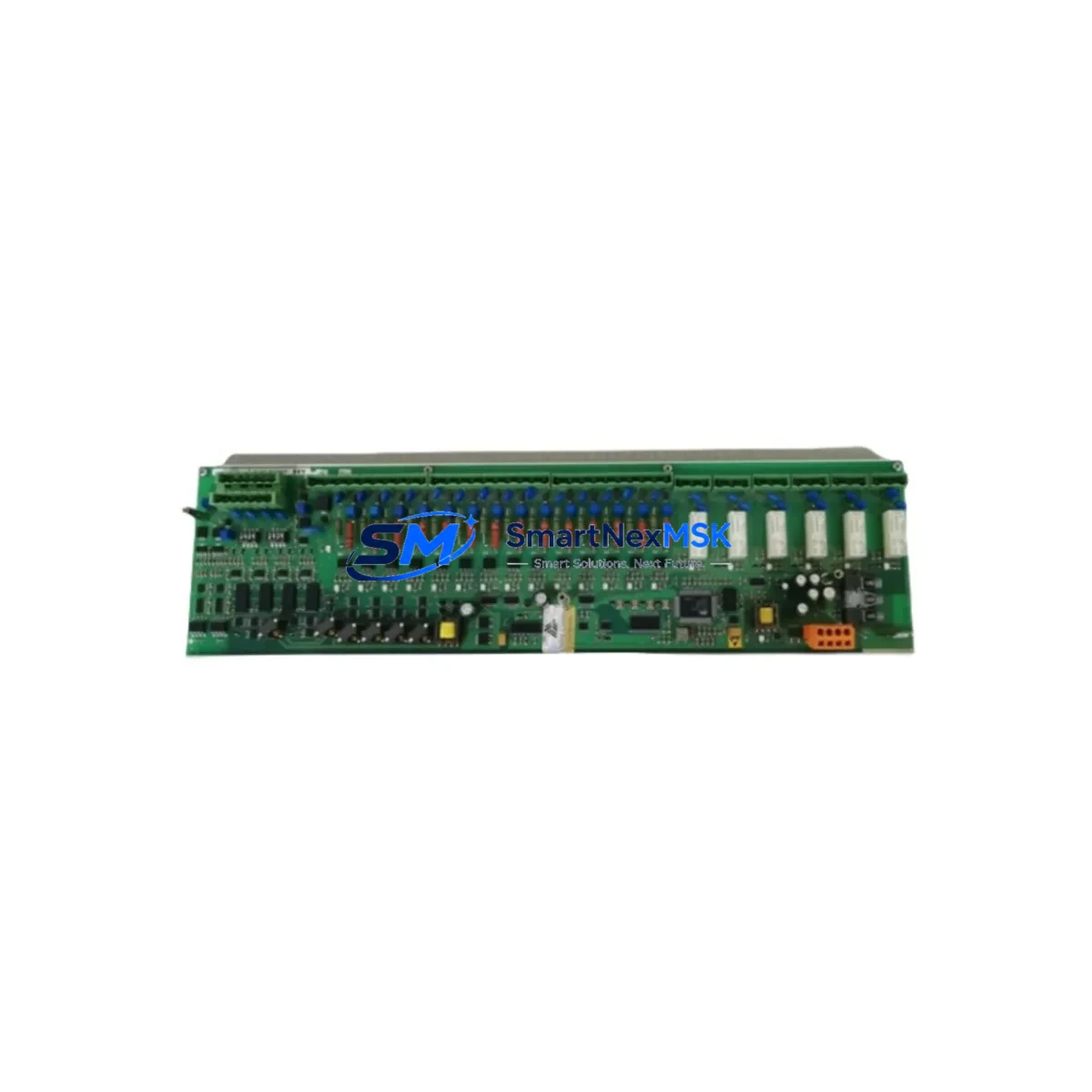
ABB 3BHB003041R0101 UFC719AE01 Retrofit-Ready I/O Module for AC800M
When an aging distributed control system begins to show signs of instability — intermittent I/O faults, communication dropouts, or failed self-diagnostics — the pressure to restore full process control without extended downtime is immediate. The ABB 3BHB003041R0101 UFC719AE01 IOEC I/O Interface Module is a proven retrofit solution for AC800M-based DCS architectures, offering direct compatibility with existing backplane slots, wiring terminations, and controller addressing schemes. Whether you are replacing a failed unit on an operating line or pre-positioning stock ahead of a planned outage, this module delivers the interface reliability that continuous industrial processes demand.
The UFC719AE01 serves as the communication bridge between field-level I/O signals and the AC800M controller, handling both analog and digital channel routing through the IOEC bus. Its role in the control cabinet is critical: a single failed IOEC module can isolate entire I/O clusters, triggering process shutdowns across multiple loops. Sourcing a verified replacement with confirmed firmware compatibility is not optional — it is the first step in any structured retrofit or emergency recovery plan.
Upgrade Compatibility Table
| Parameter | Specification |
|---|---|
| Part Number | 3BHB003041R0101 / UFC719AE01 |
| Brand | ABB |
| Series | AC800M / IOEC |
| Module Type | DCS I/O Interface Module |
| Bus Interface | IOEC Bus (proprietary ABB) |
| Backplane Compatibility | AC800M S800 I/O backplane |
| Power Supply Requirement | 24 VDC (via backplane) |
| Installation | DIN rail / backplane slot mount |
| Retrofit Target | Direct replacement for UFC719AE01 variants |
| Communication Protocol | IOEC / Profibus DP (system-dependent) |
| Commissioning | Address configuration via DIP switch / software |
| Origin | Germany |
| Weight | 1,180 g |
| Warranty | 12-Month Warranty |
Retrofit Planning for Existing Automation Systems
A successful retrofit of the 3BHB003041R0101 UFC719AE01 begins well before the module arrives on site. Maintenance and procurement engineers should treat this replacement as a system-level event, not a simple swap. Start by auditing the AC800M controller rack: confirm that the PM865 or PM866 processor module firmware version is compatible with the IOEC interface revision you are installing. Mismatched firmware between the controller and the I/O interface layer is one of the most common causes of post-replacement communication faults.
Next, inspect the S800 I/O backplane for physical damage, oxidized bus connectors, or loose termination blocks. The TB820 Modulebus Modem and CI854 PROFIBUS DP Interface modules in the same cabinet should be checked for alarm history — a failing IOEC module often generates upstream errors in these communication nodes before it fails completely. If the cabinet includes an SD821 or SD822 power supply module, verify output voltage stability under load; an undersized or degraded power supply is a frequent root cause of IOEC module resets and I/O dropouts.
Wiring termination is the next critical checkpoint. The AI810, AO810, DI810, and DO810 S800 I/O modules connected downstream of the UFC719AE01 must retain their existing terminal block assignments. Document all field wiring before removal, and confirm that the replacement module’s channel mapping matches the original configuration in the AC800M application program. If the site uses TK850V007 or TK850V010 IOEC cables for inter-module communication, inspect these for insulation wear and connector seating — a marginal cable connection will cause intermittent faults that are difficult to diagnose after the new module is installed.
For sites running ABB Freelance or System 800xA as the supervisory layer, confirm that the HMI faceplates and alarm tags associated with the replaced I/O cluster are correctly mapped after the module address is restored. A module address mismatch between the physical DIP switch setting and the controller configuration file will prevent the AC800M from recognizing the new UFC719AE01, resulting in a persistent I/O fault state even with a fully functional replacement unit.
Downtime Control During System Migration
Minimizing process downtime during an IOEC module replacement requires a structured sequence that protects both the running program logic and the field device states. Begin by placing the affected I/O cluster in manual override at the DCS operator station, ensuring that all loops controlled through the UFC719AE01 are held at their last stable output values. This prevents process upsets during the physical swap and gives the maintenance team a controlled window to complete the replacement without triggering interlock trips.
Before removing the failed module, export the current AC800M application configuration from Control Builder M and save a timestamped backup. This preserves the I/O channel assignments, scaling parameters, and alarm limits that must be restored after the new module is commissioned. If the site operates a redundant AC800M controller pair, confirm that the standby controller has taken over cleanly before beginning work on the primary rack — do not perform hardware changes on a rack that is actively controlling the process.
After installing the 3BHB003041R0101 UFC719AE01, power up the backplane and allow the IOEC bus to initialize before forcing a controller download. Verify that all channel diagnostics in Control Builder M show green status, and confirm field signal values against independent instrumentation before releasing the loops back to automatic control. A structured post-replacement checklist — covering bus status, channel diagnostics, loop verification, and alarm acknowledgment — reduces the risk of returning a process to automatic control with an undetected configuration error.
For planned retrofit projects involving multiple IOEC modules across a large AC800M system, staging replacements by I/O cluster rather than by cabinet minimizes the scope of each individual outage window and allows the control team to validate each cluster independently before proceeding to the next.
Retrofit Support FAQ
Q: Is the 3BHB003041R0101 UFC719AE01 a direct drop-in replacement for all UFC719AE01 variants?
A: The 3BHB003041R0101 is the primary catalog number for the UFC719AE01 IOEC I/O Interface Module. In most AC800M installations it is a direct physical and functional replacement. However, firmware revision compatibility with your specific PM865/PM866 controller version should be confirmed before installation. We recommend providing your controller firmware version when ordering so we can verify compatibility prior to shipment.
Q: What pre-shipment testing is performed on this module?
A: Every UFC719AE01 unit is powered up and functionally tested prior to shipment, including IOEC bus communication verification and channel integrity checks. A test report is available upon request. All units ship with a 12-month warranty covering manufacturing defects and functional failures under normal operating conditions.
Q: Can this module be installed without taking the entire AC800M system offline?
A: In most configurations, individual IOEC modules can be replaced with the controller rack powered, provided the affected I/O cluster is placed in manual override and the backplane slot is de-energized before removal. Hot-swap capability depends on your specific backplane revision and system configuration. We recommend consulting your AC800M hardware documentation and confirming with your site safety procedures before performing live-rack replacements.
Q: What is the lead time and do you maintain ongoing stock?
A: We maintain standing inventory of the 3BHB003041R0101 UFC719AE01 to support both emergency replacement and planned retrofit projects. Standard lead time for in-stock units is 3–7 business days for international shipment. For projects requiring multiple units or scheduled delivery windows, contact our team to arrange a supply agreement with guaranteed allocation.
© 2026 SMARTNEXMSK. All rights reserved.
Original Source: https://smartnexmsk.com
Contact: [email protected] | +86 18259474341



