
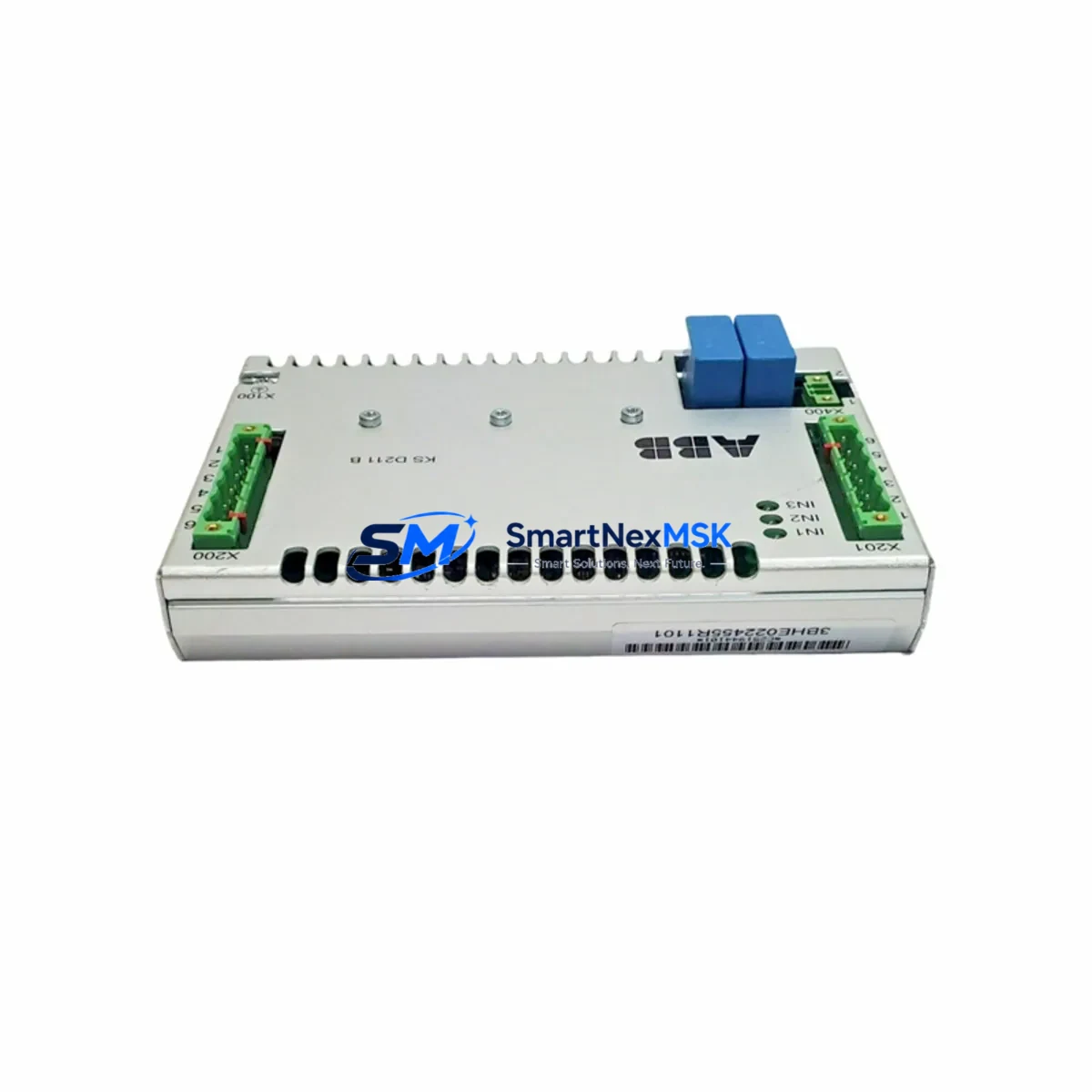
ABB 3BSE0651010R2 Retrofit-Ready Digital I/O Module for AC800M S800 Control Systems
The ABB 3BSE0651010R2 is a Digital I/O Module engineered for the AC800M controller platform and S800 I/O series — one of ABB’s most widely deployed distributed control architectures in process industries including oil & gas, pulp & paper, power generation, and chemical processing. As legacy S800 field units approach end-of-life and original spare inventories thin out, the 3BSE0651010R2 has become a critical retrofit component for engineers tasked with sustaining aging DCS infrastructure without full system replacement.
SMARTNEXMSK maintains verified stock of the 3BSE0651010R2, sourced from authorized channels and subject to full functional testing prior to dispatch. Each unit ships with a 12-month warranty covering manufacturing defects and operational failures under normal service conditions. Our inventory is available for immediate global shipment, supporting both emergency breakdown replacements and planned maintenance windows.
Upgrade Compatibility Table
| Parameter | Details |
|---|---|
| Compatible Controller | ABB AC800M (PM860, PM861, PM864, PM866 series) |
| Compatible I/O Family | S800 I/O (ModuleBus / PROFIBUS DP) |
| Module Type | Digital I/O Module |
| Backplane Interface | S800 ModuleBus — direct plug-in to TB820V2 / TB840A / TB845 terminal bases |
| Installation Requirement | Snap-fit onto compatible terminal base; no rewiring of field terminals required for direct replacement |
| Communication Compatibility | ModuleBus (optical), PROFIBUS DP via CI840A / CI854B communication interfaces |
| Replacement Recommendation | Direct drop-in for same-series discontinued units; verify module address assignment in Control Builder M |
| Commissioning Focus | Module address, I/O channel mapping, signal range configuration, and HMI tag binding |
| Warranty | 12 months from date of shipment — covers manufacturing defects and functional failures |
| Origin | Germany (DE) |
Retrofit Planning for Existing Automation Systems
Replacing the 3BSE0651010R2 in a live AC800M / S800 installation requires careful pre-outage planning. The module seats directly onto an S800 terminal base — typically a TB820V2 or TB840A — which retains all field wiring. This means field cable terminations do not need to be disturbed during the swap, significantly reducing the risk of wiring errors and shortening the maintenance window.
Before the replacement outage, engineers should export the current project from ABB Control Builder M and document the module’s hardware address on the ModuleBus segment. The 3BSE0651010R2 must be assigned the same module address as the unit it replaces; address conflicts on the ModuleBus will prevent the AC800M controller — whether a PM860, PM864, or PM866 — from recognizing the new module during startup. If the installation uses a CI840A or CI854B PROFIBUS DP communication interface to bridge the S800 rack to the controller, verify that the GSD file and DP slave configuration remain consistent with the replacement module’s I/O channel count and signal types.
Power budget verification is essential when retrofitting into an existing S800 rack. The rack’s power supply — often an SD821, SD822, or SD823 — must have sufficient headroom to support the 3BSE0651010R2 alongside other installed modules such as AI810 analog input modules, AO810V2 analog output modules, and DI810 or DO810 digital I/O units. Overloading the rack power supply is a common cause of intermittent faults after retrofit work. Calculate the total module current draw from the S800 I/O hardware manual and compare against the supply’s rated output before proceeding.
For installations where the AC800M communicates with an operator station running ABB 800xA or System 800xA, HMI tag bindings and faceplates associated with the replaced module’s I/O channels should be reviewed and re-validated after the swap. Signal names, engineering unit ranges, and alarm limits configured in the 800xA graphics environment must match the channel configuration loaded into the controller. This is particularly important in systems where the 3BSE0651010R2 feeds signals into function blocks within a Control Module or Diagram in Control Builder M.
If the retrofit involves migrating from an older S800 generation to current hardware, a programming cable such as the TK212A USB-to-serial adapter may be required for direct controller access during commissioning. Ensure the laptop running Control Builder M has the correct firmware version loaded for the target PM8xx controller, and that the project’s hardware library references match the physical module type being installed.
Downtime Control During System Migration
Minimizing unplanned downtime is the primary concern for any engineer replacing a 3BSE0651010R2 in a running process plant. The recommended approach is a cold-swap during a scheduled maintenance window: place the AC800M controller in a safe state, confirm all field outputs are de-energized or held by the process safety system, then remove the failed module from the terminal base and insert the replacement unit.
Because the S800 terminal base retains field wiring, the physical swap typically takes under five minutes. The majority of the outage time is consumed by controller restart, ModuleBus re-enumeration, and I/O channel verification. To protect the original program logic, always maintain a current backup of the Control Builder M project — including hardware configuration, application code, and parameter sets — before beginning any hardware change. This backup allows rapid restoration if the replacement module reveals a configuration mismatch or if the controller fails to recognize the new hardware.
For critical loops where continuous control is required, consider pre-staging the replacement 3BSE0651010R2 in a bench test environment using a spare terminal base and a portable power supply. Verify channel functionality and module communication before bringing the unit to the field. This pre-commissioning step can reduce in-field commissioning time to a simple swap-and-confirm sequence, keeping the process interruption as brief as possible and maintaining field control continuity.
Retrofit Support FAQ
Q1: Is the 3BSE0651010R2 a direct drop-in replacement for my existing S800 Digital I/O module?
In most cases, yes. The 3BSE0651010R2 is designed to mount on standard S800 terminal bases (TB820V2, TB840A, TB845) without field rewiring. You must confirm that the module address, channel count, and signal type match your existing hardware configuration in Control Builder M before going live.
Q2: What commissioning steps are required after installing the replacement module?
After physical installation, power up the S800 rack and allow the AC800M controller to re-enumerate the ModuleBus. In Control Builder M, perform a hardware scan or manually confirm the module is recognized at the correct address. Verify all I/O channel signal values against field instruments, check alarm limits, and confirm HMI tag bindings in 800xA before returning the loop to automatic control.
Q3: How do I verify wiring compatibility before the replacement outage?
Review the terminal base wiring diagram against the 3BSE0651010R2 hardware manual. Since the terminal base retains field connections, the key check is confirming that the signal type (digital input vs. output, voltage level, and sourcing/sinking configuration) of the replacement module matches the original unit. Any mismatch in channel configuration must be resolved in the Control Builder M hardware library before the swap.
Q4: What does the 12-month warranty cover, and what is the process for a warranty claim?
The 12-month warranty covers manufacturing defects and functional failures under normal operating conditions from the date of shipment. If the module fails within the warranty period, contact SMARTNEXMSK at [email protected] with your order reference and a description of the fault. We will arrange inspection and, where confirmed as a warranty defect, provide a replacement unit or repair at no additional cost.
© 2026 SMARTNEXMSK. All rights reserved.
Original Source: https://smartnexmsk.com
Contact: [email protected] | +86 18259474341



