
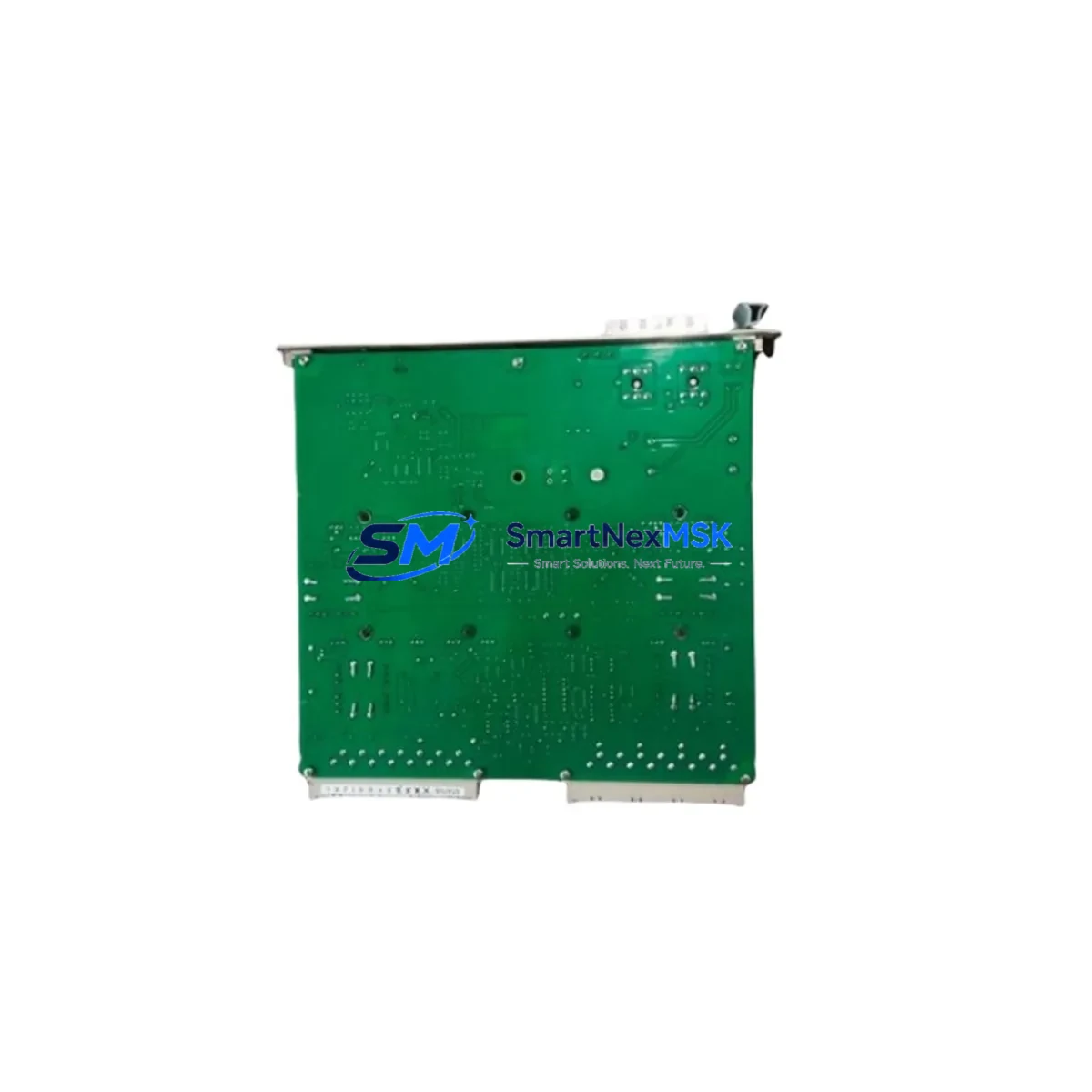
ABB 3EHE300692R0001 Retrofit-Ready DCS Control Board for LAA424 Series Control Systems
The ABB 3EHE300692R0001 LAA424 C01 is a DCS control board engineered for the ABB Advant OCS and AC800M distributed control system platforms. As legacy LAA424-series hardware reaches end-of-life, this board serves as a proven retrofit solution for facilities managing aging control cabinets, upgrading communication infrastructure, or recovering from unplanned failures in continuous-process environments. SMARTNEXMSK maintains verified stock of this module, fully tested and backed by a 12-month warranty, to support your system modernization with minimal disruption.
Upgrade Compatibility Table
| Parameter | Details |
|---|---|
| Part Number | 3EHE300692R0001 |
| Module Designation | LAA424 C01 |
| Compatible Platform | ABB Advant OCS / AC800M DCS |
| Backplane Interface | Advant S100 I/O bus / S800 I/O bus (verify rack generation) |
| Communication Compatibility | MasterBus 300, PROFIBUS DP, Modbus RTU (platform-dependent) |
| Installation Requirement | Standard DIN-rail or rack-mount; confirm slot addressing before swap |
| Replacement Recommendation | Direct replacement for LAA424 C01; verify firmware revision compatibility |
| Commissioning Focus | Module address configuration, I/O channel mapping, HMI tag re-binding |
| Warranty | 12 Months — covers functional defects under normal operating conditions |
| Condition | Tested, inspected, and verified prior to shipment |
Retrofit Planning for Existing Automation Systems
Replacing the 3EHE300692R0001 LAA424 C01 in an operating plant requires careful pre-work across several system layers. Before pulling the existing board, engineers should document the current module address assignments within the Advant OCS configuration tool and export a backup of the control application from the AC800M controller. This ensures that the replacement board can be addressed identically, preserving all I/O channel mappings without requiring a full re-download of the control program.
On the hardware side, confirm that the target rack — typically an S100 or S800 I/O station — has sufficient power budget to support the replacement board. The power supply module feeding the rack, such as an ABB SD821 or SD823 power supply unit, must be verified against the current load profile before insertion. If the rack is near capacity, redistributing modules or adding a supplementary power supply should be planned as part of the retrofit scope.
Terminal wiring on the LAA424 C01 follows the standard Advant field termination convention. Before disconnecting field cables, photograph or document all terminal assignments. If the installation uses a TB820 or TB840 termination board, verify that the new module’s channel-to-terminal mapping matches the existing wiring layout. Mismatches at this stage are a common source of commissioning delays.
For facilities running HMI systems built on ABB Operate IT or third-party SCADA platforms connected via OPC DA/UA, confirm that the tag database references the correct module address after the swap. HMI screens tied to analog input or digital output channels on the LAA424 C01 must be validated against live process values during the commissioning window. Where the control system communicates over PROFIBUS DP, the GSD file and station address of the replacement module must match the master configuration exactly.
In multi-rack configurations, the replacement board’s interaction with adjacent modules — including AI810 analog input modules, AO810 analog output modules, DI810 digital input modules, and DO810 digital output modules — should be verified through a structured I/O checkout procedure. Communication modules such as the CI854 PROFIBUS DP interface or CI801 AF100 fieldbus interface may require a re-scan of the I/O tree after the new board is seated. Programming cables such as the TK212A USB-to-serial adapter are recommended for on-site firmware verification and address configuration prior to energizing the rack.
All retrofit work should be completed with a tested spare on hand. SMARTNEXMSK can supply the 3EHE300692R0001 LAA424 C01 alongside related modules to support a complete cabinet upgrade, reducing the risk of secondary failures during the changeover window.
Downtime Control During System Migration
Minimizing unplanned downtime during a DCS control board replacement begins with a structured pre-outage checklist. Before the maintenance window opens, the existing control application should be backed up from the AC800M controller using ABB’s Control Builder M engineering tool. This backup preserves all function block logic, PID tuning parameters, interlock conditions, and communication configurations, ensuring that the program can be restored or re-downloaded to the replacement board without re-engineering.
Where process conditions allow, a hot-standby or redundant controller configuration can be leveraged to keep the process running while the faulty LAA424 C01 is swapped. In non-redundant architectures, coordinating the replacement during a scheduled low-production window — and pre-staging the replacement board with the correct module address and firmware version — can reduce the active outage to under 30 minutes for experienced technicians.
After insertion, the commissioning sequence should follow a structured loop-check protocol: verify power-up status LEDs, confirm module recognition in the I/O tree, perform a channel-by-channel signal verification against the field termination schedule, and validate HMI display values against independent field instruments before returning the loop to automatic control. Documenting each step protects against repeat failures and supports future audit requirements.
SMARTNEXMSK ships the 3EHE300692R0001 LAA424 C01 with a pre-shipment functional test report, reducing on-site verification time and supporting your downtime control objectives.
Retrofit Support FAQ
Q1: Is the 3EHE300692R0001 LAA424 C01 a direct drop-in replacement for the original LAA424 C01 board?
In most cases, yes. The 3EHE300692R0001 is the ABB part number for the LAA424 C01 control board and is designed for direct substitution within compatible Advant OCS and AC800M rack configurations. However, you should verify the firmware revision of the replacement board against your system’s current software version using ABB Control Builder M before installation. Minor firmware differences may require a configuration re-download but do not typically require re-engineering the control application.
Q2: What wiring and termination checks are required before swapping the board?
Document all field terminal assignments on the existing LAA424 C01 before disconnection. If your installation uses a plug-in termination board such as the TB820 or TB840, the wiring can remain connected during the board swap, significantly reducing reconnection risk. For hardwired terminals, photograph the wiring layout and verify against the as-built termination schedule. After insertion, perform a full loop check on all I/O channels before returning to automatic control.
Q3: How do I confirm communication compatibility after replacement?
After seating the replacement board, perform a re-scan of the I/O tree in ABB Control Builder M or the Advant OCS configuration tool. For PROFIBUS DP networks, verify that the module’s station address matches the master configuration and that the GSD file is current. For MasterBus 300 or AF100 fieldbus installations, confirm that the communication module — such as the CI854 or CI801 — recognizes the new board within the expected scan cycle. Monitor the communication status LEDs and check for diagnostic alarms in the controller before releasing the system.
Q4: What does the 12-month warranty cover, and how is it supported?
All 3EHE300692R0001 LAA424 C01 units supplied by SMARTNEXMSK are covered by a 12-month warranty against functional defects under normal operating conditions. Each unit is tested prior to shipment and accompanied by a functional test report. In the event of a warranty claim, contact our technical support team with the shipment documentation and a description of the fault. Replacement or repair will be coordinated promptly to minimize your system downtime.
© 2026 SMARTNEXMSK. All rights reserved.
Original Source: https://smartnexmsk.com
Contact: [email protected] | +86 18259474341



