
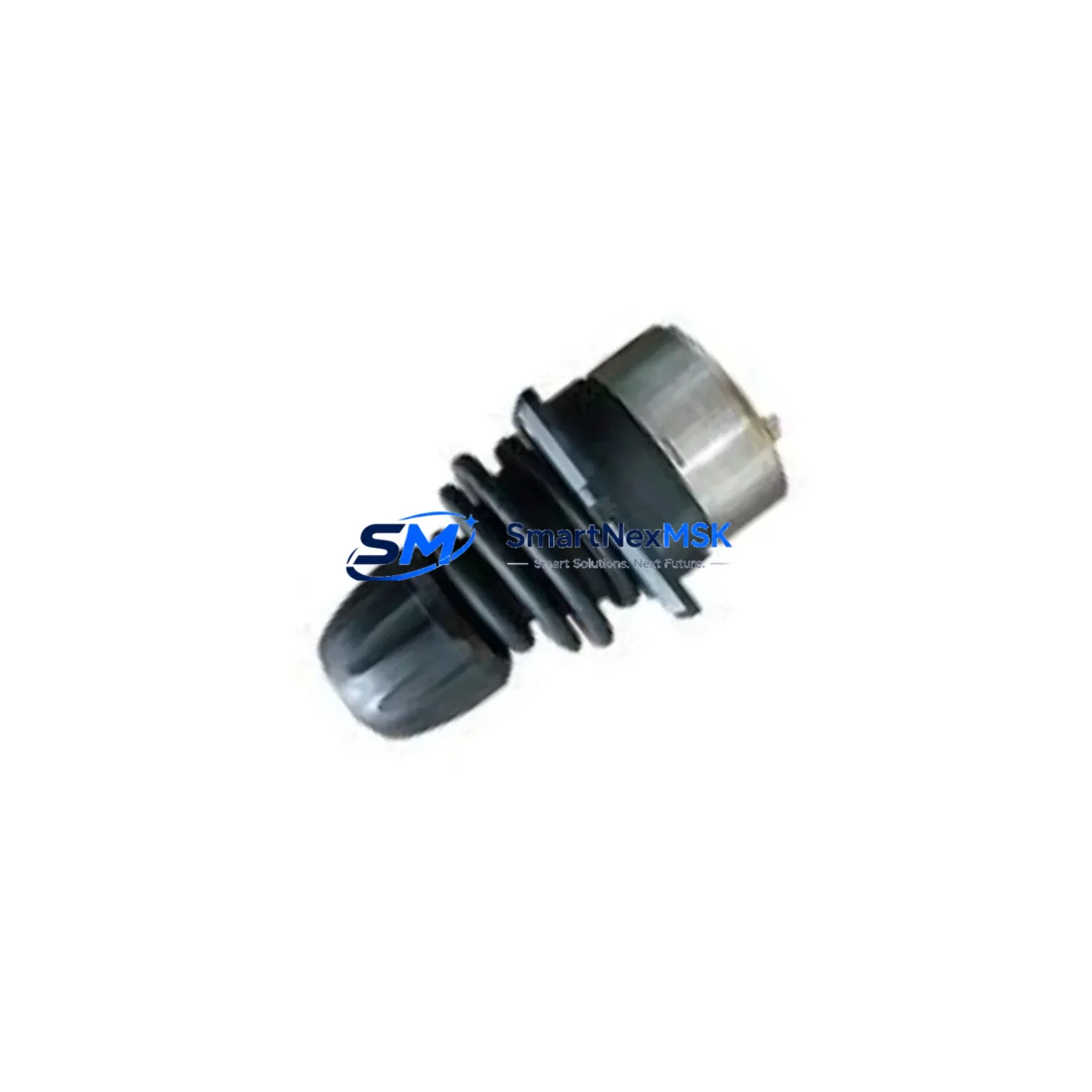
ABB 3HAC028357-026 Maintenance-Ready Spare for IRC5 Automation
The ABB 3HAC028357-026 FlexPendant (also referenced as DSQC679, 3HAC023195-009, and JC2000-0049) is the original operator interface unit for ABB IRC5 robot controller cabinets. As the primary human-machine interface in IRC5-based robotic cells, this teach pendant is a mission-critical component in automotive assembly, arc welding, material handling, and precision manufacturing environments. When this unit fails or degrades, the entire robot cell is rendered inoperable — making rapid spare availability the single most important factor in minimizing unplanned downtime.
At SMARTNEXMSK, every 3HAC028357-026 unit is sourced as an original ABB spare, individually tested before shipment, and backed by a 12-month warranty. Our inventory is maintained specifically to support maintenance engineers and procurement teams who cannot afford extended lead times from OEM channels.
Spare Maintenance Table
| Parameter | Specification |
|---|---|
| Part Number | 3HAC028357-026 |
| Cross-Reference SKUs | 3HAC023195-009 / DSQC679 / JC2000-0049 |
| Brand | ABB Robotics |
| Series Compatibility | IRC5 Single / Compact / Panel Mounted / Paint |
| Component Type | FlexPendant Teach Pendant (HMI) |
| Display | 6.4″ Color Touch Screen |
| Communication Interface | Ethernet (RJ45) to IRC5 Main Computer |
| Operating Voltage | 24 VDC (supplied via pendant cable) |
| Cable Connection | Proprietary IRC5 FlexPendant connector |
| Origin | Germany (Original ABB Manufacturing) |
| Condition | Original Spare — Tested Before Shipment |
| Application Environment | Industrial Robot Cell, Welding, Assembly, Painting |
| Operating Temperature | 0°C to +50°C |
| IP Rating | IP54 |
| Warranty | 12 Months from Date of Shipment |
| Pre-Shipment Test | Power-on, display, touchscreen, E-stop, communication link |
Maintenance Planning for Continuous Operation
When a 3HAC028357-026 FlexPendant is flagged for replacement during a scheduled maintenance window or emergency callout, experienced maintenance engineers know that the pendant itself is rarely the only component requiring attention. A thorough IRC5 cabinet inspection should accompany any FlexPendant swap.
Begin by inspecting the IRC5 Main Computer (DSQC1000 / 3HAC047136-001) — the FlexPendant communicates directly with this unit over Ethernet, and a degraded main computer can cause false pendant faults. Next, check the IRC5 Axis Computer (DSQC668 / 3HAC025338-001) for drive communication errors that may have been misattributed to the HMI layer.
The FlexPendant cable assembly (3HAC031683-001) is a high-wear item subject to repeated flexing and should be replaced proactively whenever the pendant itself is changed. Simultaneously, verify the condition of the IRC5 I/O module (DSQC652 / 3HAC025917-001) — digital input/output faults often surface during pendant-guided jog operations and can be confused with pendant hardware failures.
For cells with safety-rated stop circuits, inspect the IRC5 Safety Controller (DSQC400 / 3HAC14265-1) and confirm that E-stop relay chains are intact. The 24VDC power supply unit (DSQC661 / 3HAC026253-001) that feeds the pendant and I/O bus should be load-tested — undervoltage conditions are a leading cause of intermittent FlexPendant disconnections. If the cabinet includes a fieldbus adapter (DSQC688 / DSQC378) for PROFIBUS or DeviceNet communication, verify that the communication module is seated correctly and that termination resistors are in place.
For older IRC5 installations, also inspect the teach pendant enabling device switch and the mode selector switch assembly on the controller front panel — these mechanical components degrade independently of the FlexPendant electronics and are common sources of nuisance faults in aging systems. Maintaining a stocked spare of the 3HAC028357-026 alongside a spare FlexPendant cable and a spare DSQC661 PSU represents the minimum recommended IRC5 spare parts kit for any facility running ABB robots in continuous production.
Site Replacement Workflow
Step 1 — Isolate and document: Place the IRC5 controller in manual mode via the mode selector switch. Record the current robot program, tool data, and work object data from the existing FlexPendant before disconnecting. If the pendant display is non-functional, retrieve backup data from the IRC5 main computer via RobotStudio or USB backup.
Step 2 — Disconnect safely: Power down the IRC5 cabinet using the main isolator switch. Wait for the capacitor discharge period (minimum 5 minutes) before handling internal connections. Disconnect the FlexPendant cable from the pendant connector on the cabinet door.
Step 3 — Install the replacement 3HAC028357-026: Connect the FlexPendant cable to the new unit. Ensure the connector is fully seated and the locking ring is engaged. Power on the IRC5 cabinet and verify that the FlexPendant boots to the ABB startup screen within 60 seconds.
Step 4 — Verify system communication: Confirm that the robot serial number, system software version, and installed options are correctly displayed on the new pendant. Test jogging in all axes at low speed. Verify E-stop function from both the pendant and the cabinet door button.
Step 5 — Restore and validate: Reload any backed-up programs if required. Run a dry-cycle of the production program at reduced speed before returning the cell to full production. Log the replacement in the maintenance management system with the new unit’s serial number and installation date.
This workflow applies equally to planned maintenance replacements and emergency breakdown scenarios. The 3HAC028357-026 is a direct drop-in replacement for the earlier 3HAC023195-009 variant — no software reconfiguration is required when replacing like-for-like within the IRC5 platform.
Spare Parts Support FAQ
Q1: Is the 3HAC028357-026 compatible with all IRC5 controller variants?
Yes. The 3HAC028357-026 FlexPendant is compatible with all IRC5 variants including IRC5 Single Cabinet, IRC5 Compact, IRC5 Panel Mounted Controller, and IRC5 Paint. It is also backward-compatible with systems originally equipped with the 3HAC023195-009 (DSQC679) pendant. Always verify the RobotWare version installed on your IRC5 main computer — RobotWare 5.x and 6.x are both supported.
Q2: What pre-shipment testing is performed on each unit?
Every 3HAC028357-026 unit shipped by SMARTNEXMSK undergoes a full power-on test, touchscreen calibration verification, E-stop circuit continuity check, and Ethernet communication link test against a live IRC5 controller. Units that do not pass all test criteria are not shipped. A test report is available upon request.
Q3: What is the recommended spare parts stocking strategy for IRC5 FlexPendants?
For facilities operating 1–5 IRC5 robots, we recommend maintaining one 3HAC028357-026 as a hot spare. For facilities with 6 or more IRC5 robots or those running 24/7 production, a minimum of two units is advised. Given the 12-month warranty and the long service life of the IRC5 platform, stocking a spare pendant represents a low-cost insurance policy against production-stopping downtime.
Q4: What is covered under the 12-month warranty?
The 12-month warranty covers all manufacturing defects and component failures under normal industrial operating conditions. It does not cover physical damage resulting from drops, cable crush injuries, or liquid ingress beyond the IP54 rating. In the event of a warranty claim, SMARTNEXMSK will arrange replacement shipment upon receipt and inspection of the returned unit. Contact [email protected] to initiate a warranty claim.
© 2026 SMARTNEXMSK. All rights reserved.
Original Source: https://smartnexmsk.com
Contact: [email protected] | +86 18259474341



