
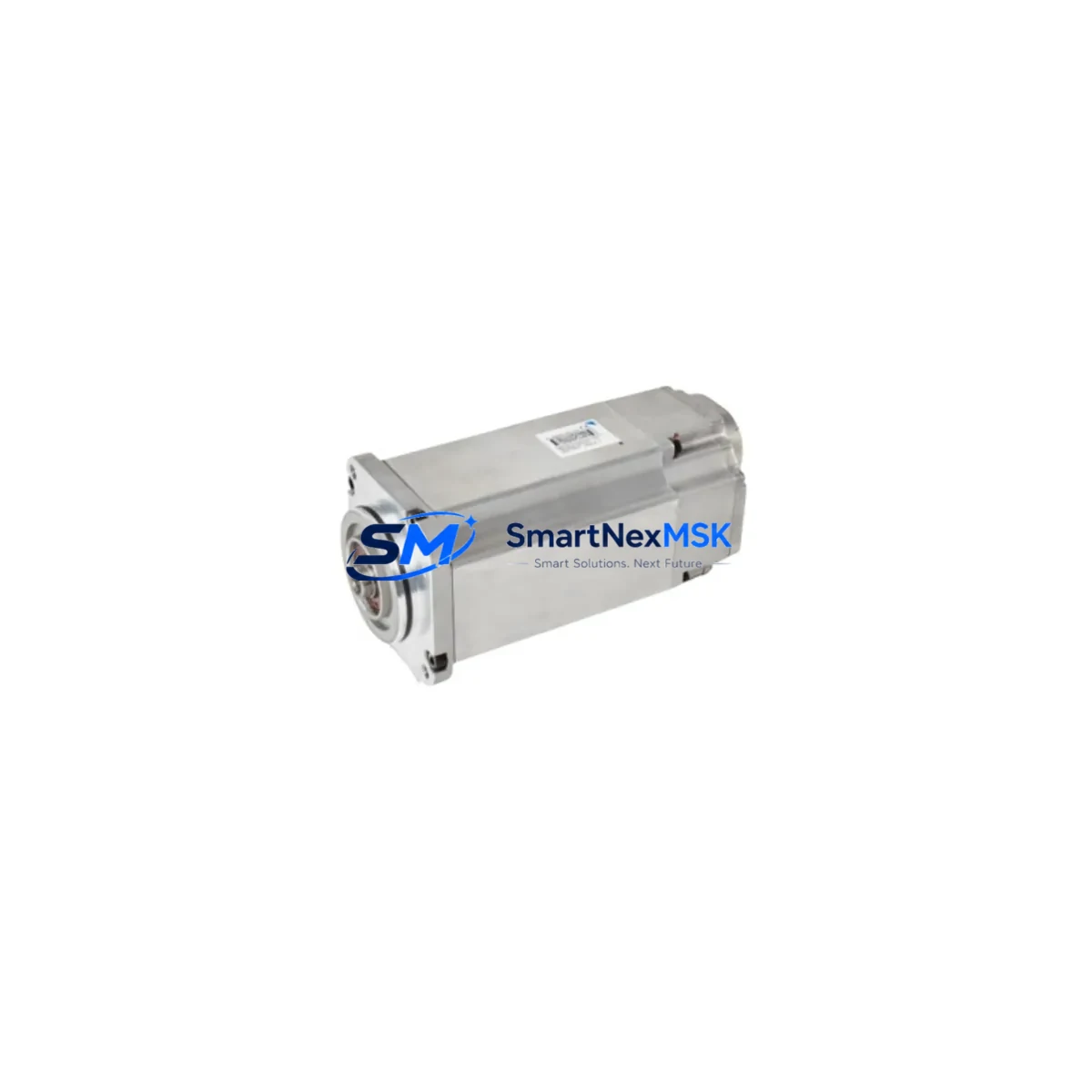
ABB 3HAC043071-003 Retrofit-Ready Joint Gearbox for IRB 6700 Control Systems
The ABB 3HAC043071-003 is a precision-engineered joint gearbox designed for the IRB 6700 series industrial robot platform — one of ABB’s most widely deployed heavy-payload robot families in automotive, foundry, and general manufacturing environments. As production lines age and original components reach end-of-life, the 3HAC043071-003 serves as the definitive retrofit-ready replacement for worn, failed, or discontinued axis gearboxes, enabling facilities to restore full robot performance without committing to a full robot replacement or extended downtime.
This gearbox is a direct mechanical and dimensional equivalent to the superseded 3HAC060576-003, and is also cross-referenced under the variant designation VR3HAC043071-003. Engineers planning a retrofit should confirm axis assignment (typically Axis 2 or Axis 3 depending on robot configuration), verify torque rating compatibility with the existing ABB IRC5 controller motion parameters, and review the robot’s current calibration offsets stored in the RAPID program before disassembly.
Upgrade Compatibility Table
| Parameter | Details |
|---|---|
| Compatible Robot Series | ABB IRB 6700 (all variants: IRB 6700-150/3.2, 175/3.05, 200/2.60, 235/2.65, 300/2.70) |
| Replaces / Supersedes | 3HAC060576-003, VR3HAC043071-003 |
| Mounting Interface | Direct bolt-on; matches OEM flange pattern and shaft dimensions |
| Communication Compatibility | Fully compatible with ABB IRC5 controller (single and dual cabinet) |
| Installation Requirement | Axis recalibration required post-installation using ABB RobotStudio or FlexPendant |
| Lubrication | Pre-filled with OEM-specified grease; verify grease type before topping up |
| Warranty | 12 Months from date of shipment |
| Condition | New / Surplus New |
| Lead Time | Ships from stock; express dispatch available |
Retrofit Planning for Existing Automation Systems
Successful integration of the 3HAC043071-003 into an existing production cell requires a structured retrofit plan that accounts for both mechanical and software dependencies. Before scheduling the maintenance window, the engineering team should audit the following system components:
The ABB IRC5 controller — whether in single-cabinet or dual-cabinet configuration — must be verified for firmware revision compatibility. Older IRC5 units running RobotWare 5.x may require a software update to correctly interpret recalibrated axis data after gearbox replacement. The FlexPendant (DSQC 679) is the primary interface for executing the fine calibration routine and should be confirmed operational before the maintenance window begins.
On the mechanical side, the robot’s SMB (Serial Measurement Board) — typically the DSQC 633 or DSQC 1030 depending on robot generation — stores resolver offset data for each axis. This data must be backed up prior to gearbox removal and restored or recalibrated after installation. Failure to manage SMB data correctly is the most common cause of post-retrofit calibration errors.
For facilities running coordinated multi-robot cells, the ABB DSQC 652 I/O module and associated DeviceNet or PROFINET communication links should be verified for signal continuity throughout the retrofit process. Any interruption to the fieldbus during axis replacement can trigger safety faults in the PLC safety circuit — typically a Siemens S7-300 or Allen-Bradley GuardLogix in mixed-vendor environments — requiring a manual reset and interlock verification before resuming production.
The robot’s axis computer (DSQC 668) manages torque and position feedback for each joint. After gearbox installation, verify that the axis computer is reading correct encoder signals before enabling motor power. In some IRB 6700 configurations, the drive module (DSQC 661) may also require a parameter reset if the gearbox ratio has changed between the old and new part revision.
For facilities using ABB RobotStudio for offline programming, update the robot model’s mechanical unit configuration to reflect the new gearbox calibration data before pushing updated RAPID programs to the controller. This ensures that simulated paths remain accurate and that no positional drift is introduced during the first production run after retrofit.
All replacement units are pre-tested, shipped with full documentation, and backed by a 12-month warranty. Stock is maintained for immediate dispatch to minimize unplanned downtime.
Downtime Control During System Migration
Minimizing downtime during a joint gearbox replacement on an IRB 6700 requires disciplined pre-staging and a clear task sequence. The recommended approach is to complete all preparatory steps — including backing up the IRC5 controller program, exporting RAPID module files, photographing all wiring harness routing at the affected axis, and pre-torquing the replacement gearbox mounting hardware — before the robot is taken offline.
Once the robot is de-energized and locked out per site LOTO procedures, the mechanical swap can typically be completed within 4–8 hours depending on axis location and access constraints. The critical path item is axis recalibration: using the FlexPendant’s calibration pendulum or the ABB Levelmeter 2000 tool, each axis must be brought to its calibration position and the resolver offset confirmed against the backed-up SMB data.
To protect original program logic, never overwrite the RAPID backup during the calibration process. Restore the program only after confirming that all six axes report correct position feedback and that the IRC5 controller has completed its self-test sequence without fault codes. A controlled jog test at reduced speed (10–25% of rated velocity) across the full working envelope should be completed before returning the robot to automatic mode.
For facilities with redundant robot cells, consider scheduling the retrofit during a planned production changeover to eliminate net downtime impact. Where a spare robot is not available, pre-positioning the 3HAC043071-003 in the maintenance bay and completing all documentation steps in advance can reduce the offline window to under 6 hours for experienced maintenance teams.
Retrofit Support FAQ
Q1: Is the 3HAC043071-003 a direct drop-in replacement for the 3HAC060576-003?
Yes. The 3HAC043071-003 is the current active part number that supersedes the 3HAC060576-003. Mounting dimensions, shaft interface, and gear ratio are identical. Axis recalibration is required after installation, as with any gearbox replacement, but no mechanical modification to the robot structure is needed.
Q2: What calibration procedure is required after installation?
After mechanical installation, the affected axis must be recalibrated using the ABB FlexPendant calibration routine or ABB RobotStudio’s calibration wizard. The SMB resolver offset for the replaced axis must be updated. ABB’s standard calibration pendulum tool is recommended for axis 2 and axis 3 replacements on the IRB 6700 platform.
Q3: Will this gearbox work with both IRC5 single-cabinet and dual-cabinet controllers?
Yes. The 3HAC043071-003 is compatible with all IRC5 controller variants used with the IRB 6700 series, including single-cabinet, dual-cabinet, and panel-mounted configurations. No controller hardware changes are required.
Q4: What does the 12-month warranty cover, and how is it validated?
The 12-month warranty covers manufacturing defects and premature mechanical failure under normal operating conditions. Warranty is validated from the date of shipment. Each unit is pre-tested prior to dispatch. To initiate a warranty claim, contact our technical support team with the order reference and a description of the fault. Replacement or repair will be arranged within the warranty period at no additional cost.
© 2026 SMARTNEXMSK. All rights reserved.
Original Source: https://smartnexmsk.com
Contact: [email protected] | +86 18259474341



