
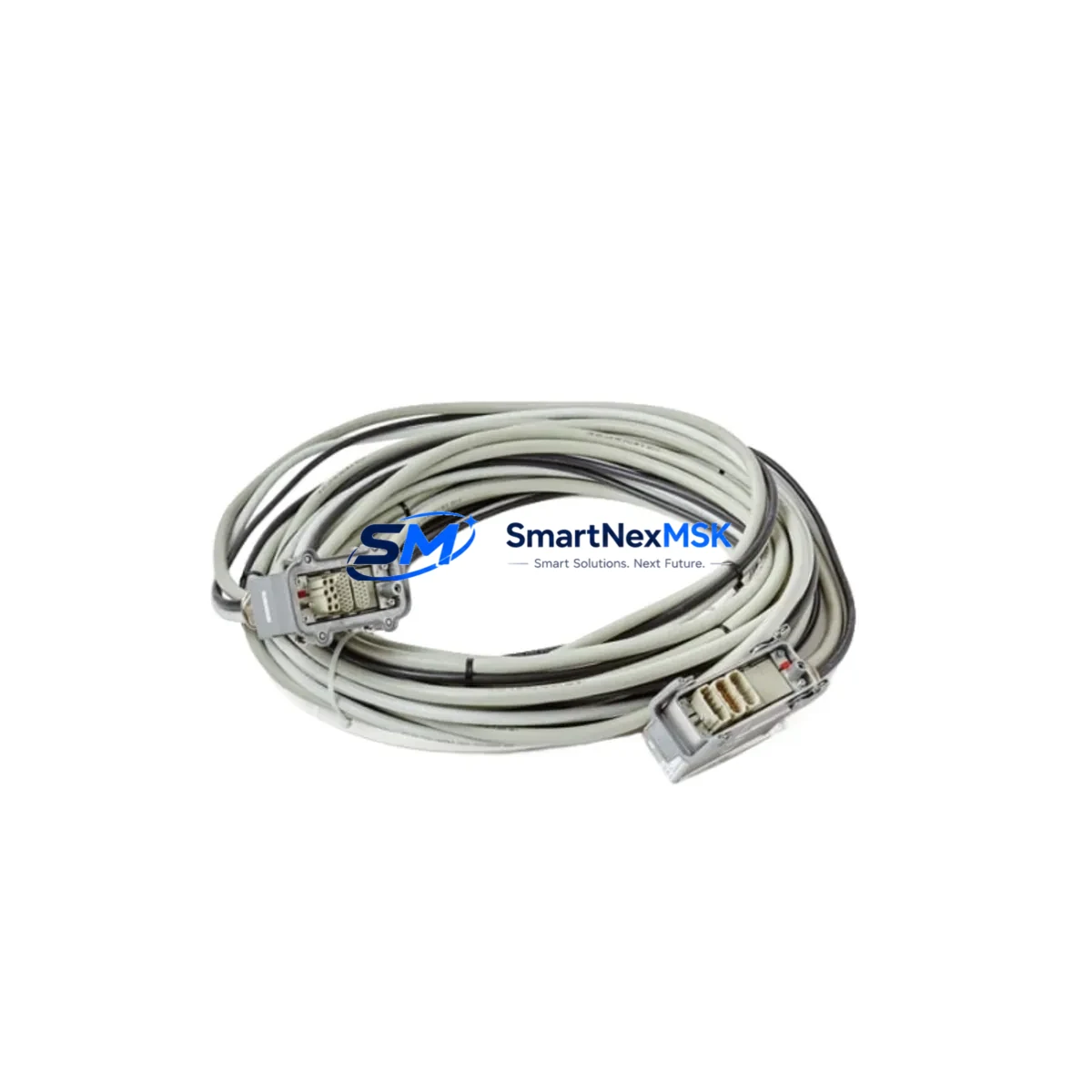
ABB 3HAC043075-003 Retrofit-Ready Reduction Gear for IRB6700 Control Systems
The ABB 3HAC043075-003 is a precision reduction gear unit engineered for the IRB6700 series industrial robot, serving as a verified drop-in replacement for the discontinued 3HAC043075-002. Designed to restore full axis drive performance in aging or failed robot joints, this component is a cornerstone of any IRB6700 retrofit or preventive maintenance program. Whether you are managing a planned upgrade cycle or responding to an unplanned axis failure, the 3HAC043075-003 delivers the mechanical precision and torque transmission accuracy required to maintain production continuity in demanding industrial environments.
This reduction gear is compatible with all standard IRB6700 variants, including the IRB6700-150/3.2, IRB6700-200/2.6, IRB6700-235/2.65, and IRB6700-245/3.0 configurations. It interfaces directly with the ABB IRC5 controller platform and is fully supported by RobotWare 6.x software environments. Engineers performing axis replacement should verify the mechanical mounting interface, confirm the gear ratio specification against the original axis data sheet, and cross-reference the robot calibration file stored in the IRC5 controller’s FlexPendant before committing to installation.
Upgrade Compatibility Table
| Parameter | 3HAC043075-002 (Legacy) | 3HAC043075-003 (Current) |
|---|---|---|
| Compatible Robot Series | IRB6700 | IRB6700 (all variants) |
| Mounting Interface | Standard flange | Standard flange (direct fit) |
| Communication Compatibility | IRC5 / DeviceNet / PROFIBUS | IRC5 / DeviceNet / PROFIBUS / EtherNet/IP |
| Replacement Recommendation | Discontinued — replace with 3HAC043075-003 | Current production — in stock |
| Calibration Requirement | Full axis calibration required | Full axis calibration required |
| Commissioning Notes | Verify gear ratio and lubrication spec | Verify gear ratio, lubrication, and torque limits |
| Warranty | N/A (discontinued) | 12-Month Warranty |
Retrofit Planning for Existing Automation Systems
Integrating the 3HAC043075-003 into an existing IRB6700 installation requires a structured approach that accounts for both mechanical and software dependencies. Before disassembly, engineers should back up the current calibration data from the IRC5 controller using the FlexPendant or RobotStudio offline programming environment. This ensures that axis offset values, tool center point (TCP) definitions, and work object coordinates are preserved and can be restored after the gear replacement.
On the mechanical side, the replacement procedure involves removing the axis motor — typically an ABB 3HAC17484-1 or equivalent servo motor — disconnecting the resolver feedback cable, and carefully extracting the worn gear unit from the robot arm casting. The new 3HAC043075-003 must be installed with the correct torque specification on all fasteners, and the lubrication cavity must be filled with the ABB-specified grease type before reassembly. Failure to follow the lubrication protocol is the most common cause of premature gear failure in field retrofits.
For facilities running multiple IRB6700 units on the same production line, it is advisable to maintain a spare 3HAC043075-003 alongside other high-wear components such as the ABB 3HAC14550-2 wrist unit, 3HAC026253-001 axis motor, and the 3HAC025338-001 SMB (Serial Measurement Board). These components share similar service intervals and are frequently replaced together during major overhaul windows. The IRC5 controller cabinet should also be inspected during the downtime window — checking the DSQC652 I/O module, DSQC661 axis computer, and any installed PROFIBUS or EtherNet/IP communication boards for firmware currency and connector integrity.
If the retrofit involves migrating from an older S4C+ controller platform to the IRC5, additional steps are required to remap I/O addresses, update the robot configuration file (CFG), and re-establish communication links with upstream PLCs or SCADA systems. In such cases, the ABB 3HAC031670-001 FlexPendant and the RobotWare license key must be updated to reflect the new hardware configuration. Coordination with the site’s safety system integrator is also essential if the robot is operating within a safety-rated zone monitored by an ABB SafeMove2 module.
Downtime Control During System Migration
Minimizing unplanned downtime during a reduction gear replacement on the IRB6700 requires pre-staging all replacement components, tools, and calibration equipment before the maintenance window begins. A well-executed gear swap on a single axis can be completed within four to six hours by a trained ABB-certified technician, provided that the 3HAC043075-003 is on-site and pre-inspected, the calibration backup is current, and the IRC5 controller is accessible for immediate post-installation verification.
To protect the original program logic, the robot program files (.mod and .sys files) should be exported from the controller to a USB drive or network share before any hardware work begins. This allows the program to be reloaded without modification after the axis is recalibrated. In multi-robot cells, it is also advisable to place adjacent robots in a safe hold state using the IRC5’s system input signals, preventing unintended motion during the maintenance period.
Post-installation, the axis must be recalibrated using the Calibration Pendulum method or the standard fine calibration routine in RobotStudio. TCP verification should be performed against a fixed reference point on the production fixture before returning the robot to automatic mode. A short dry-run cycle at reduced speed (typically 25% of maximum) is recommended to confirm smooth axis motion and verify that no alarms are generated by the SMB or axis computer before resuming full production speed.
Retrofit Support FAQ
Q: Is the 3HAC043075-003 a direct replacement for the 3HAC043075-002?
A: Yes. The 3HAC043075-003 is the current production replacement for the discontinued 3HAC043075-002. It is mechanically and dimensionally compatible with all IRB6700 axis positions that previously used the 002 variant. No structural modifications to the robot arm are required.
Q: What calibration steps are required after installation?
A: A full axis calibration is required after any reduction gear replacement. This includes restoring the backed-up calibration data, performing the fine calibration routine via the FlexPendant, and verifying the TCP against a known reference point. ABB recommends using the Calibration Pendulum tool for highest accuracy.
Q: How do I verify wiring and connector compatibility before installation?
A: The motor connector and resolver cable pinout for the 3HAC043075-003 are identical to the 002 variant. Verify that the motor power cable (typically routed through the robot’s internal cable harness) is undamaged and that the resolver connector seats fully before reassembly. Refer to the IRB6700 Product Manual (document 3HAC044265-001) for the complete wiring diagram.
Q: What does the 12-month warranty cover?
A: The 12-month warranty covers manufacturing defects and premature failure under normal operating conditions. It does not cover damage resulting from improper installation, incorrect lubrication, overload conditions, or unauthorized modification. All units are functionally tested prior to shipment. Warranty claims are processed through SMARTNEXMSK’s technical support team.
—
© 2026 SMARTNEXMSK. All rights reserved.
Original Source: https://smartnexmsk.com
Contact: [email protected] | +86 18259474341



