
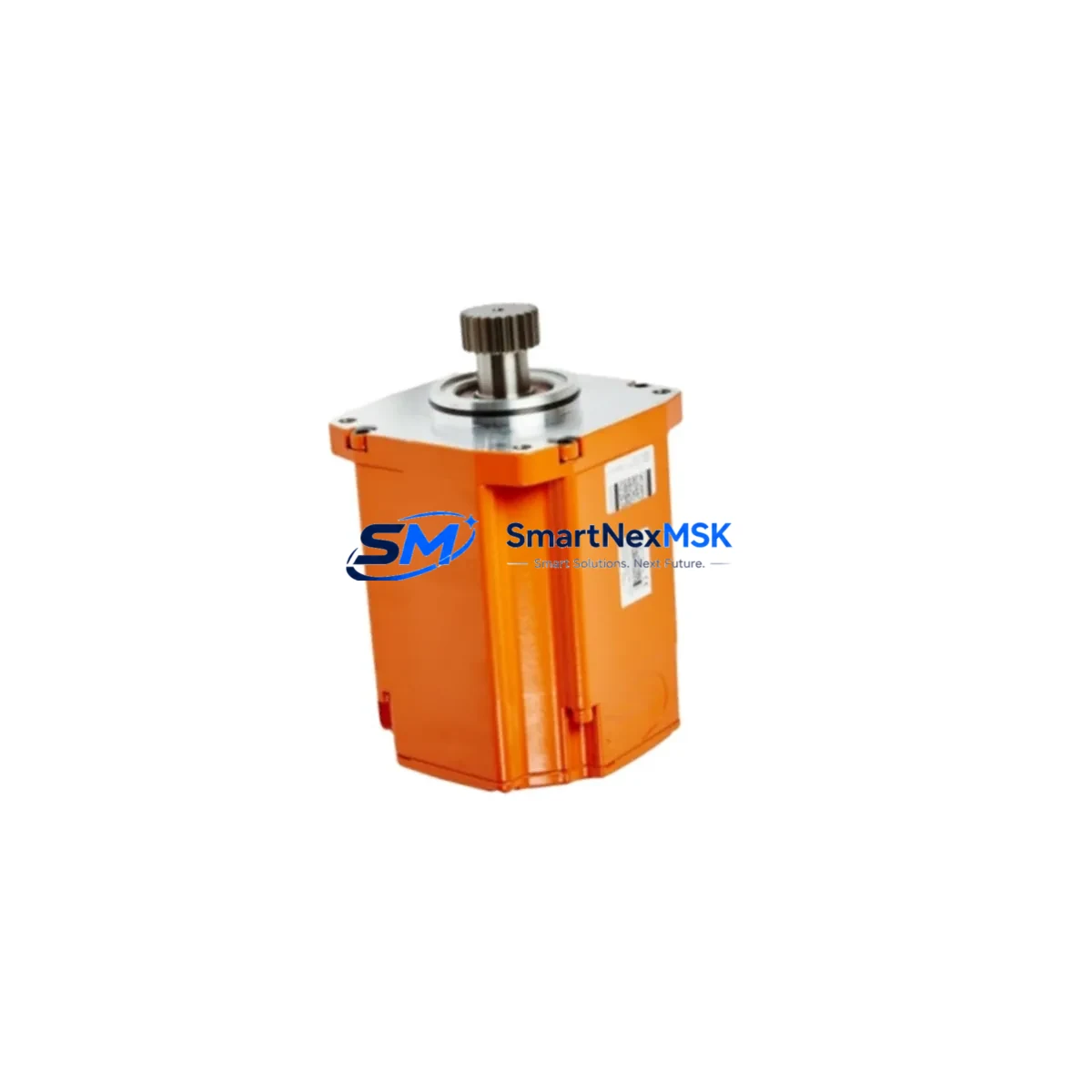
ABB 3HAC047575-002 Retrofit Boot Loader IRC5 IRB 2600
The ABB 3HAC047575-002 is the IRC5 Mass Memory Boot Loader module — a critical controller component for ABB IRB 2600 series industrial robots. As legacy IRC5 cabinets age and original modules reach end-of-life, this retrofit-ready replacement enables maintenance engineers and procurement teams to restore full system functionality without replacing the entire controller. Whether you are executing a planned control cabinet upgrade, recovering from an unplanned boot failure, or migrating from a discontinued module variant, the 3HAC047575-002 provides a verified, drop-in compatible solution backed by a 12-month warranty and pre-shipment functional testing.
The IRC5 controller platform is widely deployed across automotive, metal fabrication, food processing, and general manufacturing environments. When the Mass Memory Boot Loader fails or becomes corrupted, the robot arm loses its ability to initialize the operating system, halting production entirely. Sourcing a tested, original-specification replacement quickly is essential to minimizing downtime and protecting production schedules. The 3HAC047575-002 is stocked and available for immediate dispatch, with compatibility confirmed for the IRC5 single-cabinet and IRC5 panel-mounted controller variants used with IRB 2600 series manipulators.
Upgrade Compatibility Table
| Parameter | Details |
|---|---|
| Part Number | 3HAC047575-002 |
| Replaces / Supersedes | 3HAC061416-001 (alternate revision) |
| Compatible Controller | ABB IRC5 Single Cabinet, IRC5 Panel Mounted |
| Compatible Manipulator | ABB IRB 2600 Series (all variants) |
| Module Function | Mass Memory Boot Loader — system initialization and OS boot management |
| Interface / Connector | IRC5 main computer backplane slot — direct plug-in, no adapter required |
| Communication Protocol | Internal IRC5 system bus; compatible with RobotWare 5.x and 6.x |
| Installation Requirement | Power-off installation; ESD precautions required |
| Commissioning | RobotStudio or IRC5 FlexPendant TP for system restore and parameter reload |
| Origin | Germany (ABB Robotics) |
| Warranty | 12 Months — covers manufacturing defects and functional failure |
| Pre-Shipment Test | Functional verification performed before dispatch |
Retrofit Planning for Existing Automation Systems
A successful IRC5 boot loader retrofit requires more than simply swapping the 3HAC047575-002 module. Maintenance engineers should treat this replacement as an opportunity to audit the surrounding control architecture and prevent cascading failures. Before powering down the cabinet, verify that the IRC5 main computer board (DSQC1000 or DSQC639) is functioning correctly, as a faulty main computer can cause repeated boot loader failures even after module replacement. Inspect the IRC5 axis computer (DSQC668) for firmware currency, since mismatched firmware between the boot loader and axis computer can prevent successful system initialization.
Check the 24 VDC system power supply unit within the IRC5 cabinet — voltage instability is a common root cause of memory module corruption. The IRC5 power distribution board should also be inspected for signs of overheating or relay degradation. If the cabinet has been in service for more than five years, consider replacing the IRC5 panel board and verifying the integrity of all terminal block connections on the X1 and X2 connector rows, as loose terminations can introduce noise that corrupts boot sequences.
For systems running RobotWare 5.x that are being migrated to RobotWare 6.x during this retrofit window, confirm that the FlexPendant TP (teach pendant) firmware is updated to a compatible revision before attempting the first boot cycle. The IRC5 SMB (Serial Measurement Board) should be backed up prior to any controller module swap, as it stores axis calibration data that is not recoverable from the main computer alone. If the installation includes external I/O via DeviceNet or PROFIBUS-DP communication modules, verify that the fieldbus adapter configuration is preserved in the system backup before proceeding.
Where the retrofit involves migrating from an older IRC5 variant to a current-production IRC5 Compact or IRC5 Panel Mounted controller, the programming cable (DSQC679 or USB-to-IRC5 service port adapter) will be required for initial parameter loading and system restore. Ensure the backup media — whether stored on the IRC5 mass memory card or an external USB drive — is verified readable before the old module is removed.
Downtime Control During System Migration
Minimizing downtime during an IRC5 boot loader replacement begins with preparation before the maintenance window opens. Create a full system backup using RobotStudio or the FlexPendant TP and store it on both the IRC5 internal mass memory and an external USB drive. Document the current IP address configuration, fieldbus node addresses, and any custom I/O signal mappings, as these may need to be re-entered after the module swap if the system does not restore automatically.
During the physical replacement, follow ABB’s ESD handling procedures strictly — the 3HAC047575-002 is sensitive to electrostatic discharge, and improper handling can damage the module before installation. Power down the IRC5 cabinet fully, disconnect the main supply, and wait for the capacitor discharge period (typically 30 seconds) before opening the main computer compartment. Seat the new module firmly into the backplane slot and verify the locking mechanism is engaged before restoring power.
On first power-up, the IRC5 system will perform a boot sequence check. If the system does not recognize the new module immediately, use the FlexPendant TP to navigate to the system restore menu and reload the backup. In most IRB 2600 installations, the full restore and recommissioning process — including I/O verification and a dry-run motion test — can be completed within two to four hours, keeping unplanned downtime well within a single shift. Having the 3HAC047575-002 pre-tested and in stock before a failure occurs is the single most effective strategy for protecting production continuity.
Retrofit Support FAQ
Q1: Does the 3HAC047575-002 directly replace the 3HAC061416-001?
Yes. The 3HAC061416-001 is an alternate revision of the IRC5 Mass Memory Boot Loader and is functionally interchangeable with the 3HAC047575-002 in IRB 2600 series installations. No wiring modifications or adapter brackets are required. Confirm your IRC5 cabinet revision label before ordering if you are uncertain which revision is currently installed.
Q2: What commissioning steps are required after installation?
After physical installation, restore the system backup via the FlexPendant TP or RobotStudio. Verify that the IRC5 recognizes the module during the POST sequence. Reload axis calibration data from the SMB backup if prompted. Run a full I/O check and a low-speed motion test before returning the robot to production. Total commissioning time is typically two to four hours for a standard IRB 2600 installation.
Q3: How is the module tested before shipment?
Every 3HAC047575-002 unit undergoes functional verification on an IRC5-compatible test bench prior to dispatch. The test confirms boot sequence initiation, memory read/write integrity, and backplane communication. A test report is available upon request. Units that do not pass verification are not shipped.
Q4: What does the 12-month warranty cover?
The warranty covers manufacturing defects and functional failure under normal operating conditions for 12 months from the date of shipment. It does not cover damage caused by incorrect installation, ESD mishandling, overvoltage events, or physical impact. Warranty claims are processed within five business days of receiving the returned unit for inspection.
© 2026 SMARTNEXMSK. All rights reserved.
Original Source: https://smartnexmsk.com
Contact: [email protected] | +86 18259474341



