
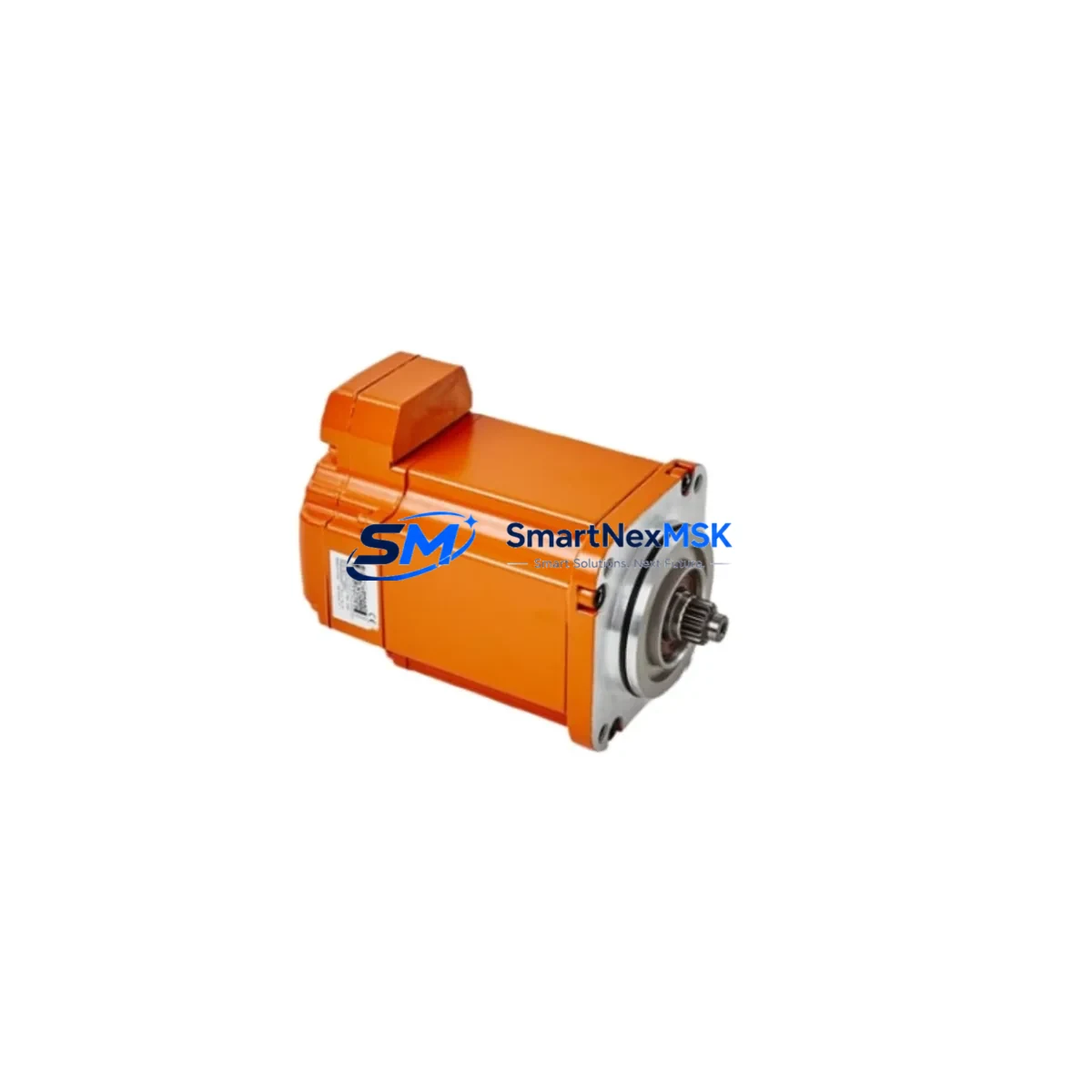
ABB 3HAC056153-001 Retrofit-Ready Drive for IRB910SC Control Systems
The ABB 3HAC056153-001 is a servo drive unit engineered for seamless compatibility with ABB IRB910SC SCARA robot control systems. As production lines age and original components reach end-of-life, this module provides a verified retrofit path that preserves existing wiring layouts, backplane interfaces, and program logic — minimizing engineering rework and unplanned downtime during system modernization.
Whether you are replacing a failed unit in an active production cell, upgrading a legacy IRB910SC installation to extend its service life, or sourcing a tested spare for critical inventory, the 3HAC056153-001 delivers the electrical and mechanical compatibility required for a controlled, low-risk changeover. Each unit ships after functional verification and is covered by a 12-month warranty from the date of delivery.
This drive is commonly deployed alongside the ABB IRC5 Compact controller, which governs motion sequencing and I/O coordination for the IRB910SC platform. During retrofit planning, engineers should confirm that the IRC5 controller firmware version supports the drive’s communication profile, particularly when the existing installation predates the current software baseline. The DSQC662 I/O module and DSQC679 teach pendant are frequently part of the same upgrade scope, as their firmware dependencies are tightly coupled to the drive’s operational parameters.
Upgrade Compatibility Table
| Parameter | Details |
|---|---|
| Compatible Platform | ABB IRB910SC SCARA Robot Series |
| Controller Compatibility | ABB IRC5 Compact |
| Replaces / Supersedes | 3HAC055900-001, 3HAC057903-001 (IRB1200 cross-reference) |
| Backplane Interface | Standard ABB drive bay — no mechanical modification required |
| Wiring Compatibility | Terminal layout matches OEM specification; no re-termination required |
| Communication Protocol | ABB proprietary drive bus; EtherNet/IP and DeviceNet via gateway modules |
| Installation Requirement | IRC5 cabinet with correct drive bay slot; confirm firmware revision before swap |
| Commissioning Note | Motor calibration and axis configuration required after installation |
| Debugging Focus | Axis resolver offset, torque limit parameters, and safety relay continuity |
| Warranty | 12 months from shipment date — covers manufacturing defects and functional failure |
Retrofit Planning for Existing Automation Systems
A successful retrofit of the 3HAC056153-001 into an existing IRB910SC cell requires a structured pre-installation review. Begin by auditing the IRC5 Compact controller’s power supply capacity — the DSQC609 power distribution board must be verified to deliver stable 24 VDC to the drive bay under full axis load. If the existing power supply shows signs of ripple or voltage sag under dynamic conditions, replacement of the DSQC609 in parallel with the drive swap is strongly recommended to avoid nuisance faults post-commissioning.
Terminal block wiring should be documented before disconnection. The 3HAC056153-001 uses the same connector pinout as its predecessor, but field installations often include non-standard wire routing or jumper modifications introduced during earlier service events. Photograph and label all connections before removal. The DSQC662 digital I/O module connected to the same backplane should be inspected for contact wear, particularly on high-cycle signal lines used for part-present detection and gripper control.
For systems that have been in service for more than five years, the ABB 3HAC026253-001 battery backup unit should be checked and replaced if necessary. Loss of battery backup during the drive swap can result in loss of calibration data stored in the controller’s non-volatile memory, requiring a full axis calibration cycle that adds significant time to the maintenance window.
If the retrofit scope includes a communication protocol migration — for example, transitioning from DeviceNet to EtherNet/IP — the DSQC688 fieldbus adapter must be installed and configured in the IRC5 cabinet prior to drive commissioning. This sequencing is critical: the drive’s network node address must be assigned before the controller’s motion program is reloaded, or axis mapping errors will prevent the robot from entering automatic mode.
HMI screens connected to the cell via the DSQC679 FlexPendant should be reviewed for any axis-specific alarm displays or custom operator screens that reference drive status registers. These screens may require minor tag remapping if the replacement drive reports status via a different register offset than the original unit. Coordinate with the controls engineer responsible for the original HMI configuration before the maintenance window begins.
For cells using a Profibus DP backbone, the drive’s GSD file version must match the master PLC’s configuration database. If the site uses a Siemens S7-300 or S7-400 as the supervisory controller, verify the hardware configuration in STEP 7 or TIA Portal before going live. Mismatched GSD versions are a common source of communication faults that appear only after the robot attempts to enter synchronized motion with the line PLC.
Downtime Control During System Migration
Minimizing production impact during a drive replacement requires preparation that begins well before the maintenance window opens. The most effective approach is to pre-stage the 3HAC056153-001 with a full functional test in a bench environment using a spare IRC5 Compact controller if one is available. Load the robot’s backup program file — exported from the live controller using RobotStudio or the FlexPendant’s backup function — and verify that the drive accepts the configuration without axis faults. This step alone can reduce in-cell commissioning time by 60–80%.
During the live swap, follow a strict sequence: disable the safety relay circuit, de-energize the drive bay, remove the failed unit, install the 3HAC056153-001, restore power, and perform a controlled warm start of the IRC5 controller. Do not attempt to restore automatic mode until all axis calibration values have been confirmed and the safety relay circuit has been re-validated. The robot’s resolver-based position feedback must be re-zeroed if the drive’s internal memory was not pre-loaded during bench staging.
Keep the original program backup on a USB drive accessible at the controller during the entire maintenance window. If the new drive triggers unexpected configuration conflicts, the fastest recovery path is a full controller restore from backup rather than attempting to diagnose individual parameter mismatches under time pressure. Document all parameter changes made during commissioning for the site’s maintenance records.
Retrofit Support FAQ
Q: Is the 3HAC056153-001 a direct drop-in replacement for the 3HAC055900-001?
A: Yes, the 3HAC056153-001 is the current production replacement for the 3HAC055900-001 in IRB910SC applications. The mechanical form factor, connector pinout, and drive bay interface are identical. Firmware compatibility should be confirmed against the IRC5 controller’s current software version before installation.
Q: What commissioning steps are required after installation?
A: After physical installation, perform a controller warm start, verify axis resolver offsets, confirm torque limit parameters match the robot’s payload configuration, and validate the safety relay circuit continuity. A full axis calibration cycle is required if the drive was not pre-loaded with the robot’s calibration data during bench staging.
Q: How do I verify wiring compatibility before removing the original drive?
A: Document all terminal connections with photographs and compare against the IRB910SC wiring diagram (ABB document 3HAC046307-001). The 3HAC056153-001 uses the same terminal layout as the original unit. Any field modifications to the original wiring should be noted and replicated on the replacement unit before power-up.
Q: What does the 12-month warranty cover?
A: The 12-month warranty covers manufacturing defects and functional failure under normal operating conditions from the date of shipment. Each unit undergoes functional verification testing prior to dispatch. Warranty claims are processed via our sales team with a target response time of 24 hours. Contact [email protected] or +86 18259474341 to initiate a claim.
© 2026 SMARTNEXMSK. All rights reserved.
Original Source: https://smartnexmsk.com
Contact: [email protected] | +86 18259474341



