
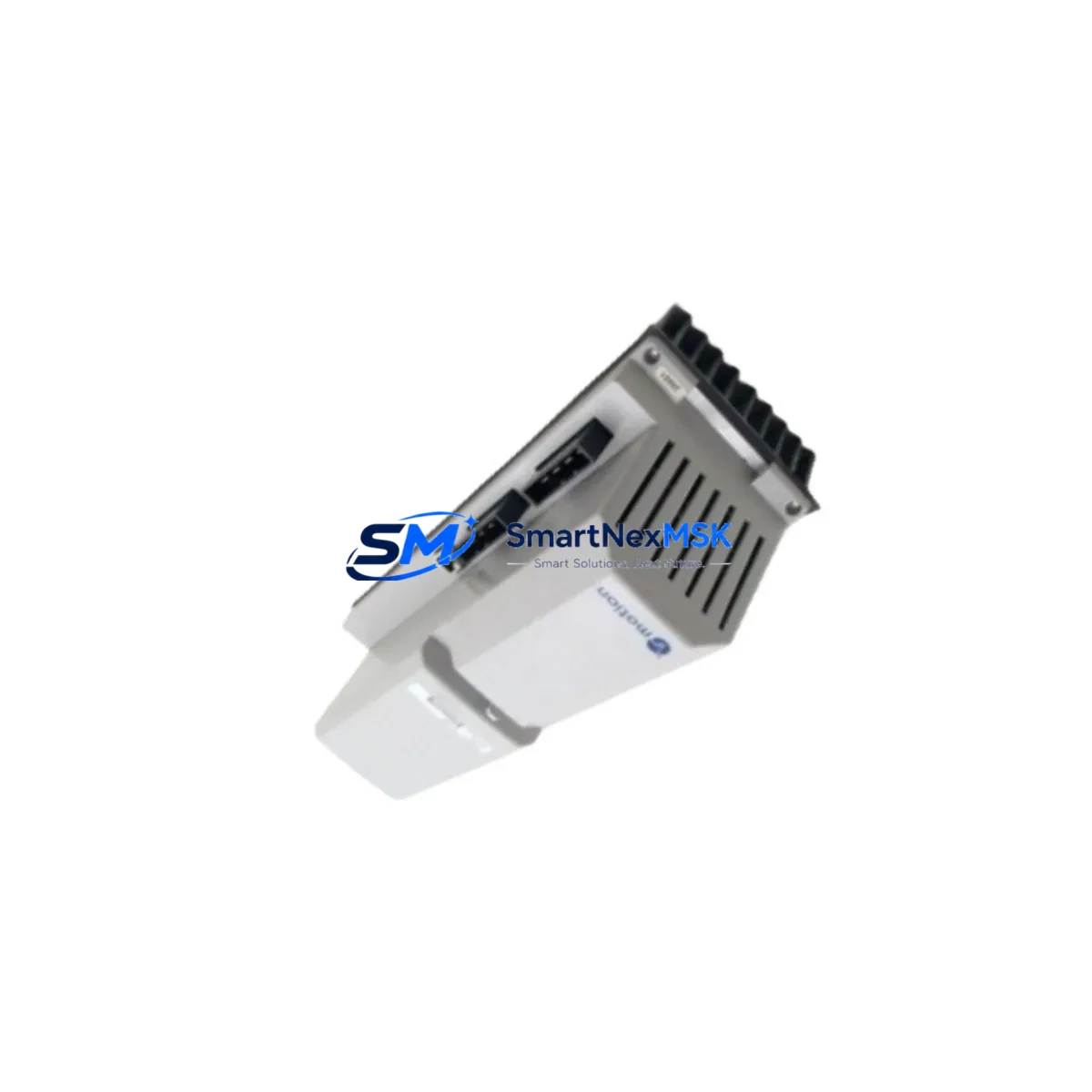
ABB 3HAC14724-2 Retrofit-Ready Servo Motor for IRB Series Control Systems
The ABB 3HAC14724-2 is a precision servo motor with integrated pinion gear, purpose-built for axis drive applications in ABB IRB series industrial robots. As legacy IRB 1400, IRB 2400, and IRB 4400 installations reach end-of-service milestones, the 3HAC14724-2 has become one of the most sought-after retrofit components for system integrators and maintenance engineers managing aging robot fleets. Whether you are executing a planned axis drive overhaul, responding to an unplanned motor failure, or upgrading a control cabinet to extend operational life, this unit delivers a verified drop-in replacement path with minimal re-engineering.
SMARTNEXMSK maintains ready stock of the ABB 3HAC14724-2 sourced from authorized supply channels, with each unit subject to pre-shipment functional verification. All units ship with a 12-month warranty covering manufacturing defects and operational failures under normal industrial use conditions.
Upgrade Compatibility Table
| Parameter | Details |
|---|---|
| SKU / Part Number | 3HAC14724-2 |
| Manufacturer | ABB Robotics |
| Compatible Robot Series | IRB 1400, IRB 2400, IRB 4400 |
| Axis Application | Axis 1–6 (model-dependent; verify axis map before installation) |
| Motor Type | AC Servo Motor with Pinion |
| Mounting Interface | Direct bolt-on to original IRB gearbox housing; no adapter plate required |
| Connector / Wiring | OEM-compatible motor power and resolver connector pinout; verify cable harness revision |
| Drive Compatibility | ABB DSQC series drive units; confirm firmware revision on DSQC 503 / DSQC 601 |
| Communication Protocol | Resolver-based feedback; compatible with S4 and S4C+ controller platforms |
| Controller Compatibility | ABB S4, S4C, S4C+ (IRC5 requires engineering review) |
| Commissioning Requirement | Motor calibration via RobotStudio or teach pendant after installation |
| Replacement Recommendation | Direct replacement; retain original motor parameters from system backup |
| Warranty | 12 Months — covers manufacturing defects and operational failure under normal use |
Retrofit Planning for Existing Automation Systems
A successful 3HAC14724-2 retrofit begins well before the motor arrives on-site. Engineers should start by pulling a full system backup from the ABB S4C+ controller using the teach pendant or RobotStudio, preserving all axis calibration data, tool center point (TCP) offsets, and program logic. This backup is your insurance policy — if the replacement motor requires re-calibration, you will need the original fine-calibration values stored in the controller’s parameter database.
Before disconnecting the failed unit, photograph and document the existing cable routing. The motor power cable and resolver cable must be re-routed identically to avoid mechanical interference with the robot’s wrist or upper arm assembly. The DSQC 503 drive module or DSQC 601 axis computer — depending on your controller generation — must be inspected for firmware compatibility. In some S4 installations, a firmware mismatch between the axis computer and a replacement motor can trigger axis error codes that prevent the robot from entering automatic mode.
For control cabinets running multiple axes simultaneously, verify that the cabinet’s power supply unit (PSU) — typically an ABB DSQC 374 or equivalent — has sufficient current headroom to support the replacement motor during peak acceleration cycles. Undersized power supply capacity is a common but overlooked cause of intermittent axis faults after motor replacement. If the cabinet also houses an ABB DSQC 352 I/O module or DSQC 328 digital I/O board, confirm that the I/O address mapping remains intact after the motor swap, particularly if the robot program uses axis-specific I/O interlocks.
HMI screens connected via Profibus DP or DeviceNet to the robot controller should be reviewed for any axis status displays that reference motor feedback signals. After installation of the 3HAC14724-2, run a slow-speed manual jog on the affected axis before executing any automatic program cycles. This allows the operator to confirm resolver signal integrity and detect any mechanical binding at the gearbox interface before full-speed operation resumes. If the installation involves an ABB FlexPendant or legacy S4 teach pendant, use the fine calibration routine to re-establish the axis zero position using the calibration marks on the robot arm.
For facilities managing multiple IRB units, consider stocking a spare 3HAC14724-2 alongside complementary components such as the ABB DSQC 503 drive unit, DSQC 601 axis computer, and DSQC 374 power supply to minimize future unplanned downtime. A complete retrofit kit approach — motor, drive, and power supply — ensures that a single component failure does not cascade into a multi-week parts sourcing delay.
Downtime Control During System Migration
Minimizing production downtime during a servo motor replacement on an IRB series robot requires a structured pre-maintenance protocol. Begin by scheduling the replacement during a planned maintenance window rather than responding reactively to a motor failure. If the motor is showing early warning signs — increased axis following error, abnormal vibration, or resolver fault codes — order the 3HAC14724-2 proactively and stage it in the maintenance area before the robot goes offline.
During the replacement window, keep the ABB S4C+ controller powered but in manual mode. Do not perform a cold restart until the new motor is fully installed and the resolver cable is secured. A cold restart before cable connection can corrupt the axis parameter file in some S4 controller revisions. Once the motor is installed and cables are connected, perform a warm restart and immediately verify that the axis computer recognizes the resolver signal — this is visible in the controller’s axis status screen before any motion is commanded.
To protect original program logic, never overwrite the system backup taken before the replacement. After fine calibration is complete, run the robot through a slow-speed dry cycle of the production program with all external I/O signals inhibited. This confirms that TCP positions, path accuracy, and zone transitions are preserved before returning the robot to automatic production mode. For multi-robot cells coordinated via an ABB IRC5 panel controller or a PROFIBUS master, verify that the replaced robot’s axis status is correctly reported to the cell controller before re-enabling inter-robot synchronization signals.
SMARTNEXMSK ships the ABB 3HAC14724-2 with same-day dispatch on confirmed orders, supporting time-critical maintenance scenarios. Each unit is individually tested and packed to prevent transit damage, with full traceability documentation included for quality records.
Retrofit Support FAQ
Q1: Is the ABB 3HAC14724-2 a direct drop-in replacement for the original motor on IRB 2400 axis 1?
A: In most IRB 2400 configurations, yes — the 3HAC14724-2 mounts directly to the original gearbox housing using the OEM bolt pattern. However, always verify the axis number and robot variant (IRB 2400/10, 2400/16) against the ABB spare parts manual before installation, as pinion gear ratios may differ between variants.
Q2: Do I need to re-calibrate the robot after installing the 3HAC14724-2?
A: Yes. After any servo motor replacement on an ABB IRB series robot, fine calibration of the affected axis is mandatory. Use the calibration marks on the robot arm and the fine calibration routine on the teach pendant or RobotStudio. Retain the original calibration values from your pre-replacement system backup as a reference.
Q3: What wiring changes are required when installing the 3HAC14724-2?
A: No wiring changes are required if the replacement motor uses the same OEM connector pinout. Reconnect the motor power cable and resolver cable to the original positions. Inspect the cable harness for wear or damage during the replacement — particularly the resolver cable, which is sensitive to mechanical stress near the robot wrist.
Q4: What does the 12-month warranty cover, and how is a claim processed?
A: The 12-month warranty covers manufacturing defects and operational failures under normal industrial use. It does not cover damage caused by incorrect installation, electrical overvoltage, or mechanical impact. To initiate a warranty claim, contact SMARTNEXMSK at [email protected] with the order reference, unit serial number, and a description of the fault. Replacement or repair will be arranged within the warranty period.
© 2026 SMARTNEXMSK. All rights reserved.
Original Source: https://smartnexmsk.com
Contact: [email protected] | +86 18259474341



