
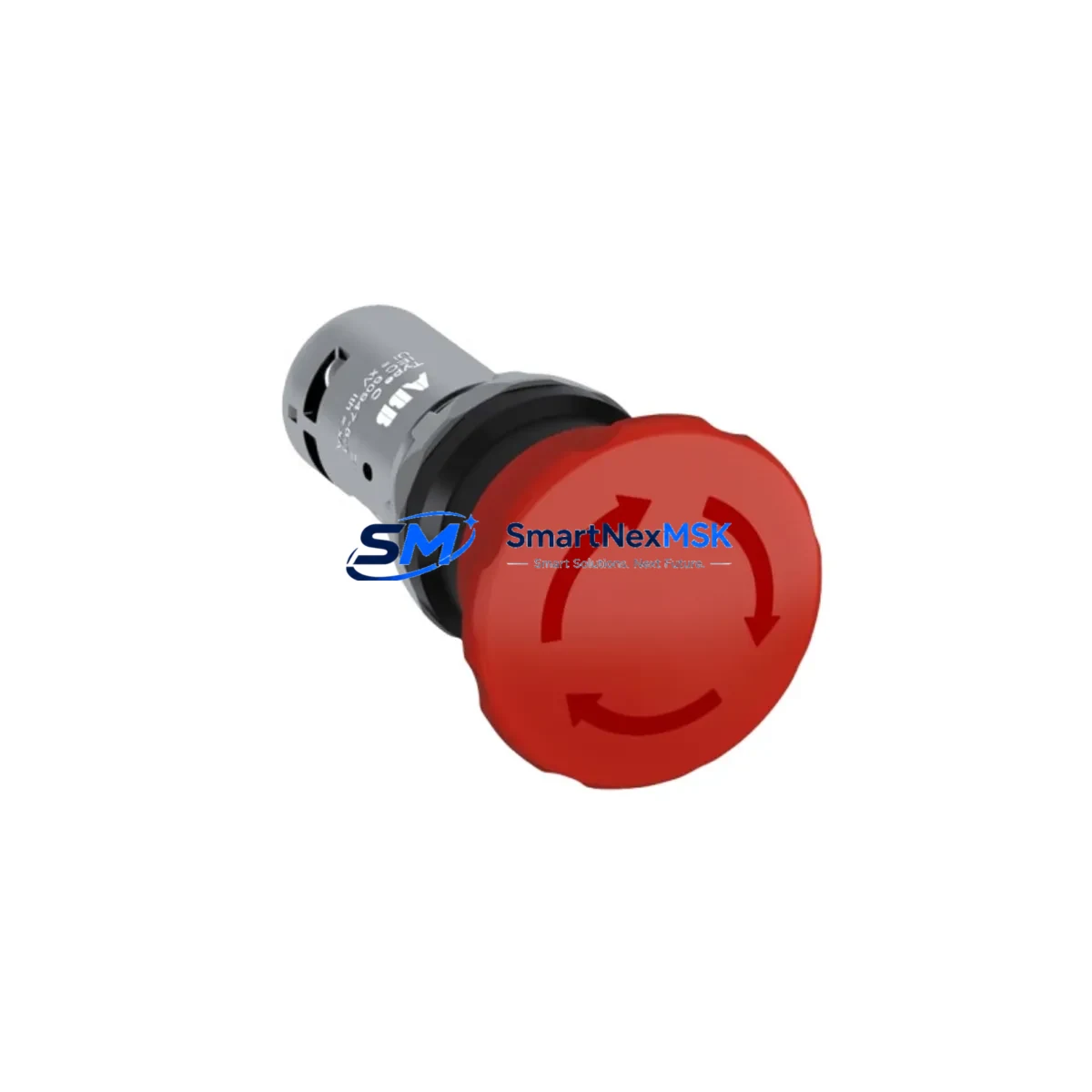
ABB 3HAC9328-1 DSQC612 Maintenance-Ready Spare IRC5 Automation
The ABB 3HAC9328-1 (DSQC612) is an original safety relay module engineered for ABB IRC5 robot controller cabinets. As a critical component in the emergency stop and safety chain architecture, this module governs the safe-state transitions that protect both personnel and equipment during fault conditions, planned shutdowns, and emergency interventions. For maintenance engineers managing ABB robotic cells, welding lines, or material-handling systems, keeping a verified spare of the DSQC612 on the shelf is not optional — it is a fundamental element of any credible downtime-reduction strategy.
Sourced directly from ABB-authorized supply channels and subjected to pre-shipment functional verification, each unit shipped by SMARTNEXMSK carries a 12-month warranty covering manufacturing defects and operational failures under normal industrial use. Units are individually packaged with ESD protection, and shipment documentation includes part number, revision level, and test confirmation to support your incoming inspection process.
Spare Maintenance Table
| Parameter | Specification |
|---|---|
| Part Number | 3HAC9328-1 / DSQC612 |
| Cross-Reference | 3HAC4791-1 / DSQC602 |
| Module Type | Safety Relay Module |
| Compatible Controller | ABB IRC5 (Single / Dual Cabinet) |
| Series | DSQC Series |
| Manufacturer | ABB Robotics, Sweden |
| Supply Voltage | 24 VDC (nominal) |
| Safety Function | Emergency Stop, Safety Chain Monitoring |
| Mounting | DIN Rail / IRC5 Cabinet Backplane |
| Operating Temperature | 0 °C to +55 °C |
| Weight | Approx. 420 g |
| Origin | Sweden (SE) |
| Condition | Original, New / Refurbished-Tested |
| Pre-Shipment Test | Yes — functional verification performed |
| Warranty | 12 Months |
| Shipping | Worldwide, ESD-safe packaging |
Maintenance Planning for Continuous Operation
When a DSQC612 safety relay module fails or triggers a persistent safety fault in an IRC5 cabinet, the robot cell goes into a hard stop — and it stays down until the root cause is isolated and the faulty component is replaced. Experienced maintenance engineers know that the DSQC612 rarely fails in isolation. A thorough site inspection should accompany any DSQC612 replacement to prevent repeat faults and confirm system integrity before resuming production.
Begin by auditing the DSQC661 power distribution board and the DSQC662 axis computer power supply, as voltage irregularities from these units are a common upstream cause of safety relay degradation. Inspect all 24 VDC wiring harnesses feeding the safety chain for chafing, loose ferrules, or corroded terminals — particularly at the X1 and X2 connector blocks on the DSQC612 itself.
Next, verify the condition of the DSQC643 I/O module and any connected DSQC652 DeviceNet communication module, as signal integrity issues on the fieldbus can generate spurious safety faults that are incorrectly attributed to the relay module. If the cabinet includes a DSQC679 teach pendant interface board, check its cable continuity and connector seating — a degraded teach pendant connection can propagate false emergency-stop signals through the safety chain.
For cells with external safety PLCs or light curtains wired into the IRC5 safety inputs, inspect the safety input terminal blocks (X5/X6) and any interposing Phoenix Contact or Weidmüller signal isolation relays in the circuit. Fuse holders protecting the 24 VDC safety supply — typically located on the DSQC609 power unit — should be checked for continuity and replaced if there is any sign of thermal stress. Finally, review the DSQC668 panel board for indicator LED status and confirm that the main contactor and brake relay outputs are responding correctly after the DSQC612 is seated and the safety chain is re-energized.
Maintaining a coordinated spare kit that includes the DSQC612 alongside the DSQC661, DSQC609, and a set of pre-crimped 24 VDC wiring harnesses allows your team to execute a full safety-chain restoration in a single maintenance window — minimizing the risk of a second unplanned outage caused by a secondary component failure discovered mid-repair.
Site Replacement Workflow
Step 1 — Isolate and document. Place the IRC5 controller in a safe state, engage the main isolator, and apply LOTO. Photograph the existing DSQC612 connector layout and cable routing before disconnection. Record the firmware revision label if visible.
Step 2 — Remove the faulty module. Disconnect the X1, X2, and X3 connectors in sequence. Release the DIN rail locking tab and slide the module clear. Inspect the connector pins on both the module and the mating harness for corrosion or deformation.
Step 3 — Install the replacement DSQC612. Seat the new 3HAC9328-1 onto the DIN rail and engage the locking tab. Reconnect all harness connectors in reverse order, ensuring each connector clicks fully into position. Torque any captive screws to the ABB-specified value.
Step 4 — Power-up and safety chain verification. Re-energize the 24 VDC supply and observe the DSQC612 status LEDs. Navigate to the IRC5 FlexPendant safety configuration menu and confirm that all safety inputs are reading correctly. Perform a full emergency-stop test cycle — both from the teach pendant and from any external E-stop devices — before releasing the cell to production.
Step 5 — System handover. Update the maintenance log with the replaced part number, date, and technician ID. File the SMARTNEXMSK shipment documentation (including the 12-month warranty reference) with your spare parts records. Schedule a follow-up inspection of the safety chain at the next planned maintenance interval.
This workflow applies equally when upgrading from the earlier DSQC602 (3HAC4791-1) to the DSQC612 — the form factor and connector pinout are compatible, making the transition straightforward without cabinet rewiring.
Spare Parts Support FAQ
Q1: Is the 3HAC9328-1 a direct replacement for the DSQC602 (3HAC4791-1)?
Yes. The DSQC612 (3HAC9328-1) is the designated successor to the DSQC602 (3HAC4791-1) in ABB IRC5 controller cabinets. The connector layout and safety chain interface are compatible, and no cabinet rewiring is required for a direct swap. Always confirm the IRC5 software version supports the DSQC612 revision level before installation.
Q2: What pre-shipment testing does SMARTNEXMSK perform on the DSQC612?
Each unit undergoes functional verification prior to dispatch, including 24 VDC supply input checks, safety relay output continuity tests, and LED status confirmation. A test record is included with the shipment. The 12-month warranty covers failures attributable to manufacturing defects or component quality under normal operating conditions.
Q3: How should I manage DSQC612 inventory for a multi-robot facility?
For facilities operating three or more IRC5 controllers, we recommend maintaining a minimum of one DSQC612 spare per five robots, with a reorder trigger set at one unit remaining. Given the safety-critical nature of this module and the potential for extended lead times on original ABB parts, holding a pre-verified spare eliminates the risk of extended downtime while awaiting procurement. SMARTNEXMSK supports standing-order arrangements for high-volume customers.
Q4: Can the DSQC612 be used in IRC5 Compact and Panel-Mounted controller variants?
The DSQC612 is primarily specified for the standard IRC5 single and dual cabinet configurations. Compatibility with IRC5 Compact and Panel-Mounted variants depends on the specific cabinet revision and safety option package installed. Contact our technical team with your controller serial number and option list for a confirmed compatibility assessment before ordering.
© 2026 SMARTNEXMSK. All rights reserved.
Original Source: https://smartnexmsk.com
Contact: [email protected] | +86 18259474341



