
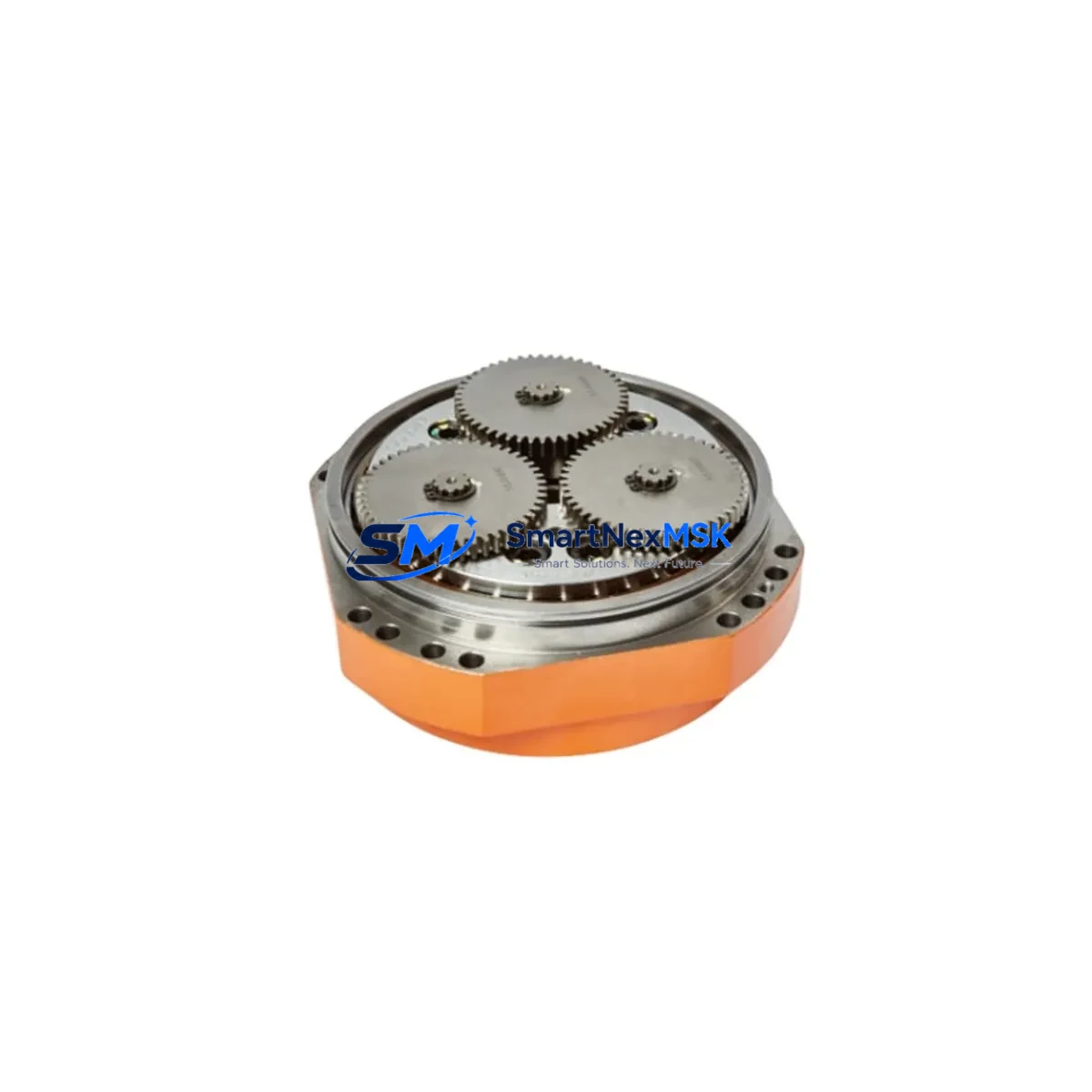
ABB 3HNM11221-1 DSQC1020 Retrofit-Ready Controller for IRC5 Control Systems
The ABB 3HNM11221-1 (DSQC1020) is a high-reliability robot controller module engineered for seamless integration into ABB IRC5 control systems. As legacy IRC5 cabinets age and OEM support windows close, this module has become a critical retrofit component for facilities managing IRB 1600, IRB 2600, IRB 4600, and IRB 6640 robot cells. It directly replaces discontinued part numbers 3HAC053953-001 and 3HAC029924-004, making it the preferred drop-in solution for maintenance engineers and system integrators executing planned or emergency upgrades.
Whether you are modernizing a single robot workcell or overhauling an entire production line, the DSQC1020 module supports a smooth transition with minimal reprogramming. Its backplane interface is fully compatible with the standard IRC5 single-cabinet and dual-cabinet configurations, and it communicates natively over DeviceNet and PROFIBUS-DP — the two most common fieldbus protocols found in legacy ABB installations. For facilities migrating toward Ethernet-based architectures, the module can coexist with DSQC1006 Ethernet/IP adapter boards already installed in the same rack, preserving existing network topology during phased upgrades.
Before installation, engineers should verify the IRC5 cabinet’s 24 VDC internal power supply — typically sourced from the DSQC609 or DSQC661 power distribution unit — can sustain the additional load introduced by the replacement module. Terminal block wiring should be cross-referenced against the original 3HAC029924-004 wiring diagram; pin assignments are identical, but torque specifications on the connector housing differ slightly between production batches. The module occupies a standard IRC5 backplane slot and does not require a dedicated I/O address reassignment if replacing a like-for-like unit, though a full module address verification via RobotStudio is strongly recommended before resuming production.
Program compatibility is a key concern during any IRC5 retrofit. The 3HNM11221-1 is fully compatible with RobotWare 5.x and 6.x software stacks. RAPID program logic, motion parameters, and tool data stored on the DSQC1024 memory unit or the main computer’s CompactFlash card are preserved without modification. If the existing installation uses a FlexPendant (DSQC679) for operator interaction, HMI screen layouts and custom operator panels require no reconfiguration — the replacement module presents the same device identity to the IRC5 main computer.
For facilities running multi-robot cells coordinated through a MultiMove configuration, the DSQC1020 supports synchronized motion control across up to four mechanical units without additional licensing. Communication links to upstream SCADA systems, MES platforms, or PLC controllers — including Siemens S7-300/S7-400 series or Allen-Bradley ControlLogix systems acting as cell supervisors — remain unaffected, as the module’s fieldbus node address and I/O mapping are preserved from the replaced unit.
Upgrade Compatibility Table
| Parameter | Details |
|---|---|
| Replaces Part Numbers | 3HAC053953-001, 3HAC029924-004 |
| Compatible Robot Series | ABB IRC5 (Single Cabinet, Dual Cabinet, Panel Mounted) |
| Compatible Robot Models | IRB 1600, IRB 2600, IRB 4600, IRB 6640, IRB 7600 |
| Backplane Interface | Standard IRC5 backplane slot — direct plug-in replacement |
| Communication Protocols | DeviceNet, PROFIBUS-DP; coexists with Ethernet/IP (DSQC1006) |
| Power Requirement | 24 VDC (verify DSQC609 / DSQC661 supply capacity before install) |
| Software Compatibility | RobotWare 5.x, RobotWare 6.x |
| HMI Compatibility | FlexPendant DSQC679 — no reconfiguration required |
| Module Address | Preserved from replaced unit; verify via RobotStudio post-install |
| Installation Type | Drop-in replacement; no mechanical modification required |
| Commissioning Requirement | Cold restart + I/O verification + RAPID program test run |
| Warranty | 12 Months — covers manufacturing defects and functional failure |
| Pre-shipment Testing | Full functional test performed before dispatch |
| Origin | Germany (OEM production) |
Retrofit Planning for Existing Automation Systems
A successful IRC5 retrofit begins well before the module arrives on-site. Start by auditing the existing cabinet layout: document the slot position of the current 3HAC029924-004 or 3HAC053953-001 unit, photograph all terminal block connections, and export the current system configuration from RobotStudio as a backup. If the cabinet also houses a DSQC652 digital I/O module or a DSQC643 analog I/O board, confirm that their wiring harnesses will not obstruct removal of the controller module — cable management in older IRC5 cabinets can be tight.
Power sequencing is critical. The IRC5 cabinet’s DSQC609 power supply must be de-energized and locked out before any module swap. After installation of the 3HNM11221-1, restore power in stages: first verify 24 VDC rail stability, then allow the main computer — typically a DSQC1000 or DSQC1024 compute unit — to complete its boot sequence before enabling the drives. The DSQC608 safety board should be tested independently to confirm that the emergency stop chain and safeguard inputs are functioning correctly before any motion is commanded.
For facilities using PROFIBUS-DP as the primary fieldbus, re-scan the network after module replacement to confirm the node address is correctly recognized by the master PLC. If the upstream controller is a Siemens S7-400 with a CP 443-5 communications processor, a GSD file re-import may be required if the firmware version of the replacement module differs from the original. DeviceNet installations should similarly verify the MAC ID assignment using the network scanner tool before resuming cyclic I/O exchange.
If the retrofit is part of a broader control cabinet upgrade — for example, replacing an aging IRC5 Compact with a new panel-mounted IRC5 — consider simultaneously upgrading the DSQC679 FlexPendant cable assembly and the SMB (Serial Measurement Board) to eliminate other potential failure points. Sourcing these components together reduces the risk of a secondary unplanned outage within the warranty period of the primary replacement.
Downtime Control During System Migration
Minimizing production downtime during an IRC5 module replacement requires a structured pre-swap checklist and a clear rollback plan. Before the maintenance window opens, ensure the replacement 3HNM11221-1 (DSQC1020) has been bench-tested and confirmed functional. Export the full system backup from the IRC5 main computer — including RAPID modules, system parameters, I/O configuration, and motion data — to an external USB drive or network share. This backup is your insurance policy: if the replacement module exhibits any unexpected behavior during commissioning, the original program state can be restored to a spare controller within minutes.
During the swap, assign one technician exclusively to documentation — photographing connector positions, recording torque values, and logging any deviations from the standard procedure. A second technician performs the physical replacement. This two-person approach reduces the risk of wiring errors that could extend the outage window significantly. After the module is seated and the cabinet is re-energized, perform a systematic I/O check: toggle each digital output through RobotStudio’s I/O panel and confirm the corresponding field device responds correctly before enabling the robot’s servo drives.
Once the drives are enabled, run the RAPID program in manual reduced-speed mode (250 mm/s maximum) through at least one complete production cycle before switching to automatic mode. Monitor the IRC5 event log for any axis calibration warnings or communication fault codes. If the installation previously used a DSQC377B track motion board or a IRBP positioner as an external axis, verify that the external axis parameters are correctly loaded and that the mechanical unit is responding to motion commands before declaring the system ready for production.
With proper preparation, a like-for-like DSQC1020 module replacement can be completed within a 2–4 hour maintenance window, including commissioning and test run. All units shipped by SMARTNEXMSK are pre-tested and include a 12-month warranty covering manufacturing defects and functional failure, providing additional confidence during the critical post-installation period.
Retrofit Support FAQ
Q1: Is the ABB 3HNM11221-1 a direct replacement for 3HAC053953-001 and 3HAC029924-004?
Yes. The DSQC1020 (3HNM11221-1) is the current production equivalent of both discontinued part numbers. It uses the same backplane connector, occupies the same cabinet slot, and requires no mechanical modification. Terminal wiring is pin-compatible; however, we recommend verifying connector torque specifications against the IRC5 hardware manual before finalizing the installation.
Q2: What commissioning steps are required after installing the replacement module?
After a cold restart of the IRC5 cabinet, perform a full I/O verification through RobotStudio, confirm the module address is correctly recognized on the fieldbus network (DeviceNet or PROFIBUS-DP), and execute a manual reduced-speed test run of the RAPID program. Check the IRC5 event log for any fault codes before switching to automatic production mode. The entire commissioning sequence typically takes 60–90 minutes for an experienced technician.
Q3: Will my existing RAPID programs and HMI configurations work without modification?
Yes. The 3HNM11221-1 is fully compatible with RobotWare 5.x and 6.x. RAPID program logic, tool data, motion parameters, and FlexPendant (DSQC679) operator panel layouts are preserved without modification. If your system uses custom operator screens or SafeMove safety configurations, restore these from your pre-swap system backup after the module replacement is complete.
Q4: What does the 12-month warranty cover, and how is pre-shipment testing conducted?
Every DSQC1020 unit is subjected to a full functional test prior to dispatch, including power-on verification, backplane communication check, and I/O channel validation. The 12-month warranty covers manufacturing defects and functional failure under normal operating conditions. It does not cover damage resulting from incorrect installation, overvoltage events, or physical impact. In the event of a warranty claim, SMARTNEXMSK provides a replacement unit or full refund after fault verification.
© 2026 SMARTNEXMSK. All rights reserved.
Original Source: https://smartnexmsk.com
Contact: [email protected] | +86 18259474341



