
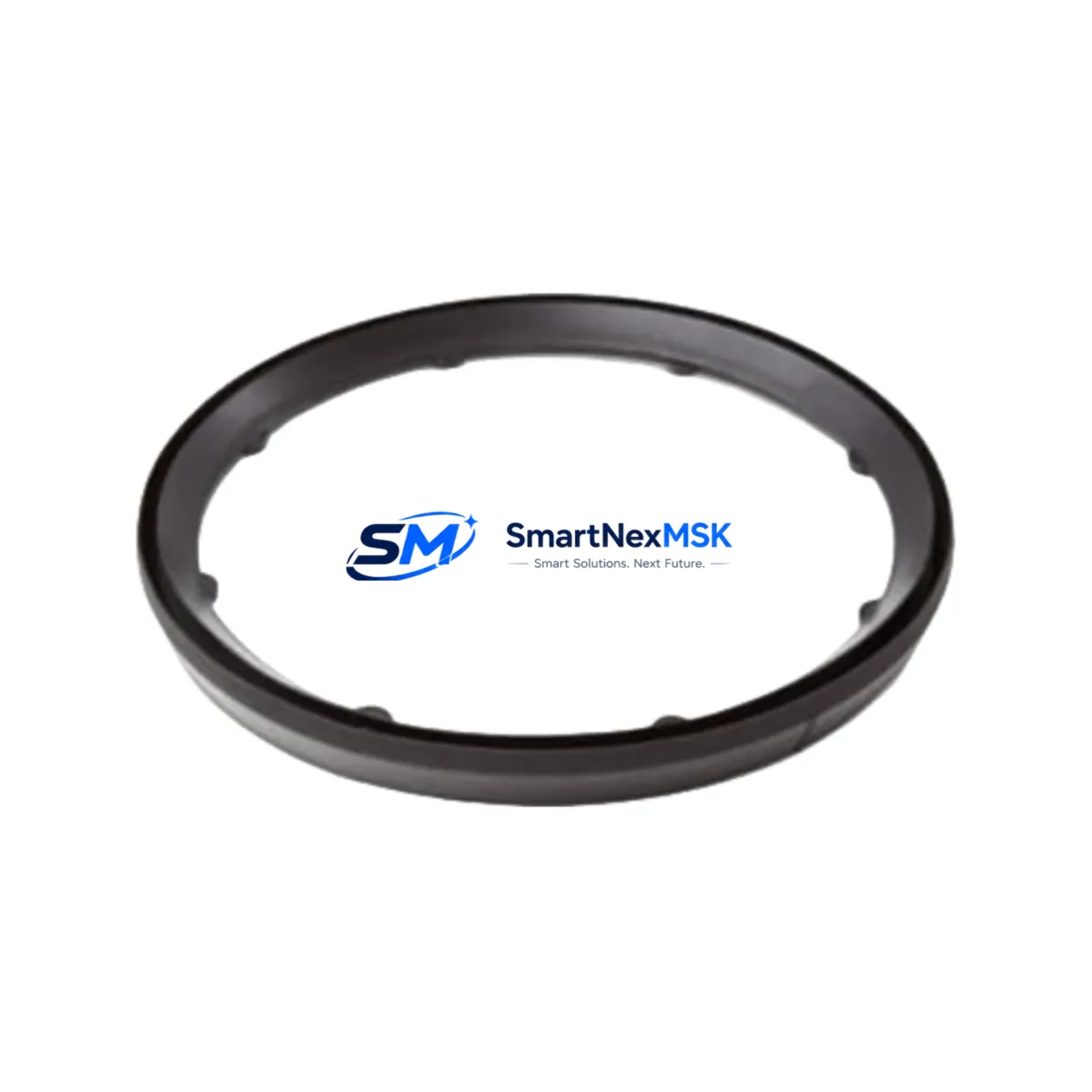
ABB 3HNM12512-1 Maintenance-Ready Spare for IRC5 Automation
The ABB 3HNM12512-1 is an original spare module designed for the ABB IRC5 robot controller platform — one of the most widely deployed industrial robot control architectures in automotive, electronics, and heavy manufacturing environments. When a robot controller fault triggers an unplanned shutdown, the ability to source and install a verified replacement module within hours is the difference between a manageable maintenance event and a costly production stoppage. This listing provides a genuine, tested 3HNM12512-1 unit backed by a 12-month warranty, ready for immediate dispatch.
Maintenance engineers and spare parts procurement teams working with ABB IRC5 systems recognize that controller module failures rarely occur in isolation. A failed 3HNM12512-1 often signals stress across adjacent components in the same control cabinet. A disciplined replacement workflow — one that addresses the root cause and inspects surrounding hardware — is essential to restoring full system reliability and preventing repeat failures.
Spare Maintenance Table
| Parameter | Specification / Detail |
|---|---|
| Part Number | 3HNM12512-1 |
| Brand | ABB Robotics |
| Compatible Platform | ABB IRC5 Robot Controller (Single Cabinet & Dual Cabinet) |
| Product Type | Robot Controller Module |
| Origin | Sweden (SE) |
| Condition | Original Spare — New or Refurbished-to-OEM-Spec |
| Application Environment | Industrial Automation, Robotic Welding, Assembly, Material Handling |
| Compatibility | IRC5 M2004 and later controller generations; verify firmware revision before installation |
| Installation | DIN-rail or panel-mount per IRC5 cabinet layout; follow ABB service manual torque specs |
| Pre-Shipment Testing | Functional test performed; results documented with each unit |
| Warranty | 12 Months from date of delivery |
| Lead Time | In-stock units ship within 1–3 business days |
| Support | [email protected] | +86 18259474341 |
Maintenance Planning for Continuous Operation
Replacing the ABB 3HNM12512-1 is rarely a standalone task. Experienced maintenance engineers treat a controller module swap as an opportunity to audit the entire IRC5 cabinet for latent faults. During the same maintenance window, the following components should be inspected or replaced as part of a comprehensive spare parts strategy:
Begin with the IRC5 main computer unit (DSQC 639 or equivalent) — the central processing board that coordinates all motion and I/O tasks. A degraded main computer can cause intermittent faults that mimic module failures. Next, inspect the axis computer board (DSQC 668), which handles real-time servo control for each robot axis; worn connectors or firmware mismatches here will cause positioning errors after a module replacement.
The IRC5 power supply unit (DSQC 661) should be load-tested during any cabinet-level maintenance. An under-performing PSU is a common root cause of module stress and premature failure. Alongside the PSU, check the 24 VDC distribution board for signs of overheating or loose terminal connections. The I/O module (DSQC 652 or DSQC 377) handles digital and analog field signals; corroded terminals or failed channels can cause false fault codes that are misdiagnosed as controller module failures.
For systems with fieldbus communication, inspect the DeviceNet or PROFIBUS communication board (DSQC 547 / DSQC 510) for firmware currency and connector integrity. Communication faults at the fieldbus layer can cascade into controller-level alarms. The teach pendant cable and FlexPendant interface unit should also be checked — a damaged pendant cable is a frequent source of intermittent E-stop and communication errors in high-cycle environments.
Do not overlook the safety board (DSQC 400 or SafeMove module), which governs all safety-rated functions including speed monitoring and zone supervision. Safety board faults can lock out the entire robot system and must be resolved before returning the cell to production. Finally, inspect terminal blocks, cable harnesses, and contactor assemblies within the cabinet for insulation degradation, loose crimps, or arc damage — particularly in high-vibration or high-temperature installations.
Maintaining a local buffer stock of these critical IRC5 components — including the 3HNM12512-1 — reduces mean time to repair (MTTR) and supports a proactive maintenance culture aligned with TPM and reliability-centered maintenance (RCM) principles.
Site Replacement Workflow
Step 1 — Fault Isolation: Use the IRC5 FlexPendant or RobotStudio to retrieve the active fault log. Confirm that the fault code points to the 3HNM12512-1 module and is not a symptom of an upstream power or communication issue.
Step 2 — Safe Isolation: Follow LOTO (Lockout/Tagout) procedures. De-energize the IRC5 cabinet, discharge capacitors per ABB service manual guidelines, and verify zero-energy state before opening the cabinet door.
Step 3 — Module Removal: Document the existing wiring and connector positions with photographs. Disconnect all connectors in the sequence specified in the ABB 3HNM12512-1 service documentation. Remove the module from its mounting position.
Step 4 — Compatibility Verification: Confirm that the replacement 3HNM12512-1 unit matches the hardware revision and firmware baseline of the outgoing module. Cross-reference the IRC5 controller serial number and software version in RobotStudio before installation.
Step 5 — Installation and Commissioning: Install the replacement module, reconnect all connectors, and restore power. Perform a controlled power-on sequence. Clear fault logs, run a warm-up cycle, and verify all axis positions and I/O states before returning the robot to automatic mode.
Step 6 — Documentation: Record the replacement in the equipment maintenance log, including the old module serial number, new module serial number, fault code, and date of repair. Update the spare parts inventory to trigger reorder of the consumed 3HNM12512-1 unit.
Spare Parts Support FAQ
Q1: Is this 3HNM12512-1 unit compatible with all IRC5 controller variants?
The 3HNM12512-1 is designed for the ABB IRC5 platform. Compatibility depends on the specific IRC5 hardware generation and software version installed in your system. We recommend providing your controller serial number and RobotWare version when ordering so our technical team can confirm compatibility before shipment.
Q2: What testing is performed before shipment?
Every 3HNM12512-1 unit undergoes functional verification prior to dispatch. Test results are documented and available upon request. Units are packed in anti-static, shock-resistant packaging to ensure they arrive in the same condition they left our facility.
Q3: How does the 12-month warranty work for this spare part?
The 12-month warranty covers manufacturing defects and functional failures under normal operating conditions from the date of delivery. Warranty claims are supported via email at [email protected]. We will arrange replacement or repair at no additional cost for valid warranty cases.
Q4: Can this module replace older or discontinued ABB IRC5 spare part numbers?
In many cases, ABB issues supersession part numbers across IRC5 generations. Our team can cross-reference your existing part number against current ABB spare parts catalogs to confirm whether the 3HNM12512-1 is a valid replacement for your specific application. Contact us with your existing part number and controller details for a compatibility assessment.
© 2026 SMARTNEXMSK. All rights reserved.
Original Source: https://smartnexmsk.com
Contact: [email protected] | +86 18259474341



