
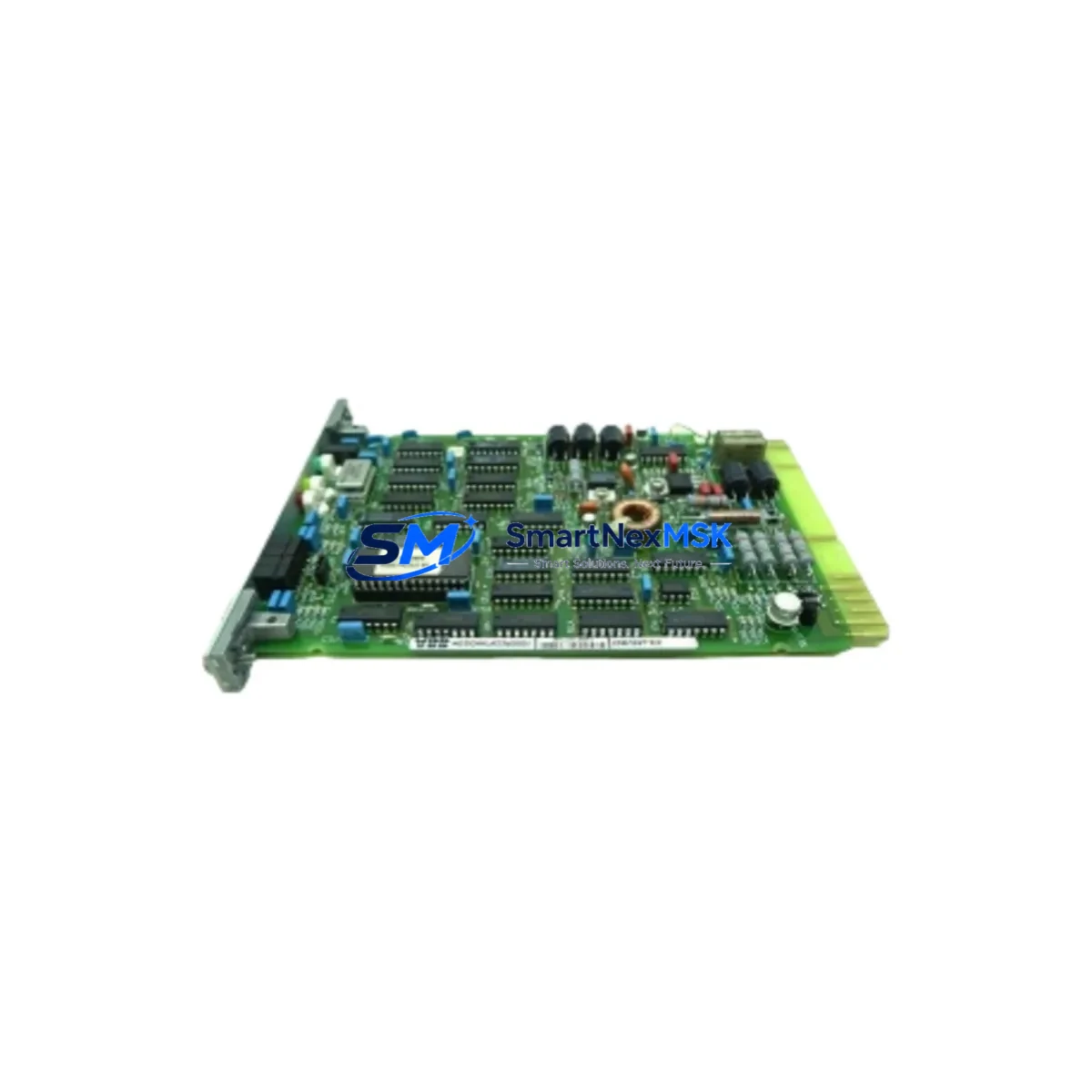
ABB 70BV05a-ES Retrofit-Ready Analog Input for AC500 Control Systems
The ABB 70BV05a-ES is a high-precision analog input module engineered for seamless integration into ABB AC500 programmable logic controller platforms. As legacy automation systems approach end-of-life and original spare parts become increasingly scarce, the 70BV05a-ES serves as a verified retrofit-ready replacement that preserves existing wiring configurations, rack addressing, and program logic — minimizing engineering rework and unplanned downtime during system modernization projects.
Designed for industrial environments demanding continuous process control, this module supports multi-channel analog signal acquisition across standard 4–20 mA and 0–10 V input ranges. Its compatibility with the AC500 backplane architecture allows direct substitution in existing control cabinets without structural modification. Engineers migrating from discontinued ABB analog input variants will find the 70BV05a-ES a reliable path forward, maintaining signal integrity and scan-cycle performance consistent with the original system design.
Whether you are upgrading a legacy paper mill DCS, modernizing a water treatment SCADA panel, or restoring a decommissioned packaging line, the 70BV05a-ES integrates directly into your existing AC500 rack alongside modules such as the PM573-ETH CPU, DC532 digital output module, and AI523 analog input expansion. Its standardized terminal block layout reduces rewiring risk, and its firmware is compatible with the Automation Builder programming environment, allowing engineers to retain existing IEC 61131-3 structured text and function block programs without modification.
Upgrade Compatibility Table
| Parameter | Details |
|---|---|
| Module SKU | 70BV05a-ES |
| Brand / Series | ABB / AC500 |
| Module Type | Analog Input Module |
| Signal Range | 4–20 mA / 0–10 V (multi-channel) |
| Backplane Interface | AC500 standard backplane bus |
| Terminal Wiring | Compatible with existing AC500 terminal block layouts |
| Communication Protocol | Internal AC500 bus; supports PROFIBUS-DP, Modbus RTU via CPU |
| Programming Environment | ABB Automation Builder (IEC 61131-3) |
| Replacement Compatibility | Direct retrofit for discontinued AC500 analog input variants |
| Installation Requirement | Standard DIN rail / AC500 rack mounting |
| Commissioning Note | Module address must be verified against existing rack configuration |
| Warranty | 12 Months — covers manufacturing defects and functional failure |
| Origin | Germany (DE) |
| Shipping | Global express shipping available; pre-shipment functional test included |
Retrofit Planning for Existing Automation Systems
A successful retrofit begins well before the module arrives on-site. When replacing a legacy analog input module in an AC500-based control system, engineers must first audit the existing rack configuration to confirm slot availability and backplane power budget. The AC500 TB521-ETH terminal base is commonly used to mount analog modules in this series, and its compatibility with the 70BV05a-ES should be verified against the installed firmware version of the host CPU — typically a PM571, PM572, or PM573-ETH unit.
Power supply capacity is a critical pre-check. The CP502 power supply module or equivalent 24 VDC rail supply must be confirmed to have sufficient headroom to support the additional analog input load. Undersized power rails are a common cause of intermittent faults following module replacement and are frequently overlooked during rapid maintenance windows.
Terminal wiring should be documented before disconnection. Analog signal cables — particularly those carrying 4–20 mA transmitter signals from field instruments such as pressure transducers, flow meters, and temperature sensors — must be labeled and photographed prior to removal. The 70BV05a-ES uses a standard screw-terminal interface consistent with the AC500 platform, but wire gauge and shielding practices should be reviewed to ensure signal quality is maintained post-installation.
For systems incorporating PROFIBUS-DP or Modbus RTU communication links, the module address and GSD file configuration must be cross-checked in the Automation Builder project before going live. If the system includes an FBP FieldBusPlug communication adapter, its configuration file may also require updating. HMI screens — particularly those built on ABB CP600 panels or third-party SCADA platforms — should be reviewed to confirm that analog tag addresses remain consistent after the module swap. Any channel offset or scaling parameters stored in the CPU program must be preserved and validated against live field readings during commissioning.
I/O expansion scenarios involving S500 I/O modules connected via the CS31 bus or local I/O bus should also be reviewed. If the 70BV05a-ES is being added as an expansion rather than a direct replacement, the rack’s I/O map must be updated in the CPU configuration to avoid address conflicts with existing DC532 digital output or AO523 analog output modules sharing the same rack.
Downtime Control During System Migration
Minimizing production downtime during an analog input module replacement requires a structured hot-swap or planned-outage strategy. For AC500 systems running continuous processes, the recommended approach is to prepare the replacement 70BV05a-ES module fully offline — including address configuration, channel scaling verification, and a bench-level functional test using a calibrated signal simulator — before the maintenance window begins.
During the outage window, the sequence should follow: isolate field signals at the marshalling panel, power down the affected rack section, remove the legacy module, seat the 70BV05a-ES into the terminal base, restore power, and confirm module status LEDs indicate healthy initialization. The CPU program should be placed in STOP mode during the swap to prevent spurious output commands triggered by missing input data. Once the module is confirmed online, the CPU can be returned to RUN mode and field signals re-enabled one channel at a time to verify correct scaling and alarm thresholds.
For systems where a cold restart is not acceptable, a parallel commissioning approach can be used: install the 70BV05a-ES in an adjacent available slot, mirror the channel configuration, and validate readings against the legacy module before cutting over. This approach preserves original program logic and HMI tag bindings while providing a live validation path. All replacement modules supplied by SMARTNEXMSK undergo pre-shipment functional testing to reduce on-site commissioning risk and support rapid return to service.
Retrofit Support FAQ
Q1: Is the ABB 70BV05a-ES a direct drop-in replacement for my existing AC500 analog input module?
In most AC500 rack configurations, the 70BV05a-ES installs directly into the existing terminal base without rewiring. However, engineers should confirm the terminal base model (e.g., TB521-ETH) and CPU firmware version are compatible. Module address settings must match the original slot configuration in the Automation Builder project to avoid I/O mapping errors.
Q2: What commissioning steps are required after installation?
After seating the module, verify the status LED sequence on power-up, confirm the module appears correctly in the Automation Builder hardware configuration, and perform a channel-by-channel signal check using a calibrated loop calibrator or signal generator. Scaling parameters, alarm limits, and filter settings stored in the CPU program should be validated against field instrument specifications before returning the system to automatic control.
Q3: Can this module be used in systems with PROFIBUS-DP or Modbus RTU communication?
Yes. The 70BV05a-ES operates on the AC500 internal backplane bus and is transparent to the CPU’s external communication protocols. Systems using PROFIBUS-DP via a CM572-DP communication module or Modbus RTU via a CM574-RS serial module will continue to function without protocol reconfiguration. Only the internal I/O address mapping in the CPU project requires verification.
Q4: What does the 12-month warranty cover, and what is the return process?
The 12-month warranty covers manufacturing defects and functional failure under normal operating conditions. Modules that fail within the warranty period are eligible for replacement or repair at no additional cost. Pre-shipment functional testing is performed on all units prior to dispatch. To initiate a warranty claim, contact SMARTNEXMSK with the order reference, failure description, and photographic evidence of the installation environment.
© 2026 SMARTNEXMSK. All rights reserved.
Original Source: https://smartnexmsk.com
Contact: [email protected] | +86 18259474341



