
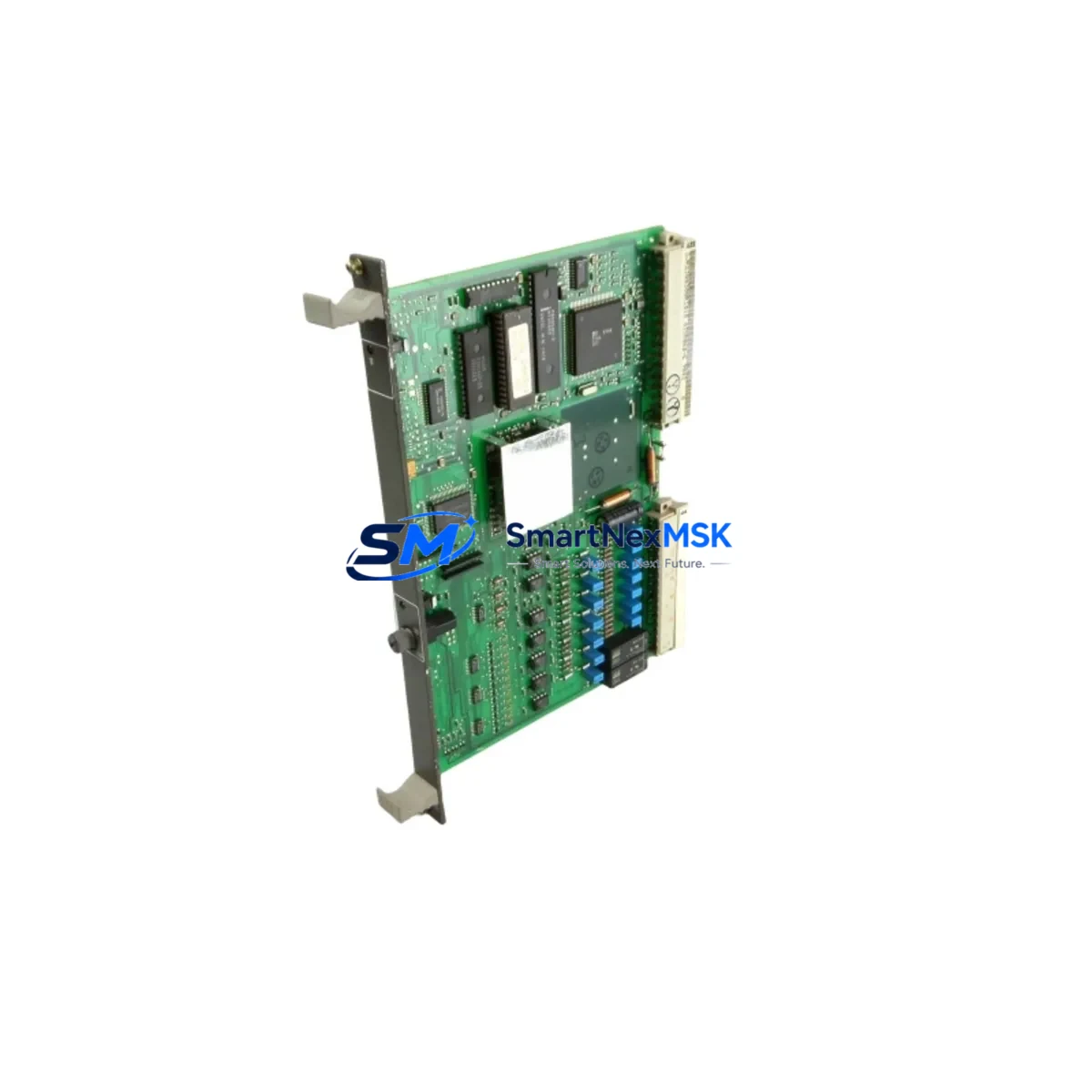
ABB 83SR06E GJR2388300R1010 Retrofit-Ready I/O Module for AC500 Control Systems
The ABB 83SR06E (GJR2388300R1010) is a combined binary and analog I/O module designed for the ABB AC500 PLC platform. As legacy AC500 installations age and original spare parts become increasingly scarce, this module serves as a verified retrofit-ready replacement that preserves existing wiring layouts, backplane slot assignments, and program logic — enabling smooth modernization of aging control cabinets with minimal engineering rework and controlled downtime.
Whether you are replacing a failed unit on an active production line, upgrading a discontinued module in a DCS-integrated system, or expanding I/O capacity during a control cabinet overhaul, the 83SR06E delivers the signal compatibility and mechanical form factor required for direct substitution. Its dual-function I/O architecture reduces the number of modules required per rack, simplifying both the physical installation and the software address mapping within the AC500 programming environment.
Upgrade Compatibility Table
| Parameter | Details |
|---|---|
| Compatible Platform | ABB AC500 PLC Series (PM571, PM581, PM591, PM595) |
| Module Type | Combined Binary & Analog I/O |
| Backplane Interface | AC500 standard backplane bus connector |
| Installation Requirement | DIN rail or rack-mount via AC500 expansion bus |
| Communication Compatibility | PROFIBUS DP, Modbus RTU, CANopen (via AC500 CPU) |
| Replacement Recommendation | Direct drop-in for discontinued AC500 I/O variants |
| Commissioning Notes | Verify module address in PS501 Control Builder; re-download I/O configuration after swap |
| Warranty | 12-Month Warranty — covers manufacturing defects and functional failure under normal operating conditions |
Retrofit Planning for Existing Automation Systems
Successful integration of the ABB 83SR06E into an existing AC500 installation requires a structured pre-swap assessment. Begin by auditing the current rack configuration: identify the slot position of the module being replaced, document the terminal wiring using the existing I/O list, and confirm that the power supply module — typically an AC500 PS501 or PS502 power supply unit — can support the additional current draw of the replacement module without exceeding the backplane power budget.
Next, verify the backplane and rack assembly. The AC500 uses modular expansion racks such as the TB511-ETH or TB521-ETH terminal base units, and the 83SR06E must be seated correctly on the appropriate terminal base to ensure both mechanical retention and electrical contact. If the existing terminal base is damaged or incompatible, it should be replaced concurrently to avoid intermittent faults post-commissioning.
For systems communicating over PROFIBUS DP, confirm that the DP slave address assigned to the original module is preserved in the new configuration. If the system uses a CM572-DP PROFIBUS communication module or a CM575-DN DeviceNet module, re-verify the GSD file mapping and ensure the new module’s I/O byte count matches the original slave configuration. Mismatched byte counts will cause bus faults and prevent the CPU from entering RUN mode.
In systems where the AC500 CPU — such as the PM591-ETH — interfaces with an HMI panel (e.g., ABB CP600 series or a third-party SCADA via OPC-UA), review all HMI variable bindings that reference the replaced module’s I/O addresses. Address offsets may shift if the module type or slot position changes, requiring HMI screen updates and re-validation of alarm setpoints before returning the system to automatic operation.
For analog channel calibration, use the AC500 PS501 Control Builder Plus software to re-run the analog input scaling configuration after module replacement. Confirm 4–20 mA loop integrity on all analog inputs using a loop calibrator before enabling closed-loop control. Binary output channels should be tested individually using the force output function in the programming environment prior to live commissioning.
Where the control cabinet includes a CM589-PNIO PROFINET I/O communication module or an Ethernet-based fieldbus coupler, ensure that the PROFINET device name and IP address assignment are re-confirmed after the swap, as some AC500 firmware versions reset communication parameters upon module replacement. A programming cable — such as the TK501 USB programming cable — should be on-site during commissioning to allow direct CPU access for parameter verification and program re-download if required.
Downtime Control During System Migration
Minimizing production downtime during an AC500 module swap requires preparation before the maintenance window begins. The most effective approach is to pre-configure the replacement 83SR06E offline using a spare AC500 rack or a bench test setup, verifying I/O channel behavior against the original module’s test records before the scheduled outage.
Prior to shutdown, export a full backup of the AC500 CPU program using PS501 Control Builder, including the hardware configuration, variable table, and communication settings. Store this backup on a local engineering workstation and a removable drive. This ensures that if the replacement module triggers a hardware configuration mismatch error, the original program can be restored within minutes rather than hours.
During the swap, follow a structured sequence: power down the rack, remove the terminal base wiring harness as a single connector block where possible (to avoid rewiring errors), seat the new 83SR06E module, reconnect the terminal base, and power up the rack in stages — first the power supply, then the CPU, then the I/O expansion bus. Monitor the AC500 diagnostic LEDs and the PS501 online diagnostic view to confirm that all modules are recognized before switching the CPU to RUN mode.
For critical processes where even brief interruptions are unacceptable, consider a parallel commissioning approach: install the new module in an adjacent slot, configure it as a shadow I/O device, validate all channel readings against the live module, and then perform the final cutover during a planned micro-outage. This approach is particularly effective in systems where the AC500 controls safety-critical sequences or interfaces with a CM577-ETH Ethernet communication module linked to a plant-level SCADA or MES system.
All units supplied by SMARTNEXMSK are subject to pre-shipment functional testing, including power-on verification, I/O channel continuity checks, and communication bus handshake validation. Each module ships with a test report and is covered by a 12-month warranty against manufacturing defects and functional failure under normal operating conditions.
Retrofit Support FAQ
Q1: Is the ABB 83SR06E GJR2388300R1010 a direct replacement for my existing AC500 I/O module?
A: The 83SR06E is designed for the AC500 platform and is compatible with standard AC500 terminal bases and backplane bus connectors. Before installation, confirm the terminal base part number and slot assignment in your existing hardware configuration. If the original module used a different terminal base variant, a concurrent terminal base replacement may be required. Contact our technical team with your existing hardware configuration file for a pre-sale compatibility assessment.
Q2: Do I need to modify my existing PLC program after replacing the module?
A: In most cases, no program modification is required if the replacement module occupies the same slot and uses the same I/O address mapping as the original. However, you must re-download the hardware configuration to the CPU using PS501 Control Builder after the swap to ensure the new module is recognized. If the I/O channel count or type differs from the original, variable re-mapping and HMI screen updates will be necessary.
Q3: What wiring checks should I perform before powering up after the swap?
A: Verify terminal torque on all signal and power connections, confirm correct polarity on analog input loops, and check that all binary input/output commons are correctly referenced. Use a multimeter to verify loop continuity on all 4–20 mA analog channels before enabling the power supply. For binary outputs, confirm load resistance is within the module’s rated switching capacity before enabling outputs in the PLC program.
Q4: What does the 12-month warranty cover, and what is the return process?
A: The 12-month warranty covers manufacturing defects and functional failure under normal operating conditions, including I/O channel failure, communication bus faults, and power supply input failures attributable to the module itself. It does not cover damage caused by incorrect wiring, overvoltage, or physical impact. To initiate a warranty claim, contact [email protected] with your order number, a description of the fault, and the module’s serial number. Replacement units are dispatched within 3 business days of fault confirmation.
© 2026 SMARTNEXMSK. All rights reserved.
Original Source: https://smartnexmsk.com
Contact: [email protected] | +86 18259474341



