
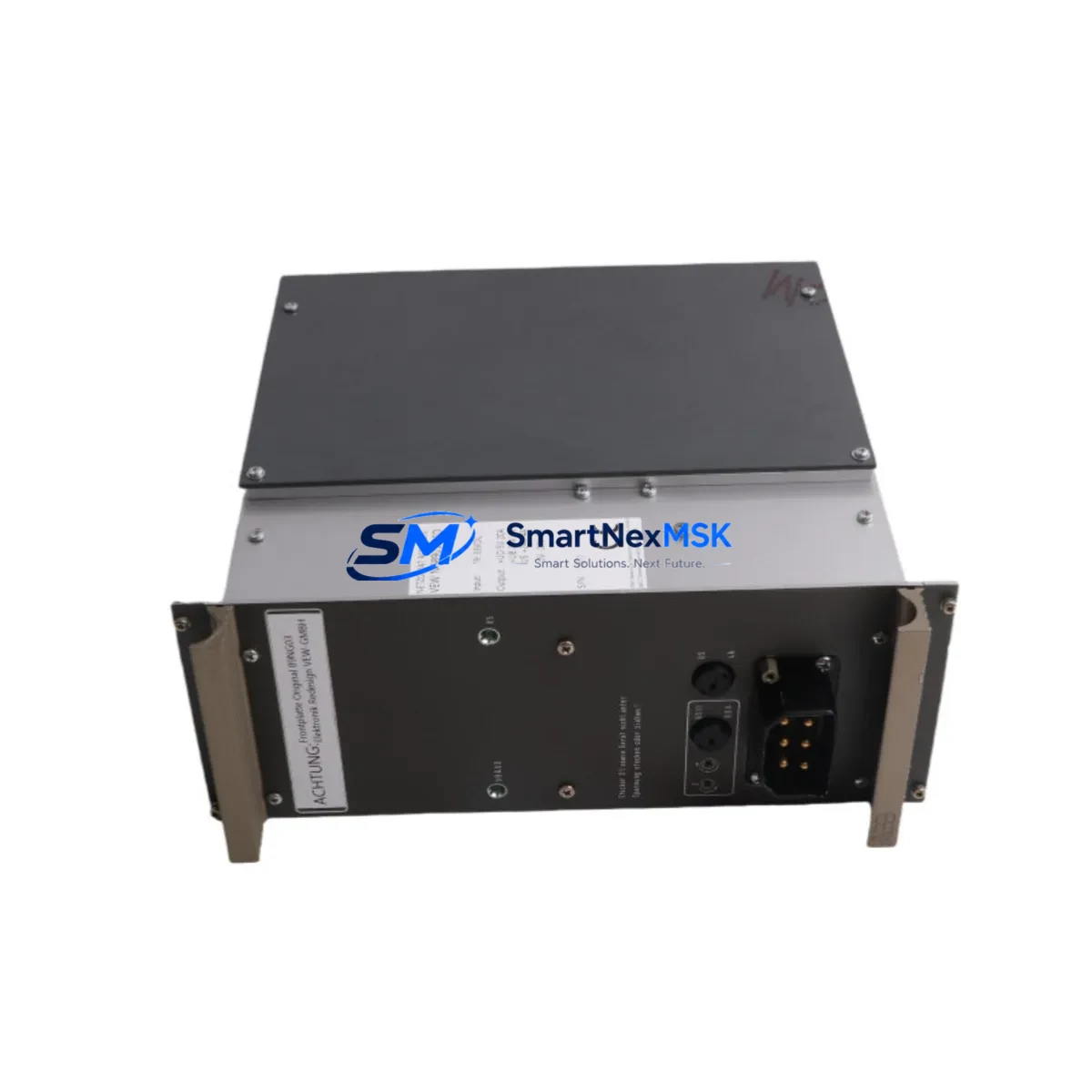
ABB 89NG03 VEW NG8903 RED Retrofit Relay Output Module: Compatible Upgrade for PROCONTIC T200 Control Systems
The ABB 89NG03 (also referenced as VEW NG8903 RED) is a relay output module originally designed for the ABB PROCONTIC T200 programmable controller platform — a widely deployed mid-range PLC system found across manufacturing, process control, water treatment, and building automation installations throughout Europe and Asia. As the PROCONTIC T200 series has reached end-of-life status, sourcing verified replacement modules has become a critical challenge for maintenance engineers and system integrators managing aging control infrastructure. SMARTNEXMSK maintains ready stock of the 89NG03 VEW NG8903 RED, fully tested and backed by a 12-month warranty, to support your retrofit and system continuity requirements.
Whether you are replacing a failed relay output card in an existing PROCONTIC T200 rack, upgrading a control cabinet to extend operational life, or migrating I/O capacity to a compatible successor platform, the 89NG03 is the verified drop-in solution. Each unit shipped by SMARTNEXMSK undergoes functional output verification, contact resistance testing, and coil actuation checks before dispatch, ensuring you receive a field-ready module that minimizes unplanned downtime.
Upgrade Compatibility Table
| Parameter | Details |
|---|---|
| Module SKU | 89NG03 / VEW NG8903 RED |
| Compatible Platform | ABB PROCONTIC T200 Series PLC |
| Module Type | Relay Output Module |
| Installation | Direct backplane insertion into PROCONTIC T200 rack/chassis |
| Output Type | Relay contact outputs (potential-free) |
| Communication Compatibility | Native PROCONTIC T200 backplane bus; no protocol conversion required |
| Replacement Recommendation | Direct replacement for failed or end-of-life 89NG03 units in existing racks |
| Commissioning Notes | Verify module address DIP switch settings match original configuration; confirm terminal wiring polarity before energizing |
| Origin | Germany (OEM ABB) |
| Warranty | 12 Months — covers manufacturing defects and functional failure under normal operating conditions |
Retrofit Planning for Existing Automation Systems
Successful integration of the ABB 89NG03 VEW NG8903 RED into an existing PROCONTIC T200 installation requires careful pre-retrofit planning across several dimensions. Before removing the failed module, engineers should document the current terminal wiring layout using the original panel drawings or a field survey, paying particular attention to the load voltage, current ratings, and contact configuration (NO/NC) for each relay output channel. The PROCONTIC T200 backplane uses a proprietary edge connector, and the 89NG03 seats directly into the rack without adapter hardware — however, confirming that the rack’s backplane bus is undamaged and that the slot’s connector pins are clean and undistorted is essential before insertion.
Module addressing in the PROCONTIC T200 system is typically configured via onboard DIP switches or jumper blocks. Before installing the replacement 89NG03, retrieve the address configuration from the original module or from the system’s hardware configuration file in the programming software. Mismatched module addresses will cause the CPU — often a PROCONTIC T200 central processing unit such as the CS31 master controller — to report a hardware fault and prevent normal program execution. If the original address settings are unknown, the system’s CS31 bus topology documentation or the PLC program’s I/O mapping table should be consulted.
For installations where the PROCONTIC T200 rack also houses analog input modules, digital input modules, or communication interface cards alongside the relay output module, it is important to power down the entire rack in a controlled sequence. The PROCONTIC T200 power supply module — typically a 24 VDC or 115/230 VAC unit mounted in the same chassis — should be de-energized before any module is removed or inserted. After installing the 89NG03, restore power and observe the module’s status LEDs: a steady green run indicator confirms successful backplane communication and self-test completion.
In retrofit scenarios where the PROCONTIC T200 is being partially migrated to a newer ABB AC500 platform or a third-party successor system, the 89NG03 can continue to serve as the relay output stage while the CPU and communication layers are upgraded. In such hybrid configurations, the existing field wiring to the relay output terminals remains unchanged, reducing rewiring labor and the risk of wiring errors. The programming team will need to remap the I/O addresses in the new controller’s configuration to match the physical terminal assignments of the 89NG03, and any HMI screens — whether running on a legacy PROCONTIC operator panel or a modern CP600 HMI — will require tag address updates to reflect the new controller’s I/O namespace.
For installations involving CS31 remote I/O expansion, where the 89NG03 may be located in a remote rack connected via the CS31 serial bus rather than in the main CPU rack, the bus termination resistors and node address settings must be verified after module replacement. CS31 bus communication errors following a module swap are frequently caused by incorrect termination or address conflicts with other nodes on the same bus segment, including remote digital input modules, analog output modules, or additional relay output cards in the same remote rack.
Downtime Control During System Migration
Minimizing production downtime during a relay output module replacement in a PROCONTIC T200 system begins with preparation before the maintenance window opens. A complete backup of the PLC program — including all function blocks, data blocks, and hardware configuration files — should be archived using the PROCONTIC programming software prior to any hardware intervention. This backup ensures that if the CPU loses its program during the power cycle associated with the module swap, the program can be reloaded within minutes rather than requiring reconstruction from paper documentation.
Where the process allows, individual output channels on the 89NG03 can be forced to a safe state through the PLC program before the module is removed, preventing uncontrolled actuator movement during the swap. For critical outputs controlling motors, valves, or safety interlocks, coordinating the module replacement with the process safety team and ensuring that field devices are mechanically locked out is mandatory. After the replacement 89NG03 is installed and the system is re-energized, a channel-by-channel output force test — conducted from the programming terminal — confirms that each relay contact is operating correctly before the system is returned to automatic control.
For sites where continuous operation is required and a hot-swap is not possible with the standard PROCONTIC T200 architecture, pre-staging the replacement module with the correct address configuration and performing the swap during a scheduled micro-shutdown — coordinated with production scheduling — is the recommended approach. SMARTNEXMSK can support urgent requirements with expedited shipping to reduce the gap between fault occurrence and module availability, and our technical team can provide wiring reference documentation to assist on-site engineers unfamiliar with the PROCONTIC T200 platform.
Retrofit Support FAQ
Q1: Is the ABB 89NG03 VEW NG8903 RED a direct drop-in replacement for the original module in a PROCONTIC T200 rack?
Yes. The 89NG03 VEW NG8903 RED is the OEM part number for this relay output module and seats directly into the PROCONTIC T200 backplane without any adapter or modification. Ensure the module address DIP switches are set to match the original configuration before powering up.
Q2: What commissioning steps are required after installing the replacement module?
After installation, power up the rack and verify the module’s run LED status. From the programming terminal, perform a hardware configuration online comparison to confirm the CPU recognizes the module at the correct slot and address. Then conduct a forced output test on each relay channel to verify contact operation before returning the system to automatic mode.
Q3: Can this module be used in a PROCONTIC T200 system that has been partially migrated to a newer controller platform?
Yes. The 89NG03 can continue to function as the relay output stage in hybrid retrofit configurations where the CPU or communication layer has been upgraded, provided the new controller’s I/O configuration is mapped to the correct backplane slot and address. Field wiring to the relay output terminals does not need to change.
Q4: What does the 12-month warranty cover, and what is the process for a warranty claim?
The 12-month warranty covers manufacturing defects and functional failure under normal operating conditions from the date of shipment. If a module fails within the warranty period, contact SMARTNEXMSK at [email protected] with your order reference and a description of the fault. We will arrange a replacement or repair at no additional cost, with priority processing to minimize your system downtime.
© 2026 SMARTNEXMSK. All rights reserved.
Original Source: https://smartnexmsk.com
Contact: [email protected] | +86 18259474341



