
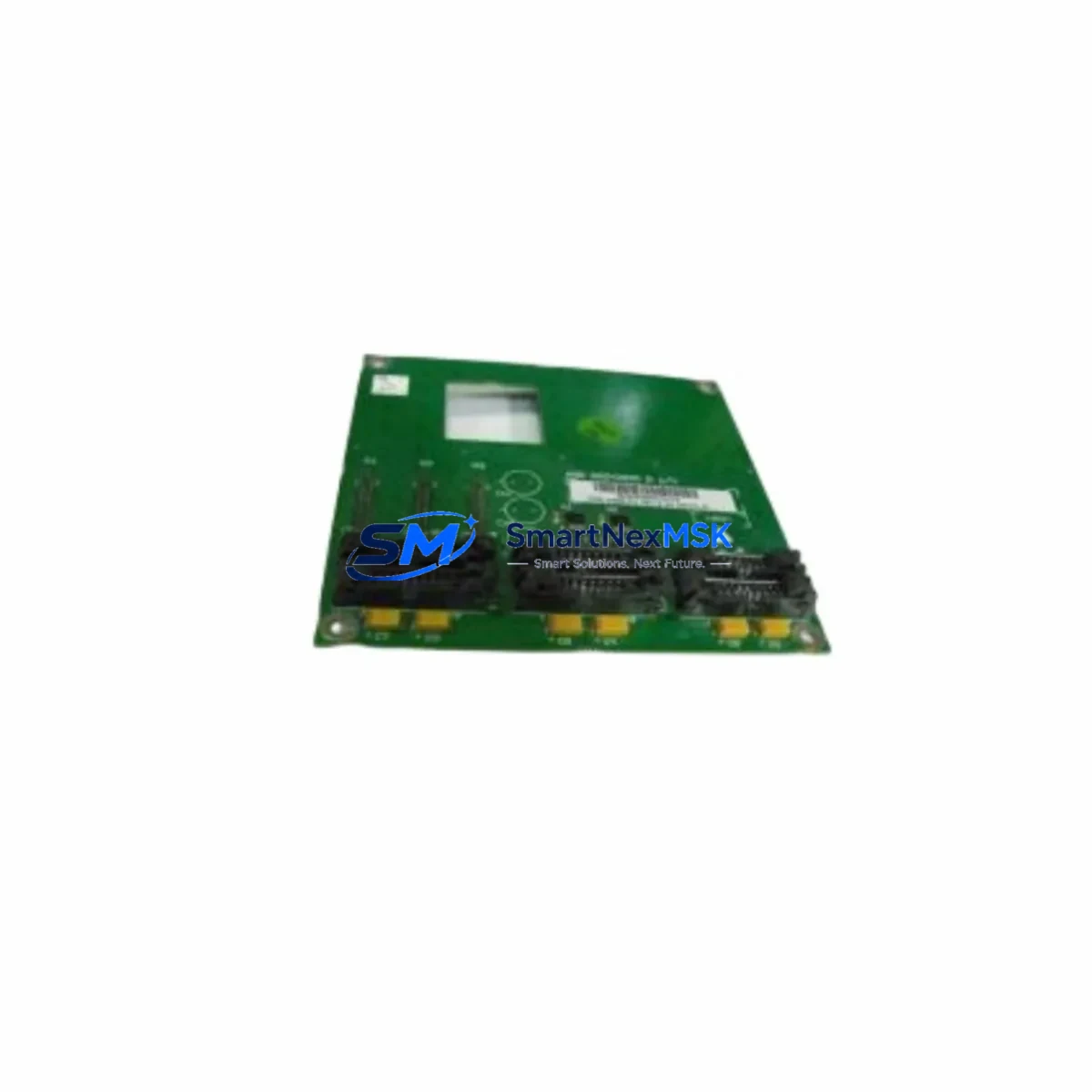
ABB AGBB-01C Maintenance-Ready Spare for ACS Series Automation
The ABB AGBB-01C is a gate driver board designed for ABB ACS series AC variable frequency drives, serving as a critical power electronics interface between the drive’s control logic and its IGBT inverter stage. In industrial automation environments — from conveyor systems and pump stations to compressor drives and crane controls — the gate driver board is one of the highest-stress components in the drive stack. A failed AGBB-01C typically results in immediate drive fault, loss of motor control, and unplanned production downtime. Stocking a verified replacement unit is the most effective strategy for minimizing mean time to repair (MTTR) in ACS-series drive installations.
This listing supplies an original ABB AGBB-01C gate driver board, sourced through established industrial distribution channels, individually inspected, and tested prior to shipment. Each unit ships with a 12-month warranty covering manufacturing defects and functional failure under normal operating conditions. Whether you are managing a single drive cabinet or a multi-drive automation line, the AGBB-01C is a maintenance-critical spare that belongs in every ACS-series spare parts kit.
Spare Maintenance Table
| Part Number | AGBB-01C |
| Manufacturer | ABB |
| Component Type | Gate Driver Board |
| Compatible Series | ABB ACS Series AC Drives (ACS550, ACS580, ACS800, ACS880 and related variants) |
| Function | IGBT gate drive signal conditioning and isolation between control board and power stage |
| Mounting | Internal drive chassis, board-to-board connector interface |
| Operating Environment | Industrial control cabinet, IP20–IP54 enclosure, -10°C to +55°C ambient |
| Condition | Original ABB, tested before shipment |
| Origin | China (CN) |
| Warranty | 12 Months — covers manufacturing defects and functional failure |
| Maintenance Recommendation | Replace at first sign of drive overcurrent fault, IGBT fault code, or erratic PWM output; inspect during scheduled annual drive maintenance |
| Lead Time | In-stock units ship within 1–3 business days |
Maintenance Planning for Continuous Operation
When a maintenance or procurement engineer identifies the AGBB-01C as a fault source or a planned replacement target, the scope of inspection should extend beyond the gate driver board itself. The ACS-series drive is an integrated system, and a gate driver failure is frequently accompanied by — or caused by — stress in adjacent components.
Begin with the DC bus capacitor bank: elevated ripple voltage or capacitor aging accelerates gate driver stress. Inspect the IGBT power module (such as the ABB SINT4130C or equivalent inverter bridge assembly) for signs of thermal fatigue or gate-emitter leakage, as a degraded IGBT can destroy a replacement gate driver board if not addressed first. Check the ACS drive control board (RMIO or RDCU series, depending on drive model) for firmware version compatibility and communication integrity with the gate driver stage.
On the power supply side, verify the SMPS auxiliary power board that feeds the gate driver’s isolated supply rails — an under-voltage condition on the 15V or 24V auxiliary rail is a common root cause of gate driver malfunction. Inspect DC bus fuses and input line fuses for continuity and correct rating. Review the thermistor and temperature sensor circuit connected to the heatsink; a failed temperature feedback loop can cause the drive to operate outside safe thermal limits, stressing the gate driver.
For drives with fieldbus communication, confirm that the FPBA-01 PROFIBUS adapter, FENA-21 Ethernet adapter, or equivalent communication module is functioning correctly — a communication fault can mask or trigger drive-level faults that appear as gate driver errors. If the installation includes an ABB ACS control panel (ACS-AP-I or ACS-AP-W), verify that panel communication is stable and that fault history logs are reviewed before replacing hardware.
Finally, inspect the motor cable and output filter: long motor cables without dV/dt filters impose reflected wave stress on the IGBT and gate driver. Confirm that terminal block connections on the drive output are tight and corrosion-free, as loose connections generate transient spikes that degrade gate driver longevity. A complete inspection of these surrounding components — power modules, auxiliary supplies, fuses, communication adapters, and output wiring — ensures that the replacement AGBB-01C operates reliably and that the root cause of the original failure is fully resolved.
Site Replacement Workflow
Step 1 — Fault Confirmation: Record the active fault code from the ACS drive panel or fieldbus diagnostic. Gate driver faults typically appear as overcurrent (OC), IGBT fault, or short-circuit fault codes. Confirm the fault is repeatable and not a transient event before proceeding with board replacement.
Step 2 — Safe Isolation: Isolate the drive from mains supply and allow the DC bus to fully discharge (minimum 5 minutes after power-off, or verify with a DC voltmeter that bus voltage is below 50V). Follow site LOTO (Lockout/Tagout) procedures.
Step 3 — Board Removal: Photograph the existing wiring and connector positions before disconnecting. Remove the AGBB-01C by releasing the board-to-board connectors and any retaining hardware. Note the board revision marking for compatibility verification.
Step 4 — Compatibility Verification: Confirm that the replacement AGBB-01C revision is compatible with the installed drive firmware and IGBT module type. Cross-reference the drive serial number and manufacturing date code if multiple hardware revisions exist in your fleet.
Step 5 — Installation and Test: Install the replacement board, reconnect all connectors, and restore power. Clear fault history from the drive panel. Run the drive at low speed (no-load test if possible) and monitor for fault recurrence. Confirm motor current waveform symmetry if a power analyzer is available.
Step 6 — Documentation: Record the replacement date, new board serial number, and post-replacement test results in the equipment maintenance log. Update the spare parts inventory to trigger reorder of a replacement AGBB-01C unit for future use.
Spare Parts Support FAQ
Q: Is this AGBB-01C an original ABB part or an aftermarket replacement?
A: This is an original ABB AGBB-01C gate driver board sourced through established industrial supply channels. Each unit is individually inspected and function-tested before shipment. We do not supply aftermarket or counterfeit components.
Q: What is covered under the 12-month warranty?
A: The 12-month warranty covers manufacturing defects and functional failure under normal operating conditions. It does not cover damage caused by incorrect installation, overvoltage events, or use outside the specified operating environment. Warranty claims are processed through our sales team at [email protected].
Q: How do I confirm compatibility with my specific ACS drive model and firmware version?
A: Provide your drive model number, serial number, and current firmware version to our technical team. We will cross-reference the AGBB-01C hardware revision against ABB’s compatibility matrix and confirm suitability before shipment. Contact us at [email protected] or +86 18259474341.
Q: Can you support long-term or blanket orders for fleet maintenance programs?
A: Yes. We support scheduled spare parts programs for maintenance teams managing multiple ACS-series drives. Long-term supply agreements, consignment stock arrangements, and priority allocation for critical spares are available. Contact our sales team to discuss your fleet size and annual consumption requirements.
© 2026 SMARTNEXMSK. All rights reserved.
Original Source: https://smartnexmsk.com
Contact: [email protected] | +86 18259474341



