
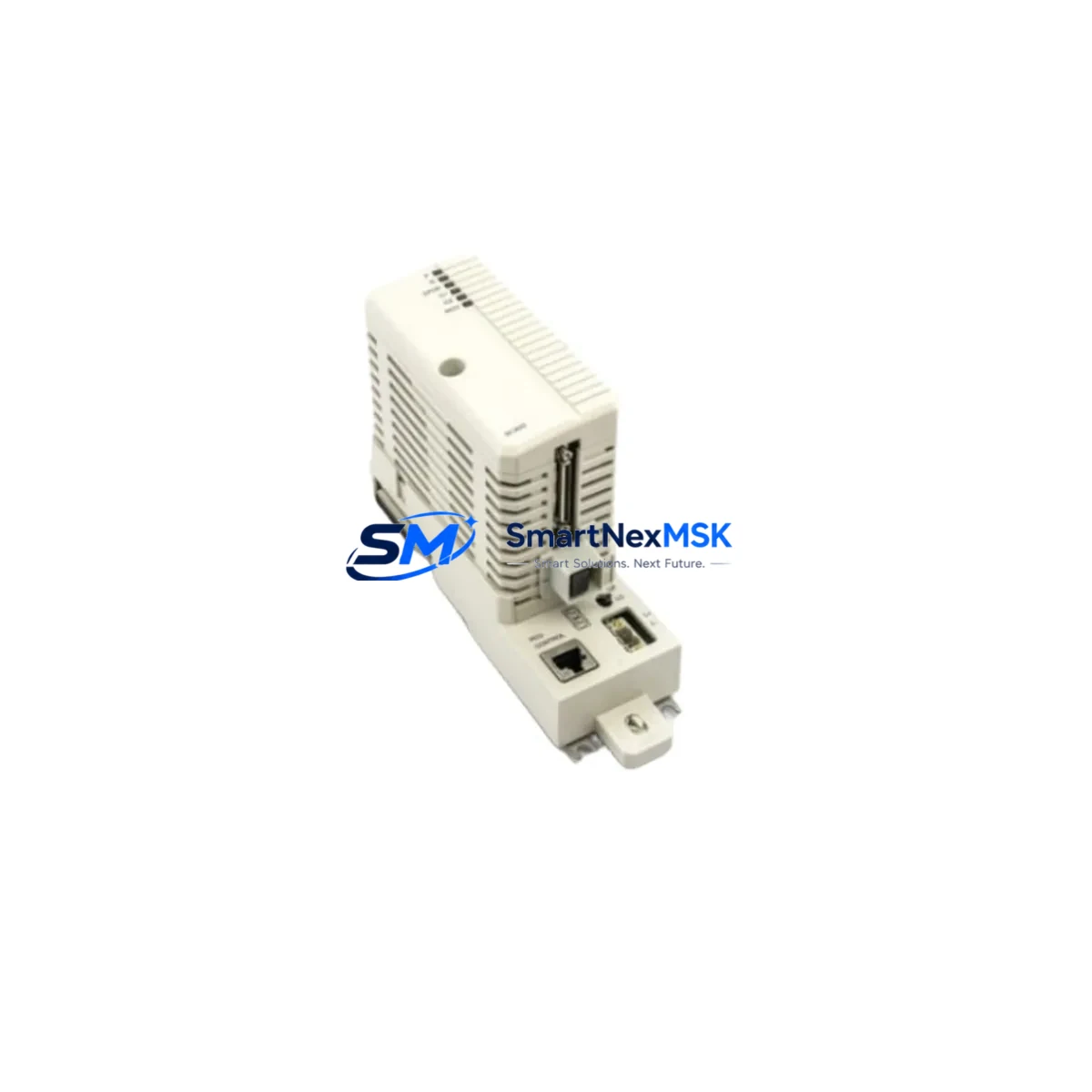
ABB BC820K01 3BSE071501R1 Retrofit-Ready CEX-Bus Interconnection Unit for AC 800M Control Systems
The ABB BC820K01 (part number 3BSE071501R1) is a CEX-Bus Interconnection Unit designed for the Symphony Plus AC 800M Distributed Control System platform. As legacy DCS installations age and OEM support windows close, the BC820K01 has become a critical retrofit component for engineers managing brownfield upgrades, control cabinet modernization, and discontinued spare part replacement programs. Whether you are replacing a failed unit in an active process line or pre-positioning stock for a planned system migration, the BC820K01 delivers the backplane communication integrity that Symphony Plus architectures depend on.
This module interconnects controller modules across the CEX-Bus, enabling synchronized data exchange between the PM891, PM865, and PM864 processor modules and their associated I/O clusters. In retrofit scenarios, engineers must verify that the existing backplane revision, cabinet rail spacing, and CEX-Bus segment addressing are compatible before swapping the unit. The BC820K01 is mechanically and electrically compatible with standard S800 I/O station racks and integrates directly with the TB820V2 ModuleBus Modem and CI854 PROFIBUS DP communication interface without firmware modification in most AC 800M controller revisions.
Upgrade Compatibility Table
| Parameter | Details |
|---|---|
| Part Number | BC820K01 / 3BSE071501R1 |
| Platform Compatibility | ABB Symphony Plus AC 800M (PM891, PM865, PM864) |
| Bus Interface | CEX-Bus (Controller Extension Bus) |
| Rack / Backplane Fit | Standard S800 I/O station rack; DIN rail mountable |
| Communication Compatibility | PROFIBUS DP (via CI854), ModuleBus (via TB820V2), Ethernet (via CI873) |
| Replacement Recommendation | Direct drop-in for failed or end-of-life BC820K01 units; verify CEX-Bus segment address before installation |
| Installation Requirement | Controller must be in STOP mode; no hot-swap without system preparation |
| Commissioning Focus | CEX-Bus address DIP switch setting, backplane seating, controller restart sequence |
| Firmware | Compatible with AC 800M firmware 5.x and above; confirm with Control Builder M project version |
| Warranty | 12-Month Warranty — covers manufacturing defects and functional failure under normal operating conditions |
Retrofit Planning for Existing Automation Systems
Successful integration of the BC820K01 into an existing Symphony Plus installation requires a structured pre-replacement audit. Begin by documenting the current CEX-Bus topology: identify how many BC820K01 units are installed per controller node, confirm the DIP switch address assignments, and photograph the existing terminal wiring on adjacent modules. In multi-rack configurations, the BC820K01 works in conjunction with the BC810 CEX-Bus Cable to extend the bus across physical cabinet boundaries — confirm cable integrity and connector seating before attributing a fault to the module itself.
Power supply capacity is a frequent oversight in retrofit projects. The SD821 and SD822 power supply modules feeding the S800 I/O rack must be verified against the total current draw of all installed modules after the retrofit. Adding or replacing communication modules can shift the load balance, particularly when the rack also houses AI810 analog input modules, AO810V2 analog output modules, DI810 digital input modules, or DO810 digital output modules. A load calculation worksheet should be completed before energizing the upgraded rack.
Terminal wiring on the BC820K01 itself is minimal — the module connects via the backplane rather than field terminals — but adjacent modules such as the TB820V2 ModuleBus Modem may require re-termination if the rack position changes during the retrofit. Confirm that the CI854 PROFIBUS DP interface module retains its GSD file configuration and that the PROFIBUS segment address and baud rate settings are preserved in the Control Builder M project before restarting the controller. If the site uses an OPC DA or OPC UA server connected to the AC 800M via the CI873 Ethernet interface, verify that the server subscription list remains intact after the controller restart.
HMI screens connected to the Symphony Plus system via the 800xA Operations workplace should be reviewed for any dynamic elements that reference I/O tags routed through the replaced module’s rack segment. A brief tag scan after restart will confirm that all process values are updating correctly before returning the loop to automatic control.
Downtime Control During System Migration
Minimizing unplanned downtime during a BC820K01 replacement requires preparation that begins well before the maintenance window opens. The most effective approach is to pre-configure a spare BC820K01 with the correct CEX-Bus address DIP switch setting, verified against the existing unit’s configuration, so that the physical swap can be completed in under fifteen minutes. The AC 800M controller stores its application program in non-volatile memory, meaning the Control Builder M project does not need to be re-downloaded after a module replacement — provided the controller itself is not replaced and the project version on the controller matches the engineering station backup.
During the swap, place the AC 800M controller in STOP mode via Control Builder M or the 800xA System operator interface. Remove the failed BC820K01, seat the replacement unit firmly into the backplane slot, and confirm the DIP switch address before powering the rack. Restart the controller and monitor the CEX-Bus status LEDs: a steady green on the BC820K01 indicates successful bus initialization. Cross-check the I/O status in Control Builder M’s hardware configuration view before releasing the controller to RUN mode.
For sites where a cold swap is not acceptable, consult ABB’s redundancy guidelines for the AC 800M platform. In redundant controller configurations using paired PM891 modules, a controlled switchover to the standby controller can allow the primary rack to be serviced without interrupting process control. This approach requires that the redundancy synchronization link via the CI857 Redundancy Module is healthy before initiating the switchover.
Retrofit Support FAQ
Q1: Is the BC820K01 (3BSE071501R1) a direct replacement for older CEX-Bus interconnection units in the AC 800M platform?
Yes. The BC820K01 is the current production revision of the CEX-Bus Interconnection Unit for the Symphony Plus AC 800M. It is mechanically and electrically compatible with earlier revisions installed in the same rack. Confirm the DIP switch address assignment matches the unit being replaced before installation.
Q2: What commissioning steps are required after installing a replacement BC820K01?
Place the AC 800M controller in STOP mode, install the BC820K01 with the correct CEX-Bus address, restart the controller, and verify CEX-Bus LED status. Confirm all I/O modules in the rack are recognized in Control Builder M’s hardware configuration view. If any modules show a fault, check backplane seating and re-scan the hardware configuration.
Q3: Does the BC820K01 require firmware updates after installation?
The BC820K01 does not carry independent firmware — it is a passive bus interconnection unit. No firmware download is required. Ensure the AC 800M controller firmware version is 5.x or above for full compatibility with the Symphony Plus hardware generation.
Q4: What does the 12-month warranty cover, and how is it claimed?
The 12-month warranty covers manufacturing defects and functional failure under normal operating conditions from the date of shipment. To initiate a warranty claim, contact [email protected] with the order reference, installation date, and a description of the fault. Units must not show evidence of physical damage, incorrect installation, or operation outside rated environmental conditions.
© 2026 SMARTNEXMSK. All rights reserved.
Original Source: https://smartnexmsk.com
Contact: [email protected] | +86 18259474341



