
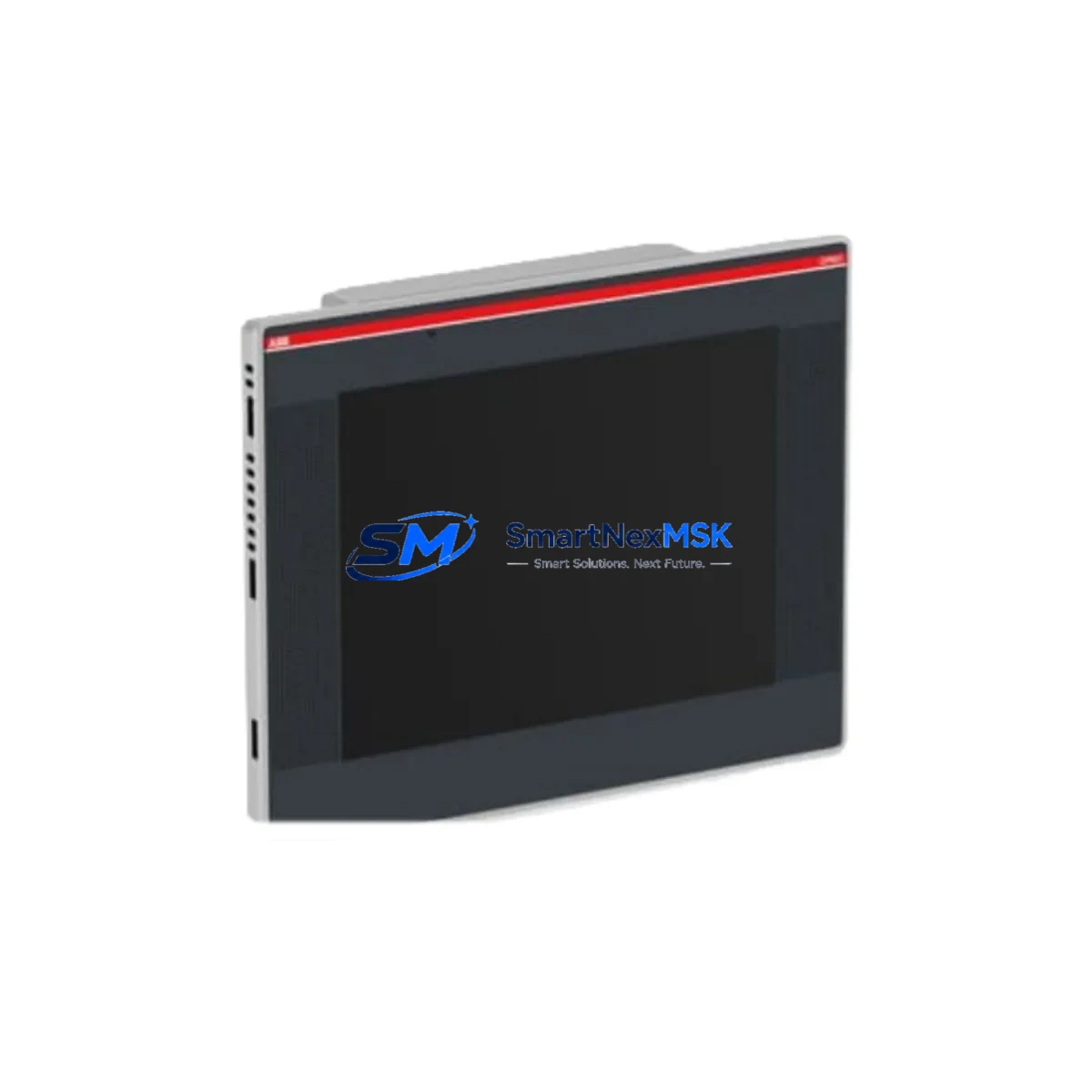
ABB CP651-WEB 1SAP551200R0001 Spare AC500 HMI Panel: Spare Replacement & Industrial Downtime Risk Control
The ABB CP651-WEB (order reference 1SAP551200R0001) is a 10.4-inch web-enabled HMI operator panel engineered for the ABB AC500 PLC platform and the broader CP600 series ecosystem. In industrial environments where continuous operation is non-negotiable, maintaining a verified spare of this panel in your maintenance inventory is a proven strategy for minimizing unplanned downtime. Whether you are managing a water treatment facility, a packaging line, a power distribution substation, or a discrete manufacturing cell, the CP651-WEB serves as the primary human-machine interface for operator interaction, alarm acknowledgment, process visualization, and parameter adjustment.
This listing provides an original, factory-sourced CP651-WEB 1SAP551200R0001 unit, fully tested prior to shipment and backed by a 12-month warranty. Each unit is inspected for display integrity, communication port functionality, and firmware compatibility before dispatch, ensuring that your replacement panel integrates seamlessly into your existing AC500 control architecture without additional commissioning delays.
Spare Maintenance Table
| Parameter | Specification |
|---|---|
| Part Number | CP651-WEB |
| Order Reference | 1SAP551200R0001 |
| Brand | ABB |
| Series | AC500 / CP600 |
| Display Size | 10.4 inch TFT Color LCD |
| Communication Interfaces | Ethernet (RJ45), USB, RS-232/485 |
| Web Capability | Yes – integrated web server for remote monitoring |
| Operating Voltage | 24 VDC |
| Operating Temperature | 0°C to +55°C |
| Protection Rating | IP65 (front panel) |
| Country of Origin | Germany |
| Compatibility | ABB AC500 PLC series, CP600 HMI family |
| Installation | Panel cutout mount, standard DIN rail cabinet |
| Pre-shipment Testing | Yes – functional and communication test |
| Warranty | 12 Months |
| Condition | Original / New |
Maintenance Planning for Continuous Operation
When a CP651-WEB 1SAP551200R0001 panel fails or shows signs of degradation — such as display flickering, unresponsive touch input, communication dropouts, or boot failures — the replacement workflow extends beyond simply swapping the HMI unit. A thorough maintenance engineer will treat this event as an opportunity to audit the entire control cabinet and associated electrical circuit.
Begin by verifying the 24 VDC power supply feeding the CP651-WEB. Units such as the ABB CP-E 24/2.5 or equivalent SITOP PSU100S power supplies should be checked for output voltage stability and ripple, as an unstable supply is a common root cause of HMI reboot loops and display anomalies. Inspect the terminal blocks and wiring harness connecting the panel to the AC500 CPU module — loose or corroded terminals on Weidmüller or Phoenix Contact terminal strips can introduce intermittent faults that mimic panel hardware failure.
The ABB AC500 CPU module (such as the PM573-ETH or PM591) should be checked for firmware version compatibility with the replacement CP651-WEB, particularly if the panel firmware has been updated. Mismatched firmware between the CPU and HMI can prevent proper communication establishment. Similarly, inspect the Ethernet communication cable and switch port — a degraded Cat5e/Cat6 cable or a faulty managed switch port can cause the web-server functionality of the CP651-WEB to become unreliable.
If the control cabinet includes ABB I/O expansion modules (such as DC532 digital input modules or DA501 analog output modules), verify that their status LEDs indicate normal operation, as I/O faults can cascade into HMI alarm floods that stress the panel’s processing resources. Check any CM572-DP PROFIBUS communication modules or CM589-PNIO PROFINET interface modules for active fault indicators, since communication bus errors are frequently misdiagnosed as HMI panel failures.
For cabinets that include signal isolators or loop-powered transmitters on analog input channels, verify 4–20 mA signal integrity at the AC500 analog input module. Drifting signals can cause erratic process value displays on the CP651-WEB, leading operators to incorrectly suspect panel malfunction. Additionally, inspect any miniature circuit breakers (MCBs) or fuses protecting the 24 VDC panel supply circuit — a partially tripped breaker can cause intermittent power interruptions that are difficult to diagnose without a power quality meter.
For sites running legacy AC500 systems, consider stocking a CP635 or CP651 series backup panel alongside the CP651-WEB to provide cross-compatibility coverage across the CP600 HMI family. Maintaining a documented spare parts list that includes the HMI panel, CPU module, power supply, and key communication modules is the foundation of an effective predictive maintenance program.
Site Replacement Workflow
Step 1 – Pre-replacement backup: Before removing the existing CP651-WEB, use ABB Automation Builder or the panel’s built-in backup function to export the current project configuration, screen layouts, alarm lists, and communication settings to a USB drive or network share. This ensures zero data loss during the swap.
Step 2 – Power isolation: Isolate the 24 VDC supply to the panel using the dedicated MCB or isolator switch. Verify isolation with a calibrated multimeter before proceeding. Do not rely solely on the panel’s power-off state.
Step 3 – Physical removal: Disconnect the Ethernet cable, USB connections, and power terminals. Release the panel mounting clamps from the rear of the cabinet cutout and carefully extract the unit. Note the cable routing and labeling before disconnection.
Step 4 – Replacement installation: Insert the new CP651-WEB 1SAP551200R0001 into the panel cutout. Reconnect all cables in the documented sequence. Restore 24 VDC power and verify the panel boots to the ABB startup screen without error codes.
Step 5 – Project restore and commissioning: Load the backed-up project file via USB or network. Verify all communication links to the AC500 CPU are established, all I/O tags are reading correctly, and all alarm setpoints are intact. Conduct a functional test with the process operator before returning the system to automatic mode.
This workflow is designed to reduce mean time to repair (MTTR) to under two hours for a trained maintenance technician, minimizing production loss and avoiding the extended lead times associated with emergency procurement from the OEM.
Spare Parts Support FAQ
Q1: Is this CP651-WEB 1SAP551200R0001 an original ABB unit or a compatible replacement?
This is an original ABB CP651-WEB unit sourced through authorized industrial supply channels. It carries the full ABB part number 1SAP551200R0001 and is not a third-party compatible or refurbished substitute. Each unit is tested for functionality before shipment.
Q2: What does the 12-month warranty cover?
The 12-month warranty covers manufacturing defects, functional failures under normal operating conditions, and communication interface faults. It does not cover damage resulting from incorrect installation voltage, physical impact, or exposure to environments outside the rated operating specifications. Warranty claims are processed with return shipping support.
Q3: How do I verify compatibility with my existing AC500 system before installation?
Confirm your AC500 CPU module model and firmware version using ABB Automation Builder. The CP651-WEB is compatible with AC500 V2 and V3 CPU families. If your system runs an older AC500 V1 architecture, contact our technical team at [email protected] with your CPU part number for a compatibility assessment before ordering.
Q4: What is your typical lead time and can you support urgent breakdown orders?
Standard orders ship within 1–3 business days after payment confirmation. For urgent breakdown situations, expedited processing is available — contact us directly at +86 18259474341 to confirm stock availability and arrange priority dispatch. We maintain buffer stock of high-demand AC500 and CP600 series components to support emergency maintenance scenarios.
© 2026 SMARTNEXMSK. All rights reserved.
Original Source: https://smartnexmsk.com
Contact: [email protected] | +86 18259474341



