
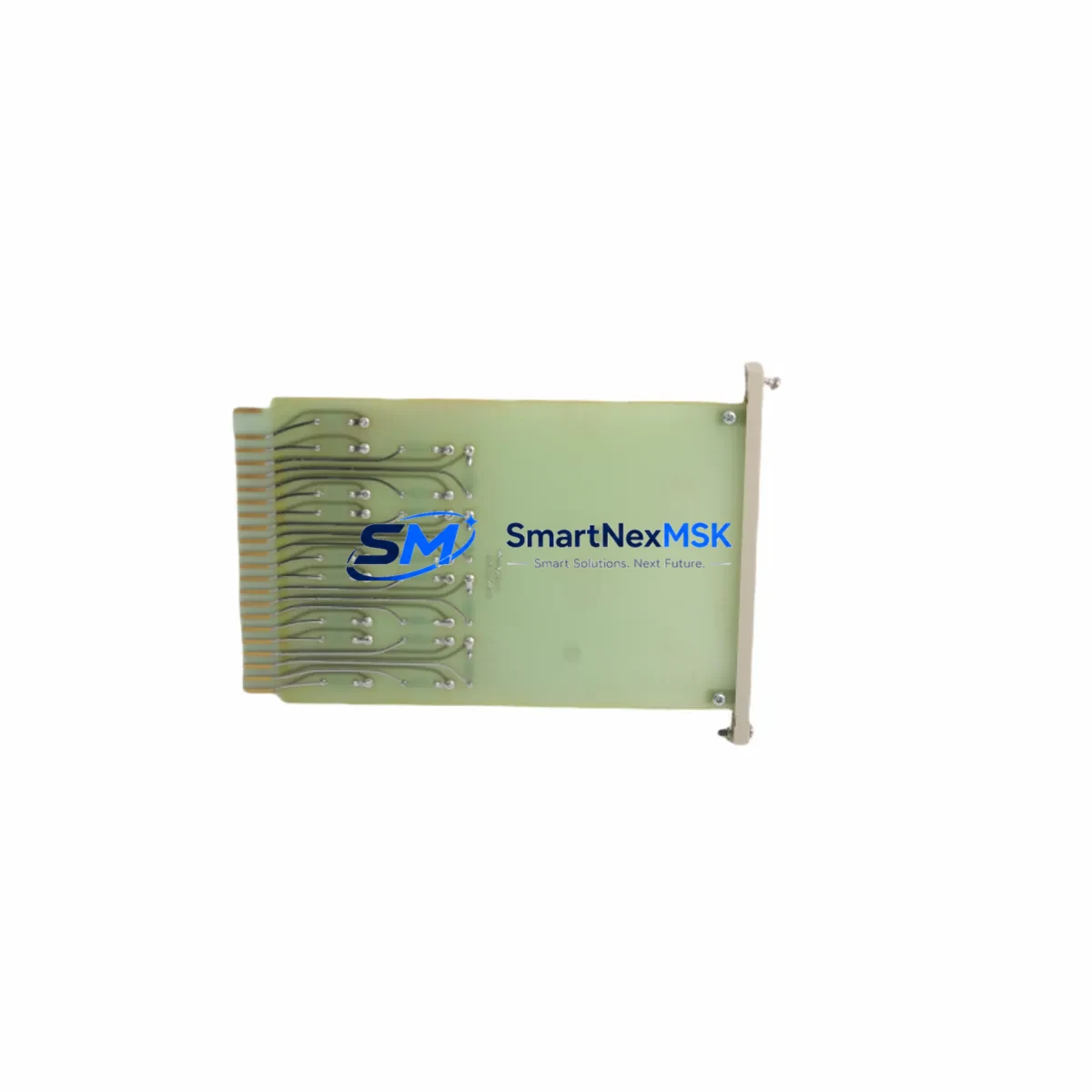
ABB DD370A GJR2237400R1 Retrofit-Ready Diode Module for AC500 Control Systems
When a legacy ABB AC500 control system requires a diode module replacement, procurement teams and automation engineers face a critical challenge: sourcing a verified, compatible unit that can be installed with minimal disruption to ongoing production. The ABB DD370A (part number GJR2237400R1) is a factory-specification diode module designed for the AC500 PLC platform, and it remains one of the most sought-after retrofit components for facilities operating first- and second-generation AC500 control cabinets. Whether you are replacing a failed unit in a continuous manufacturing line or upgrading an aging power distribution section within a control enclosure, the DD370A delivers the electrical performance and form-factor compatibility required for a smooth, low-risk transition.
Upgrade Compatibility Table
| Parameter | Details |
|---|---|
| SKU / Part Number | DD370A / GJR2237400R1 |
| Brand / Series | ABB / AC500 |
| Module Type | Diode Module |
| Interface Compatibility | Direct drop-in for AC500 backplane power bus; compatible with PM5xx and PM5xx-ETH CPU families |
| Installation Requirement | Standard DIN-rail or rack-mount within AC500 enclosure; no additional adapter required |
| Communication Compatibility | Passive power component; compatible with all AC500 communication modules including CM572-DP (PROFIBUS), CM577-ETH (Ethernet), and CM589-PNIO (PROFINET) |
| Replacement Recommendation | Direct replacement for failed or end-of-life DD370A units; verify backplane slot position and bus voltage before installation |
| Commissioning Focus | Confirm DC bus voltage levels, check terminal torque settings, validate power-on sequence with CPU module |
| Origin | Germany |
| Warranty | 12-Month Warranty — all units shipped after full functional test |
Retrofit Planning for Existing Automation Systems
A successful retrofit of the ABB DD370A GJR2237400R1 begins well before the unit arrives on site. Engineers working within an AC500-based control cabinet must first audit the existing power architecture. The AC500 platform typically pairs the diode module with a PS501 or PS502 power supply module, and the health of these upstream power components directly affects the longevity of any replacement diode module. Before ordering, confirm that the PS501 power supply is delivering stable 24 VDC within tolerance, as an out-of-spec supply can stress the new diode module immediately upon installation.
The backplane itself — whether a TB521 or TB541 terminal base — must be inspected for oxidation or mechanical damage at the bus connector. A corroded backplane connector is a common root cause of diode module failure in older AC500 installations, and replacing the DD370A without addressing the backplane condition will result in repeat failures. If the backplane shows wear, sourcing a replacement TB521 terminal base alongside the DD370A is strongly recommended.
On the I/O side, the retrofit window is an ideal opportunity to audit connected digital and analog I/O modules. AC500 installations commonly use DA501 analog input modules and DI524 digital input modules, and any modules showing intermittent faults should be flagged for replacement during the same maintenance window to avoid a second unplanned outage. Similarly, if the system uses a CI501-PNIO or CI502-PNIO communication interface module for PROFINET connectivity, verify that firmware versions are current before bringing the upgraded system back online.
For facilities that rely on Automation Builder or PS501 Control Builder software for programming, ensure that the project backup is current before beginning any hardware swap. The DD370A replacement does not require a program change, but having a verified backup on a programming laptop with the correct USB or serial programming cable prevents unnecessary delays if a CPU reset is required during commissioning. If the installation includes an ABB CP600 HMI panel, confirm that the HMI communication link to the CPU is re-established after power cycling the cabinet, as some CP600 configurations require a manual reconnect after a cold start.
Downtime Control During System Migration
Minimizing downtime during a DD370A replacement in an active AC500 system requires a structured approach. The first step is to prepare a pre-tested replacement unit — the DD370A GJR2237400R1 supplied by SMARTNEXMSK is shipped only after passing a full functional test, which eliminates the risk of installing a defective spare and extending the outage window.
Before de-energizing the cabinet, document the current state of all I/O signals and record the CPU operating mode. If the AC500 system supports online backup via Automation Builder, execute a full project upload to preserve the current program logic, including any modifications made since the last documented backup. This step is critical in facilities where field engineers have made undocumented ladder logic or function block changes over the years.
During the physical swap, follow the AC500 hardware installation guide for the DD370A: release the locking mechanism, extract the module from the backplane slot, insert the replacement unit until the connector seats fully, and re-engage the lock. After re-energizing, monitor the DC bus voltage at the power supply output terminals and confirm that the CPU module returns to RUN mode without fault codes. If the system uses a redundant power configuration with two PS501 units feeding through the diode module, verify that both supply paths are active and balanced before releasing the line back to production.
For facilities with strict change-management requirements, SMARTNEXMSK can provide shipment documentation, test reports, and part traceability records to support maintenance logs and regulatory compliance filings. Stock is maintained to support both emergency single-unit orders and planned bulk procurement for multi-site AC500 installations.
Retrofit Support FAQ
Q1: Is the DD370A GJR2237400R1 a direct replacement for all AC500 diode module variants?
A: The DD370A GJR2237400R1 is the standard diode module for the ABB AC500 platform and is compatible with the full range of AC500 CPU and power supply combinations using the TB521 and TB541 terminal base families. If your installation uses a non-standard backplane configuration, contact our technical team with your full system BOM for confirmation before ordering.
Q2: What pre-shipment testing is performed on each DD370A unit?
A: Every DD370A GJR2237400R1 unit supplied by SMARTNEXMSK undergoes a full functional test covering diode forward voltage, reverse blocking performance, and thermal integrity before shipment. A test report is available upon request. All units are covered by a 12-month warranty from the date of shipment.
Q3: Do I need to modify the AC500 program or HMI configuration after replacing the DD370A?
A: No program or HMI configuration changes are required. The DD370A is a passive power component and is transparent to the AC500 CPU and communication modules. After installation, simply restore power, confirm the CPU returns to RUN mode, and verify I/O signal integrity through the existing HMI or SCADA interface.
Q4: Can SMARTNEXMSK support long-term supply for multi-site AC500 retrofit programs?
A: Yes. SMARTNEXMSK maintains standing inventory of the DD370A GJR2237400R1 to support both emergency replacement orders and scheduled multi-site retrofit programs. We offer flexible lead times, consolidated shipment options, and long-term supply agreements for customers managing large AC500 installed bases. Contact [email protected] for volume pricing and availability.
© 2026 SMARTNEXMSK. All rights reserved.
Original Source: https://smartnexmsk.com
Contact: [email protected] | +86 18259474341



