
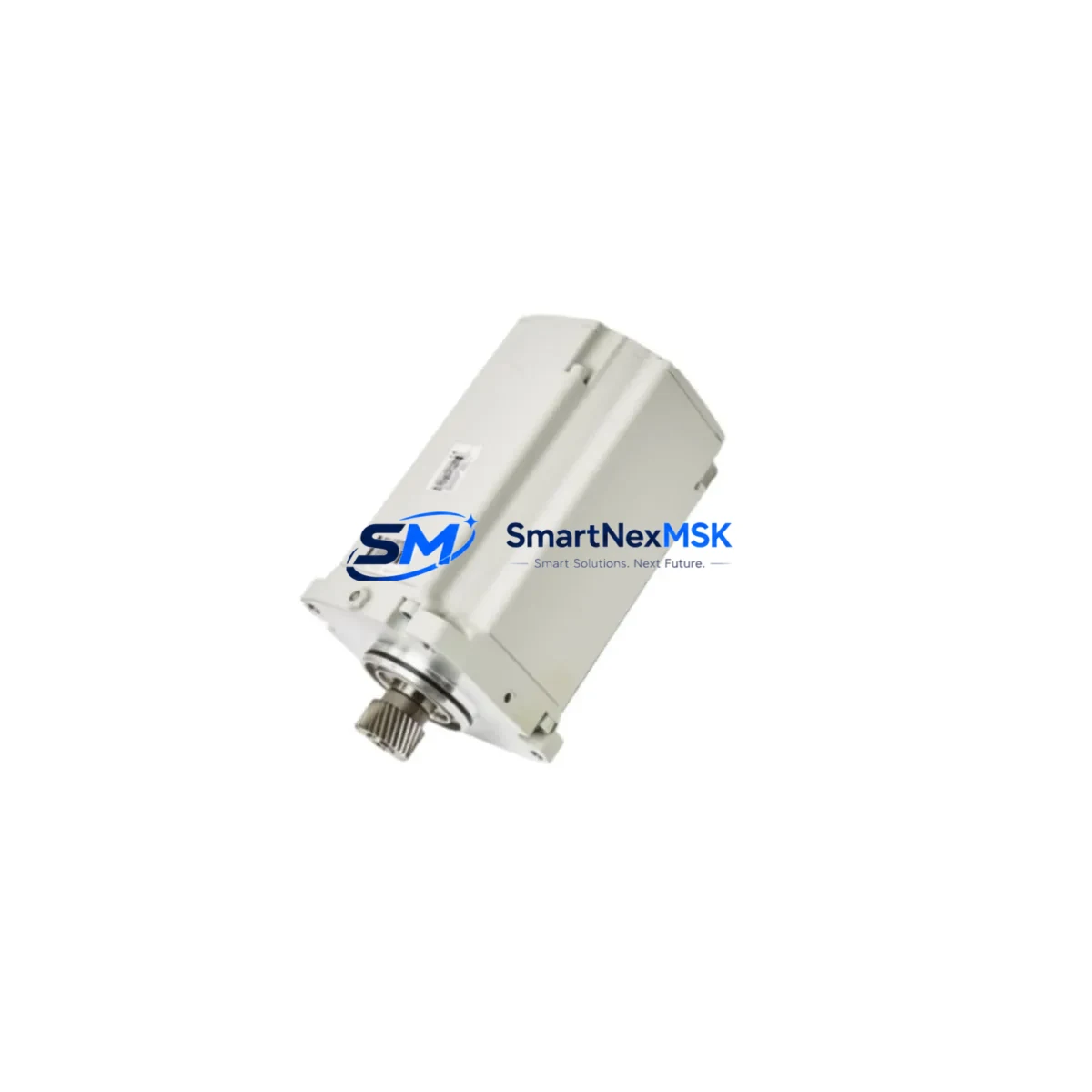
ABB DSQC 655 3HAC025562-001 Retrofit-Ready Controller for IRC5 Control Systems
The ABB DSQC 655 (part number 3HAC025562-001) is the main computer board for the IRC5 robot controller cabinet, serving as the central processing and communication hub for ABB industrial robot systems including the IRB 6650S, IRB 1200, IRB 2600, and IRB 4600 series. As legacy IRC5 cabinets age and OEM support windows close, the DSQC 655 has become one of the most sought-after retrofit and replacement modules for automation engineers tasked with extending the operational life of existing robot cells without full system replacement.
Our inventory of DSQC 655 / 3HAC025562-001 units is sourced, inspected, and dispatch-tested to ensure compatibility with the IRC5 single-cabinet and dual-cabinet configurations. Each unit ships with a 12-month warranty covering functional defects under normal operating conditions, giving procurement and maintenance teams the confidence to plan scheduled retrofits or respond to unplanned downtime events.
Upgrade Compatibility Table
| Parameter | DSQC 655 / 3HAC025562-001 | Notes |
|---|---|---|
| Compatible Controller | IRC5 Single & Dual Cabinet | Verify cabinet revision label before ordering |
| Backplane Interface | IRC5 internal bus (proprietary) | Direct plug-in; no adapter required for standard IRC5 racks |
| Communication Protocols | DeviceNet, Profibus, Ethernet/IP | Protocol option boards (DSQC 651, DSQC 652) remain compatible |
| Power Supply Requirement | 24 VDC from DSQC 661 PSU | Verify DSQC 661 output capacity before swap |
| Robot Series Compatibility | IRB 6650S, IRB 1200, IRB 2600, IRB 4600 | Confirm RobotWare version compatibility |
| RobotWare Version | RobotWare 5.x / 6.x | Backup system parameters before replacement |
| Installation Type | DIN rail / backplane mount | Standard IRC5 cabinet mounting; no mechanical modification |
| Replacement Recommendation | Direct drop-in for failed or end-of-life DSQC 655 | Restore from system backup after installation |
| Commissioning Focus | IP address, axis calibration, I/O mapping | Use RobotStudio or FlexPendant for verification |
| Warranty | 12 Months | Covers functional defects under normal operating conditions |
Retrofit Planning for Existing Automation Systems
When planning a DSQC 655 retrofit within an active production environment, the scope of work extends well beyond the board swap itself. Engineers must account for the full IRC5 ecosystem to ensure a smooth transition with minimal disruption to the robot cell.
Begin by auditing the existing IRC5 cabinet configuration. The DSQC 661 power supply module provides the 24 VDC rail that feeds the DSQC 655 main computer. Before removal, confirm the DSQC 661 output is within specification — a degraded power supply is frequently the root cause of DSQC 655 failures and must be addressed concurrently to prevent repeat failures. Similarly, inspect the DSQC 609 axis computer and DSQC 633 I/O board for signs of wear, as these modules share the same backplane and are often replaced as part of a broader IRC5 refurbishment.
Communication continuity is a critical planning item. If the existing cell uses DeviceNet for PLC-to-robot communication, the DSQC 651 DeviceNet board must be verified for compatibility with the replacement DSQC 655. For cells running Profibus DP, the DSQC 652 Profibus adapter should be inspected and re-seated after the main computer swap. Ethernet/IP users should document the robot’s IP address, subnet mask, and gateway settings before the replacement, as these parameters are stored on the DSQC 655 and will need to be reconfigured on the new unit.
I/O mapping is another area requiring careful pre-work. The DSQC 633 digital I/O board and any DSQC 328 analog I/O modules connected to the backplane must have their signal assignments documented and verified against the robot program’s I/O configuration. After the DSQC 655 replacement, reload the system backup and cross-check all I/O signals using the FlexPendant before resuming automatic operation.
For cells where the IRC5 cabinet interfaces with a Siemens S7-300 or S7-400 PLC via Profibus, or with an Allen-Bradley ControlLogix via Ethernet/IP, the communication link must be re-established and tested under simulated production conditions before handover. HMI screens connected to the robot cell — whether running on a dedicated panel PC or integrated into a SCADA system — should be verified for correct status feedback and alarm handling after the controller swap.
Finally, axis calibration data stored in the DSQC 655 must be restored from the pre-replacement system backup. If a valid backup is unavailable, a full calibration procedure using the robot’s calibration pendulum or laser tracker will be required, adding significant time to the retrofit schedule. Always create a fresh system backup immediately after successful commissioning of the replacement DSQC 655.
Downtime Control During System Migration
Unplanned downtime caused by a failed DSQC 655 can halt an entire robot cell within seconds. The most effective mitigation strategy is to maintain a spare DSQC 655 unit on-site, pre-configured with the current system backup, so that a hot-swap can be completed within a single shift rather than waiting for international freight.
For planned retrofits, schedule the DSQC 655 replacement during a scheduled maintenance window or production changeover. Before powering down the IRC5 cabinet, perform a full system backup via RobotStudio or the FlexPendant, saving the backup to both the controller’s internal storage and an external USB drive. Label the backup file with the robot serial number, date, and RobotWare version to avoid confusion during restoration.
During the swap, follow the IRC5 service manual procedure for main computer removal: power down the cabinet, discharge the capacitor bank, disconnect the backplane ribbon cables in sequence, and remove the DSQC 655 from its mounting slot. Install the replacement unit, reconnect all cables, and power up the cabinet. The IRC5 will boot to a system fault state until the backup is restored — this is expected behavior. Restore the system backup, verify axis calibration, re-establish communication links, and run a dry-cycle test before returning the cell to production.
For multi-robot cells where a single IRC5 failure affects multiple arms, prioritize restoring the master controller first to maintain program synchronization across the cell. Document the actual downtime and root cause in your maintenance management system to support future spare parts planning and warranty claims.
Retrofit Support FAQ
Q: Is the DSQC 655 3HAC025562-001 a direct replacement for all IRC5 main computer variants?
A: The DSQC 655 / 3HAC025562-001 is the standard main computer for IRC5 single-cabinet and dual-cabinet controllers. However, some early IRC5 revisions used predecessor boards. Always verify the part number on the existing board and the cabinet’s hardware revision label before ordering. Our technical team can assist with compatibility confirmation based on your cabinet serial number.
Q: Do I need to recalibrate the robot after replacing the DSQC 655?
A: If a valid system backup is available and successfully restored, axis calibration data will be recovered automatically. Recalibration is only required if the backup is missing, corrupted, or predates a mechanical change to the robot. We recommend verifying calibration by running a slow-speed dry cycle after restoration before resuming full-speed production.
Q: What commissioning steps are required after installing the replacement DSQC 655?
A: After installation, restore the system backup, verify I/O signal mapping via the FlexPendant, re-establish communication links (DeviceNet, Profibus, or Ethernet/IP as applicable), confirm the robot’s IP address settings, and run a supervised dry-cycle test. For cells with safety-rated functions (SafeMove), re-validate the safety configuration before returning to automatic mode.
Q: What does the 12-month warranty cover?
A: Our 12-month warranty covers functional defects in the DSQC 655 unit under normal operating conditions, including failures attributable to manufacturing or component defects. It does not cover damage caused by incorrect installation, overvoltage, contamination, or physical impact. Warranty claims are supported by our technical team with replacement or repair at no additional cost within the warranty period.
© 2026 SMARTNEXMSK. All rights reserved.
Original Source: https://smartnexmsk.com
Contact: [email protected] | +86 18259474341



