
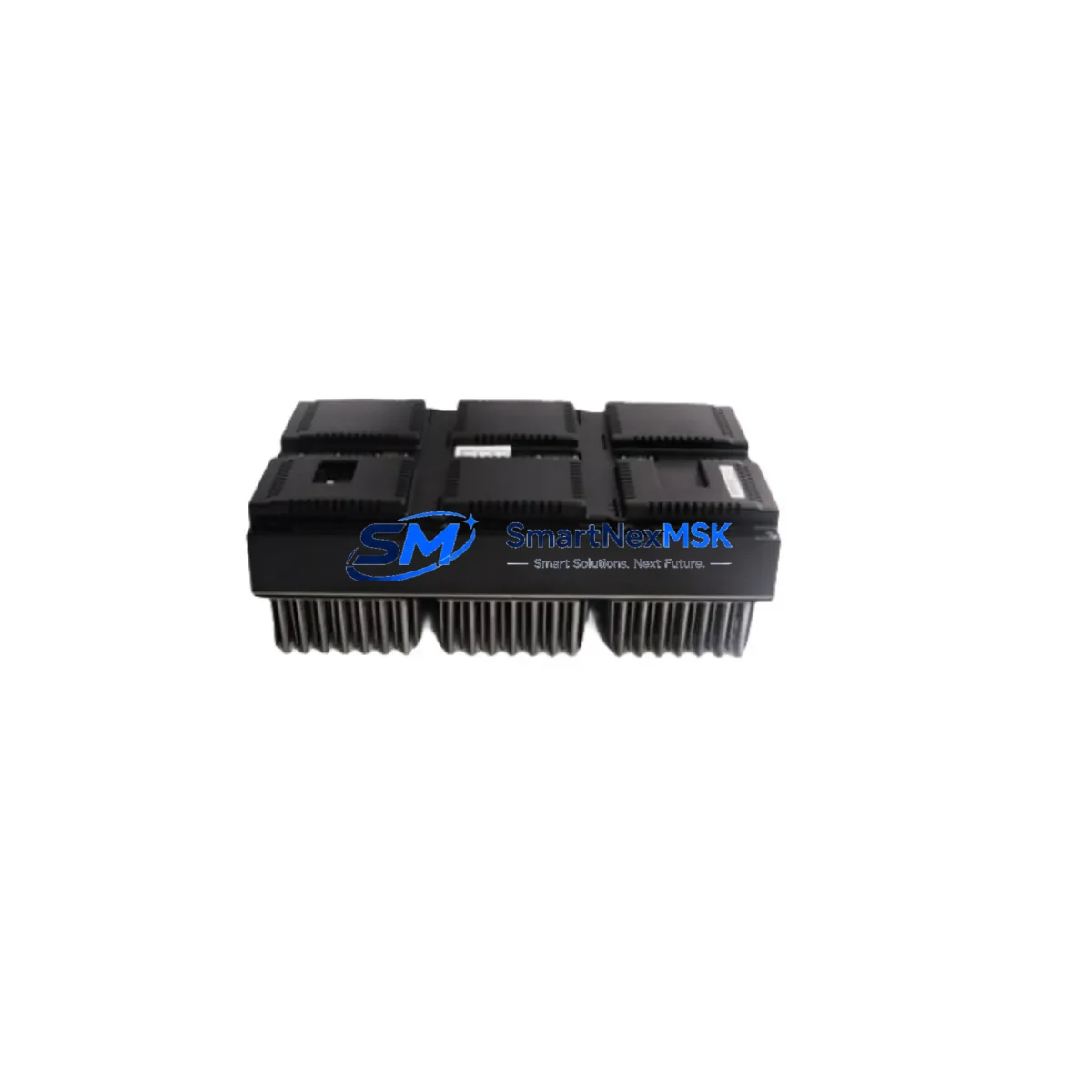
ABB DSQC1006 3HAC043383-001/02 Retrofit-Ready Profibus DP Board for IRC5 Control Systems
The ABB DSQC1006 (3HAC043383-001/02) is a Profibus DP fieldbus communication board engineered for the ABB IRC5 robot controller platform. As aging IRC5 cabinets approach end-of-support cycles and original DSQC1006 units become increasingly scarce on the open market, this retrofit-ready replacement module provides a verified, drop-in upgrade path that preserves existing wiring, backplane connections, and RAPID program logic — minimising both engineering hours and unplanned downtime on the production floor.
Whether you are managing a single-arm welding cell, a multi-robot paint line, or a palletising system built around the IRC5 single-cabinet or dual-cabinet architecture, the DSQC1006 slots directly into the DSQC1000 main computer board assembly without requiring backplane rework. The 9-pin Sub-D Profibus connector pinout is fully preserved, allowing the existing field cable from the Profibus master — typically a Siemens S7-300 or S7-400 PLC, or a Beckhoff CX series controller — to be reconnected without modification.
Upgrade Compatibility Table
| Parameter | Detail |
|---|---|
| SKU / Part Number | DSQC1006 / 3HAC043383-001/02 |
| Compatible Controller | ABB IRC5 Single Cabinet, IRC5 Dual Cabinet, IRC5 Panel Mounted |
| Communication Protocol | Profibus DP (EN 50170 / IEC 61158) |
| Interface / Connector | 9-pin Sub-D (DB9), Profibus DP slave/master |
| Backplane Slot | DSQC1000 main computer board — dedicated fieldbus expansion slot |
| Replaces / Supersedes | DSQC1006 Rev.01, earlier 3HAC043383-001 revisions |
| Installation Requirement | IRC5 cabinet power-off; ESD precautions; RobotWare 5.x / 6.x compatible |
| Communication Compatibility | Profibus DP V0 / V1; GSD file re-import may be required on master PLC |
| Retrofit Recommendation | Verify Profibus node address DIP switch settings before power-on |
| Commissioning Focus | I/O signal mapping in RobotStudio; RAPID module reload; HMI screen re-link |
| Warranty | 12 Months — covers manufacturing defects and functional failure |
Retrofit Planning for Existing Automation Systems
A successful DSQC1006 retrofit begins well before the replacement unit arrives on-site. Engineers should start by auditing the existing IRC5 cabinet layout: confirm the DSQC609 power distribution board is supplying stable 24 VDC to the computer section, and verify that the DSQC663 axis computer firmware revision is compatible with the RobotWare version running on the DSQC1000 main computer. Mismatched firmware between the axis computer and the main computer is one of the most common causes of post-replacement boot failures.
On the Profibus network side, retrieve the current GSD (General Station Description) file from the master PLC project — whether that master is a Siemens ET 200SP distributed I/O rack or a standalone Beckhoff EK1100 EtherCAT coupler bridging to Profibus — and confirm the slave address assigned to the IRC5 robot. The DSQC1006 carries a physical DIP switch bank on its PCB for node address selection; this must be set to match the address configured in the PLC project before the cabinet is powered on. Failure to do so will result in a Profibus bus fault and a CFG_ERR diagnostic on the master.
If the production line also includes a DSQC688 DeviceNet board or a DSQC679 teach pendant (FlexPendant) connected via the service port, these components are unaffected by the DSQC1006 swap and can remain in place throughout the procedure. Similarly, any DSQC652 digital I/O board or DSQC651 analog I/O board installed in the IRC5 I/O section will retain their configuration in the system parameters file (SYS.CFG), provided the RobotWare backup was taken before the replacement began.
For lines where the IRC5 communicates upstream to a SCADA or MES layer via an OPC-UA server running on the main computer, the communication link should be suspended at the SCADA level before the swap and re-validated after restart. Tag mapping and variable subscriptions typically survive a board replacement intact, but a full data-point verification cycle is recommended before returning the cell to automatic mode.
Where the robot cell includes a DSQC1018 safety board or an external safety PLC managing the emergency-stop chain, the safety circuit must be formally re-validated after any hardware change inside the IRC5 cabinet, in accordance with ISO 10218-2 and the site’s own machine safety procedures. Document the pre- and post-replacement safety function test results for audit purposes.
Downtime Control During System Migration
Minimising production loss during a DSQC1006 replacement requires a structured pre-outage preparation phase. At least 48 hours before the scheduled maintenance window, perform a full RobotWare system backup using RobotStudio or the FlexPendant backup wizard. Store the backup — including the RAPID modules, system parameters, I/O configuration, and safety configuration — on a network share independent of the IRC5 controller. This ensures that even in a worst-case scenario where the main computer requires a full system restore, the robot can be returned to its last known-good state without re-programming from scratch.
During the swap itself, label all connectors on the DSQC1000 board before disconnection. The Profibus Sub-D cable, the internal ribbon cables to the DSQC663 axis computer, and the power harness from the DSQC609 distribution board should each be photographed and tagged. The physical replacement of the DSQC1006 card takes approximately 15–30 minutes for a technician familiar with the IRC5 cabinet layout. After re-seating the new board and reconnecting all cables, power the cabinet on in manual mode and observe the startup sequence on the FlexPendant for any fieldbus error codes before switching to automatic.
If the Profibus master reports a slave-not-found error on first power-up, check the DIP switch node address, verify the GSD file is correctly loaded in the PLC project, and confirm the Profibus termination resistors are active at both ends of the bus segment. In most cases, the IRC5 will achieve a clean Profibus connection within one to two power cycles once the address and termination are confirmed correct. Total planned downtime for a prepared team is typically under two hours, including safety re-validation.
Retrofit Support FAQ
Q1: Is the DSQC1006 3HAC043383-001/02 a direct drop-in replacement for earlier DSQC1006 revisions?
Yes. The 3HAC043383-001/02 revision is backward compatible with earlier DSQC1006 revisions installed in IRC5 single-cabinet and dual-cabinet controllers. The backplane connector, Sub-D Profibus port, and DIP switch layout are unchanged. No mechanical modification to the cabinet is required.
Q2: Do I need to re-configure the Profibus node address after installing the replacement board?
The node address is set via the physical DIP switch bank on the DSQC1006 PCB and is not stored in software. You must manually set the DIP switches on the new board to match the address previously assigned to the IRC5 in your Profibus master PLC project. Confirm the address before powering on to avoid a bus configuration error.
Q3: Will my existing RAPID programs and I/O configuration survive the board swap?
Yes, provided you take a full RobotWare system backup before the replacement. RAPID modules, system parameters, I/O signal definitions, and safety configuration are stored on the main computer’s CompactFlash or SSD — not on the DSQC1006 itself. After the swap, restore the backup if prompted, and verify I/O signal states in manual mode before returning to automatic production.
Q4: What warranty coverage is included, and how is it handled?
Every DSQC1006 3HAC043383-001/02 unit supplied by SMARTNEXMSK carries a 12-month warranty covering manufacturing defects and functional failure under normal operating conditions. Units are tested prior to shipment. In the event of a warranty claim, contact our technical team with the order reference and a description of the fault; we will arrange a replacement or repair with priority handling to minimise your production impact.
© 2026 SMARTNEXMSK. All rights reserved.
Original Source: https://smartnexmsk.com
Contact: [email protected] | +86 18259474341



