
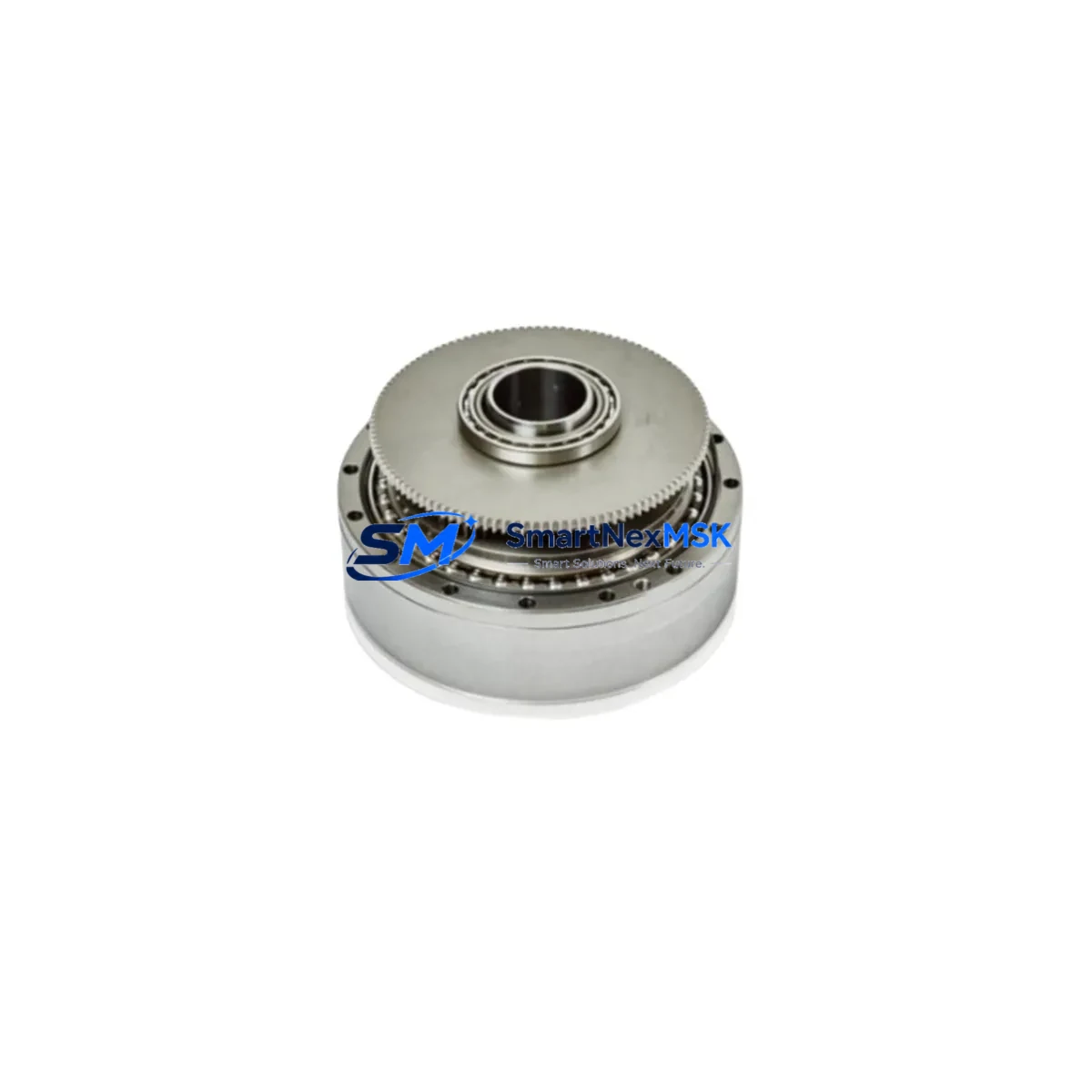
ABB DSQC1015 Retrofit-Ready Digital I/O for IRC5 Control Systems
The ABB DSQC1015 (also referenced as ASDI-02, part number 3HNE09277-1) is a digital I/O module engineered for the ABB IRC5 robot controller platform. As production lines age and original ABB spare parts reach end-of-life status, the DSQC1015 has become one of the most sought-after replacement components for facilities running legacy IRC5 cabinets — including the IRC5 Single Cabinet, IRC5 Dual Cabinet, and IRC5 Panel Mounted Controller variants. Whether you are executing a planned system upgrade, recovering from an unplanned module failure, or migrating an older DSQC651 or DSQC652-based I/O architecture to a more current configuration, the DSQC1015 provides a verified, drop-in compatible solution with minimal re-engineering.
This module supports 16 digital inputs and 16 digital outputs, communicating over the DeviceNet fieldbus — the same protocol backbone used across the IRC5 ecosystem. It mounts directly onto the IRC5 backplane and is fully compatible with the standard IRC5 X1 and X2 connector pinout, meaning existing field wiring harnesses can typically be reused without modification. For facilities where downtime is measured in thousands of dollars per hour, this wiring compatibility is a critical factor in retrofit planning.
Upgrade Compatibility Table
| Parameter | DSQC1015 (ASDI-02) | Notes / Retrofit Guidance |
|---|---|---|
| Compatible Controller | ABB IRC5 (all variants) | Single Cabinet, Dual Cabinet, Panel Mounted |
| Replaces | DSQC651, DSQC652, DSQC328A | Verify backplane slot and DeviceNet node address |
| Digital Inputs | 16 x 24 VDC | Sinking/sourcing configurable per channel group |
| Digital Outputs | 16 x 24 VDC, 0.5 A per channel | Check total load against IRC5 PSU capacity |
| Communication Protocol | DeviceNet | Compatible with existing IRC5 DeviceNet trunk cable |
| Backplane Interface | IRC5 standard backplane connector | No adapter required for direct slot replacement |
| Installation | DIN rail / backplane snap-fit | Matches IRC5 cabinet DIN rail spacing |
| Node Address Configuration | Rotary switch (0–63) | Must match original module node address in RobotStudio |
| Power Supply Requirement | 24 VDC from IRC5 DSQC661 PSU | Verify PSU headroom before adding I/O load |
| Programming Compatibility | RAPID / RobotStudio 6.x+ | Existing I/O signal mappings preserved if node address matches |
| HMI / FlexPendant | Full compatibility | No FlexPendant screen reconfiguration required |
| Warranty | 12 Months | Covers manufacturing defects; includes pre-shipment functional test |
Retrofit Planning for Existing Automation Systems
A successful DSQC1015 retrofit begins well before the module arrives on-site. The first step is a thorough audit of the existing IRC5 cabinet configuration. Technicians should document the current DSQC661 power supply output capacity and calculate the total current draw of all installed I/O modules, communication cards, and peripheral devices. Adding a replacement digital I/O module increases the 24 VDC bus load, and in cabinets where the PSU is already operating near its rated ceiling, a supplementary power supply may be required before the swap can proceed safely.
Next, record the DeviceNet node address of the module being replaced. This address is set via the rotary switch on the DSQC1015 and must match the original configuration exactly — otherwise, the IRC5 controller will generate a DeviceNet communication fault on startup and the robot will not enter automatic mode. If the original node address is unknown, it can be retrieved from the controller’s system parameters in RobotStudio or from the IRC5 teach pendant under the I/O configuration menu.
Wiring verification is the next critical checkpoint. The DSQC1015 uses the same X1 (input) and X2 (output) terminal block layout as its predecessors, including the DSQC651 and DSQC652. In most cases, the existing field wiring harness — connecting sensors, solenoid valves, safety relays, and end-of-arm tooling signals — can be transferred directly to the new module without re-termination. However, technicians should inspect each terminal for corrosion, loose crimps, and correct wire gauge before reconnecting.
For facilities that also need to expand I/O capacity during the same maintenance window, the DSQC1015 can be installed alongside additional modules such as the DSQC1030 analog I/O module or a DSQC688 DeviceNet master/slave unit, provided backplane slots and PSU capacity allow. If the retrofit scope includes upgrading the communication architecture — for example, migrating from a legacy DSQC378 Profibus adapter to an EtherNet/IP configuration — the DSQC1006 EtherNet/IP adapter should be planned into the bill of materials at the same time to avoid a second maintenance shutdown.
Facilities running older IRC5 cabinets with the original DSQC500 main computer should also verify firmware compatibility. In some cases, a RobotWare version update is required to fully support the DSQC1015 module descriptor. This update is performed via the IRC5 boot application and requires a DSQC679 programming cable or a direct Ethernet connection to the service port. The update process preserves existing RAPID programs and I/O signal configurations, but a full system backup to USB should always be completed before any firmware change.
Finally, if the retrofit involves replacing a failed module in a multi-robot cell, consider the impact on the IRC5 MultiMove configuration. Each robot controller in a MultiMove setup maintains its own I/O map, and replacing a module in one cabinet does not affect the others — but the system integrator should confirm that cross-robot I/O signals routed through the affected cabinet are re-validated after the swap.
Downtime Control During System Migration
Minimizing production downtime during a DSQC1015 replacement requires a structured pre-swap preparation protocol. Before the maintenance window opens, the engineering team should complete a full RobotStudio backup of the IRC5 system — including all RAPID modules, system parameters, I/O configurations, and safety controller settings. This backup should be stored on at least two separate media (USB and network share) and verified for integrity before the physical swap begins.
During the swap itself, the IRC5 controller should be powered down using the main disconnect switch, not the software shutdown command, to ensure the backplane is fully de-energized before the module is removed. The DSQC1015 is a hot-swap-capable module in some IRC5 firmware versions, but this capability should not be relied upon in production environments without explicit confirmation from the site’s ABB service documentation.
Once the new module is seated and the node address rotary switch is confirmed, power the controller back on and allow the IRC5 boot sequence to complete. The controller will automatically detect the DSQC1015 on the DeviceNet network and load the corresponding I/O descriptor. If the node address matches the original configuration, all RAPID signal references — including those used in safety-rated stop functions — will resolve without modification. The FlexPendant will display the I/O status screen normally, and the operator can verify each input and output channel using the manual I/O test function before returning the robot to automatic mode.
For facilities with strict change management requirements, the entire swap procedure — from backup to first automatic cycle — can typically be completed within a two-hour maintenance window when all materials and documentation are prepared in advance. Pre-shipment functional testing of the DSQC1015 at our facility, combined with the included 12-month warranty, further reduces the risk of a repeat shutdown caused by a defective replacement unit.
Retrofit Support FAQ
Q: Is the DSQC1015 a direct drop-in replacement for the DSQC651 and DSQC652?
A: Yes, in the vast majority of IRC5 installations. The DSQC1015 uses the same backplane connector, the same DeviceNet communication protocol, and the same X1/X2 terminal block layout. The node address must be set to match the original module, and the RobotWare version should be 6.0 or later for full descriptor support. No changes to RAPID programs or HMI screens are required if the node address is preserved.
Q: What pre-shipment testing is performed on each DSQC1015 unit?
A: Each unit undergoes a functional I/O test covering all 16 digital input channels and all 16 digital output channels under 24 VDC load conditions. DeviceNet communication is verified using a network analyzer. Units that do not pass all test points are not shipped. A test report is available upon request for quality-controlled procurement processes.
Q: Can the DSQC1015 be used in an IRC5 cabinet that also contains a DSQC1006 EtherNet/IP adapter and a DSQC1030 analog I/O module?
A: Yes. The IRC5 backplane supports mixed I/O and communication module configurations. The DSQC1015 occupies one DeviceNet node address and one backplane slot. It operates independently of EtherNet/IP adapters and analog I/O modules. The only constraint is total PSU capacity — verify that the DSQC661 power supply has sufficient headroom for the combined load of all installed modules.
Q: What does the 12-month warranty cover, and how is a warranty claim processed?
A: The 12-month warranty covers all manufacturing defects, including component failures, connector damage present at delivery, and communication faults attributable to the module itself. It does not cover damage caused by incorrect installation, overvoltage, or physical impact. To initiate a warranty claim, contact our sales team with the order number and a description of the fault. A replacement unit will be dispatched within 3 business days of fault confirmation, and the defective unit must be returned within 30 days for inspection.
© 2026 SMARTNEXMSK. All rights reserved.
Original Source: https://smartnexmsk.com
Contact: [email protected] | +86 18259474341



