
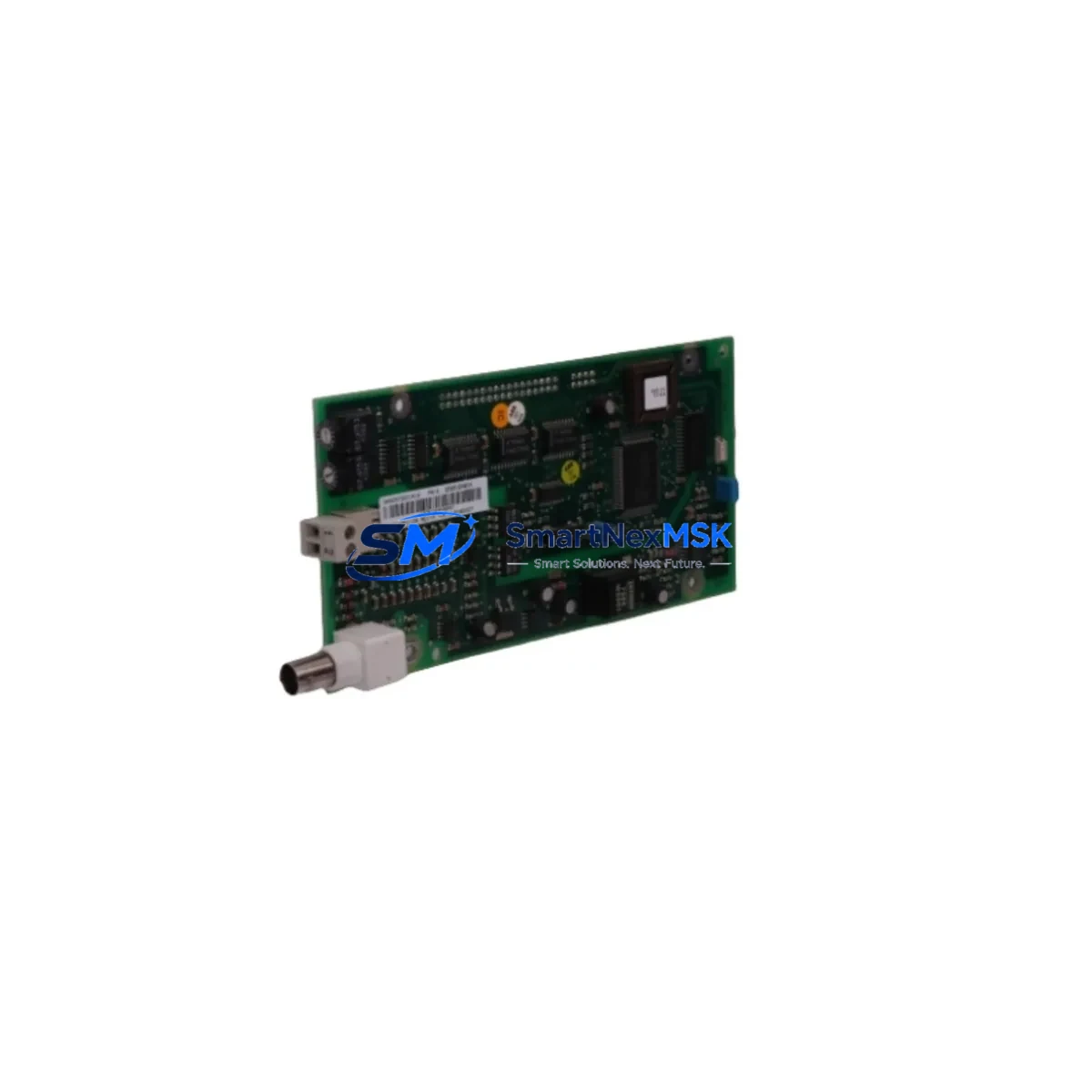
ABB DSQC327A 3HAC17971-1 Retrofit-Ready I/O for IRC5 Systems
The ABB DSQC327A (ABB part number 3HAC17971-1) is a Digital I/O Module originally designed for the ABB IRC5 Robot Controller platform. As production lines age and original modules reach end-of-life, maintenance and procurement engineers increasingly rely on verified retrofit-ready replacements to keep robotic cells operational without committing to full controller replacements. This listing provides an original or functionally equivalent DSQC327A / 3HAC17971-1 unit, fully tested before shipment, backed by a 12-month warranty, and available for fast international dispatch via DHL or FedEx.
Whether your facility is running a single IRC5 cabinet or a multi-robot cell with coordinated motion, the DSQC327A serves as the digital I/O backbone connecting field devices — safety relays, conveyor interlocks, gripper solenoids, and sensor arrays — to the robot controller’s internal logic. When this module fails or degrades, the entire robot cell can halt, triggering unplanned downtime that cascades across the production line. Having a verified replacement in your spare parts inventory is the most cost-effective insurance against this scenario.
Upgrade Compatibility Table
| Parameter | Details |
|---|---|
| SKU / Part Number | DSQC327A / 3HAC17971-1 |
| Compatible Controller | ABB IRC5 (Single Cabinet, Dual Cabinet, Panel Mounted) |
| Module Type | Digital I/O Module |
| Upgrade / Replacement Path | Direct replacement for DSQC327A; functional upgrade path to DSQC431 (3HAC036260-001) |
| Interface / Backplane | IRC5 internal backplane slot — no adapter required |
| Digital Inputs | 16 DI channels (24 VDC, sourcing/sinking configurable) |
| Digital Outputs | 16 DO channels (24 VDC, 0.5 A per channel) |
| Communication | Internal DeviceNet / IRC5 backplane bus |
| Power Supply Requirement | 24 VDC from IRC5 internal PSU (DSQC661 or equivalent) |
| Operating Temperature | 0 °C to +55 °C |
| Installation | Backplane slot insertion; address set via RobotWare configuration |
| Origin | Germany (ABB Robotics) |
| Warranty | 12-Month Warranty — tested before shipment |
Retrofit Planning for Existing Automation Systems
A successful DSQC327A retrofit begins well before the module arrives on site. Maintenance engineers should start by auditing the IRC5 controller cabinet to document the current I/O map, confirming which physical terminals on the X1 and X2 connectors are active and what signal types they carry. This prevents wiring errors during the swap and ensures the replacement module is addressed identically to the original in RobotWare.
The IRC5 controller’s internal power supply — typically a DSQC661 24 VDC PSU — must be verified for adequate current headroom before adding or replacing I/O modules. If the cabinet has been expanded with additional DSQC652 or DSQC643 I/O modules over the years, total current draw may be close to the PSU’s rated output. A current audit prevents nuisance trips after the retrofit.
For sites considering a forward migration to the DSQC431 (3HAC036260-001), which is the recommended successor module, engineers should note that the DSQC431 uses the same backplane slot and connector pinout but may require a RobotWare software update to enable full feature support. The DSQC431 offers improved diagnostic LEDs and higher output current per channel, making it a worthwhile upgrade for high-cycle applications such as spot welding or press-tending cells.
Terminal blocks and field wiring connected to the DSQC327A should be inspected during the retrofit. Over years of operation, 24 VDC field wiring insulation can degrade, and terminal screws on the X1/X2 connectors may loosen due to vibration. Replacing worn Phoenix Contact or Weidmüller terminal blocks at the same time as the I/O module eliminates a common source of intermittent faults post-retrofit.
If the IRC5 cabinet includes a DSQC679 FlexPendant or an external operator panel connected via the service port, verify that the teach pendant cable and the panel I/O wiring are routed clear of the module slot before extraction. The DSQC508 axis computer and DSQC609 safety module, which share the same backplane, should also be inspected for connector seating during the procedure — a loose backplane connection on adjacent modules is a frequent cause of unexplained faults after I/O module swaps.
For robot cells integrated with a Siemens S7 PLC or Allen-Bradley ControlLogix via PROFIBUS or DeviceNet, confirm that the GSD or EDS file version in the PLC project matches the I/O module’s firmware. A mismatch can cause the PLC to report the robot as offline even after a successful hardware swap. Update the network configuration file before commissioning if the replacement module carries a different firmware revision.
Downtime Control During System Migration
Minimizing downtime during an IRC5 I/O module replacement requires a structured approach. Before powering down the controller, export the current system backup from RobotWare using the FlexPendant or RobotStudio. This backup captures the I/O configuration, signal assignments, and RAPID program — the three elements most at risk during a hardware change. Store the backup on a USB drive and a network share simultaneously.
With the backup secured, power down the IRC5 cabinet using the main switch and wait for the capacitors in the DSQC661 PSU to discharge — typically 30 seconds. Extract the DSQC327A by releasing the backplane latch, disconnect the X1 and X2 field wiring connectors (photograph the wiring first if labels are worn), and seat the replacement module. Reconnect field wiring, restore power, and allow RobotWare to boot fully before attempting to jog the robot.
After boot, navigate to the I/O configuration panel in RobotWare and verify that all 16 digital inputs and 16 digital outputs are recognized and mapped correctly. Force-test each output channel from the FlexPendant before releasing the cell to production. This step-by-step approach consistently achieves live-to-live changeovers in under two hours for experienced maintenance teams, keeping production loss to a single shift at most.
For facilities that cannot tolerate even brief downtime, a hot-standby IRC5 cabinet pre-loaded with the system backup and a pre-configured DSQC327A replacement can be rolled in as a complete swap unit, reducing changeover time to under 30 minutes. This strategy is particularly effective in automotive body-in-white lines where robot cell downtime directly stops the assembly conveyor.
Retrofit Support FAQ
Q1: Is the DSQC327A (3HAC17971-1) a direct drop-in replacement for the original module in my IRC5 cabinet?
Yes. The DSQC327A replacement uses the same backplane slot, connector pinout, and I/O addressing scheme as the original. No hardware adapters or wiring changes are required. The module address is configured in RobotWare software, which is preserved in your system backup.
Q2: Can I upgrade directly from DSQC327A to DSQC431 (3HAC036260-001) without modifying my RAPID program?
In most cases, yes. The DSQC431 is the recommended successor and uses the same physical interface. However, a RobotWare version check is recommended — some older IRC5 installations running RobotWare 5.x may require a software update to fully support the DSQC431’s extended diagnostics. Our technical team can advise based on your controller serial number.
Q3: How is the module tested before shipment, and what does the 12-month warranty cover?
Every unit undergoes functional power-on testing, I/O channel verification, and backplane communication checks before dispatch. The 12-month warranty covers hardware defects and functional failures under normal operating conditions. Units damaged by incorrect wiring, overvoltage, or physical impact are assessed case by case.
Q4: What is the typical lead time, and do you maintain stock for urgent orders?
We maintain ready stock of DSQC327A / 3HAC17971-1 units for same-day or next-business-day dispatch. International orders ship via DHL Express or FedEx International Priority. For urgent plant-down situations, contact us directly at [email protected] or +86 18259474341 for priority processing.
© 2026 SMARTNEXMSK. All rights reserved.
Original Source: https://smartnexmsk.com
Contact: [email protected] | +86 18259474341



