
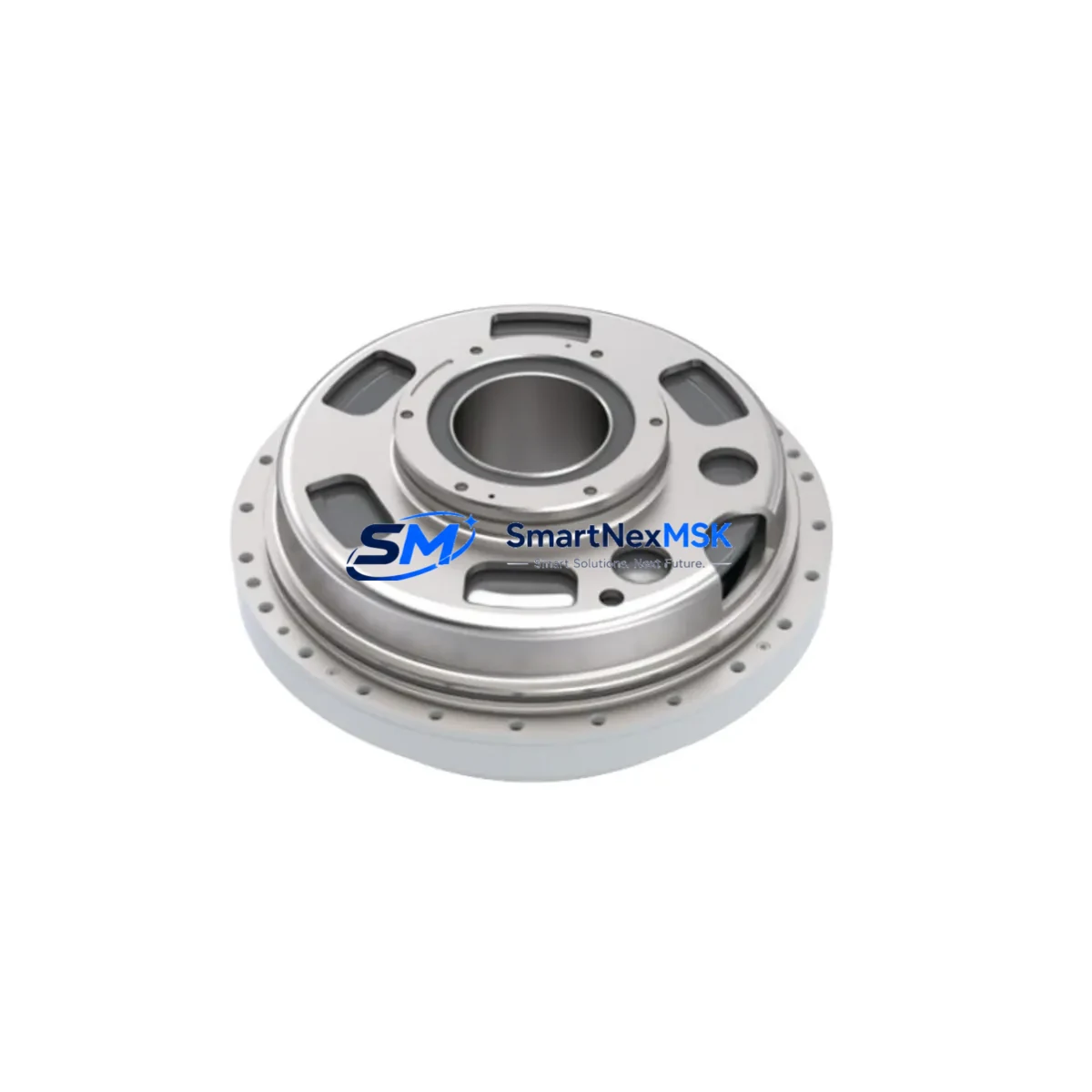
ABB DSQC336 3HNE04092-1 Retrofit-Ready Servo Drive for IRB 2000iD Control Systems
The ABB DSQC336 (part number 3HNE04092-1) is a servo drive module engineered for the ABB IRB 2000iD industrial robot series, operating within the S4C+ robot controller platform. As legacy IRB 2000iD installations approach end-of-support cycles, the DSQC336 has become a critical retrofit and replacement component for maintenance engineers managing aging robot cells, production line upgrades, and control cabinet modernization projects. Whether you are replacing a failed drive, restoring a decommissioned robot, or migrating an entire welding or material-handling line to a refreshed control architecture, the DSQC336 provides a verified drop-in solution with full backplane and firmware compatibility.
This module interfaces directly with the ABB S4C+ controller backplane, accepting standard drive bus signals and communicating with the main computer unit — typically the DSQC346 or DSQC500 — via the internal drive network. The DSQC336 manages axis servo loops for the IRB 2000iD’s primary motion axes, coordinating with the DSQC335 and DSQC508 modules where multi-axis configurations are deployed. Engineers retrofitting older S4C systems should verify the firmware revision on the DSQC346 main computer to confirm compatibility with the DSQC336 drive revision in use.
Upgrade Compatibility Table
| Parameter | Details |
|---|---|
| Part Number | DSQC336 / 3HNE04092-1 |
| Compatible Robot | ABB IRB 2000iD series |
| Controller Platform | ABB S4C+ (IRC5 migration path available) |
| Backplane Interface | Standard S4C+ drive bus slot — direct replacement, no adapter required |
| Communication Protocol | ABB internal drive network; DeviceNet optional via DSQC378 gateway |
| Power Supply Compatibility | Requires 24 VDC logic supply from DSQC609 or equivalent PSU module |
| Axis Coverage | Axes 1–3 primary (confirm axis map with DSQC335 for axes 4–6) |
| Installation Requirement | Slot-in replacement; re-flash drive parameters via RobotStudio or teach pendant |
| Replacement Recommendation | Direct drop-in for failed or degraded DSQC336 units; verify serial number suffix |
| Commissioning Note | Calibration data reload required after swap; backup SMB data before removal |
| Warranty | 12-Month Warranty — covers manufacturing defects and functional failure |
Retrofit Planning for Existing Automation Systems
Successful DSQC336 retrofits begin with a thorough audit of the existing control cabinet. Before removing the failed module, engineers should document the current wiring layout on the X1 and X2 terminal blocks, photograph the backplane slot assignment, and record the active robot configuration file from the DSQC346 main computer. The DSQC609 power supply module should be tested under load prior to installing the replacement drive — an undersized or degraded PSU is a common root cause of repeated servo drive failures in aging S4C+ cabinets.
For sites running multi-robot cells, the DSQC378 DeviceNet gateway and DSQC352 fieldbus adapter should be inspected for firmware currency before the retrofit. Outdated gateway firmware can cause communication faults that mimic drive hardware failures, leading to unnecessary module replacements. If the cell also includes a DSQC508 I/O module or DSQC532 digital output board, confirm that their address settings remain unchanged after the DSQC336 swap — address conflicts on the internal bus will prevent the controller from completing its startup sequence.
Sites planning a broader migration from S4C+ to IRC5 architecture should treat the DSQC336 replacement as an interim measure. The IRC5 controller uses a fundamentally different drive topology, and the DSQC336 is not forward-compatible with IRC5 drive slots. However, restoring S4C+ functionality with a replacement DSQC336 allows production to resume while the IRC5 migration is planned, budgeted, and scheduled without emergency downtime pressure. During this window, engineers can also update the ABB FlexPendant TP unit firmware and validate HMI screen layouts against the new controller’s I/O map.
Terminal wiring on the DSQC336 follows the standard S4C+ pinout documented in ABB service manual 3HAC026254-001. Axis resolver cables connect to the X3 and X4 connectors; motor power cables route through the drive’s internal bus to the axis computer. If the replacement unit carries a different hardware revision suffix (e.g., /A vs. /B), verify the resolver interface specification — some revision changes affect the resolver excitation frequency, which must match the motor’s resolver specification to avoid calibration errors during commissioning.
Downtime Control During System Migration
Minimizing unplanned downtime during a DSQC336 replacement requires preparation before the maintenance window opens. The recommended sequence is: (1) back up the complete robot system — including RAPID programs, I/O configuration, and calibration data — to a USB drive or network share via the FlexPendant; (2) power down the S4C+ controller using the main disconnect, not the emergency stop, to ensure a clean shutdown of the drive bus; (3) remove the DSQC336 from its backplane slot, noting the slot number and any jumper settings; (4) install the replacement module and restore power; (5) reload the system backup and perform a controlled axis calibration using the stored SMB calibration data.
If the original RAPID program logic references specific I/O addresses tied to the DSQC508 or DSQC532 modules, verify that those addresses are intact after the drive swap. A common commissioning error is assuming that the drive replacement has no effect on I/O mapping — in practice, a corrupted system backup or an incorrect slot assignment can shift I/O addresses and cause the robot program to fault on its first cycle. Running a dry-cycle test with reduced speed (10–25%) before returning the cell to full production speed is strongly recommended.
For facilities with strict OEE targets, pre-staging a tested and verified DSQC336 unit in the spare parts cabinet eliminates the lead-time variable entirely. SMARTNEXMSK maintains in-stock inventory of DSQC336 modules with pre-shipment functional testing, allowing same-day or next-day dispatch to minimize the gap between fault detection and module replacement.
Retrofit Support FAQ
Q: Is the DSQC336 (3HNE04092-1) a direct replacement for all IRB 2000iD variants?
A: The DSQC336 is compatible with IRB 2000iD configurations running the S4C+ controller platform. Variants with different payload or reach specifications use the same drive architecture, but you should confirm the hardware revision suffix on your existing module matches the replacement unit. Contact our technical team with your robot serial number for a confirmed compatibility check before ordering.
Q: Do I need to recalibrate the robot after replacing the DSQC336?
A: Yes. After installing the replacement DSQC336, a full axis calibration is required. If your SMB (Serial Measurement Board) data is intact and the backup was taken before the failure, the calibration process is straightforward via the FlexPendant. If SMB data is lost, a manual calibration using calibration marks or a calibration tool will be necessary.
Q: What is the wiring procedure for reconnecting the DSQC336 in an existing cabinet?
A: The DSQC336 uses a slot-in backplane connection — no individual wire termination is required for the drive bus. Resolver and motor power cables connect via keyed connectors (X3, X4) that are physically indexed to prevent incorrect insertion. Follow ABB service manual 3HAC026254-001 for the complete connector pinout and torque specifications for any terminal block connections in the cabinet.
Q: What does the 12-month warranty cover, and what is the claims process?
A: All DSQC336 units supplied by SMARTNEXMSK carry a 12-month warranty covering manufacturing defects and functional failure under normal operating conditions. Each unit undergoes pre-shipment functional testing before dispatch. In the event of a warranty claim, contact [email protected] with your order number and a description of the fault. Replacement or repair will be arranged with priority handling to minimize your downtime.
© 2026 SMARTNEXMSK. All rights reserved.
Original Source: https://smartnexmsk.com
Contact: [email protected] | +86 18259474341



