
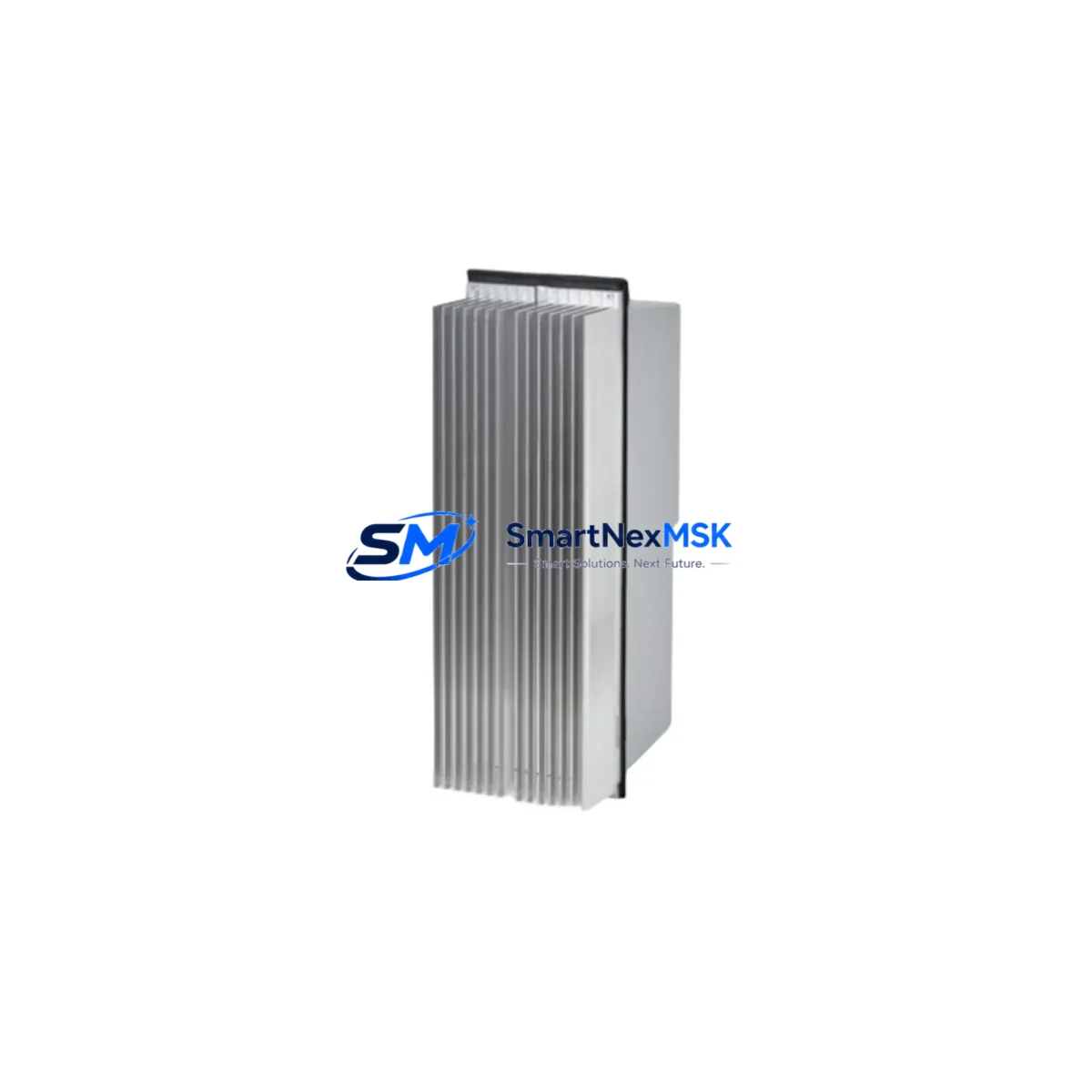
ABB DSQC624 3HAC020150-001 Spare for IRC5 Automation
The ABB DSQC624 (part number 3HAC020150-001, cross-reference 3HAC025562-001, also catalogued as 2N1408) is an original digital I/O unit designed for the ABB IRC5 robot controller cabinet. In automated production lines — automotive paint shops, arc welding cells, material handling systems, and assembly stations — the IRC5 controller cabinet is the nerve centre of robot motion and process coordination. When the DSQC624 I/O module fails or degrades, the entire robot axis group loses its digital signal interface, triggering an unplanned shutdown that can cascade across upstream and downstream stations within minutes.
Stocking a verified, tested DSQC624 spare is the single most effective measure a maintenance team can take to compress mean time to repair (MTTR) for IRC5-based robot cells. This unit ships fully tested against ABB factory electrical specifications, covered by a 12-month warranty, and is available for same-day dispatch to minimise production downtime.
Spare Maintenance Table
| Parameter | Specification |
|---|---|
| Part Number | 3HAC020150-001 |
| Cross Reference | 3HAC025562-001 / 2N1408 |
| Module Designation | DSQC624 |
| Compatible Controller | ABB IRC5 (Single / Dual Cabinet) |
| Module Type | Digital I/O Unit |
| Digital Inputs | 16 × 24 VDC digital inputs |
| Digital Outputs | 16 × 24 VDC digital outputs (0.5 A per channel) |
| Supply Voltage | 24 VDC (from IRC5 internal PSU) |
| Communication Bus | DeviceNet (internal IRC5 backplane) |
| Mounting | DIN rail / IRC5 cabinet backplane slot |
| Operating Temperature | 0 °C to +55 °C |
| Origin | Germany (ABB Robotics) |
| Weight | 420 g |
| Condition | Original, new or refurbished-to-spec |
| Pre-shipment Test | Full electrical and functional verification |
| Warranty | 12 Months |
Maintenance Planning for Continuous Operation
When a maintenance or reliability engineer schedules a planned inspection or responds to an IRC5 fault alarm, replacing the DSQC624 I/O module is rarely an isolated task. The IRC5 cabinet integrates multiple interdependent units, and a thorough inspection should address the complete signal and power chain to prevent repeat failures.
Begin with the DSQC661 power distribution board, which supplies regulated 24 VDC to the DSQC624 and other I/O units. A degraded DSQC661 can cause intermittent I/O faults that mimic a failed DSQC624, so verifying its output voltage under load is essential before condemning the I/O module. Similarly, the DSQC662 I/O unit — often installed alongside the DSQC624 in larger IRC5 configurations — should be inspected for connector wear and channel integrity.
The DSQC609 power supply unit feeds the main controller logic; any ripple or voltage sag from this unit will corrupt DeviceNet communication between the DSQC624 and the main computer board. Inspect the DSQC639 main computer unit for firmware version compatibility with the replacement DSQC624, as mismatched firmware can prevent the I/O module from being recognised after installation.
On the field wiring side, inspect all Phoenix Contact or Weidmüller terminal blocks connected to the DSQC624’s I/O connectors. Loose or corroded terminals are a leading cause of sporadic digital signal faults in high-vibration robot environments. Check the 24 VDC field power fuses (typically 6.3 A slow-blow) protecting each I/O group — a blown fuse on the output side can be misdiagnosed as a module failure.
If the IRC5 cabinet includes a DSQC643 DeviceNet gateway or a DSQC688 PROFIBUS adapter for integration with a plant-level PLC or DCS, verify that the fieldbus node address and baud rate settings are preserved after the DSQC624 swap. Communication parameter loss is a common source of post-maintenance restart delays. For cells using an ABB CP600 or CP400 HMI panel connected to the IRC5, confirm that the HMI I/O mapping still resolves correctly after the module replacement, particularly for safety interlock signals routed through the DSQC624.
Finally, inspect the DSQC626 I/O unit if present, and check the condition of the internal IRC5 backplane ribbon cables and connector housings. Aged or cracked ribbon cables are a latent failure risk that a module swap will not resolve, and they are best addressed during the same maintenance window.
Site Replacement Workflow
Step 1 — Fault Isolation: Retrieve the IRC5 event log via RobotStudio or the FlexPendant. Confirm fault codes pointing to the DSQC624 (e.g., 37001–37050 series I/O unit errors). Cross-check with the DeviceNet node status to rule out bus-level faults before pulling the module.
Step 2 — Safe Isolation: Execute a controlled program stop, engage the cabinet main isolator, and follow LOTO (Lockout/Tagout) procedure. Discharge any residual capacitor voltage on the 24 VDC bus before opening the cabinet door.
Step 3 — Module Removal: Photograph the existing wiring harness and connector positions on the DSQC624. Disconnect the DeviceNet internal cable and the two I/O field connectors. Release the DIN rail clip and slide the module free.
Step 4 — Replacement Installation: Seat the new DSQC624 on the DIN rail, reconnect the DeviceNet cable and field I/O connectors in the documented positions. Verify that the module’s rotary node address switch matches the original setting (typically node 10 or 11 in standard IRC5 configurations).
Step 5 — Power-Up and Verification: Restore power and observe the DSQC624 status LED sequence. A steady green LED confirms successful DeviceNet enumeration. Run a dry-cycle (motors off) I/O test from the FlexPendant I/O panel to verify all 16 input and 16 output channels respond correctly before resuming production.
Step 6 — Documentation: Update the maintenance log with the replaced part number, serial number, date, and technician ID. Record the pre-failure symptom history to support future predictive maintenance scheduling.
This workflow is compatible with both single-cabinet and dual-cabinet IRC5 configurations and applies equally to IRB 1600, IRB 2600, IRB 4600, and IRB 6640 robot models that use the IRC5 controller platform.
Spare Parts Support FAQ
Q1: What is the shelf life of a stored DSQC624 spare, and how should it be stored?
The DSQC624 has an indefinite shelf life when stored in its original anti-static packaging at 15–25 °C with relative humidity below 70% and no condensation. Electrolytic capacitors on the board may require a brief re-formation cycle (power-up at reduced voltage) if stored for more than 5 years. We recommend rotating spare stock every 3–5 years as part of a structured spare parts lifecycle programme.
Q2: How do I confirm compatibility before installation?
Verify the IRC5 controller cabinet generation (M2004 or later) and the RobotWare version installed on the DSQC639 main computer. The DSQC624 (3HAC020150-001) is compatible with RobotWare 5.x and 6.x. If your system runs an earlier M2000 cabinet, the correct module is the DSQC328A. Contact our technical team with your cabinet serial number for a definitive compatibility check before ordering.
Q3: What pre-shipment testing is performed on each unit?
Every DSQC624 unit undergoes a full electrical bench test: supply voltage acceptance (18–30 VDC range), all 16 digital input channels verified at 24 VDC, all 16 digital output channels loaded to 0.5 A and verified for correct switching, and DeviceNet communication enumeration confirmed. A test report is available on request and ships with each unit.
Q4: What does the 12-month warranty cover, and what is the return process?
The 12-month warranty covers all electrical and functional defects under normal operating conditions. It does not cover physical damage caused by incorrect installation, overvoltage events, or environmental contamination beyond the module’s rated IP20 protection. To initiate a warranty claim, contact [email protected] with the order number, fault description, and IRC5 event log extract. Replacement units are dispatched within 3 business days of fault confirmation, and return freight is covered for verified warranty cases.
© 2026 SMARTNEXMSK. All rights reserved.
Original Source: https://smartnexmsk.com
Contact: [email protected] | +86 18259474341



