
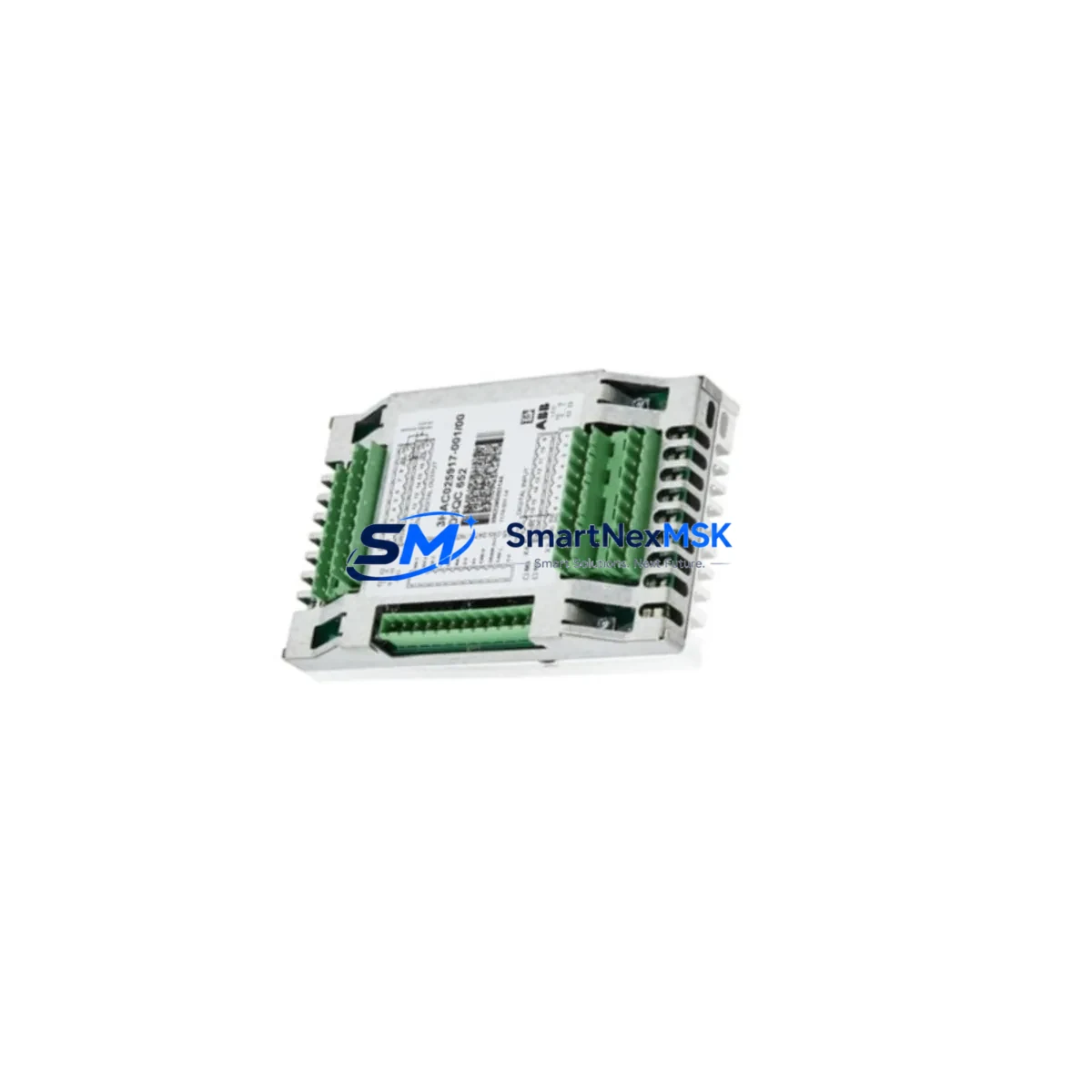
ABB DSQC651 3HAC025784-001 Retrofit-Ready I/O Distribution Board for IRC5 Control Systems
The ABB DSQC651 (part number 3HAC025784-001) is a critical I/O distribution board designed for ABB IRC5 robot controller cabinets. As legacy IRC5 systems age and original spare parts become increasingly scarce, the DSQC651 has become one of the most sought-after retrofit and replacement components in industrial automation. Whether you are recovering a failed production line, upgrading an aging control cabinet, or migrating from an earlier S4C+ platform to IRC5 architecture, this board provides the I/O backbone that keeps your robot cell operational.
This unit is sourced from verified supply channels, fully tested prior to shipment, and backed by a 12-month warranty. Stock is maintained for immediate dispatch to minimize your system downtime.
Upgrade Compatibility Table
| Parameter | Details |
|---|---|
| Part Number | DSQC651 / 3HAC025784-001 |
| Compatible Controller | ABB IRC5 (Single Cabinet, Dual Cabinet, Paint, Compact) |
| Replaces / Supersedes | DSQC328A, DSQC332A (S4C+ migration path) |
| Mounting Interface | IRC5 backplane slot — direct drop-in, no bracket modification |
| Communication Protocol | Internal IRC5 bus; compatible with DeviceNet and PROFIBUS option boards |
| I/O Capacity | 16 digital inputs / 16 digital outputs (standard configuration) |
| Power Requirement | 24 VDC from IRC5 internal PSU (DSQC661 or DSQC662 power supply) |
| Terminal Wiring | Screw-terminal blocks; existing field wiring reusable in most cases |
| Firmware / Software | Recognized automatically by RobotWare 5.x and 6.x; no driver installation required |
| Commissioning Requirement | I/O unit address confirmation via FlexPendant; signal mapping verification recommended |
| Retrofit Recommendation | Inspect DSQC652 and DSQC653 boards in same cabinet during replacement |
| Warranty | 12 months from date of shipment |
Retrofit Planning for Existing Automation Systems
A successful DSQC651 retrofit begins well before the board arrives on-site. Engineers responsible for the IRC5 cabinet should first audit the existing I/O mapping documented in the robot program and cross-reference it against the current DSQC651 terminal block wiring. In many aging installations, field wiring labels have faded or been modified without documentation updates — a pre-shutdown wiring audit prevents signal mismatches during recommissioning.
The DSQC652 analog I/O board and DSQC653 DeviceNet master board are frequently installed alongside the DSQC651 in the same IRC5 cabinet. If the DSQC651 has failed due to power surge or age-related degradation, it is prudent to inspect these companion boards simultaneously, as they share the same 24 VDC supply rail from the DSQC661 or DSQC662 power supply unit. A weakened PSU is a common root cause of cascading I/O board failures.
For facilities migrating from older ABB S4C+ controllers, the I/O architecture differs significantly. The S4C+ relied on DSQC328A and DSQC332A I/O boards with a different backplane connector standard. During migration to IRC5, the DSQC651 replaces this I/O layer, but the field wiring termination points must be re-mapped. A signal cross-reference table should be prepared before cutover, and the new I/O unit address must be assigned in the IRC5 system parameters using the FlexPendant teach pendant.
Where the IRC5 cabinet communicates with a SCADA system or upstream PLC via PROFIBUS-DP, the DSQC667 PROFIBUS adapter board must remain correctly addressed after the DSQC651 swap. Any change to the I/O unit configuration can shift the PROFIBUS node behavior if the robot program references I/O signals by unit name rather than absolute address. Verify the communication link status on the PROFIBUS master — typically a Siemens S7-300, S7-400, or equivalent — before declaring the retrofit complete.
In cells where the IRC5 is integrated with an ABB CP600 or third-party HMI panel, screen objects bound to digital I/O signals should be validated after board replacement. HMI signal bindings that reference the DSQC651 unit by its configured name in RobotWare will continue to function correctly as long as the unit name and address are preserved during the swap. If the replacement board is assigned a different unit address, HMI screens displaying conveyor status, gripper state, or safety gate signals will require re-mapping.
Facilities running RobotWare 5.14 or earlier should confirm that the replacement DSQC651 hardware revision is compatible with their installed RobotWare version. ABB has released multiple hardware revisions of this board; while all are functionally equivalent for standard I/O operations, certain revision combinations with older RobotWare builds may require a system parameter reload from backup. Always restore from a verified SystemBackup taken immediately before the shutdown to ensure program integrity.
Downtime Control During System Migration
Minimizing unplanned downtime during an IRC5 I/O board replacement requires a structured pre-shutdown checklist. Before powering down the controller, take a full SystemBackup via the FlexPendant — this captures the robot program, system parameters, I/O configuration, and RAPID module library in a single archive. Store this backup on both the controller’s internal memory and an external USB drive.
The physical swap of the DSQC651 is straightforward: the board is secured by a single retention latch on the IRC5 backplane, and the terminal block connectors are keyed to prevent incorrect reinsertion. Experienced technicians typically complete the physical replacement in under 15 minutes. The majority of recommissioning time is spent on I/O signal verification — systematically forcing each digital output and confirming the corresponding field device response, then verifying each digital input by actuating the associated sensor or switch.
Where production schedules cannot accommodate a full I/O verification cycle, a risk-based approach is acceptable: verify all safety-critical signals (E-stop chains, safety gate interlocks, and axis brake release signals) first, then validate process I/O signals during a controlled trial run at reduced speed. This approach allows the line to resume production while non-critical signal verification continues in parallel with supervised operation.
For multi-robot cells where several IRC5 cabinets share a common DeviceNet or PROFIBUS network, coordinate the replacement sequence to avoid disrupting the network master-slave relationship. Replacing the DSQC651 in the cabinet hosting the network master node last — or temporarily reassigning master responsibility to another node — prevents network-wide I/O loss during the maintenance window.
Retrofit Support FAQ
Q1: Is the DSQC651 (3HAC025784-001) a direct drop-in replacement for a failed board in my IRC5 cabinet?
Yes. The DSQC651 mounts directly into the IRC5 backplane slot without mechanical modification. The terminal block connectors are keyed and the board is automatically recognized by RobotWare 5.x and 6.x upon power-up. Confirm the I/O unit address in the system parameters matches your original configuration before resuming production.
Q2: What wiring changes are required when replacing the DSQC651?
In most cases, no wiring changes are required. The terminal block connectors on the replacement board are identical to the original. Disconnect the terminal blocks from the failed board, transfer them to the replacement unit in the same positions, and reconnect. Label verification is strongly recommended before power-up to catch any field wiring discrepancies introduced during previous maintenance.
Q3: How do I verify compatibility with my current RobotWare version and system configuration?
The DSQC651 is compatible with all IRC5 variants running RobotWare 5.x and 6.x. To confirm your installed version, navigate to the FlexPendant menu: ABB → System Info → System Properties. If your installation runs RobotWare 5.14 or earlier, request the hardware revision details of the replacement board from our sales team to ensure full compatibility. All units shipped by SMARTNEXMSK are pre-tested against standard IRC5 I/O configurations.
Q4: What does the 12-month warranty cover, and what is the pre-shipment testing process?
Every DSQC651 unit undergoes functional testing prior to dispatch, including power-on verification, I/O channel continuity checks, and backplane interface validation. The 12-month warranty covers hardware defects and functional failures under normal operating conditions. Units damaged by incorrect installation, overvoltage, or unauthorized modification are excluded. For warranty claims, contact [email protected] with your order reference and a description of the fault.
© 2026 SMARTNEXMSK. All rights reserved.
Original Source: https://smartnexmsk.com
Contact: [email protected] | +86 18259474341



