
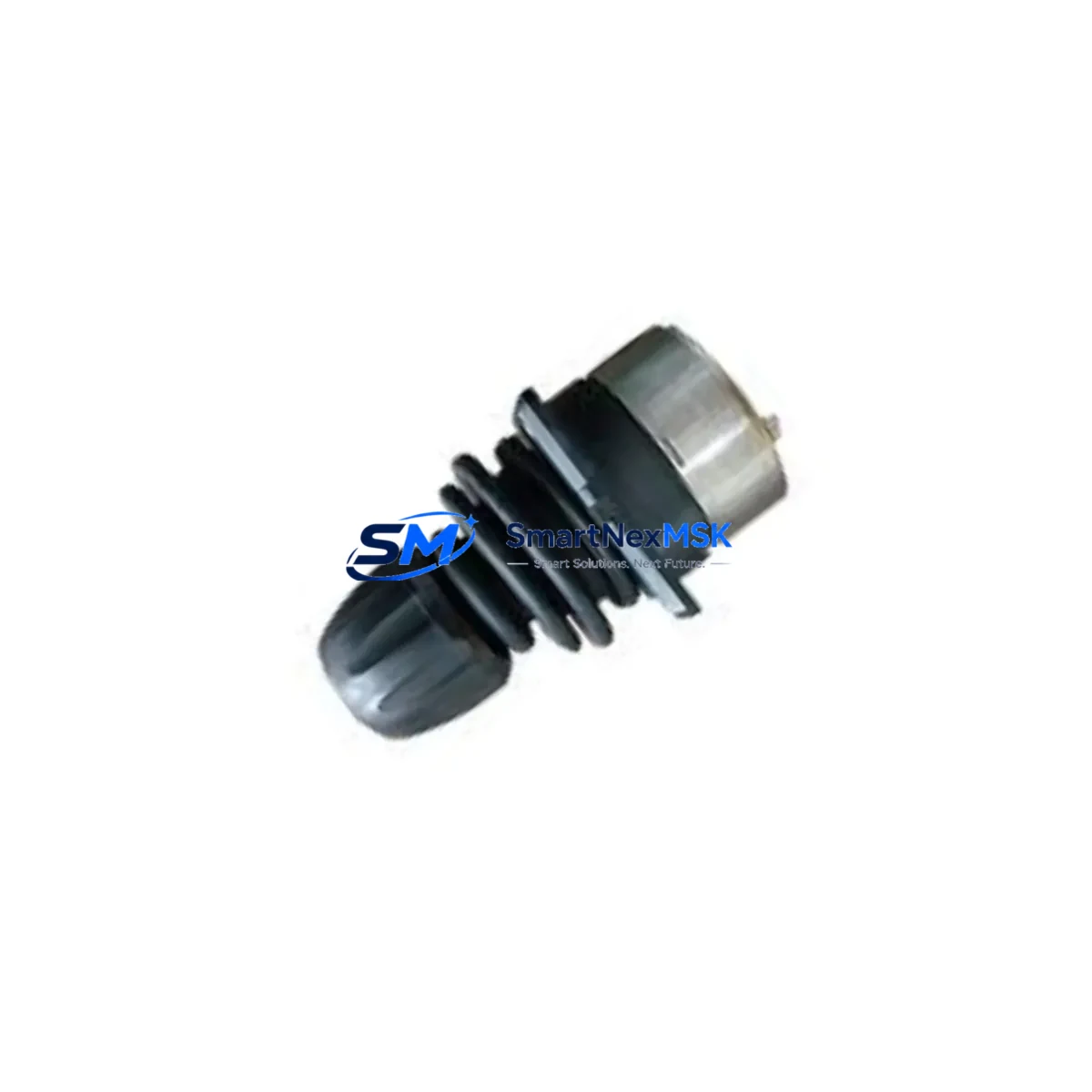
ABB DSQC679 3HAC023195-009 Retrofit-Ready Main Computer for IRC5 Control Systems
The ABB DSQC679 (part number 3HAC023195-009) is the primary main computer unit for the ABB IRC5 robot controller cabinet. As ABB’s installed base of IRC5 systems continues to age across automotive, foundry, food processing, and general manufacturing environments, the DSQC679 has become one of the most critical retrofit and replacement components in the industrial robotics aftermarket. Whether you are recovering from a controller failure, executing a planned upgrade from an older IRC5 generation, or consolidating spare parts inventory for multi-robot cells, the DSQC679 is the authoritative drop-in solution for restoring full system functionality with minimal downtime.
This unit interfaces directly with the IRC5 single-cabinet and dual-cabinet controller architectures. It communicates with the DSQC662 fieldbus adapter, DSQC663 additional axis board, and DSQC668 I/O unit over the internal controller backplane. The DSQC679 also coordinates with the DSQC1000 drive module and DSQC609 power supply unit, making it the central node of the IRC5 control chain. Before installation, engineers must verify that the existing DSQC609 power supply delivers stable 24 VDC to the main computer slot, and that the backplane connector on the controller frame is free of corrosion or mechanical damage from the previous module.
During a retrofit, the replacement procedure requires careful attention to the existing RobotWare license key, which is stored on the DSQC679 itself. When swapping to a new unit, the RobotWare license must be transferred or re-issued through ABB’s license management system before the controller will boot into operational mode. Technicians should back up the full system configuration — including RAPID program modules, I/O signal definitions, tool data, work object frames, and safety configuration — using RobotStudio or the FlexPendant backup utility prior to removing the original module. This backup is essential for restoring the DSQC652 DeviceNet master or DSQC658 Profibus adapter configurations, which are stored as part of the system parameters.
Terminal wiring on the IRC5 main computer slot is handled through the backplane, so no direct field wiring is connected to the DSQC679 itself. However, the Ethernet service port and the LAN1/LAN2 network ports on the front panel must be reconnected to the plant network and FlexPendant cable after installation. If the system uses a DSQC688 Ethernet/IP scanner or a DSQC690 Profinet adapter, these communication links must be re-established and verified in the system parameters before resuming production. Address mapping for any remote I/O nodes connected via DeviceNet or Profibus should be confirmed against the original system documentation to prevent I/O address conflicts after restart.
Upgrade Compatibility Table
| Parameter | Detail |
|---|---|
| Compatible Controller | ABB IRC5 Single Cabinet, Dual Cabinet, Panel Mounted Controller (PMC) |
| Part Number | 3HAC023195-009 |
| SKU | DSQC679-3HAC023195-009 |
| Replaces / Upgrades | DSQC639 (3HAC025097-001), DSQC656 (3HAC025338-001) |
| Backplane Interface | IRC5 internal controller backplane (standard slot) |
| Communication Ports | Ethernet Service Port, LAN1, LAN2, USB |
| Compatible Fieldbus Adapters | DSQC662, DSQC658, DSQC688, DSQC690 |
| Power Input | 24 VDC via backplane (supplied by DSQC609) |
| RobotWare Compatibility | RobotWare 5.x / 6.x (license transfer required) |
| Installation Requirement | Full system backup before swap; license re-issue via ABB portal |
| Commissioning Key Steps | I/O address verification, network port reconnection, RAPID program restore |
| Warranty | 12-Month Warranty — covers hardware defects under normal operating conditions |
| Stock Status | In Stock — ready for immediate dispatch |
Retrofit Planning for Existing Automation Systems
A successful DSQC679 retrofit begins well before the module arrives on site. The first step is a full audit of the existing IRC5 cabinet: confirm the firmware revision of the DSQC609 power supply, check the condition of the backplane connector, and document all I/O assignments currently active on the DSQC668 I/O unit and any expansion modules. If the system uses a DSQC652 DeviceNet master board, record all node addresses and baud rate settings, as these will need to be re-entered into the new main computer’s system parameters after the swap.
For multi-robot cells where the IRC5 controller manages coordinated motion with additional axes via the DSQC663 additional axis board, the axis calibration data and motor offset values must be preserved in the backup. These values are not automatically retained when the main computer is replaced and must be manually verified during commissioning. Similarly, if the system uses a DSQC1000 drive module for servo power management, the drive configuration parameters should be exported and confirmed against the new system after startup.
In facilities where the IRC5 is integrated with a SCADA or MES system via OPC-UA or a DSQC688 Ethernet/IP adapter, the IP address assignments and scanner configuration tables must be documented before the retrofit. After installing the DSQC679, the network configuration must be restored and the communication link tested before the robot is returned to automatic mode. If the HMI screens on the FlexPendant display custom operator panels or process-specific views, these should be verified against the restored RAPID modules to ensure all signal references remain valid.
Spare parts planning for a DSQC679 retrofit should also account for the condition of the DSQC609 power supply and the IRC5 cabinet cooling fans. A main computer failure is sometimes preceded by power supply degradation, and replacing both units during the same maintenance window reduces the risk of a repeat outage. Having a DSQC662 fieldbus adapter and a set of DSQC668 I/O units in local inventory further shortens recovery time if secondary faults are discovered during commissioning.
Downtime Control During System Migration
Minimizing downtime during a DSQC679 replacement requires a structured pre-swap checklist and a clear go/no-go protocol for each commissioning milestone. The target is to complete the physical swap, system restore, I/O verification, and motion test within a single planned maintenance window — typically four to eight hours for an experienced team with all materials on hand.
Begin by placing the IRC5 controller in manual mode and executing a full system backup to a USB drive or network share. Confirm the backup file integrity by checking the file size and timestamp. Power down the cabinet following the ABB shutdown sequence, then remove the DSQC679 by releasing the module latch and sliding it out of the backplane slot. Install the replacement unit, reconnect the Ethernet service port and LAN cables, and power the cabinet back on. The controller will enter a boot sequence; if the RobotWare license is not yet transferred, the system will halt at the license validation screen — this is expected and should be resolved before the maintenance window begins by pre-arranging the license transfer with ABB.
Once the system boots, restore the backup using the FlexPendant restore utility. Verify that all I/O signals are active and correctly mapped by running a manual I/O test from the FlexPendant. Jog each robot axis through its full range of motion to confirm encoder feedback and brake release. Run the RAPID program in manual reduced speed mode to verify program logic and tool path accuracy before returning the system to automatic mode. Document the commissioning results and update the maintenance log with the new module serial number and installation date.
For facilities with zero-tolerance downtime requirements, a pre-configured hot-spare DSQC679 with the RobotWare license pre-loaded and the system backup pre-restored can reduce the swap-to-production time to under two hours. SMARTNEXMSK can supply pre-tested units with customer-specific configuration support upon request.
Retrofit Support FAQ
Q1: Is the DSQC679 (3HAC023195-009) a direct drop-in replacement for the DSQC639 or DSQC656?
The DSQC679 is the designated successor to the DSQC639 (3HAC025097-001) and DSQC656 (3HAC025338-001) in the IRC5 controller family. It uses the same backplane slot and connector format. However, a RobotWare license transfer and full system backup restore are required — it is not a plug-and-play swap without software preparation.
Q2: What wiring changes are needed when installing the DSQC679?
No direct field wiring connects to the DSQC679 — all power and signal connections are made through the IRC5 backplane. After installation, the Ethernet service port, LAN1, LAN2, and USB connections on the front panel must be reconnected. If the system uses a DSQC688 or DSQC690 fieldbus adapter, those communication links must be re-established in the system parameters.
Q3: How is compatibility with existing RAPID programs and I/O configurations verified?
Compatibility is verified by restoring the full system backup — including RAPID modules, system parameters, I/O signal definitions, and safety configuration — to the new DSQC679. After restore, a manual I/O test and reduced-speed program run are performed to confirm all signal mappings and motion paths are intact before returning to automatic production mode.
Q4: What does the 12-month warranty cover, and how is it claimed?
The 12-month warranty covers hardware defects under normal operating conditions, including failure of the main computer board, memory, or communication ports due to manufacturing defects. It does not cover damage from incorrect installation, overvoltage, or physical impact. To claim warranty service, contact SMARTNEXMSK with the unit serial number, purchase order reference, and a description of the fault. Replacement or repair will be arranged within the warranty period.
© 2026 SMARTNEXMSK. All rights reserved.
Original Source: https://smartnexmsk.com
Contact: [email protected] | +86 18259474341



