
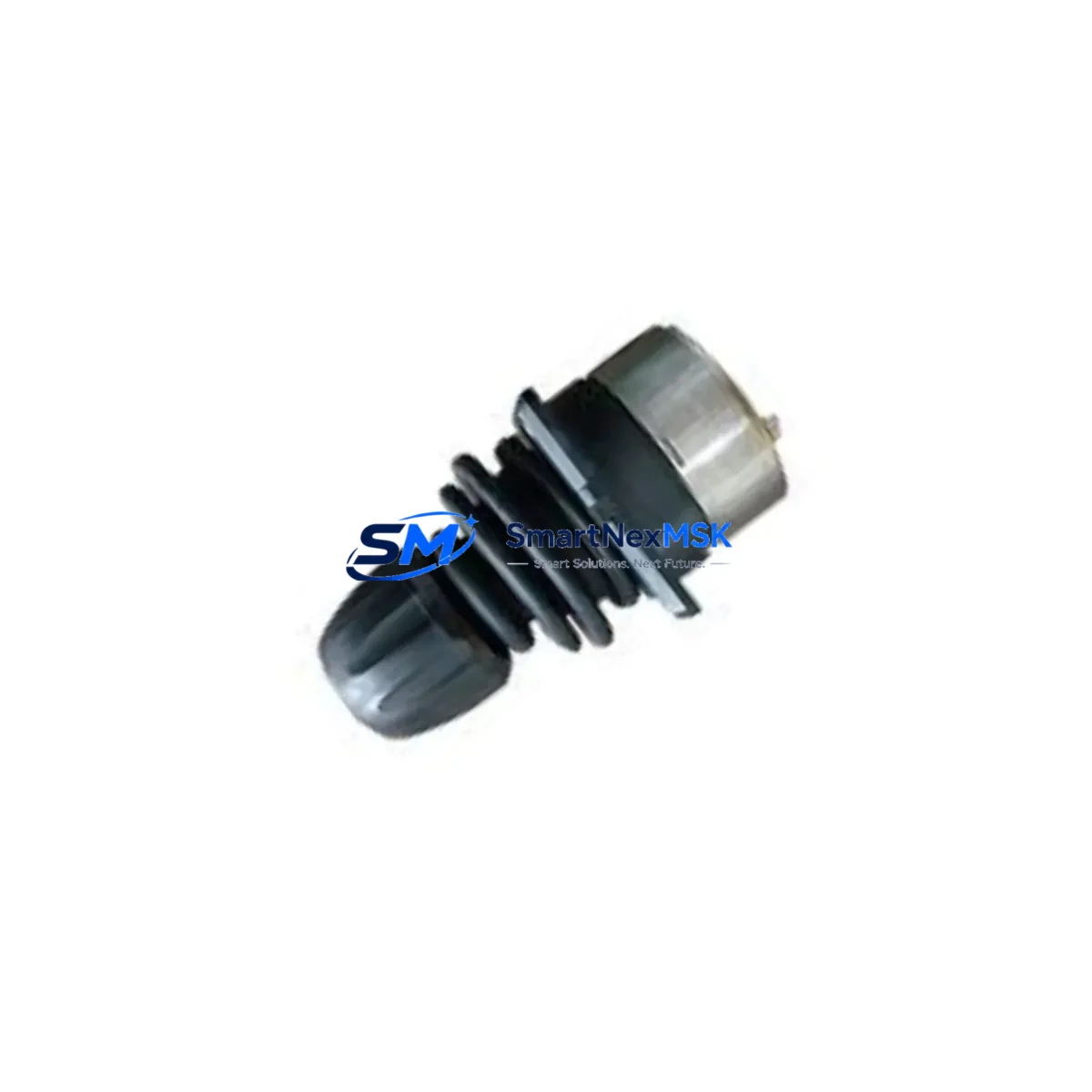
ABB DSQC679 JC2000-0049 Retrofit-Ready FlexPendant for IRC5 Control Systems
The ABB DSQC679 (JC2000-0049) is a factory-grade FlexPendant teach pendant engineered for seamless integration into ABB IRC5 robot controller cabinets. As legacy IRC5 installations age and original OEM pendants reach end-of-life, the DSQC679 has become the primary retrofit solution for system integrators, maintenance engineers, and automation upgrade teams managing robot cells across automotive, electronics, and general manufacturing environments.
This unit supports the full IRC5 communication architecture, including the proprietary DeviceNet-based pendant interface and the IRC5 controller’s integrated safety chain. It is compatible with IRC5 Single Cabinet Controllers, IRC5 Compact Controllers, and IRC5 Panel Mounted Controllers. Engineers replacing a failed or discontinued DSQC544A or DSQC652 I/O board assembly will find the DSQC679 pendant a critical companion component during the broader system restoration process.
Upgrade Compatibility Table
| Parameter | DSQC679 (JC2000-0049) | Notes |
|---|---|---|
| Compatible Controller | ABB IRC5 (all variants) | Single, Compact, Panel Mounted |
| Interface Connector | IRC5 Pendant Port (proprietary) | Direct plug-in, no adapter required |
| Communication Protocol | DeviceNet / IRC5 internal bus | Fully compatible with RobotWare 5.x and 6.x |
| Display | 7″ color touchscreen | Replaces DSQC544 monochrome pendant |
| Safety Chain | Dual-channel E-stop + enabling device | Compliant with EN ISO 10218-1 |
| Mounting / Installation | Hang bracket or cabinet hook | Standard IRC5 cabinet hook compatible |
| Replacement for | DSQC544A, DSQC544B, older IRC5 pendants | Verify RobotWare version before swap |
| Commissioning Requirement | RobotWare license activation may be required | Consult ABB service manual 3HAC028357 |
| Warranty | 12 Months | Covers hardware defects from date of shipment |
Retrofit Planning for Existing Automation Systems
Before swapping the FlexPendant in an active IRC5 robot cell, a structured retrofit plan is essential to avoid unplanned downtime and program loss. The DSQC679 connects directly to the IRC5 controller’s pendant port, but engineers must first verify the DSQC652 digital I/O board and DSQC662 analog I/O module are functioning correctly, as pendant communication errors are frequently misdiagnosed as pendant failures when the root cause lies in the I/O backplane.
Power supply integrity is the first checkpoint. The IRC5 cabinet’s DSQC609 power supply unit must deliver stable 24 VDC to the pendant interface. A degraded DSQC609 can cause intermittent pendant disconnections that mimic hardware failure. Measure voltage at the pendant port before condemning the DSQC679 unit.
Terminal wiring on the DSQC651 DeviceNet board and the safety chain terminals (X1, X2 on the IRC5 safety module) must be inspected and re-torqued during any pendant replacement. Loose safety chain connections will prevent the robot from entering motor-on state after the new pendant is installed, causing unnecessary commissioning delays.
For cells running RobotWare 5.14 or earlier, upgrading to the DSQC679 may require a RobotWare license update. The DSQC679 is natively supported from RobotWare 5.12 onward, but certain FlexPendant application screens built on the older SDK may require re-compilation. Coordinate with your ABB system integrator to validate HMI screen compatibility before the cutover window.
In multi-robot IRC5 installations using a DSQC668 fieldbus adapter for PROFIBUS or EtherNet/IP communication, the pendant replacement does not affect fieldbus configuration. However, the robot’s IP address and fieldbus node address stored in the controller’s system parameters should be documented before any hardware swap, as a factory reset during commissioning will erase these settings.
Backplane slot assignments for DSQC643 axis computer boards and motion control modules must be recorded prior to any cabinet work. Incorrect re-seating of axis boards after pendant replacement is a common source of post-maintenance axis calibration errors. Use the IRC5 service manual (3HAC021313) to verify slot mapping before powering down.
For facilities managing a fleet of IRC5 robots, maintaining a spare DSQC679 FlexPendant alongside a spare DSQC609 power supply and a DSQC652 I/O board represents the minimum recommended critical-spare inventory to achieve sub-4-hour MTTR on pendant-related failures.
Downtime Control During System Migration
Minimizing production downtime during a FlexPendant replacement requires a disciplined pre-shutdown sequence. Before powering down the IRC5 cabinet, perform a full system backup using the FlexPendant’s Backup & Restore function or via RobotStudio over the service port. This backup captures all RAPID program modules, system parameters, I/O configuration, and safety settings — ensuring that if the new DSQC679 requires a controller restart or RobotWare re-activation, the original program logic can be restored within minutes rather than hours.
During the physical swap, the IRC5 controller’s main power should be isolated at the cabinet disconnect, not merely placed in manual mode. The pendant cable carries live 24 VDC signals even in manual mode, and improper disconnection can trigger safety faults that require a full system restart to clear.
After installing the DSQC679, power up in manual reduced speed mode and verify that all axes respond correctly to jogging commands before re-enabling automatic mode. Confirm that the E-stop and enabling device on the new pendant are recognized by the safety controller — the IRC5 event log will display a “Pendant connected” event if the safety chain is correctly established. Only after this verification should the cell be returned to automatic production mode.
For time-critical production environments, pre-staging the replacement DSQC679 with the correct RobotWare license and performing a bench-level power-on test before bringing it to the production floor can reduce the actual in-cell swap time to under 30 minutes.
Retrofit Support FAQ
Q1: Is the DSQC679 (JC2000-0049) a direct drop-in replacement for the DSQC544A pendant?
The DSQC679 uses the same IRC5 pendant port connector and is electrically compatible with all IRC5 controller variants. However, the DSQC679 runs the FlexPendant OS and requires RobotWare 5.12 or later. If your IRC5 is running an earlier RobotWare version, a software upgrade is required before the pendant swap. We recommend verifying your RobotWare version via the controller’s system info screen before ordering.
Q2: What wiring or terminal changes are needed during installation?
No terminal rewiring is required for a standard pendant replacement. The DSQC679 connects via the single pendant cable to the IRC5 controller’s pendant port. However, if the existing pendant cable shows wear or connector damage, replacement of the pendant cable assembly (3HAC031683-001) is recommended at the same time to avoid intermittent faults after installation.
Q3: How is compatibility with existing HMI screens and RAPID programs verified?
RAPID programs are stored on the IRC5 controller, not the pendant, so program logic is preserved across pendant replacements. Custom FlexPendant operator screens built using the FlexPendant SDK must be validated against the DSQC679’s screen resolution (800×480) and SDK version. Standard ABB operator screens are fully compatible. We recommend running a full I/O and motion test cycle in manual mode before returning to automatic production.
Q4: What does the 12-month warranty cover, and what is the pre-shipment testing process?
Every DSQC679 unit shipped by SMARTNEXMSK undergoes functional power-on testing, pendant interface verification, touchscreen calibration check, and E-stop circuit continuity testing before dispatch. The 12-month warranty covers all hardware defects arising under normal operating conditions from the date of shipment. It does not cover physical damage caused by incorrect installation, voltage surges, or unauthorized modification. Warranty claims are processed within 5 business days of receipt of the returned unit.
© 2026 SMARTNEXMSK. All rights reserved.
Original Source: https://smartnexmsk.com
Contact: [email protected] | +86 18259474341



