
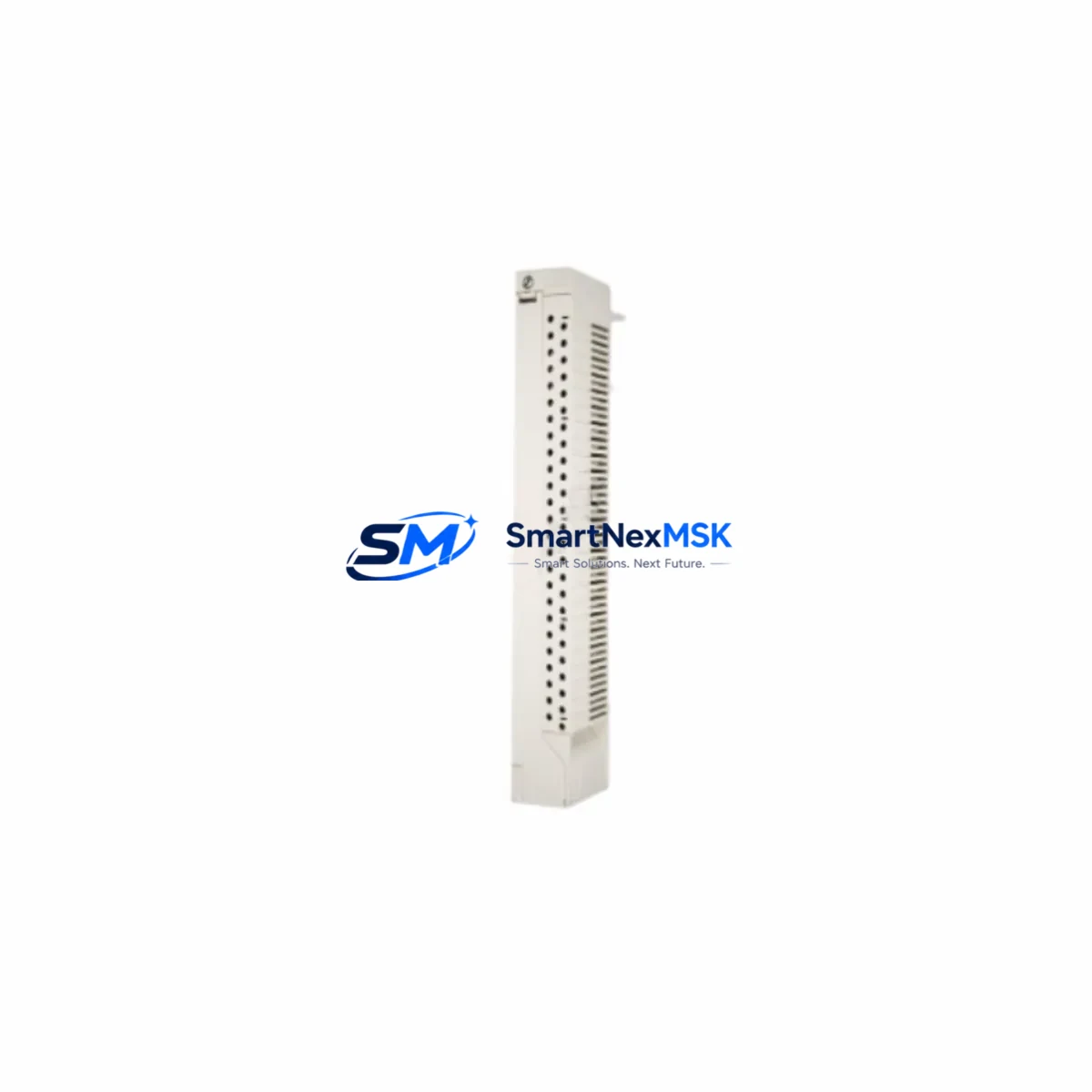
ABB DSTF620 HESN119033P1 Retrofit-Ready DCS Connector for Advant OCS Control Systems
The ABB DSTF620 HESN119033P1 is a DCS process connector engineered for the ABB Advant OCS (Open Control System) platform — one of the most widely deployed distributed control architectures in process industries including oil & gas, pulp & paper, chemical processing, and power generation. As legacy Advant OCS installations approach end-of-life and spare parts become increasingly scarce, the DSTF620 HESN119033P1 remains a critical retrofit component for engineers managing aging control infrastructure without committing to a full platform migration.
This connector module serves as a direct interface between field signal wiring and the Advant OCS backplane, supporting structured I/O termination and maintaining signal integrity across the control loop. Whether you are replacing a failed unit, building a retrofit spare inventory, or executing a phased control cabinet upgrade, the DSTF620 HESN119033P1 provides a verified drop-in replacement path that preserves existing terminal wiring, module addressing, and program logic without requiring re-engineering of the field side.
Upgrade Compatibility Table
| Parameter | Details |
|---|---|
| Compatible Platform | ABB Advant OCS (AC450, AC410, AC400 series controllers) |
| Module Type | DCS Process Connector / Field Termination Unit |
| Backplane Interface | Advant OCS standard S100 I/O bus backplane |
| Terminal Compatibility | Direct replacement — existing field wiring retained |
| Communication Protocol | Compatible with MasterBus 300 / PROFIBUS DP (platform-dependent) |
| Installation Requirement | Standard DIN rail or rack-mount per Advant OCS cabinet spec |
| Replacement Recommendation | Direct swap for failed or end-of-life DSTF620 units; no firmware change required |
| Commissioning Note | Verify module address assignment in AC450/AC410 configuration tool before power-up |
| Pre-Shipment Testing | Full functional test performed on each unit prior to dispatch |
| Warranty | 12-Month Warranty — covers manufacturing defects and functional failure |
Retrofit Planning for Existing Automation Systems
Retrofitting an Advant OCS installation requires careful coordination across multiple system layers. The DSTF620 HESN119033P1 typically operates alongside a range of companion modules within the same control cabinet. Engineers planning a retrofit should account for the full I/O subsystem: analog input modules such as the DSAI130 and DSAI155 handle 4–20 mA field signals, while digital I/O modules like the DSDO110 and DSDI110 manage discrete field devices. These modules share the same S100 I/O bus backplane and are often replaced as a coordinated set during a cabinet overhaul.
Power supply integrity is a foundational concern in any retrofit. The DSDP110 and DSDP150 power distribution modules must be verified for adequate capacity before adding or replacing process connectors. Insufficient power headroom is a common cause of intermittent faults after module replacement and should be assessed before the maintenance window begins.
Communication continuity is equally critical. The Advant OCS platform typically uses the DSMB130 MasterBus 300 communication module to link field controllers to the supervisory layer. During a connector replacement, engineers should confirm that the MasterBus 300 network remains stable and that no address conflicts are introduced. In systems where PROFIBUS DP has been retrofitted alongside the native MasterBus architecture, the DSPB110 PROFIBUS interface module must also be checked for correct GSD file configuration and slave address mapping.
HMI continuity is another area requiring attention. Many Advant OCS sites still operate Advant Station 500 or third-party SCADA systems connected via OPC DA. When replacing the DSTF620 HESN119033P1, confirm that all associated I/O tags remain correctly mapped in the HMI database and that no tag renaming or address offset has occurred. Discrepancies between the physical module address and the HMI tag database are a frequent source of post-retrofit alarms.
For sites using the AC450 controller with the DSTF620 in a multi-drop configuration, engineers should also verify the rack and slot assignment in the Advant Builder or Control Builder engineering tool. The module’s logical address must match the physical slot position on the backplane. If the original configuration file is unavailable, the address can be read from the existing module label or reconstructed from the field wiring schedule.
Finally, ensure that the programming cable — typically a TK212A or compatible RS-232/USB adapter — is available on-site for any required controller re-download or configuration verification after the swap. Having the correct cable and a laptop with the engineering software pre-loaded significantly reduces commissioning time during the maintenance window.
Downtime Control During System Migration
Minimizing downtime during a DSTF620 HESN119033P1 replacement requires a structured pre-outage preparation protocol. Before the maintenance window opens, the existing controller program should be backed up from the AC450 or AC410 using the Advant Builder engineering tool. This backup preserves all function block configurations, I/O assignments, and communication parameters, ensuring that the program can be restored immediately if the replacement module requires re-commissioning.
During the swap, field wiring should be documented with photographs or a wiring schedule before any terminals are disconnected. The DSTF620 HESN119033P1 is designed for direct terminal-for-terminal replacement, but confirming wire labeling against the original drawing set eliminates the risk of cross-wiring errors that could damage field instruments or cause process upsets on restart.
After the new module is seated and wired, power up the rack in a controlled sequence: energize the power supply first, confirm the backplane bus is stable, then bring the controller online. Monitor the diagnostic LEDs on the DSTF620 and adjacent I/O modules during the first scan cycle. Any fault indication should be investigated before releasing the loop to automatic control.
For critical process loops where continuous control is required, consider a hot-standby strategy using a redundant controller pair if the Advant OCS configuration supports it. In non-redundant installations, coordinate the replacement with the process team to schedule the outage during a low-demand period and have a manual control fallback procedure in place for the affected loops.
With proper preparation, a single DSTF620 HESN119033P1 replacement can typically be completed within a 2–4 hour maintenance window, including wiring verification, module commissioning, and loop testing.
Retrofit Support FAQ
Q1: Is the DSTF620 HESN119033P1 a direct replacement for the original DSTF620 installed in my Advant OCS cabinet?
Yes. The DSTF620 HESN119033P1 is a form-fit-function replacement for the original DSTF620 process connector. Terminal wiring, backplane slot position, and module address configuration are retained without modification. No changes to the controller program or HMI tag database are required for a like-for-like swap.
Q2: What commissioning steps are required after installing the replacement module?
After seating the module and reconnecting field wiring, verify the module address in the Advant Builder or Control Builder configuration tool. Perform a controller scan and confirm that all associated I/O channels report correctly in the diagnostic view. Conduct a loop test on each connected field instrument before returning the loop to automatic control. Document the commissioning results for your maintenance records.
Q3: How do I verify wiring compatibility before the replacement?
Review the original wiring schedule and compare terminal assignments against the DSTF620 HESN119033P1 terminal diagram. Confirm wire labeling in the cabinet matches the drawing set. If the original drawings are unavailable, photograph the existing wiring before disconnection and use the photographs as a reference during reconnection. Our technical team can provide terminal pinout documentation upon request.
Q4: What does the 12-month warranty cover, and what is the pre-shipment testing process?
Every DSTF620 HESN119033P1 unit undergoes full functional testing prior to dispatch, including backplane interface verification and signal path continuity checks. The 12-month warranty covers manufacturing defects and functional failure under normal operating conditions. Units that fail within the warranty period are replaced or refunded. Contact our sales team at [email protected] for warranty claims and RMA procedures.
© 2026 SMARTNEXMSK. All rights reserved.
Original Source: https://smartnexmsk.com
Contact: [email protected] | +86 18259474341



