
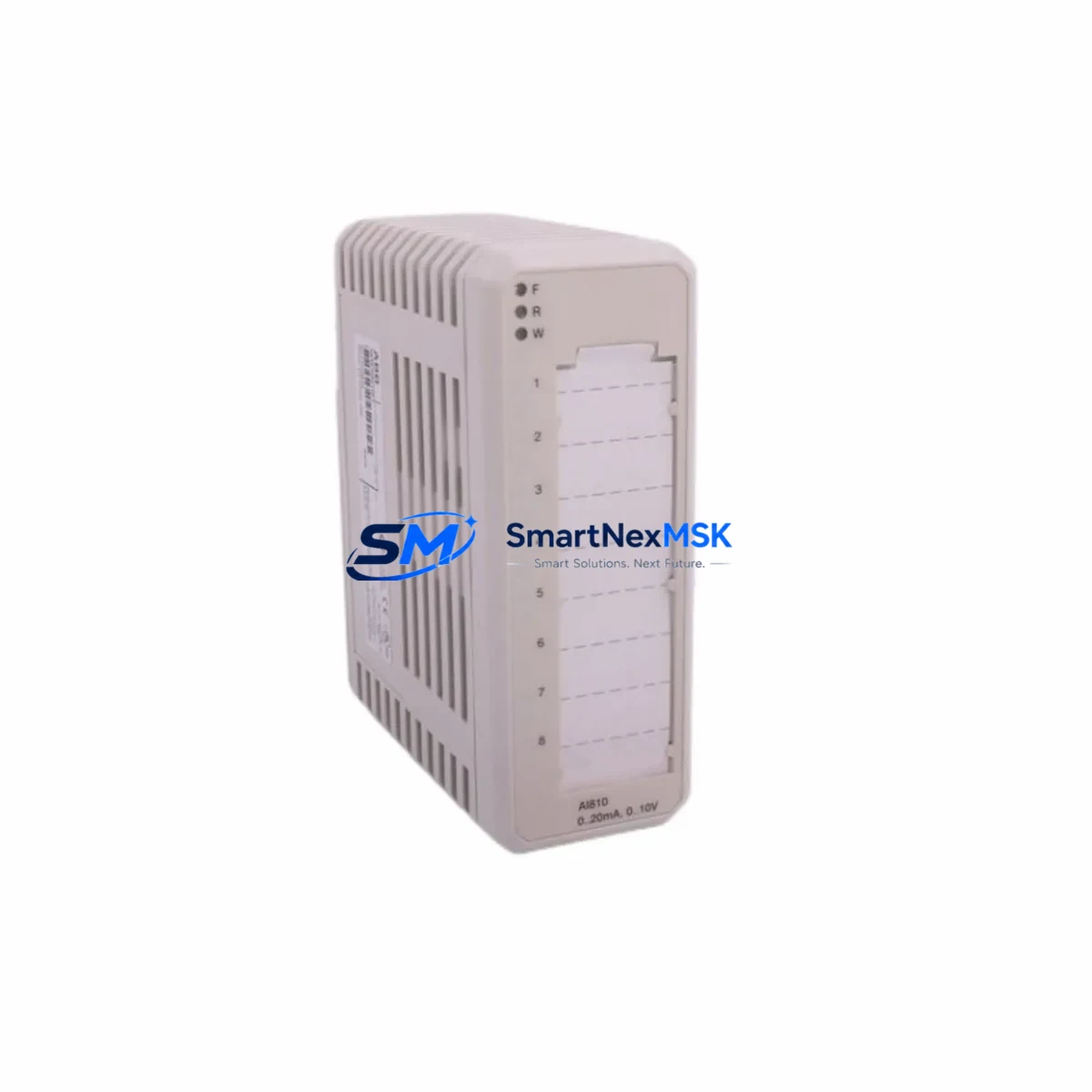
ABB FENA-21 Maintenance-Ready Spare for FENA Automation
The ABB FENA-21 is an original Ethernet fieldbus adapter module designed for the FENA series, providing seamless EtherNet/IP, PROFINET, and Modbus TCP connectivity for ABB ACS880 and ACS580 variable speed drives. In industrial automation environments where unplanned downtime translates directly into production loss, maintaining a verified spare FENA-21 on the shelf is a fundamental element of any proactive maintenance strategy. This module enables real-time drive control, parameter access, and diagnostics over standard industrial Ethernet networks, making it a critical interface component in modern motor control centers and control cabinets.
For maintenance engineers managing ABB drive systems, the FENA-21 sits at the intersection of the drive’s communication architecture and the plant-level SCADA or DCS network. A failed or degraded fieldbus adapter can isolate an entire drive from supervisory control, triggering emergency stops and forcing manual override procedures. Stocking an original, tested FENA-21 spare eliminates the lead-time risk associated with sourcing this module during an active fault condition. Each unit supplied by SMARTNEXMSK is tested before shipment and covered by a 12-month warranty, ensuring confidence in both quality and long-term supply continuity.
Spare Maintenance Table
| Parameter | Specification |
|---|---|
| Part Number / SKU | FENA-21 |
| Brand | ABB |
| Series | FENA (Fieldbus Adapter Ethernet) |
| Supported Protocols | EtherNet/IP, PROFINET IO, Modbus TCP |
| Compatible Drives | ACS880, ACS580, ACS380, ACS310 (with FDPI-02 option) |
| Ethernet Ports | 2 × RJ45 (integrated switch) |
| Supply Voltage | Supplied via drive option slot (no external power required) |
| Operating Temperature | -10°C to +55°C |
| Mounting | Drive option slot (slot 1 or slot 2 depending on drive model) |
| Country of Origin | Germany |
| Product Type | Fieldbus Adapter Module |
| Application Environment | Industrial motor control, process automation, MCC panels |
| Maintenance Recommendation | Inspect connector pins and firmware version during annual drive service; replace if communication faults persist after parameter reset |
| Warranty | 12 Months — tested before shipment |
Maintenance Planning for Continuous Operation
When a FENA-21 fault is identified during routine control cabinet inspection or triggered by a drive communication alarm, the replacement procedure should be treated as part of a broader system health check. Maintenance engineers should not limit their inspection to the adapter module alone. The following components in the same electrical circuit and control cabinet warrant simultaneous verification:
Begin with the ACS880 or ACS580 drive’s FDPI-02 panel bus interface, which connects the option module slot to the drive’s internal communication bus — a damaged FDPI connector can cause intermittent FENA-21 faults that are misdiagnosed as adapter failures. Check the 24 VDC auxiliary power supply feeding the control section of the drive; voltage fluctuations or ripple can corrupt fieldbus communication and degrade module performance over time. Inspect the Ethernet patch cables and RJ45 connectors between the FENA-21 and the plant network switch — cable degradation is a common root cause of intermittent PROFINET or EtherNet/IP dropouts in high-vibration environments.
Review the managed industrial Ethernet switch port configuration, particularly VLAN assignments and port speed/duplex settings, as mismatches can prevent the FENA-21 from establishing a stable network connection after replacement. If the drive is integrated into a PROFIBUS DP network via an FPBA-01 or FCAN-01 adapter in a parallel slot, verify that the fieldbus address and baud rate settings are preserved during the FENA-21 swap to avoid network conflicts. For systems using ABB Panel Bus (DDCS) communication with an NDBU-95 branching unit, confirm that the branching unit’s fiber optic connections and termination resistors are intact, as these are often overlooked during adapter-focused maintenance.
During planned shutdowns, also inspect the I/O terminal blocks and wiring harnesses connected to the drive’s standard I/O board (AIAO or ADIO modules), as loose terminals can introduce ground loops that affect fieldbus signal integrity. Check the ACS880 control unit (BCU-12 or BCU-22) firmware version to ensure compatibility with the FENA-21 firmware — mismatched firmware versions are a known cause of post-replacement communication failures. Finally, verify the condition of the drive’s EMC filter and surge protection components; degraded EMC filters can inject noise into the communication lines, reducing the effective lifespan of the replacement FENA-21.
Site Replacement Workflow
Replacing a FENA-21 in the field is a straightforward procedure when the correct spare is available and the replacement workflow is followed systematically. Before powering down the drive, document the current fieldbus configuration parameters using the drive’s control panel (ACS-AP-I or ACS-AP-W) or DriveComposer PC tool — specifically the FENA-21 parameter group settings including IP address, subnet mask, gateway, and protocol-specific node addresses. This documentation step is critical for restoring communication without requiring a full network reconfiguration.
Power down the drive and isolate it from the supply according to local lockout/tagout procedures. Remove the FENA-21 from the option slot by releasing the module latch and disconnecting the Ethernet cables. Insert the replacement FENA-21, ensuring the module is fully seated in the option slot connector. Reconnect the Ethernet cables, observing correct port assignment if the drive is configured for a daisy-chain or ring topology. Power up the drive and restore the previously documented fieldbus parameters. Perform a communication test from the PLC or SCADA system to confirm that the drive is visible on the network and responding to control commands before returning the system to production.
This workflow minimizes downtime by eliminating guesswork during the restoration phase. Using an original ABB FENA-21 spare — rather than a refurbished or uncertified substitute — ensures that the module’s firmware is compatible with the drive’s control unit and that the hardware meets ABB’s original performance specifications. SMARTNEXMSK supplies FENA-21 modules with pre-shipment testing documentation, supporting your site acceptance procedure and reducing commissioning time.
Spare Parts Support FAQ
Q1: Is the FENA-21 compatible with both ACS880 and ACS580 drives?
Yes. The FENA-21 is compatible with ACS880 single drives (option slot 1 or 2), ACS580 drives, and ACS380 drives. Compatibility with older ACS310 or ACS355 drives requires the FDPI-02 panel bus interface adapter. Always verify the drive’s option slot type and firmware version before installation.
Q2: What is the recommended spare parts inventory strategy for FENA-21 in a multi-drive plant?
For plants operating 5 or more ABB drives with FENA-21 adapters, maintaining a minimum of 1–2 spare units on-site is recommended. Given that fieldbus adapter failures can halt an entire production line, the cost of a spare module is negligible compared to the cost of unplanned downtime. SMARTNEXMSK supports long-term supply agreements for customers requiring guaranteed stock availability.
Q3: How is the FENA-21 tested before shipment?
Each FENA-21 unit supplied by SMARTNEXMSK undergoes functional verification including power-on self-test, Ethernet port continuity check, and firmware version confirmation prior to packaging. Units are shipped with protective packaging to prevent ESD damage and physical connector damage during transit.
Q4: What does the 12-month warranty cover?
The 12-month warranty covers manufacturing defects and functional failures under normal operating conditions. It does not cover damage resulting from incorrect installation, overvoltage events, or use outside the module’s specified environmental ratings. SMARTNEXMSK provides replacement or refund support for warranty claims with documented fault evidence.
© 2026 SMARTNEXMSK. All rights reserved.
Original Source: https://smartnexmsk.com
Contact: [email protected] | +86 18259474341



