
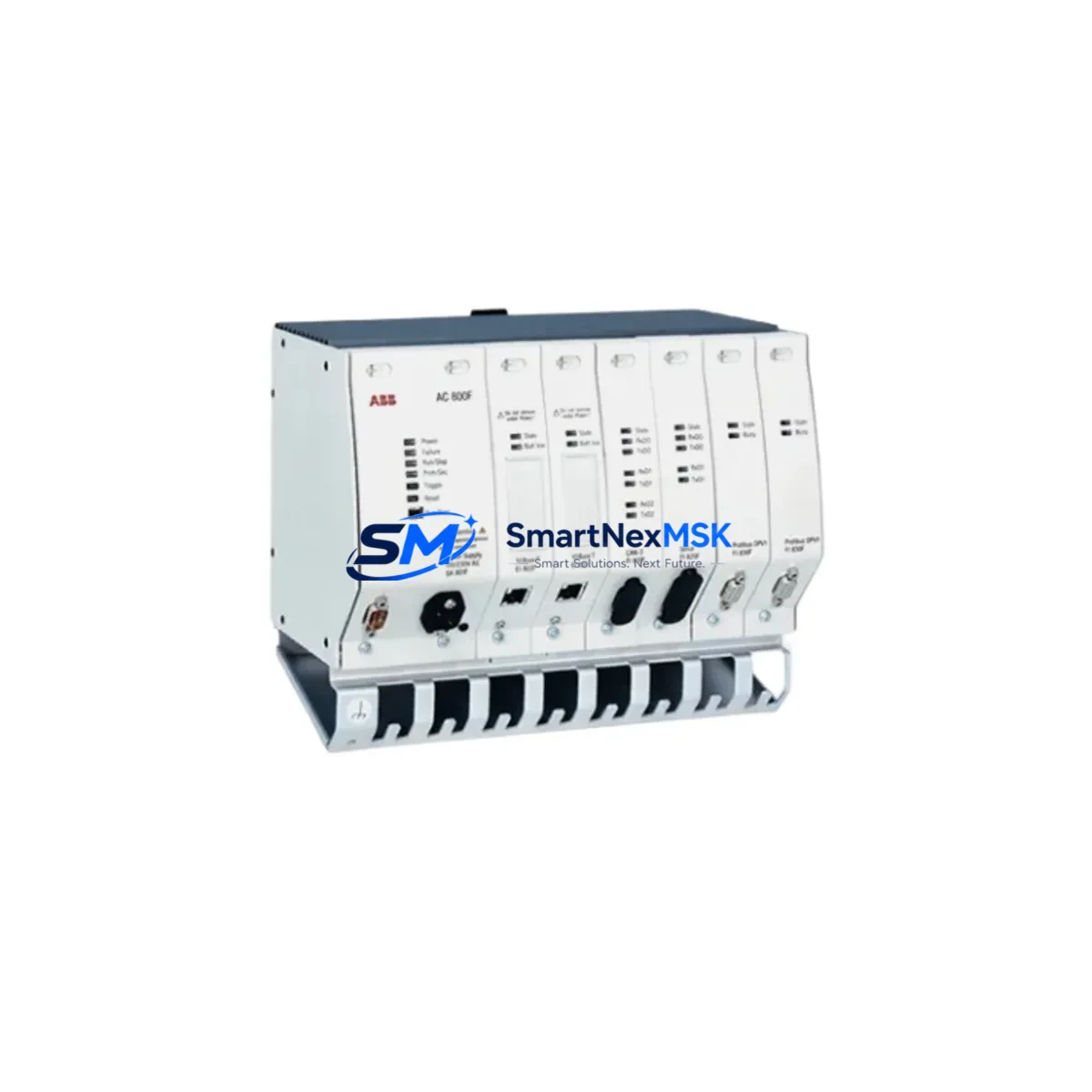
ABB FI810F Maintenance-Ready Spare for S800 Automation
Unplanned downtime in process automation is costly. When a PROFIBUS DP fieldbus interface module fails in an ABB S800 I/O station, every minute of lost communication between the controller and field devices translates directly into production loss. The ABB FI810F is the original fieldbus interface module designed for the S800 I/O system, providing the critical PROFIBUS DP link between the AC 800M controller and distributed I/O modules in continuous process, power generation, oil & gas, and manufacturing environments. Holding a verified spare FI810F on the shelf is one of the most effective strategies a maintenance team can implement to protect system uptime and reduce mean time to repair (MTTR).
This listing supplies an original ABB FI810F module — sourced, inspected, and dispatch-tested — backed by a 12-month warranty and available for fast global shipment. Each unit undergoes functional verification prior to packaging to ensure it arrives ready for immediate installation.
Spare Maintenance Table
| Parameter | Specification / Detail |
|---|---|
| Part Number / SKU | FI810F |
| Brand | ABB |
| Series | S800 I/O |
| Module Type | Fieldbus Interface Module (FIM) |
| Communication Protocol | PROFIBUS DP (IEC 61158) |
| Compatible Controller | ABB AC 800M (PM851, PM856, PM860, PM861, PM864, PM866) |
| I/O Module Compatibility | S800 I/O modules (AI810, AO810, DI810, DO810, DI811, DO814, AI820, AI830A, etc.) |
| Supply Voltage | 24 V DC (via S800 I/O backplane / MTU) |
| PROFIBUS DP Baud Rate | Up to 12 Mbit/s (auto-detect) |
| Max I/O Modules per Station | Up to 12 S800 I/O modules per FI810F station |
| Redundancy Support | Supports redundant PROFIBUS DP configuration (with FI820F) |
| Mounting | DIN rail via S800 MTU (Module Termination Unit) |
| Operating Temperature | 0 °C to +55 °C |
| Protection Class | IP20 |
| Origin | Germany (DE) |
| Weight | Approx. 440 g |
| Warranty | 12 Months from date of shipment |
| Condition | Original, tested, dispatch-verified |
| Shipping | Fast global dispatch; DHL / FedEx / EMS available |
Maintenance Planning for Continuous Operation
When a maintenance or reliability engineer schedules replacement of the FI810F, the scope of inspection should extend beyond the module itself. The FI810F sits at the heart of the S800 I/O station’s communication architecture, and a failure event often reveals stress on adjacent components that may be approaching end-of-life.
Begin with the Module Termination Unit (MTU) — the backplane carrier that the FI810F plugs into. Inspect the MTU connector pins for oxidation or mechanical damage, as a degraded MTU can cause intermittent communication faults that are misdiagnosed as FI810F failures. Next, verify the 24 V DC power supply feeding the I/O station; ABB SD831 or SD832 power supply modules are common in these cabinets and should be load-tested during any planned outage.
Check the PROFIBUS DP trunk cable and termination resistors at both ends of the segment. A missing or incorrect termination is a leading cause of PROFIBUS instability after module replacement. If the station uses a TB820V2 or TB840A PROFIBUS termination board, inspect it for secure seating and correct DIP switch configuration.
Review the S800 I/O modules installed in the station — particularly analog input modules such as the AI810 or AI830A and digital output modules such as the DO814 or DO815. Modules that share the same backplane as a failed FI810F may have experienced voltage transients; a quick diagnostic read via the AC 800M controller’s Control Builder software will confirm module health before the station is returned to service.
For stations in hazardous or high-vibration environments, also inspect signal isolators and barriers on the field wiring side. Galvanic isolators protecting 4–20 mA loops connected to AI810 or AI820 modules should be verified for correct output range after any fieldbus disruption. Similarly, check fuse holders and miniature circuit breakers in the marshalling cabinet that protect individual I/O loops — a blown fuse on a critical loop may have been masked by the communication fault.
If the plant runs a redundant PROFIBUS DP configuration, the FI820F redundant fieldbus interface module on the secondary path should be tested in parallel. Redundancy switchover should be validated before the primary path is declared restored. Finally, review the AC 800M controller’s event log in Control Builder for any latent hardware or communication alarms that pre-date the FI810F failure — these may indicate a systemic issue requiring broader corrective action.
Maintaining a minimum stock of one FI810F per PROFIBUS DP segment, alongside a spare MTU and a set of PROFIBUS termination connectors, is a widely adopted best practice in ABB S800-based process plants. This spare parts strategy, combined with a documented replacement procedure, enables most sites to achieve fieldbus restoration within 30–60 minutes of a module failure.
Site Replacement Workflow
Step 1 — Preparation: Confirm the replacement FI810F firmware version is compatible with the AC 800M controller firmware in use. ABB Control Builder M will display the expected FIM firmware version in the hardware configuration. If a firmware update is required, prepare the update file before the maintenance window.
Step 2 — Safe Isolation: Place the affected PROFIBUS DP segment in a safe state via the AC 800M controller. If the station supports hot-swap (check the specific MTU type), the replacement can be performed without a full segment shutdown. For non-hot-swap MTUs, coordinate with operations to place all field devices on the segment in manual or safe-hold mode.
Step 3 — Module Removal: Release the FI810F from the MTU by pressing the module release latch. Note the LED status of adjacent I/O modules before removal for post-replacement comparison. Label and bag the removed module for failure analysis.
Step 4 — Installation: Seat the replacement FI810F firmly into the MTU until the latch clicks. Apply power and observe the module’s RUN LED — a steady green indicates successful PROFIBUS DP initialization. A flashing or red LED indicates a configuration mismatch or address conflict; verify the PROFIBUS node address matches the original configuration in Control Builder.
Step 5 — Verification: From the AC 800M controller, perform a full I/O diagnostic scan of the restored station. Confirm all S800 I/O modules report healthy status and that field device signals are within expected ranges. Document the replacement in the plant’s maintenance management system (CMMS) and update the spare parts inventory record.
This workflow is applicable to legacy S800 I/O installations and supports the extended operational life of ABB AC 800M-based control systems well beyond the original product lifecycle, reducing the pressure to undertake costly full-system migrations.
Spare Parts Support FAQ
Q1: Is this FI810F compatible with all AC 800M controller versions?
The FI810F is compatible with all AC 800M controller variants (PM851 through PM866) running Control Builder M. Compatibility is determined by the PROFIBUS DP GSD file loaded in the hardware configuration, not the controller hardware revision. We recommend confirming the firmware version requirement with your Control Builder project before installation.
Q2: What is included in the 12-month warranty?
The 12-month warranty covers manufacturing defects and functional failures under normal operating conditions from the date of shipment. Each FI810F is dispatch-tested prior to shipping. In the event of a warranty claim, we provide a replacement unit or full refund after fault verification. The warranty does not cover damage caused by incorrect installation, overvoltage, or environmental conditions outside the module’s rated specification.
Q3: Can this module replace an FI810 (non-F variant)?
The FI810F is the updated variant of the earlier FI810 and is generally backward-compatible as a drop-in replacement in most S800 I/O station configurations. However, the MTU type must be verified — the FI810F requires an MTU that supports the F-series form factor. Consult the ABB S800 I/O hardware configuration guide or contact us with your MTU part number for confirmation before ordering.
Q4: What is your typical lead time and how is the module packaged for shipment?
In-stock units are dispatched within 1–2 business days. The FI810F is packaged in anti-static ESD shielding with foam cushioning inside a double-wall carton, compliant with IEC 61340-5-1 for electrostatic sensitive devices. Tracking information is provided at dispatch. Express courier options (DHL Express, FedEx International Priority) are available for urgent maintenance requirements.
© 2026 SMARTNEXMSK. All rights reserved.
Original Source: https://smartnexmsk.com
Contact: [email protected] | +86 18259474341



